@Leonardo.Willrich
See https://support.abp.io/QA/Questions/1152/How-to-to-Login-page-when-accessing-the-app-and-after-logout#answer-d2e834e0-4600-d3d0-eb47-39fbdb7edfc7
Hi,
ASP.NET Core use current culture to handle datetime format. abp also.
For front-end, we integrated luxon to convert datetime to current culture format. see :https://github.com/abpframework/abp/pull/5147
For back-end: you can try to use ITimezoneProvider to handle the time zone base on time zone settings. https://docs.abp.io/en/abp/latest/Timing#itimezoneprovider
I think you can create a middleware to change the current culture .
Hi,
Please open a new question to discussion, thanks.
Hi,
I used the entity.json your provided, but can't reproduce the problem, seems the problem more related to your project structure, can you use the suite to create a new project to reproduce and sen to email shiwei.liang@volosoft.com? thanks.
Hi,
Why you close the question, Has the problem been solved?
Hi,
I think there is no problem:
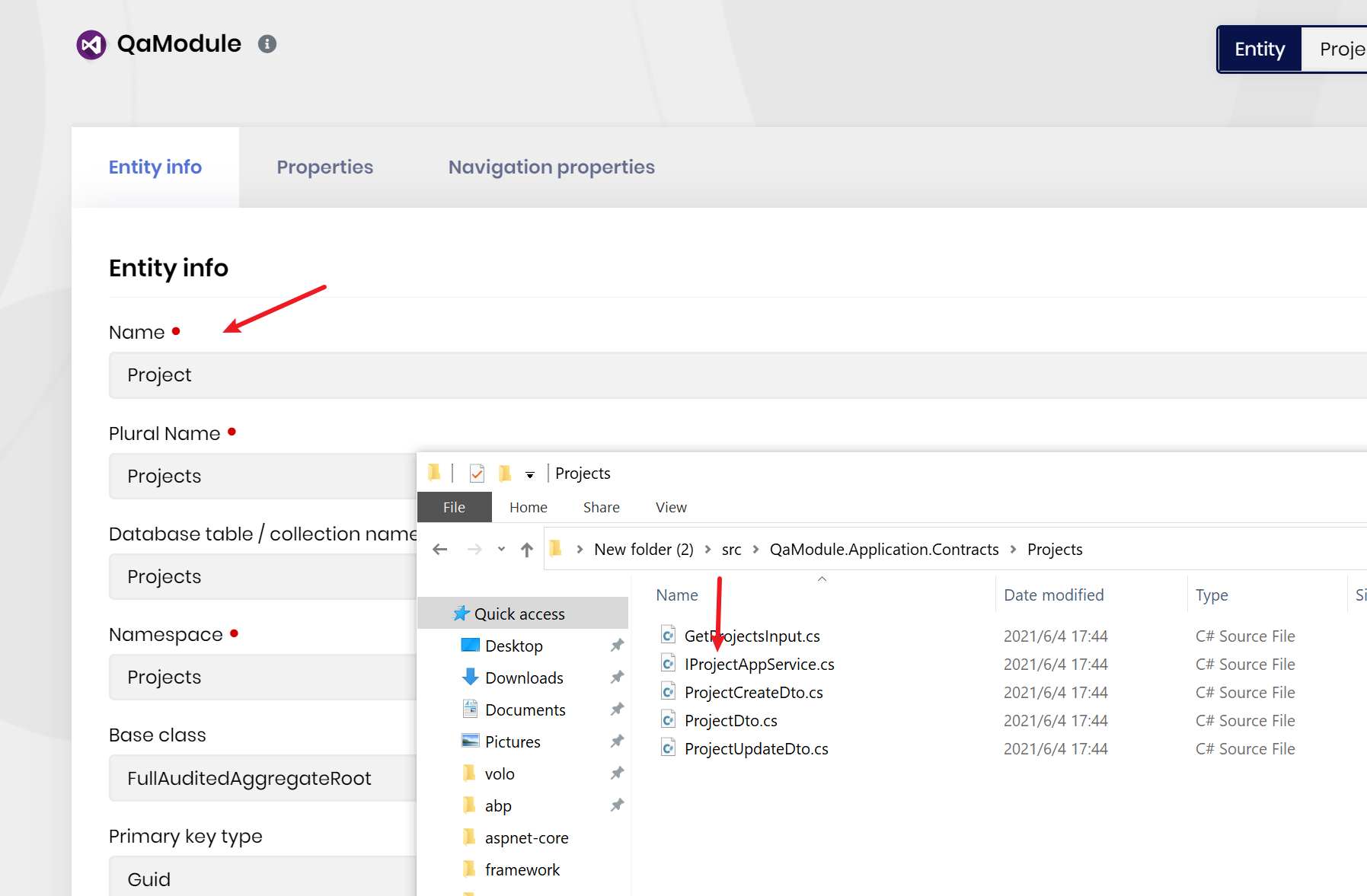
Entity
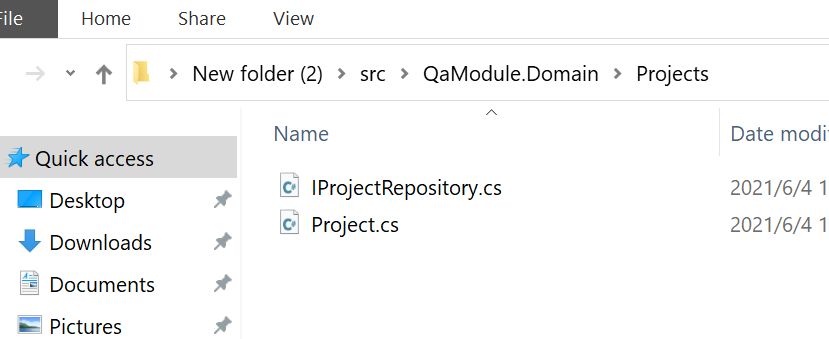
Hi,
See https://support.abp.io/QA/Questions/1315/How-can-I-set-default-language-to-FI
Hi,
Can you share your entity.json?
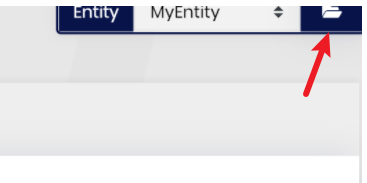
HI,
Yes , suite supported module template.
Hi,
If you just want see seeding data, you can inject the IDataSeeder interface, see https://github.com/abpframework/abp/blob/2a22ebdd343cdeff094968c6e554086a5b602d65/templates/module/aspnet-core/host/MyCompanyName.MyProjectName.IdentityServer/MyProjectNameIdentityServerModule.cs#L220
But if you need to create database schema, use .DBMigrator is best way.
Is there anything else that I am missing here that would prevent me from running the migrator locally to see this remote azure db?
You can use Management Studio login as cleverdbadmin and try to create database/table. if everything is ok. you can try simple connection string. e.g: Server=....;Database=....;UserId=...;Password=.....









