Thanks Anjali, I will try.
.NET 8.0 has been released with new feature of Blazor to support many option for rendering. How we can apply this feature in ABP Framework for Blazor UI to optimize performance and page loading?
Thanks, Dharma
Thanks for your support, I have another question related to the UI:
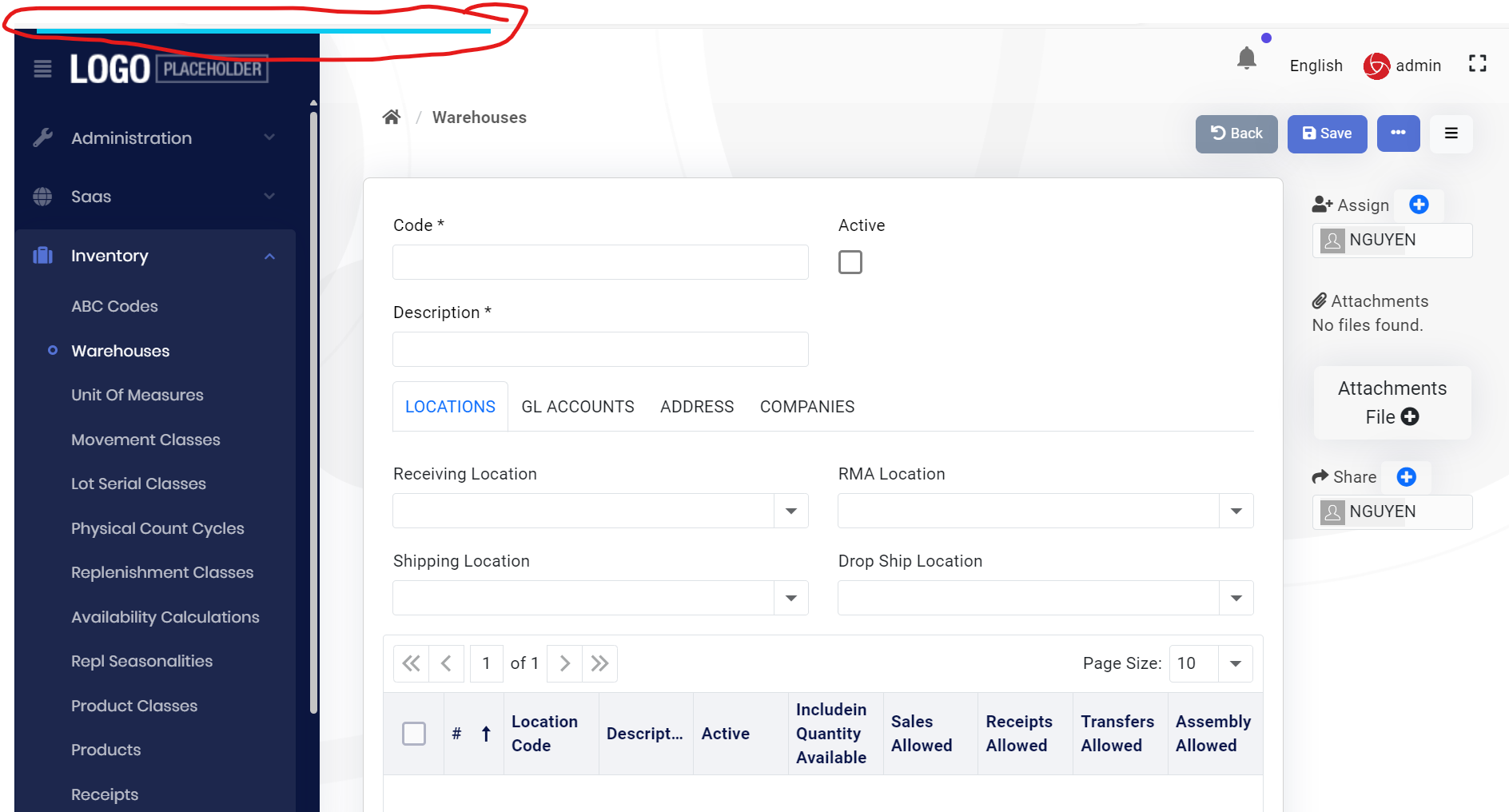
When I added a form in ABP Module (Balzor UI) when opening the form we will the blue progress bar at the top during form loading until the form is loaded completely.
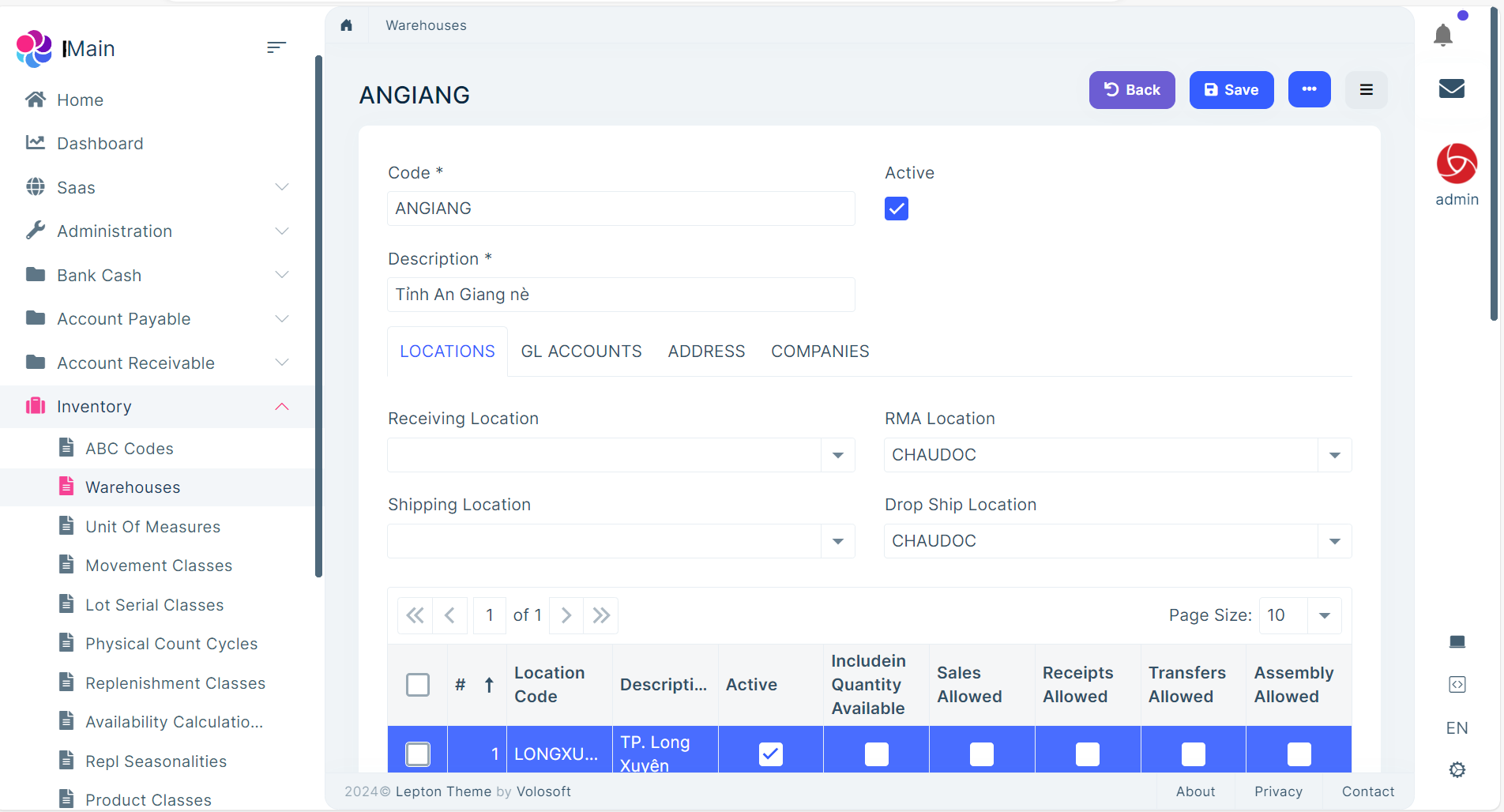
But after built module into nuget package and included into the main application (generate as application with Blazor UI using ABP suite), the progress bar is disappeared during form loading. How we can show the progress as it shown when opening in module?
Opening from module:
Opening after include module package to Main Application:
Thanks, Dharma
Thanks, now I can fix the issue of rolling top-menu and brand-logo but the icon of Chat module is disappear, I still can lick on that position to show Chat form but icon of Chat on Toolbar cannot see. I have added one bell icon on the toolbar follow this guide: https://docs.abp.io/en/abp/latest/UI/Blazor/Toolbars
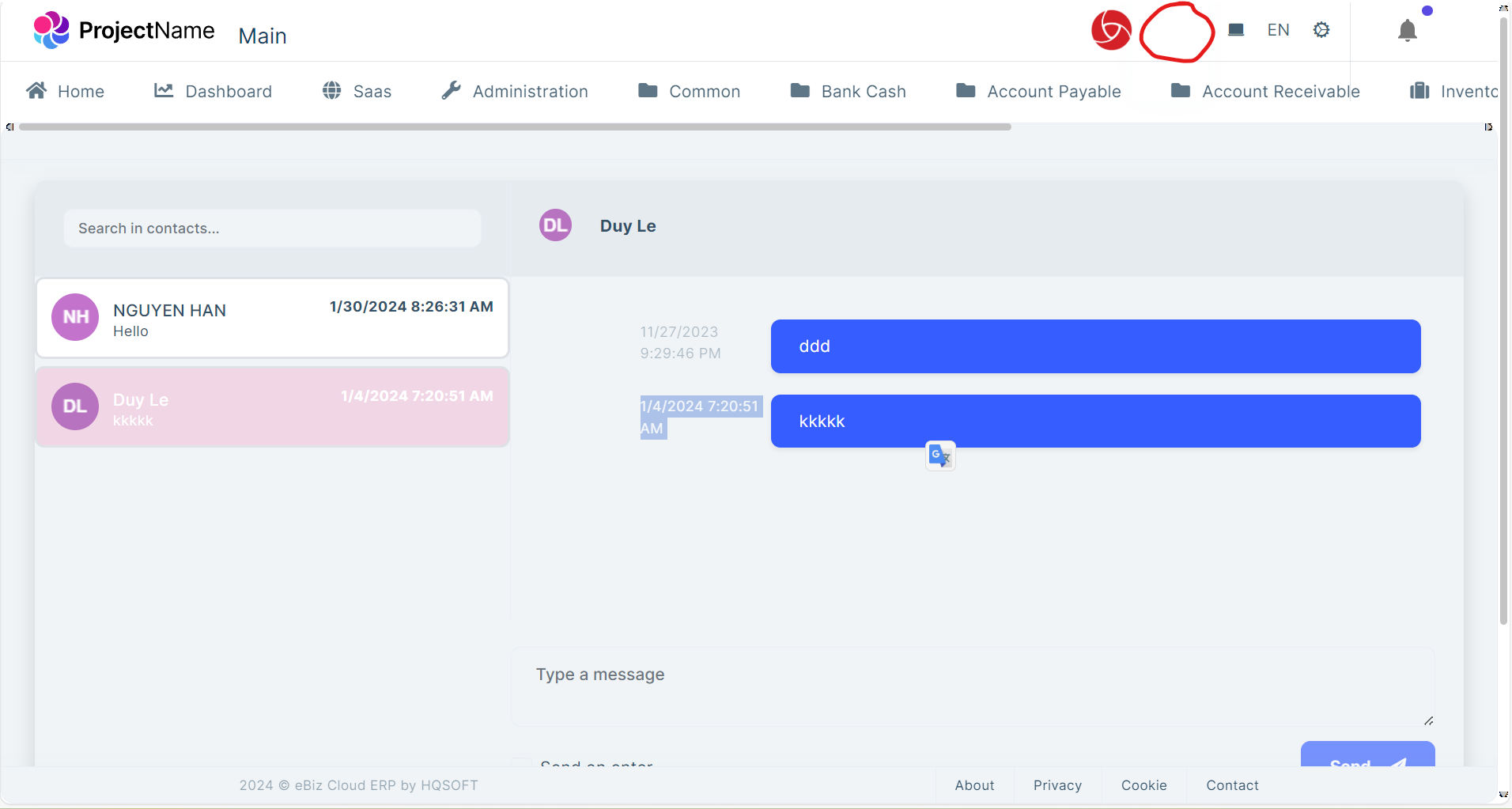
I have an issue of display top-menu when switching from side-menu to top-menu:
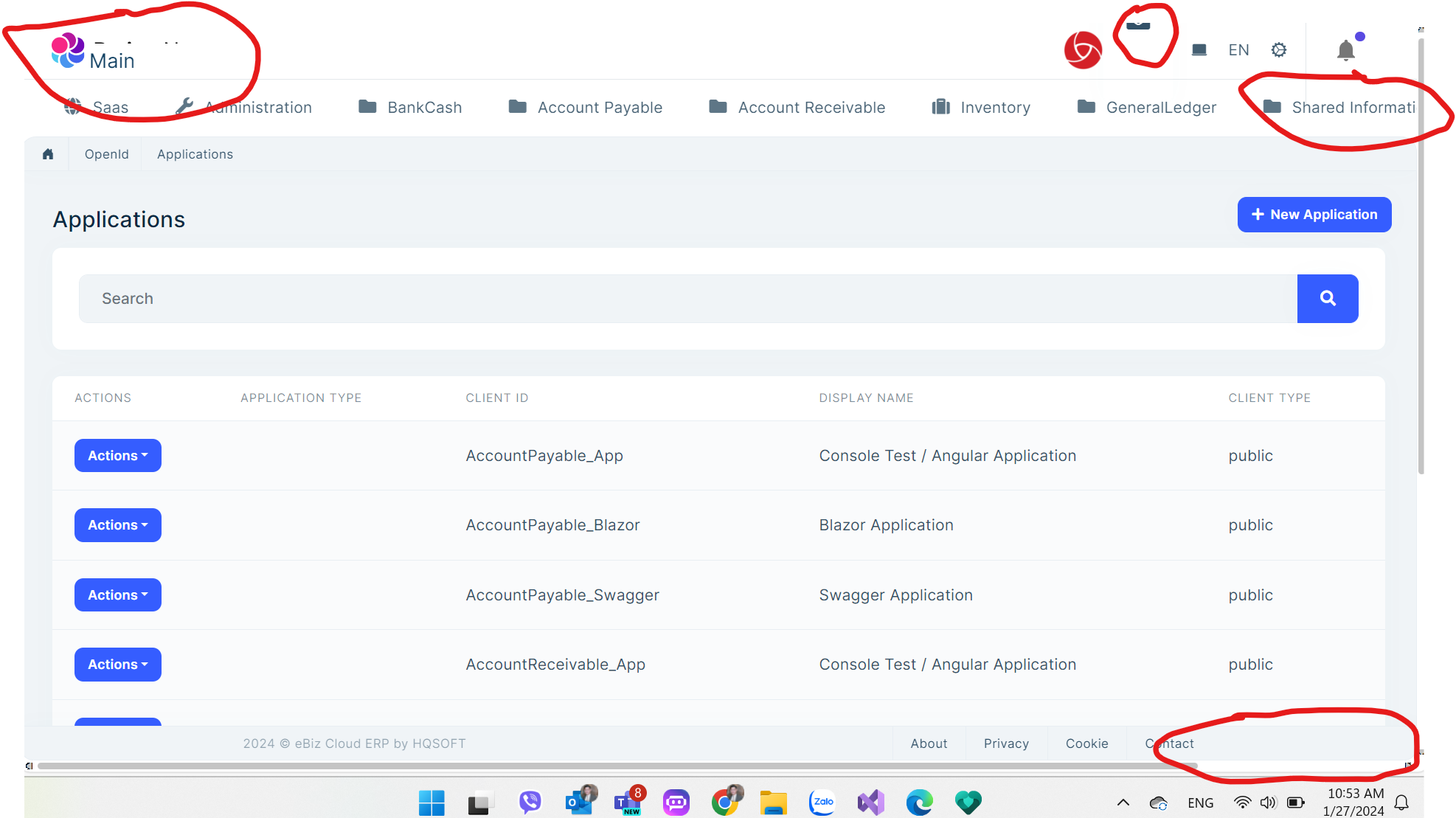
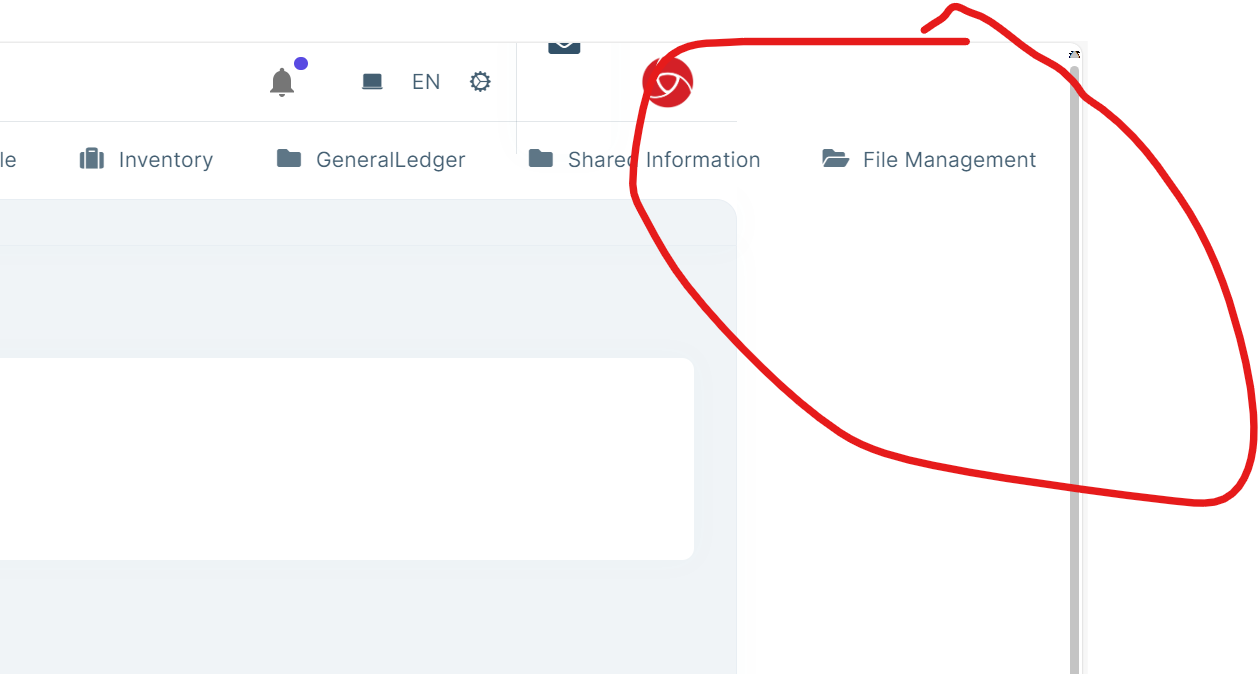
In additional, how can I setup the footer component will be auto hide when user roll down the page:
 Thanks,
Dharma
Thanks,
Dharma
Thanks Maliming, Finally, I resolved my problem by fixing nginx configuration as you advised. Thanks, Dharma
Hi,
I have checked, the configurations as you mentioned already existed in my code before. Still with this release can run properly on IIS hosting:
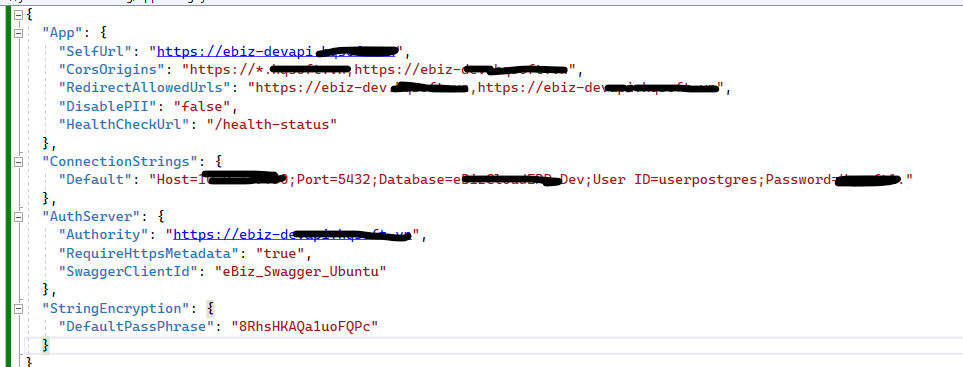
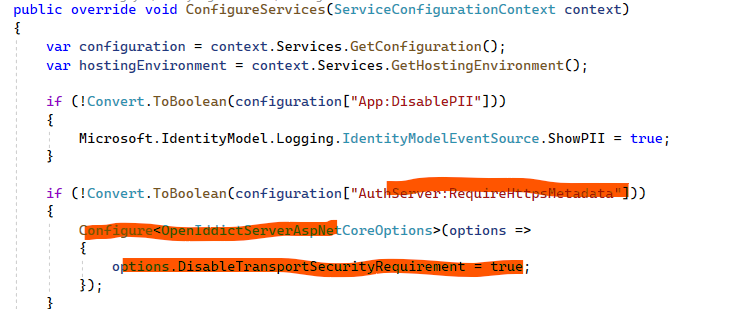 On Nginx, it still show Swagger page correctly:
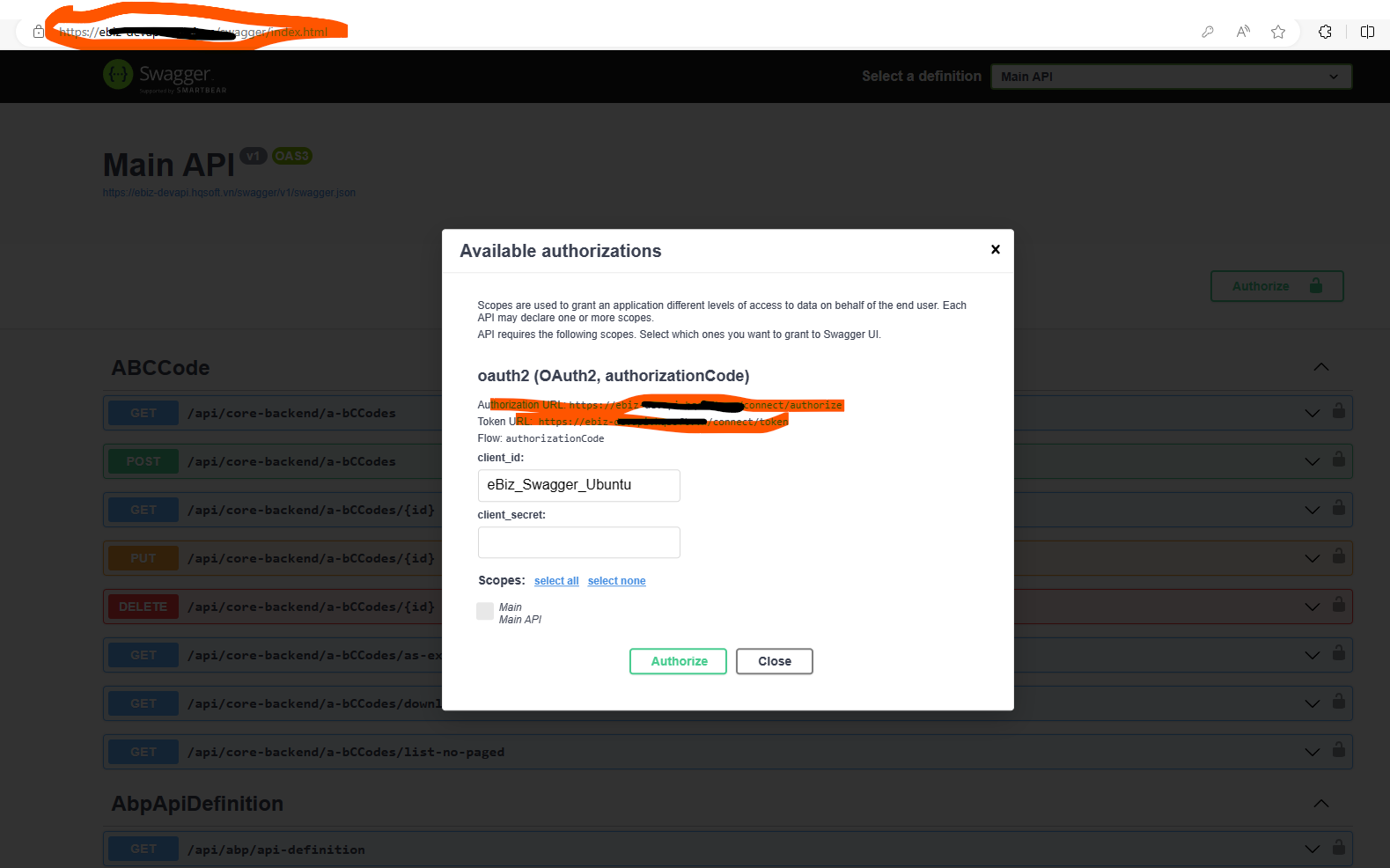 Only Error on Login page:
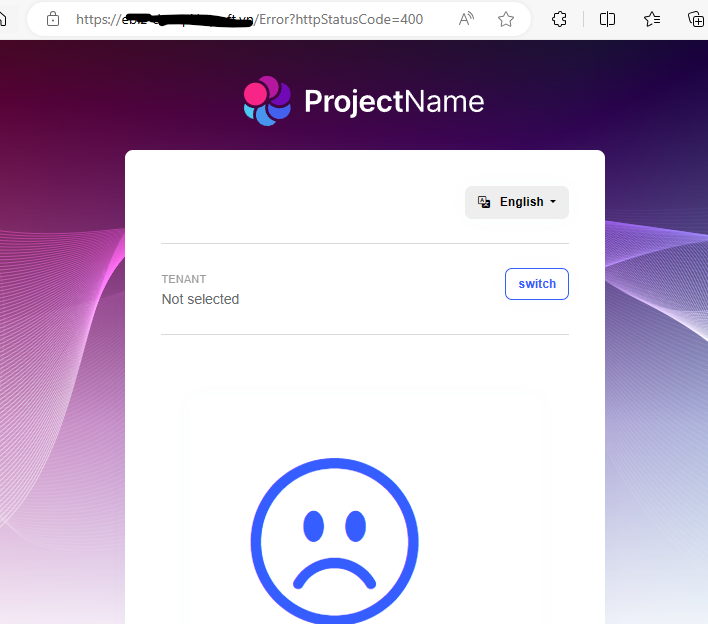
Hi, Sorry, I'm in the meeting so I cannot join Zoom to share screen for your right now. I already changed Log Level to debug and resend the log to your email. Thanks, Dharma
Hi,
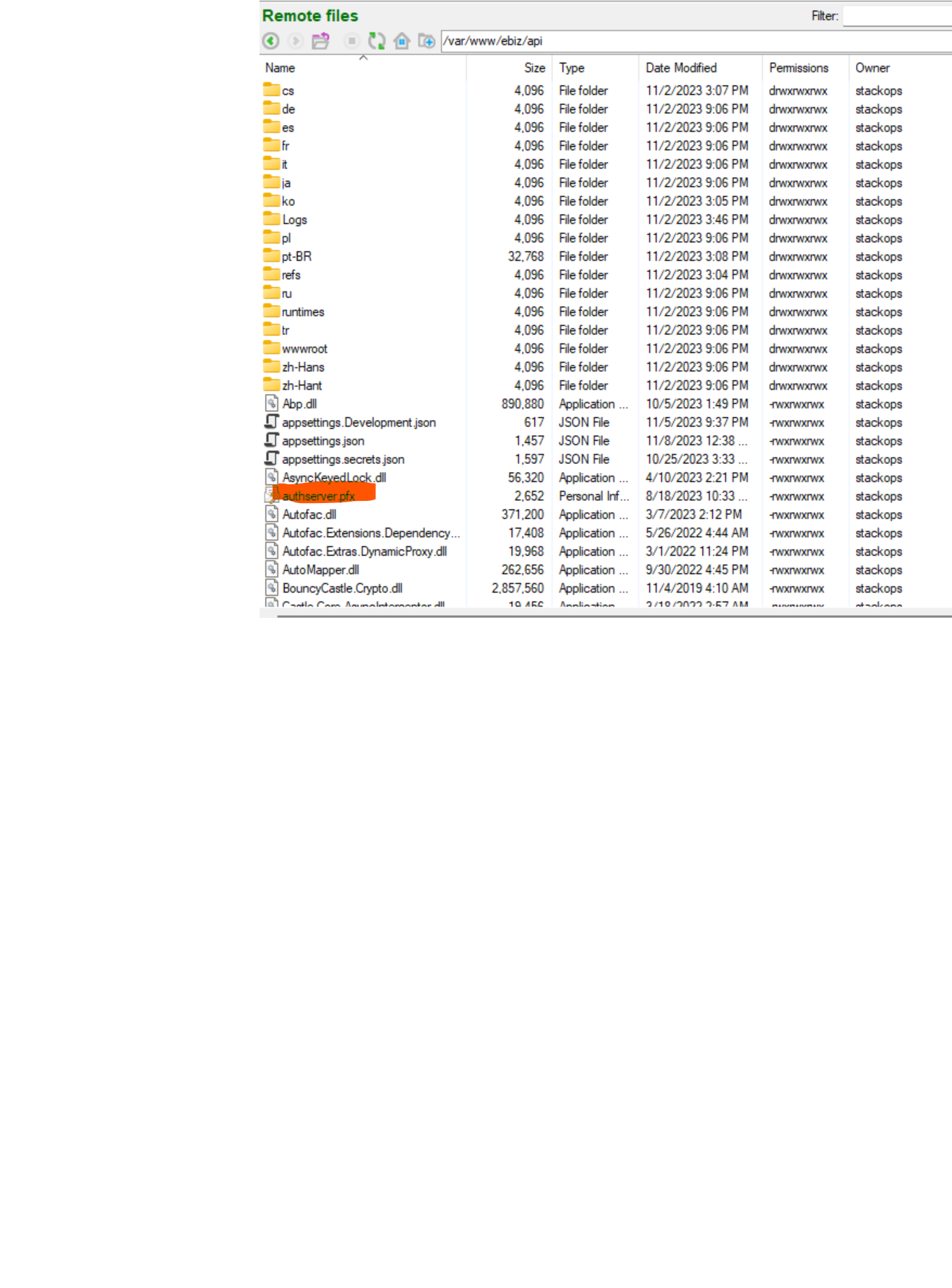
The file authserver.pfx already exist:
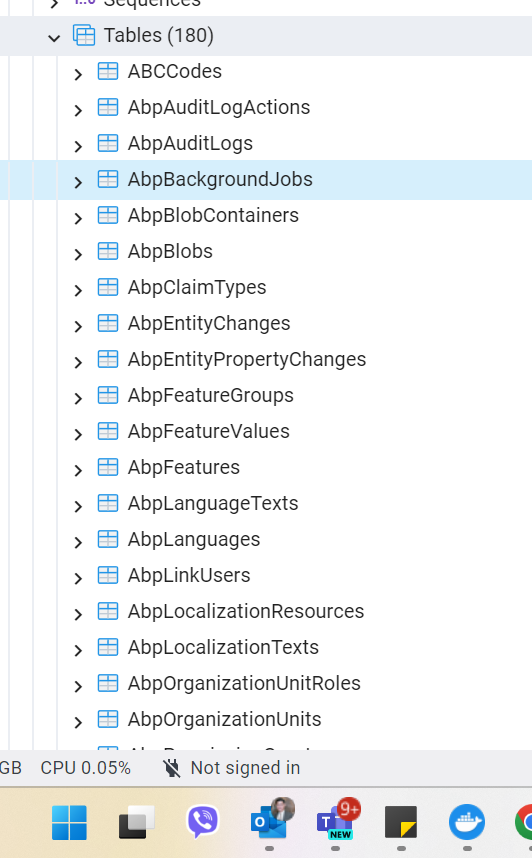
I also didn't change AbpBackgroundJobs:
There is no-error if I host on IIS Windows Server for the same release. Thanks, Dharma
I have sent Program.cs to your email. Thanks.









