Hi @EngincanV, Could you please help me on this issue? Thanks
I restarted my computer now I can see the Home icon. Thanks for your support.
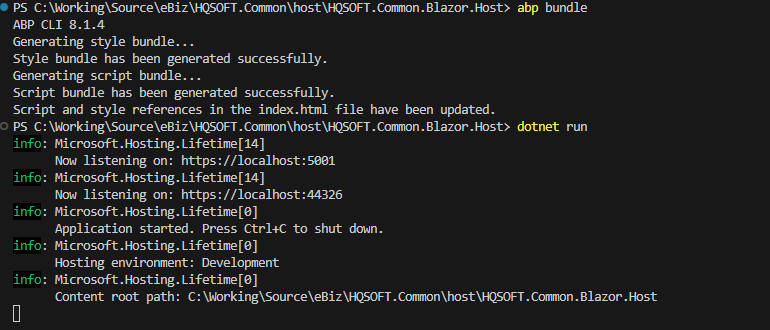
Yes, I alread run abp bundle successfully, do I need to change/update in index.html? I'm using ABP Module template
Hi,
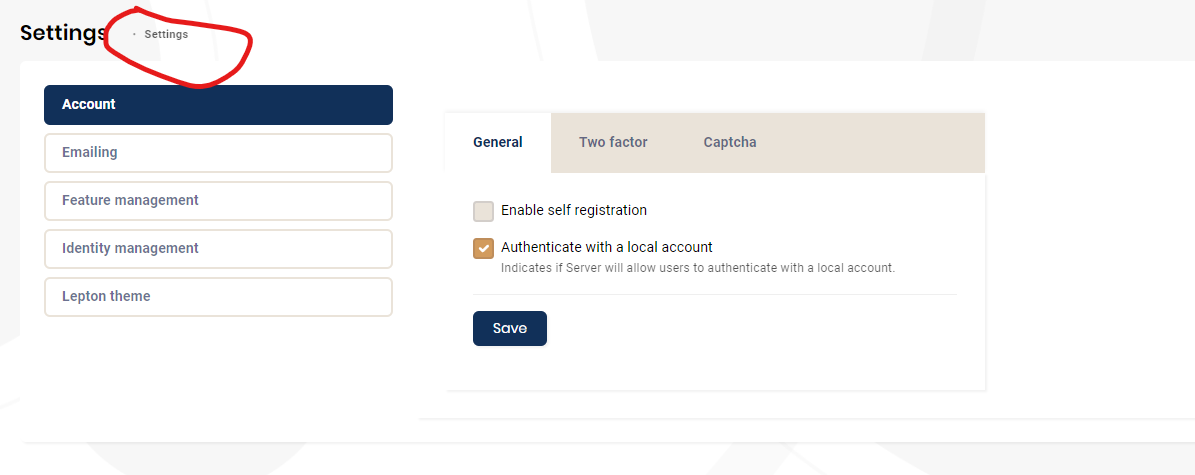
I have changed the version as you mentioned, now the strange icon disappeared but the I home icon is still invisible:
Hi,
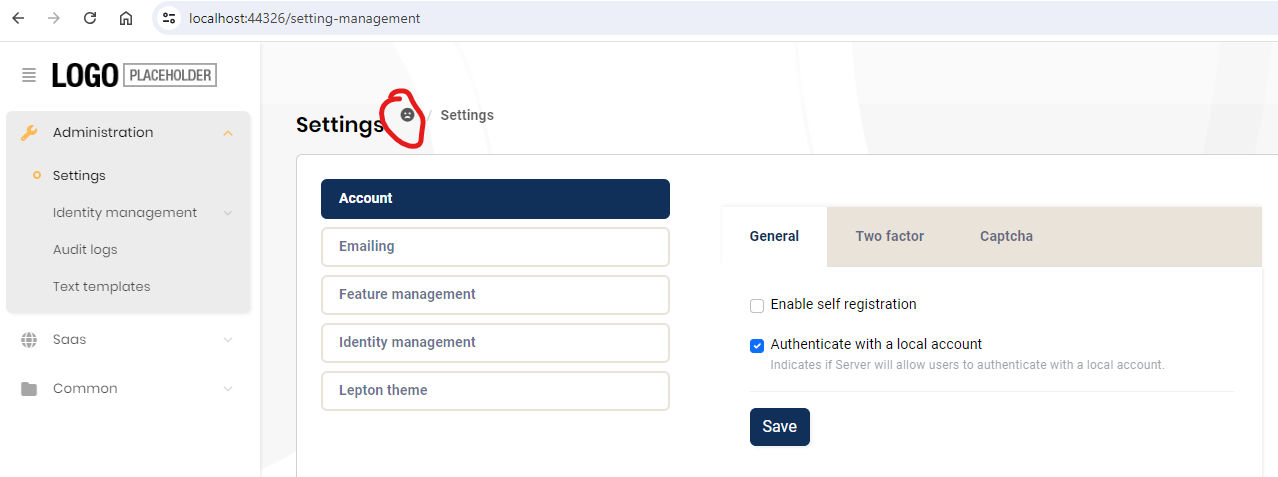
After upgraded to 8.1.3 I have a issue with home icon on PageHeader, i showed a strange icon (face icon) instead of home icon, how i can fix this issue:
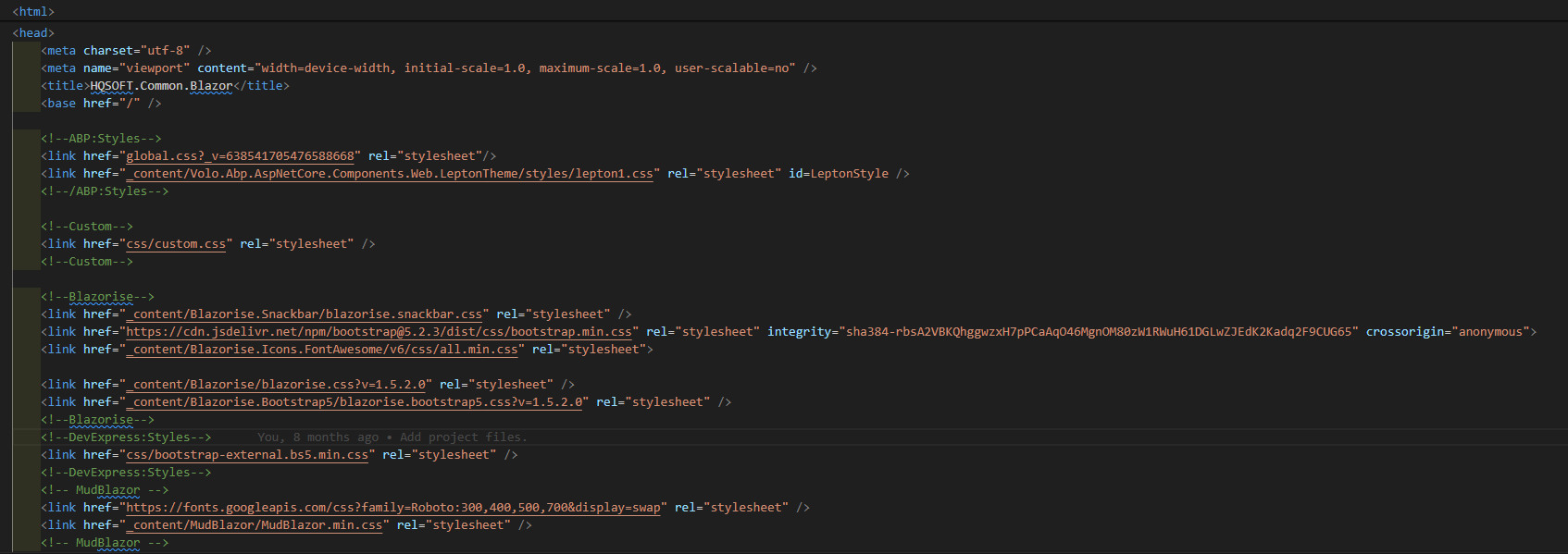
My index.html in the Blazor.Host project:
Thanks, Dharma Han Nguyen
Hi,
After upgraded to 8.1.3 I have a issue with home icon on PageHeader, i showed a strange icon (face icon) instead of home icon, how i can fix this issue:
My index.html in the Blazor.Host project:
Thanks, Dharma Han Nguyen
Anyone can help me on this issue? Thanks?
Hi,
I'm trying custom abp suite template to generate a custom method in Server.Repository.CustomCode.EfCoreRepository.Extended.txt.
In the template I have used this variable: %%dto-field-names-with-type%%, and it seem abp suite didn't understand and generated that text instead of replacing by the correct content:
Generated code:
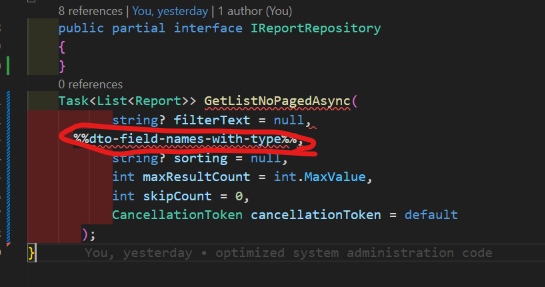 Here my custom content in the template:
using System;
using System.Collections.Generic;
using System.Linq;
using System.Linq.Dynamic.Core;
using System.Threading;
using System.Threading.Tasks;
using Microsoft.EntityFrameworkCore;
using Volo.Abp.Domain.Repositories.EntityFrameworkCore;
using Volo.Abp.EntityFrameworkCore;
using %%solution-namespace%%.EntityFrameworkCore;
Here my custom content in the template:
using System;
using System.Collections.Generic;
using System.Linq;
using System.Linq.Dynamic.Core;
using System.Threading;
using System.Threading.Tasks;
using Microsoft.EntityFrameworkCore;
using Volo.Abp.Domain.Repositories.EntityFrameworkCore;
using Volo.Abp.EntityFrameworkCore;
using %%solution-namespace%%.EntityFrameworkCore;
namespace %%solution-namespace%%.%%entity-namespace%% { public class EfCore%%entity-name%%Repository : EfCore%%entity-name%%RepositoryBase, I%%entity-name%%Repository { public EfCore%%entity-name%%Repository(IDbContextProvider<%%only-project-name%%DbContext> dbContextProvider) : base(dbContextProvider) { } public virtual async Task<List<%%entity-name%%>> GetListNoPagedAsync( string? filterText = null, %%dto-field-names-with-type%%%%<if:HasFilterableProperties>%%,%%</if:HasFilterableProperties>%% string? sorting = null, int maxResultCount = int.MaxValue, int skipCount = 0, CancellationToken cancellationToken = default) { var query = ApplyFilter((await GetQueryableAsync()), filterText%%<if:HasFilterableProperties>%%, %%</if:HasFilterableProperties>%%%%dto-field-names%%); query = query.OrderBy(string.IsNullOrWhiteSpace(sorting) ? %%entity-name%%Consts.GetDefaultSorting(false) : sorting); return await query.ToListAsync(cancellationToken); } } }
Hi ABP Team, Does ABP plan to make videos to guide how to use Github Copilot to support application development using ABP Framework? Thanks, Dharma
Hi Liangshiwei, That's a great news. I'm excited for waiting to try this new feature. Thanks Dharma









