AI Management Module centralizes AI management, allowing configuration without redeployments while maintaining control over security, cost, and flexibility.








Modern applications are increasingly powered by AI. Recommendations, assistants, automation, and intelligent workflows are rapidly becoming standard expectations. However, implementing AI in a real product is rarely straightforward, scattered settings, inconsistent prompts, provider lock-in, and limited oversight quickly lead to technical debt and operational risk.
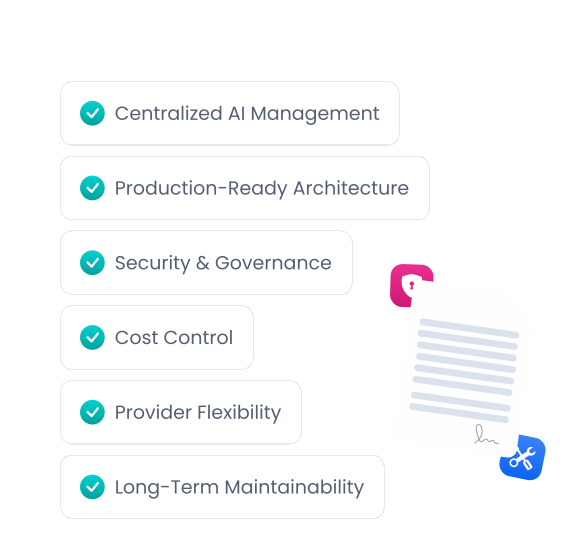
The AI Management Module provides a centralized, secure, and configurable foundation for managing AI across your application. Fully integrated into the ABP Platform and production-ready from day one, it enables teams to adopt AI with confidence while maintaining full control over security, cost, provider flexibility, and long-term maintainability, transforming AI from an isolated integration into a consistent platform capability.
AI Management Module enables centralized AI management without redeployments, keeping complexity, security, cost, and flexibility under control.
The AI Management Module provides a single, centralized place to define how AI is used across your application. Providers, models, prompts, and configuration settings are managed outside of application code, allowing teams to evolve AI behavior without redeploying or duplicating logic.
Environment and tenant-aware configuration enables different AI policies for development, testing, production, and even individual tenants when needed. Teams can create, configure, and update AI workspaces directly from the UI; switching providers (OpenAI, Azure OpenAI, Ollama, etc.), changing models, adjusting prompts, and testing configurations, all without restarting the application or deploying new code.
Quickly validate your AI workspaces using the built-in chat interface available on playground pages. Test and confirm that your configurations behave as expected before moving them into production. This makes it easy to experiment with different models, prompts, and settings in a controlled and repeatable way.
Although the AI Management Module does not include every provider implementation by default, it offers a clean abstraction and extensibility model for providers such as Azure OpenAI, Anthropic Claude, Google Gemini, and more. You can also use the built-in OpenAI adapter with any LLM that supports the OpenAI API format.
Control who can manage and use AI workspaces with permission-based access control. AI configurations can be isolated into separate workspaces, each with its own permissions. Resource-based authorization for workspaces is also on the roadmap and will be available in upcoming versions, enabling workspace-level access policies per user or role.
Add a compact, production-ready chat widget to any page with minimal code. It supports streaming responses, conversation history, and API-level customization so you can adapt it to your product without building everything from scratch.
ABP v10.2 introduces two powerful AI features: Model Context Protocol (MCP) server support and Retrieval-Augmented Generation (RAG) with file uploads.
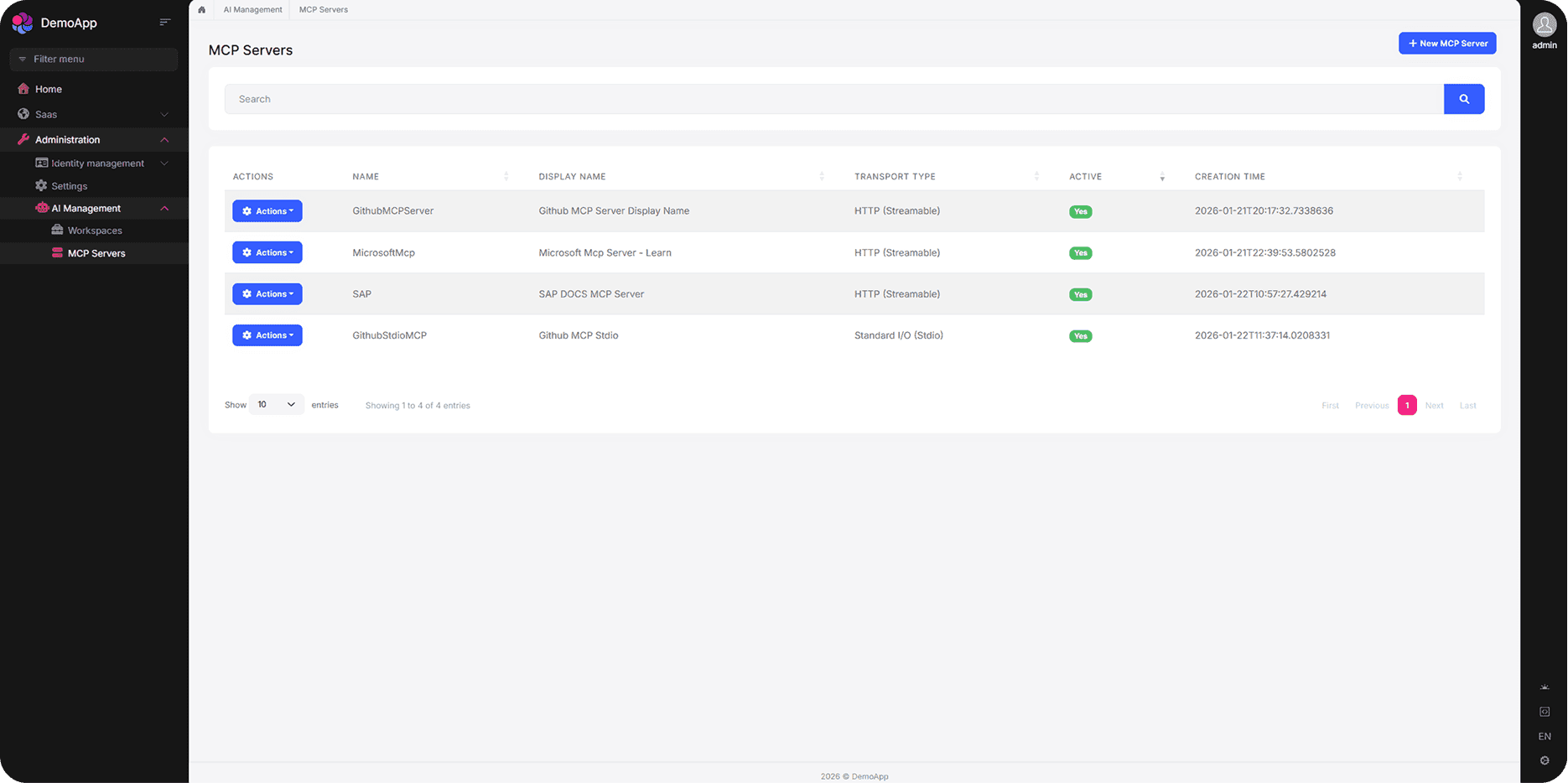
The AI Management Module now supports Model Context Protocol (MCP) servers, allowing you to define and manage MCP server configurations directly from the UI. Connect your AI workspaces to external tools, databases, and services through the standardized MCP protocol, enabling AI assistants to access real-time context and take actions within your application.
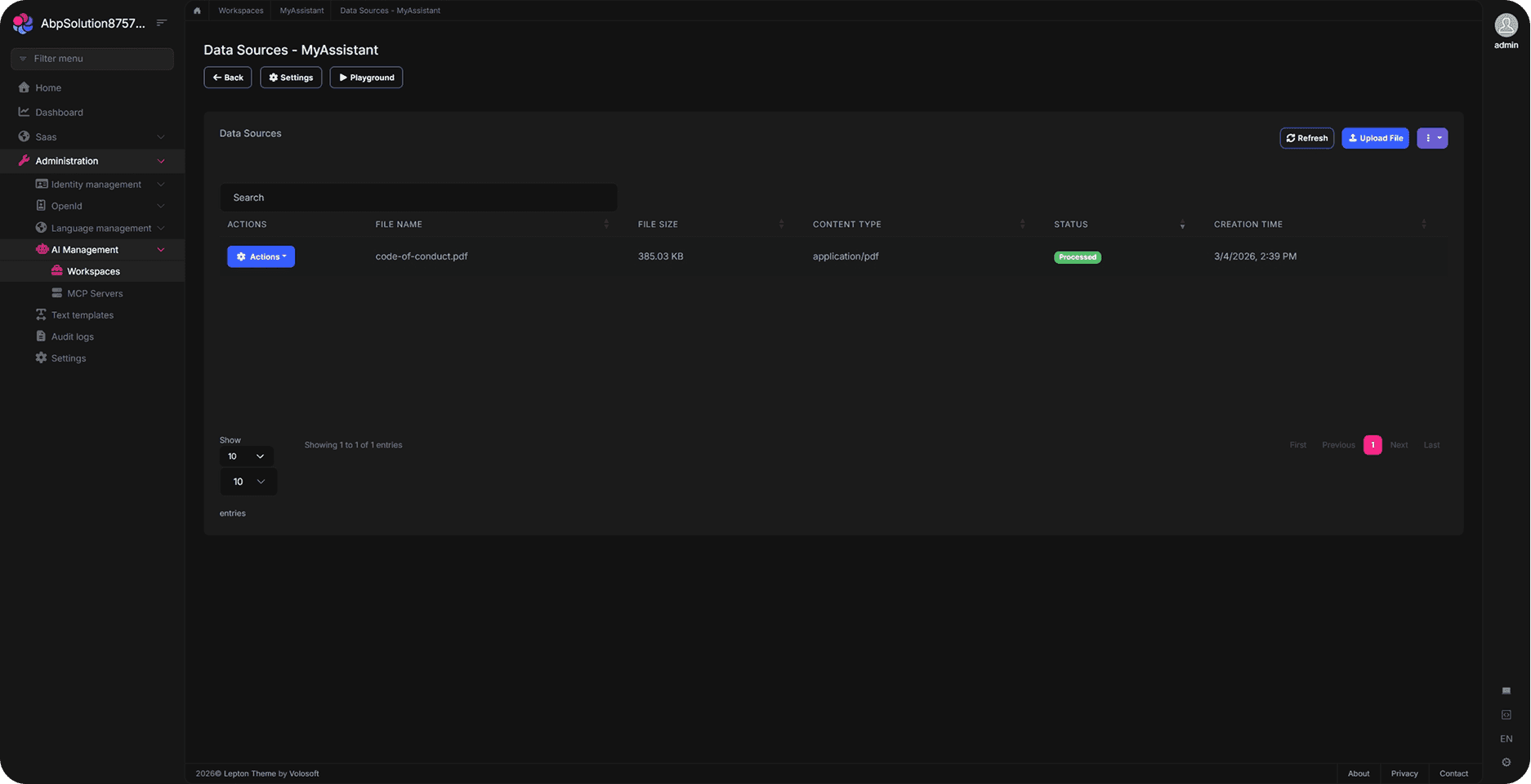
Retrieval-Augmented Generation (RAG) is now supported with file upload capabilities. Upload documents, PDFs, and other files directly through the AI Management UI to build a knowledge base for your AI workspaces. Your AI models can then retrieve and reference this content to provide more accurate and context-aware responses.
AI Management works seamlessly with multiple databases and UI frameworks, giving you complete freedom in how you build.

All starter templates offer multiple options for implementing your data access layer.



ABP allows you to build with multiple UI framework options.



Dive into the documentation to see every feature in detail.