The ABP Forms Module provides a Google Forms-like experience for creating dynamic forms, collecting responses, and managing data. Build surveys, event registrations, quizzes, and more with minimal effort.








The Forms Module supports four question types that cover most data collection scenarios.

Free text input

Single selection

Multiple selections

Select from list
Building and deploying forms is simple with the Forms Module's intuitive workflow.

Add a title and description to start your form. All changes are automatically saved as you design.

Build your form with multiple question types. Choose from short answer, multiple choice, checkboxes, or dropdown.

Control form behavior: require login, enable quiz mode, collect emails, or allow editing after submission.

Preview your form, copy the shareable link, or send via email. Start collecting responses immediately.
Adaptable to different scenarios where structured data collection is needed.

Gather feedback from users, customers, or employees. Create surveys to understand satisfaction, preferences, or opinions.

Manage event registrations and collect attendee information. Track responses and export data for event management.


Collect email subscriptions and preferences. Easily export lists for your marketing tools.

Create quizzes with scoring capabilities. Enable quiz mode to automatically score responses and provide feedback.

Receive order requests or custom inquiries. Collect product preferences, quantities, and customer details.

Build contact forms for customer inquiries. Collect names, emails, messages, and other contact information.
Manage form lifecycle, responses, and access with built-in tools.
Collect, view, and analyze responses through a clear and streamlined workflow.


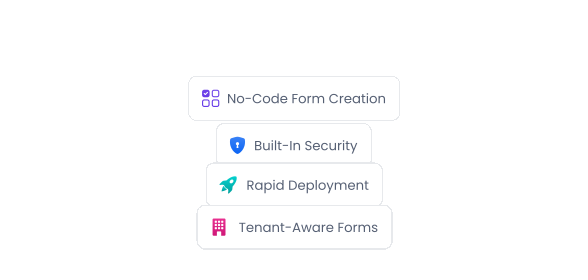
Create and publish forms quickly with built-in security, permissions, and multi-tenancy support—no frontend development required.
Building custom forms for surveys, registrations, and data collection requires frontend development, validation logic, data storage, and response management. The Forms Module provides all of these out of the box, enabling your team to create and deploy forms quickly without writing code or setting up infrastructure.
Integrated with ABP's permission system and multi-tenancy support, forms can be shared publicly or restricted to authenticated users while maintaining consistent security and access control.
Forms works seamlessly with multiple databases and UI frameworks, giving you complete freedom in how you build.

All starter templates offer multiple options for implementing your data access layer.



ABP allows you to build with multiple UI framework options.

Explore detailed documentation, API references, and implementation guides.