Hi,
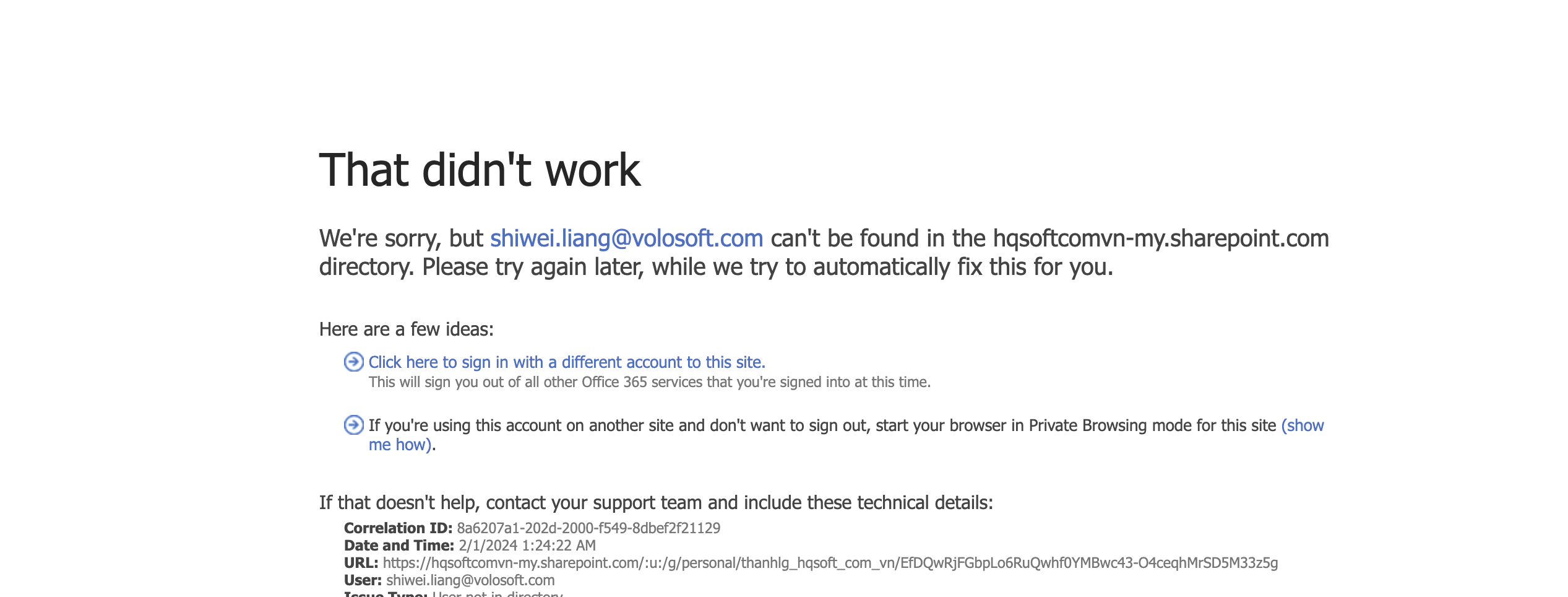
Sorry, but I can't download the project.
and its works fine in abp 5.2.1
Starting from 8.0, ABP supports Nullable reference types: https://learn.microsoft.com/en-us/dotnet/csharp/nullable-references That's why it doesn't work.
You may consider manually assigning values to ExtraProperties, or setting it to a nullable field
Hi,
I have to add this line for all entities & in all modules? its not like that in abp 5.2.1
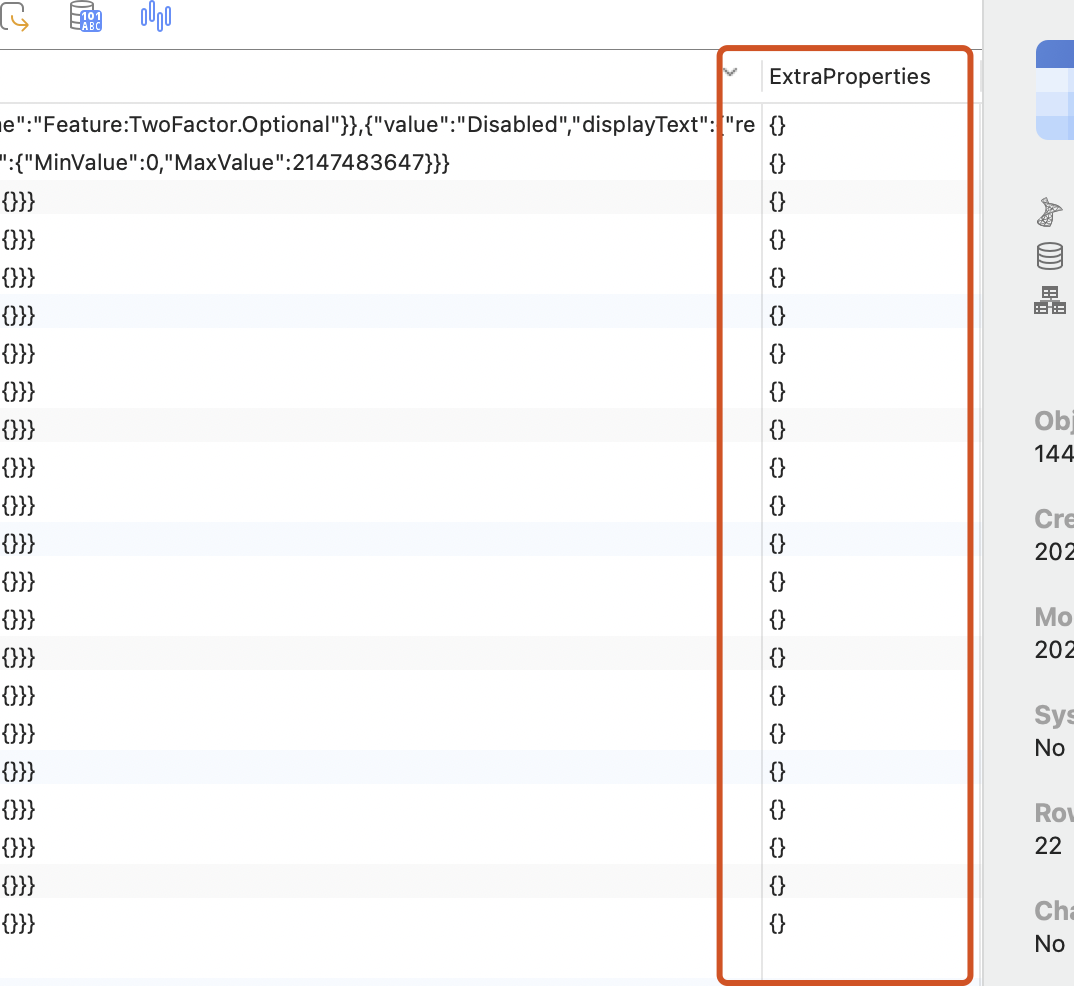
No, Usually ExtraProperties have a default value, which should not be null.
I'm guessing this might have something to do with your code, but I don't know the details
HI,
Is this working for you?
builder.Entity<TempLayer>(b =>
{
    b.ToTable(SGLLayerManagementConsts.DbTablePrefix + nameof(TempLayer));
    b.ConfigureByConvention();
    b.HasKey(e => e.Id);
    b.Property(e => e.Id).AutoGenerateGuidNpgSql();

    b.HasKey(e => e.TempLayerId);
    b.Property(e => e.TempLayerId).AutoGenerateGuidNpgSql();

    b.Property(e => e.LayerName)
        .IsRequired();

    b.Property(e => e.BoundX1)
        .IsRequired();

    b.Property(e => e.BoundX2)
        .IsRequired();

    b.Property(e => e.BoundY1)
        .IsRequired();

    b.Property(e => e.BoundY2)
        .IsRequired();

    b.Property(e => e.IsSync)
        .IsRequired()
        .HasDefaultValue(true);

    b.Property(e => e.IsQueryable)
        .IsRequired()
        .HasDefaultValue(true);

    b.HasMany(e => e.LayerFields)
        .WithOne(e => e.Layer)
        .HasForeignKey(e => e.LayerId);
    b.ApplyObjectExtensionMappings();


   b.Property(e => e.ExtraProperties).IsRequired(false);  add this line
});
Add&Apply new migration.
Hi,
Is there a way to use ScreenUrl within ExtraProperties instead of creating an additional ScreenUrl column and using EF.Property(u, "ScreenUrl") to write the query statement?
Unfortunately no, It will be calculated on the client side instead of the server client, which will affect query performance: https://learn.microsoft.com/en-us/ef/core/querying/client-eval
How can I add
context.GetHttpContext().Request.Headers["screen-url"]to theScreenUrlcolumn inEntityChanges? Currently, when I run it, it only adds it to theScreenUrlinExtraPropertiesbut doesn't save it to the newly addedScreenUrlcolumn.
Could you share a simple minimal project to reproduce the problem? I will check it, thanks. my email is shiwei.liang@volosoft.com
Hi,
You can try:
Update the Public website's appsettings.json to add RedirectAllowedUrls
  "App": {
    "SelfUrl": "https://localhost:44304",
    "DisablePII": false,
    "RedirectAllowedUrls": "https://localhost:44307" // your blazor website URL
  },
Open the YourProjectNameWebPublicModule to configure the AppUrlOptions
Configure<AppUrlOptions>(options =>
{
    options.Applications["MVC"].RootUrl = configuration["App:SelfUrl"];
    options.RedirectAllowedUrls.AddRange(configuration["App:RedirectAllowedUrls"]?.Split(',') ?? Array.Empty<string>()); // add this line
});
Finally, add the login button to the page
<a class="btn btn-primary" href="/Account/Login?returnUrl=https://localhost:44307">login to blazor</a>
Hi,
I don't see such a feature in openiddict, you can get help from: https://github.com/openiddict/openiddict-core
Hi,
This should be easy to do, you can create a new project with Blazor server UI.
If you need additional services, you can check this: https://commercial.abp.io/additional-services
Can you share your solution, it might help others, thanks









