Hi,
Here is the code: https://github.com/abpframework/abp/blob/956706eb62dba926ecd8876a9ba4b490088b8259/framework/src/Volo.Abp.AspNetCore.Components.Web.Theming/Layout/PageHeader.razor#L16-L39
Hi,
Can you please create a new question, thanks.
Yes, it's weird
Yes, but I have no idea about this now.
This may be the limitation of blazorise and blazor (I'm not sure)
Add custom class and stopPropagation:
The page will flash, but it works.
<Tab Name="@tab.TabName" Class="keep-tab-active">
    @tab.Title
    <CloseButton @onclick:stopPropagation="true" Clicked="() => ClosePage(tab)"/>
</Tab>
....

<TabPanel Name="@route.TabName" Class="keep-panel-active"  >
....
Hi,
You can try those:
abp clean commanddotnet build commandHere is the same problem: https://support.abp.io/QA/Questions/6271/Abp-v8-preview-rc2-upgrade-maui-antiforgery-token-problem
Hi,
I remember that this seems to be a cookie problem and we fixed this problem in the new version.
You can try update the GetInsecureHandler method:
//https://docs.microsoft.com/en-us/xamarin/cross-platform/deploy-test/connect-to-local-web-services#bypass-the-certificate-security-check
private static HttpMessageHandler GetInsecureHandler()
{
#if ANDROID
    var handler = new HttpClientHandler()
    {
       UseCookies = false
    };
    handler.ServerCertificateCustomValidationCallback = (message, cert, chain, errors) =>
    {
        if (cert is { Issuer: "CN=localhost" })
        {
            return true;
        }

        return errors == System.Net.Security.SslPolicyErrors.None;
    };
    return handler;
#elif IOS
    var handler = new NSUrlSessionHandler
    {
        UseCookies = false,
        TrustOverrideForUrl = (sender, url, trust) => url.StartsWith("https://localhost")
    };
    return handler;
#elif WINDOWS || MACCATALYST
    return new HttpClientHandler()
    {
        UseCookies = false
    };
#else
     throw new PlatformNotSupportedException("Only Android, iOS, MacCatalyst, and Windows supported.");
#endif
}
You can give it a try
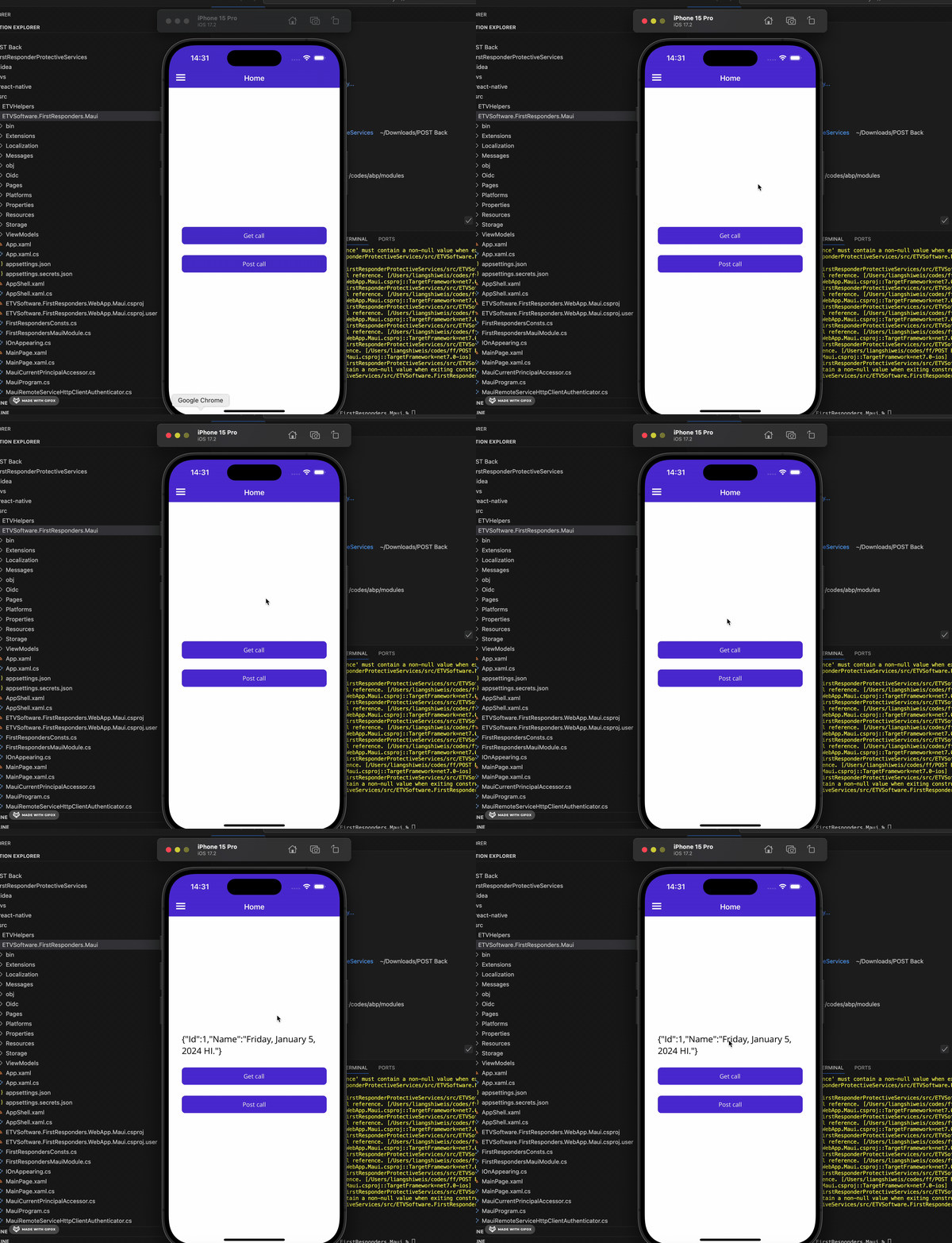
Hi, Sorry, but I still could not reproduce the problem. Maybe I missing something, could you share the full steps to reproduce? thanks.
You can consider https://mudblazor.com/components/tabs#scrolling-tabs or wait for Blazorise implements this function









