Hi,
Here is the code,
But there is a serious problem when deleting the tab, which may be related to blazor.zone. There is nothing I can do. so, I don't recommend you to use blazor.zone
<BootstrapBlazor.Components.Tab @ref="_tabComponent" class="mt-3"
                                ShowClose="true"
                                OnClickTabItemAsync="OnSelectedTabChanged"
                                OnCloseTabItemAsync="ClosePage">
     @foreach (var tab in RouteDataList)
    {
        <BootstrapBlazor.Components.TabItem Text="@tab.Title">
                <ContentTabToolbar RouteData="tab"></ContentTabToolbar>
                @tab.Body
        </BootstrapBlazor.Components.TabItem>
    }
</BootstrapBlazor.Components.Tab>

@code {

    private BootstrapBlazor.Components.Tab _tabComponent;

    [Inject]
    NavigationManager NavigationManager { get; set; }

    [Inject]
    PageHeaderService PageHeaderService { get; set; }

    [Inject]
    IMenuManager MenuManager { get; set; }

    [CascadingParameter(Name = "RouteData")]
    RouteData? RouteData { get; set; }

    List<ContentTabRouteData> RouteDataList { get; set; } = new();

    [Parameter]
    public RenderFragment Body { get; set; }

    string? CurrentUrl { get; set; }

    ApplicationMenu? ApplicationMenu { get; set; }

    protected override async Task OnInitializedAsync()
    {
        ApplicationMenu = await MenuManager.GetMainMenuAsync();
        PageHeaderService.PageHeaderDataChanged += OnPageHeaderDataChanged;
        NavigationManager.LocationChanged += OnLocationChanged;
    }

    protected override void OnAfterRender(bool firstRender)
    {
        if (firstRender)
        {
            OnLocationChanged(this, new LocationChangedEventArgs(NavigationManager.Uri, false));
        }

        base.OnAfterRender(firstRender);
    }

    private async void OnPageHeaderDataChanged(object? sender, PageHeaderData? e)
    {
        if (e == null)
        {
            return;
        }

        var route = RouteDataList.FirstOrDefault(x => x.PageType == e.Type);
        route?.SetPageLayout(e.Title, e.BreadcrumbItems, e.PageToolbarItems);

        await InvokeAsync(StateHasChanged);
    }

    private async Task OnSelectedTabChanged(BootstrapBlazor.Components.TabItem tabItem)
    {
        var route = RouteDataList.FirstOrDefault(x => x.Title == tabItem.Text);

        if (route != null)
        {
            CurrentUrl = route.Url;

            var data = PageHeaderService.GetPageHeaderData(route.PageType);
            if (data != null)
            {
                route.SetPageLayout(data.Title, data.BreadcrumbItems, data.PageToolbarItems);
            }

            _tabComponent.ActiveTab(tabItem);

            NavigationManager.NavigateTo(route.Url);
        }

        await InvokeAsync(StateHasChanged);
    }

    private RenderFragment GenerateBody(ContentTabRouteData routeData)
    {
        return builder =>
        {
            builder.OpenComponent(0, routeData.PageType);
            foreach (var routeValue in routeData.RouteValues)
            {
                builder.AddAttribute(1, routeValue.Key, routeValue.Value);
            }
            builder.CloseComponent();
        };
    }

    private async Task<bool> ClosePage(TabItem tabItem)
    {
        var routeData = GetRouteData(tabItem);
        if (routeData == null)
        {
            return true;
        }

        RouteDataList.Remove(routeData);
        await _tabComponent.RemoveTab(tabItem);

        var activeTab = _tabComponent.GetActiveTab();
        if (activeTab != null)
        {
            await OnSelectedTabChanged(activeTab);
        }

        return false;

    }

    private ContentTabRouteData? GetRouteData(TabItem? tabItem)
    {
        return tabItem == null ? null : RouteDataList.FirstOrDefault(x => x.Title == tabItem.Text);
    }

    private void OnLocationChanged(object? sender, LocationChangedEventArgs e)
    {
        if (RouteData == null || CurrentUrl == e.Location)
        {
            return;
        }

        var contentTabRouteData = new ContentTabRouteData
        {
            PageType = RouteData.PageType,
            RouteValues = new Dictionary<string, object>(RouteData.RouteValues),
            TabName = RouteData.PageType.Name.ToLower(),
            Url = e.Location,
            Title = TryGetTitle(ApplicationMenu.Items, e.Location)
        };
        contentTabRouteData.Body = GenerateBody(contentTabRouteData);
        RouteDataList.AddIfNotContains(x => x.PageType == RouteData.PageType, () => contentTabRouteData);

        StateHasChanged();

        OnSelectedTabChanged(_tabComponent.Items.First(x => x.Text == contentTabRouteData.Title));

    }

    protected override void Dispose(bool disposing)
    {
        PageHeaderService.PageHeaderDataChanged -= OnPageHeaderDataChanged;
        NavigationManager.LocationChanged -= OnLocationChanged;
        base.Dispose(disposing);
    }

    private string? TryGetTitle(ApplicationMenuItemList items, string url)
    {
        foreach (var item in items)
        {
            if (item.Items.Any())
            {
                var result = TryGetTitle(item.Items, url);
                if (result != null)
                {
                    return result;
                }

                continue;
            }

            if (item.Url.IsNullOrWhiteSpace())
            {
                continue;
            }

            if (url.EndsWith(item.Url!.Replace("~/", "")))
            {
                return item.DisplayName;
            }
        }

        // you can custom here
        return null;
    }
}
Hi,
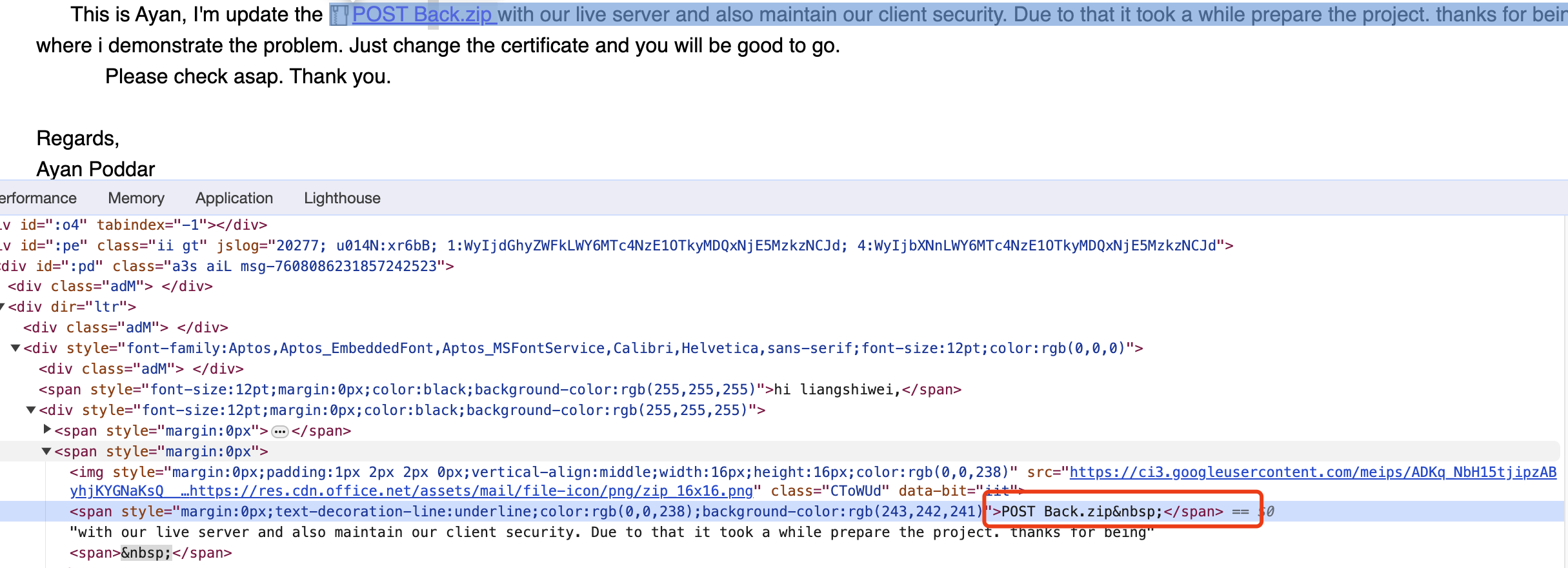
Sorry, When I tried to download the project, I found that there was no download link.
Hi,
Are you using Redis.
Could you try to clear the Redis cache?
Hi,
I got it and will check it. thanks.
Hi,
You can try:
Windows:
%UserProfile%\.abp\cli\access-token.bin
MAC:
~/.abp/cli/access-token.bin
For lepton theme:
You can use the settings:
// MenuPlacement.Left
// MenuPlacement.Top
await SettingManager.SetForCurrentTenantAsync(LeptonThemeSettingNames.Layout.MenuPlacement, ...);
Or appsettings.json
{
  "Settings": {
    "Volo.Abp.LeptonTheme.Style": "Style6", /* Options: Style1, Style2... Style6 */
    "Volo.Abp.LeptonTheme.Layout.MenuPlacement": "Left", /* Options: Left, Top */
    "Volo.Abp.LeptonTheme.Layout.MenuStatus": "AlwaysOpened", /* Options: AlwaysOpened, OpenOnHover */
    "Volo.Abp.LeptonTheme.Layout.Boxed": "False", /* Options: True, False */
  }
}
Is there any configuration for lepton theme to use side menu not top menu cause latest version is using top?
Do you mean leptonx? https://docs.abp.io/en/commercial/latest/themes/lepton-x/mvc#leptonxthememvcoptions
what is the best way to add some meta tags in application without customizing theme in both lepton and leptonx?
You can use the layout hook: https://docs.abp.io/en/abp/latest/UI/AspNetCore/Layout-Hooks
Hi,
I got it.
Please make the repository private.
Because it includes your license code, you don't want to leak it.
Hi
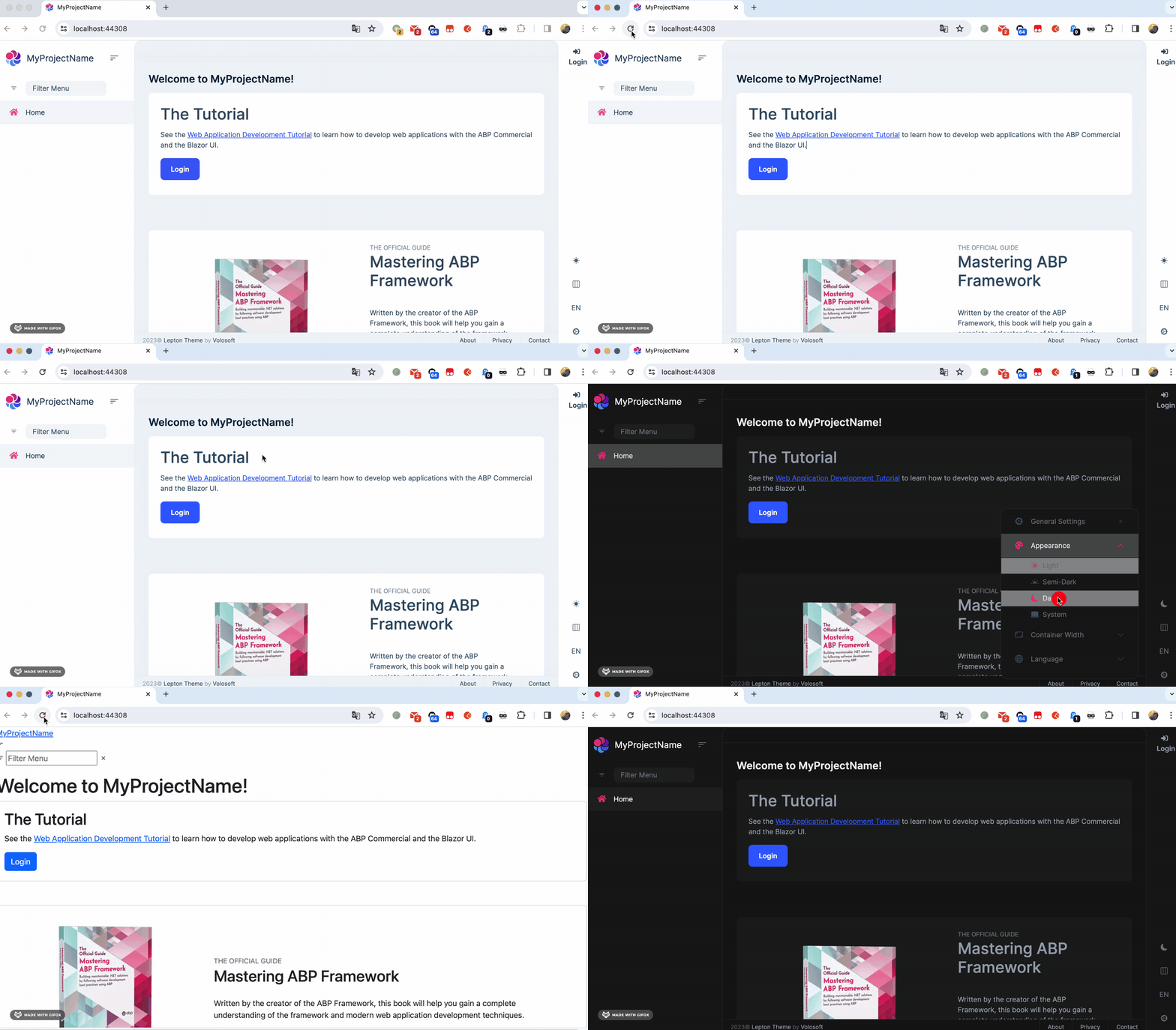
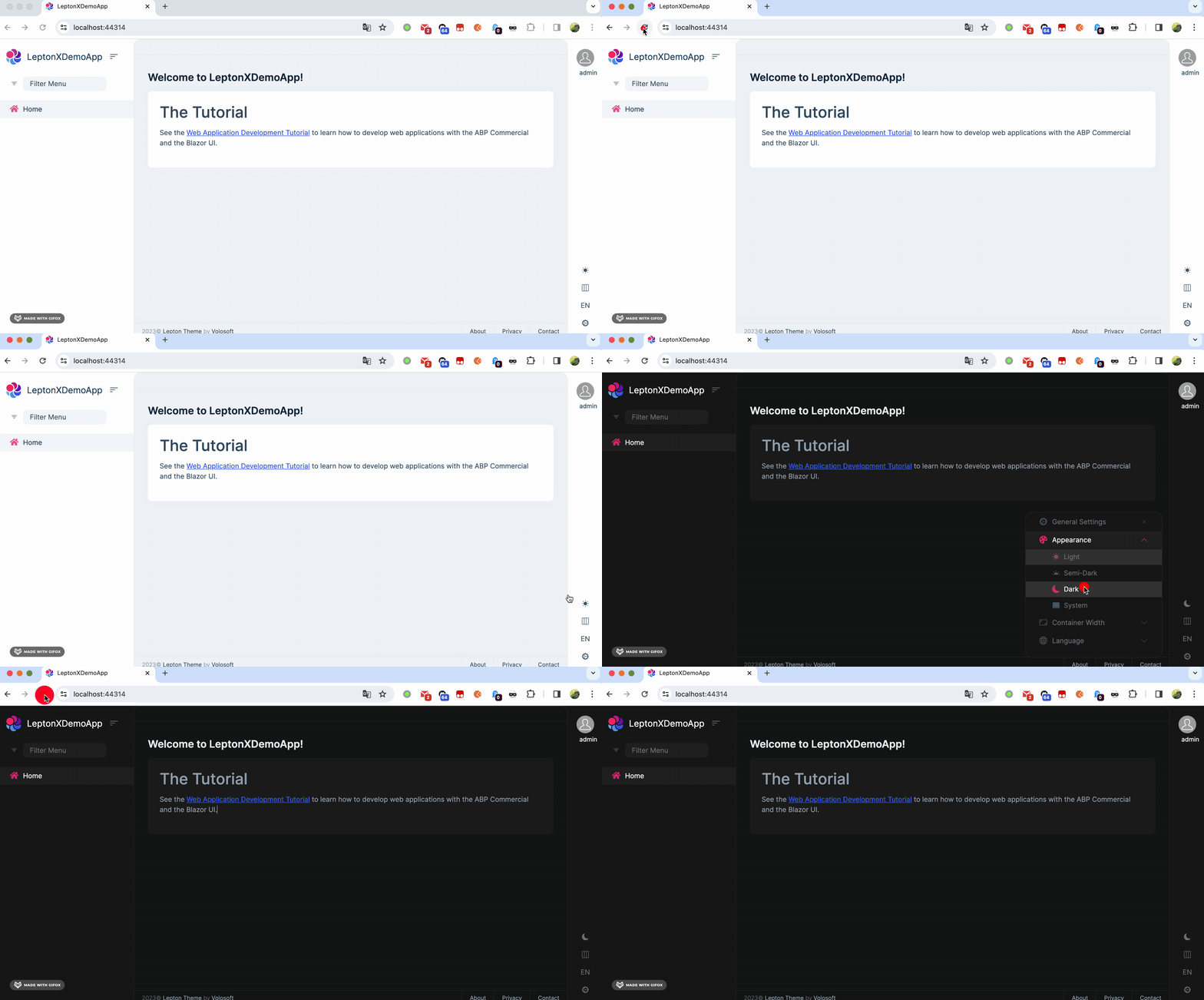
The problem should be fixed in the next leptonx theme patch version.
Here is the code, you can copy it to your project as a temporary solution. : https://gist.github.com/realLiangshiwei/70e19e34389ce7e567b5078a42db230a
Before:
After
Hi,
Ok, but I didn't receive the email, could you send it again? thanks.
just to be clear it is working fine in android but not in IOS.
When I try locally, it works as expected. https://support.abp.io/QA/Questions/6367#answer-3a0fc09f-f2f6-10d1-4ebf-899c15166bc3









