Hi,
I don't know much about blalzor.zone
Can you share a test project? thanks. shiwei.liang@volosoft.com
Hi,
Can you try running the abp clean & dotnet build & abp bundle commands in the Blazor project folder?
If it's still not working, could you share a test project with me? I will check it. thanks. shiwei.liang@volosoft.com
Hi, @jasenfici@gmail.com
This problem only occurs when downloading the source code of the module.
There are about 100 <PackageReference> entries and am not sure what ones I need to change manually, if any?
You just need to replace the reference in the module source code.
PS, you can upgrade your CLI and suite to 8.0.1, the problem should be fixed.
when the menus are set to TopMenu does appear to be still present unfortunately!
I will keep checking it
Hi,
I can reproduce the problem. we will fix it. https://github.com/abpframework/abp/pull/18681
you can try this:
[Dependency(ReplaceServices = true)]
[ExposeServices(typeof(PermissionManagementModal))]
public class MyPermissionManagementModal : PermissionManagementModal
{
    protected override void SetPermissionDepths(List<PermissionGrantInfoDto> permissions, string currentParent, int currentDepth)
    {
        foreach (var permission in permissions)
        {
            if(permission.Name == "SettingManagement.Emailing.Test")
            {
            {
                _permissionDepths[permission.Name] = 0;
            }}
        }
        base.SetPermissionDepths(permissions, currentParent, currentDepth);
    }
}
Hi,
You didn't upgrade all the ABP packages to 8.0.
The content tab component try get Title from PageHeader and Menu item.
But the detail page didn't have PageHeader and menuItem.
You can also implement your own logic to get the page title from other places. The https://gist.github.com/realLiangshiwei/a71887cb41b679739599ce52b30ec151#file-contenttabs-razor-L210
Hi,
You can try add <PageHeader> to the detail page.
<PageHeader Title="Detail...."></PageHeader>
Hi @DEKUKDEV
The problem should be fixed in the next leptonx theme patch version.
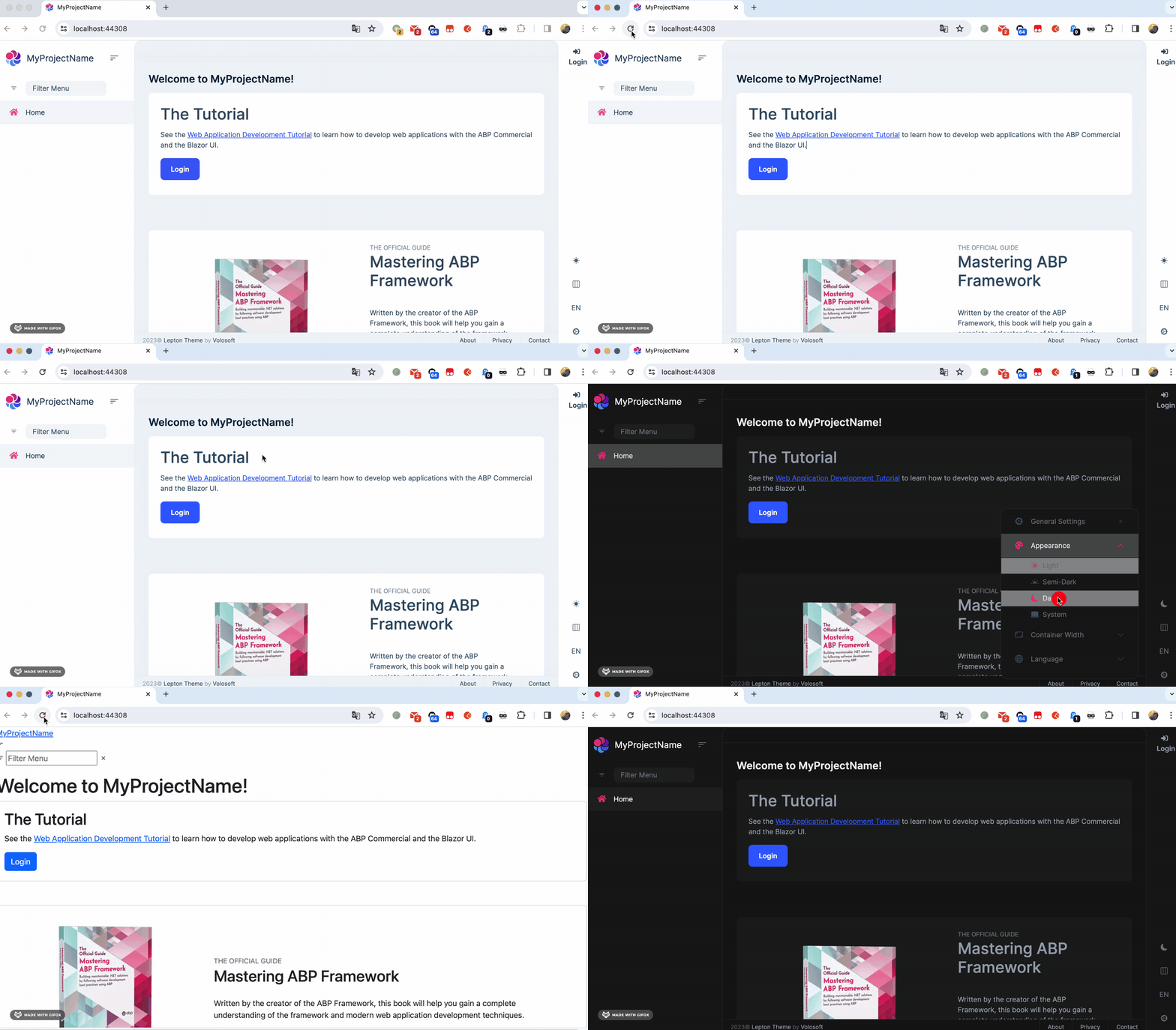
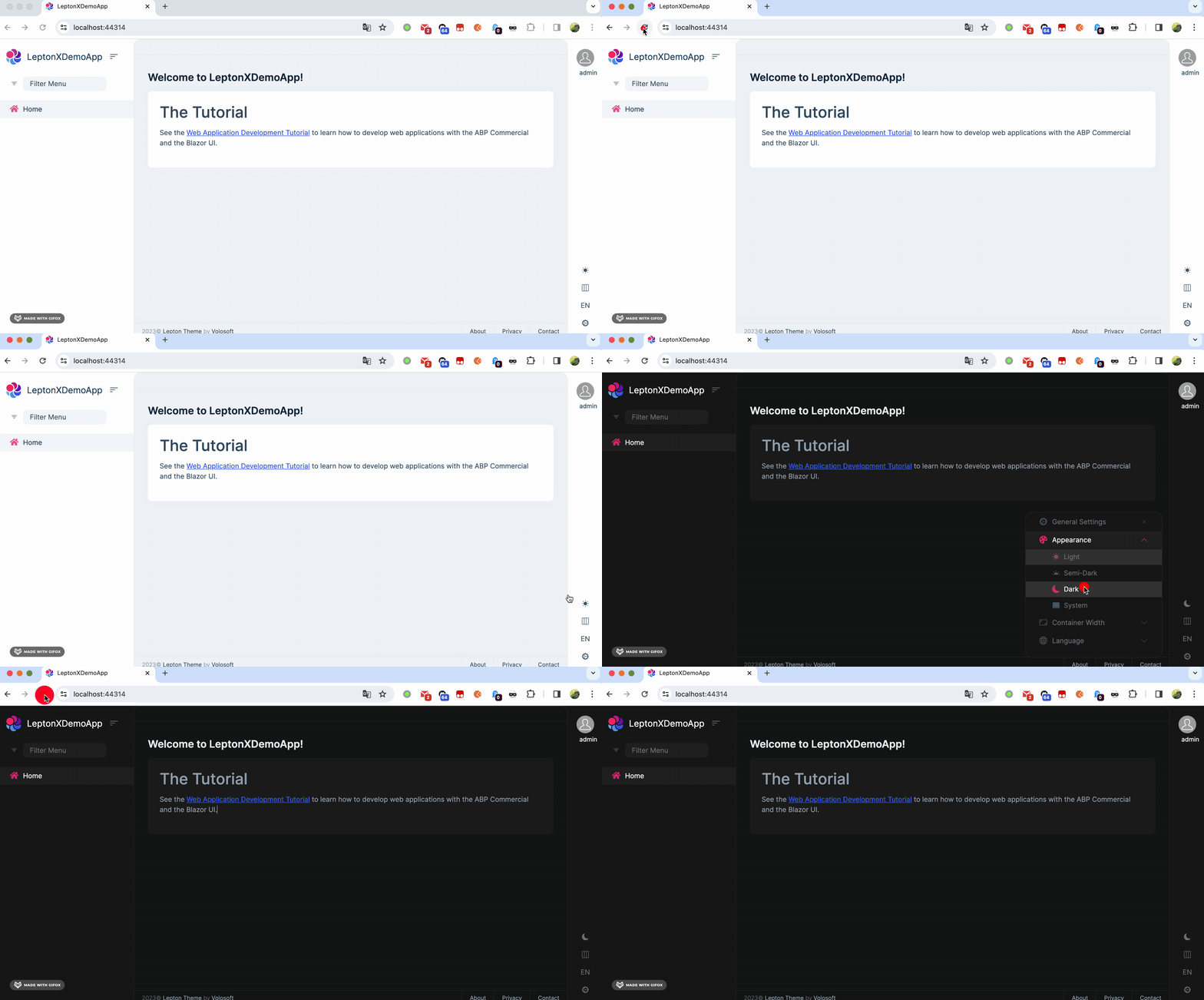
Here is the code, you can copy it to your project as a temporary solution. : https://gist.github.com/realLiangshiwei/70e19e34389ce7e567b5078a42db230a
Before:
After
Hi,
Please add Title to pageHeader compoent:
<PageHeader Title="PageName..." BreadcrumbItems="breadcrumbItems" Toolbar="toolbar"></PageHeader>









