Configure in the Blazor project.
Hi,
You can configure the ApplicationConfigurationDtoCacheAbsoluteExpiration.
Configure<AbpAspNetCoreMvcClientCacheOptions>(options=>
{
   options.ApplicationConfigurationDtoCacheAbsoluteExpiration = ....;
})
Or you can also remove the ApplicationConfigurationDto cache: https://github.com/abpframework/abp/blob/dev/framework/src/Volo.Abp.AspNetCore.Mvc.Client/Volo/Abp/AspNetCore/Mvc/Client/MvcCachedApplicationConfigurationClient.cs#L50
You can consider using the Outbox/Inbox pattern, It can ensure that event data will not be lost when the Kafka server is in error.
https://docs.abp.io/en/abp/latest/Distributed-Event-Bus#outbox-inbox-for-transactional-events
Hi,
No, you must do it yourself.
Hi,
How did you add it? could you share some code? thanks.
Hi,
You can inject the IMyProjectNameDbSchemaMigrator service to Migrate DB.
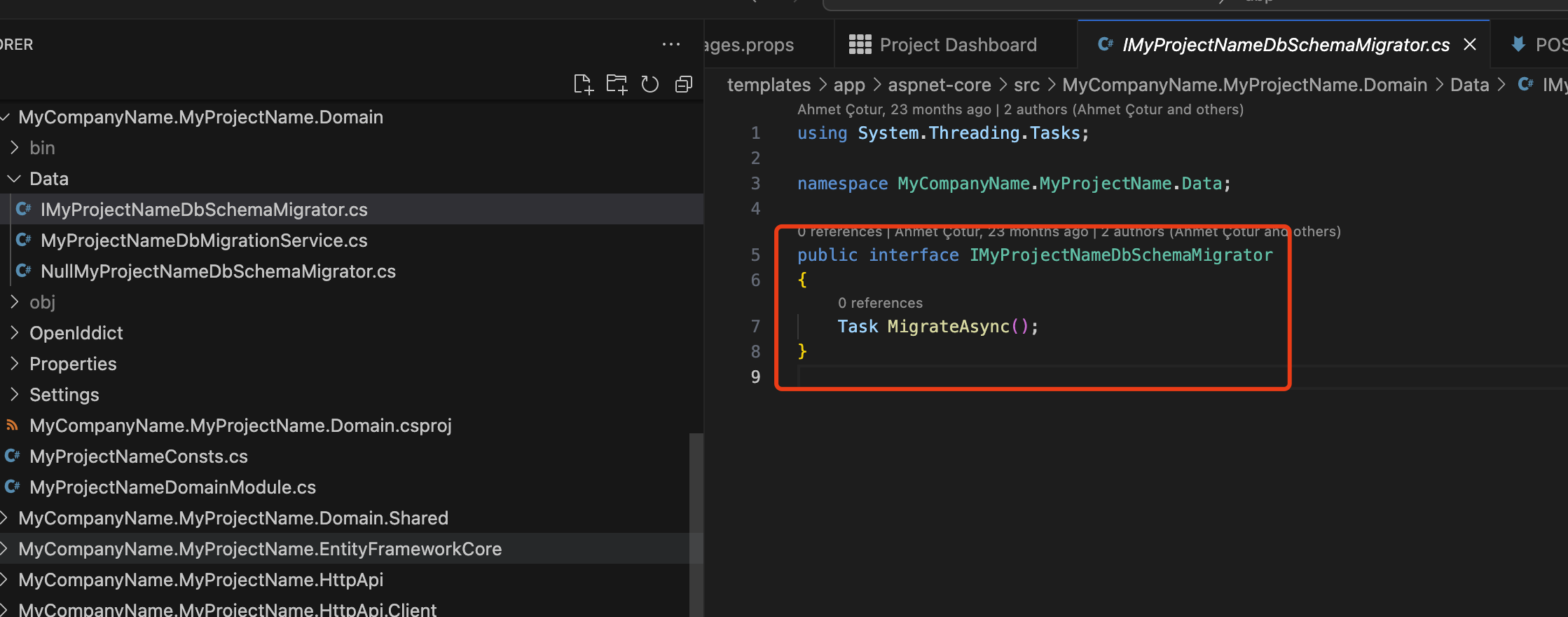
Hi,
Yes
Just a test to find the issue, change to Production to check whether it still works as expected locally.
Are you using any additional caching mechanisms, apart from Redis, within IIS for loading menus and fetching permissions?
No, We only use Redis as distributed cache.
The development works as expected on our local machines with VS 2022 and IIS Express
Can you try to change the ASPNETCORE_ENVIRONMENT to Production to check it?
Please add all the Volo.CmsKit.Pro.Public.* packages









