Hi,
I checked the project you provided. Because it does not configure any event bus, it uses LocalDistributedEventBus by default.
The LocalDistributedEventBus will not use the outbox, It will publish the event directly.
Configure<AbpDistributedEntityEventOptions>(options =>
{
    options.AutoEventSelectors.AddAll();
});
Now you can see the records, but you need also to configure the inbox. otherwise your application will get stuck
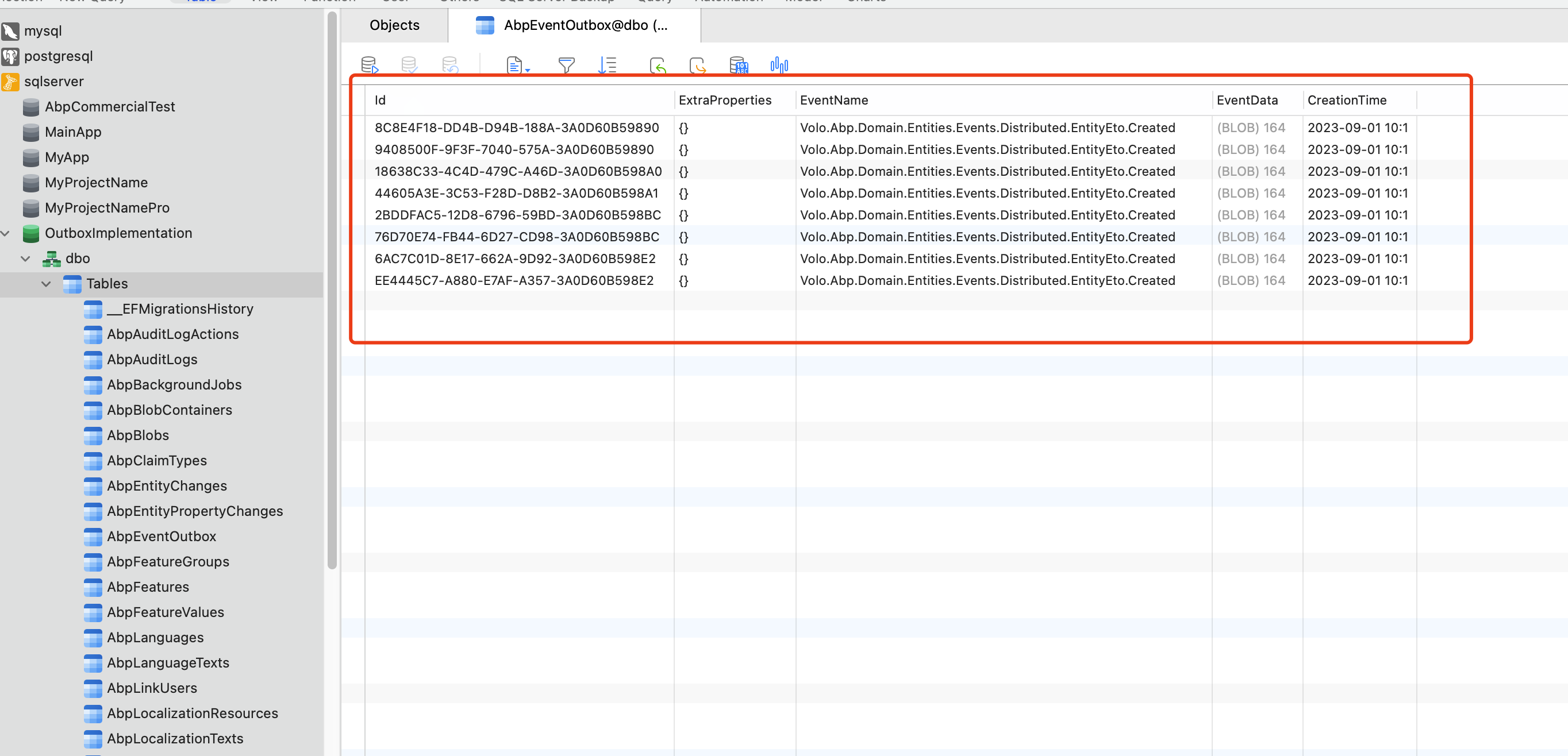
but I am not sure how that would help us to reproduce this issue, could you elaborate a little further?
You just need to make a minimum reproducible example similar to your project entity.
Hi,
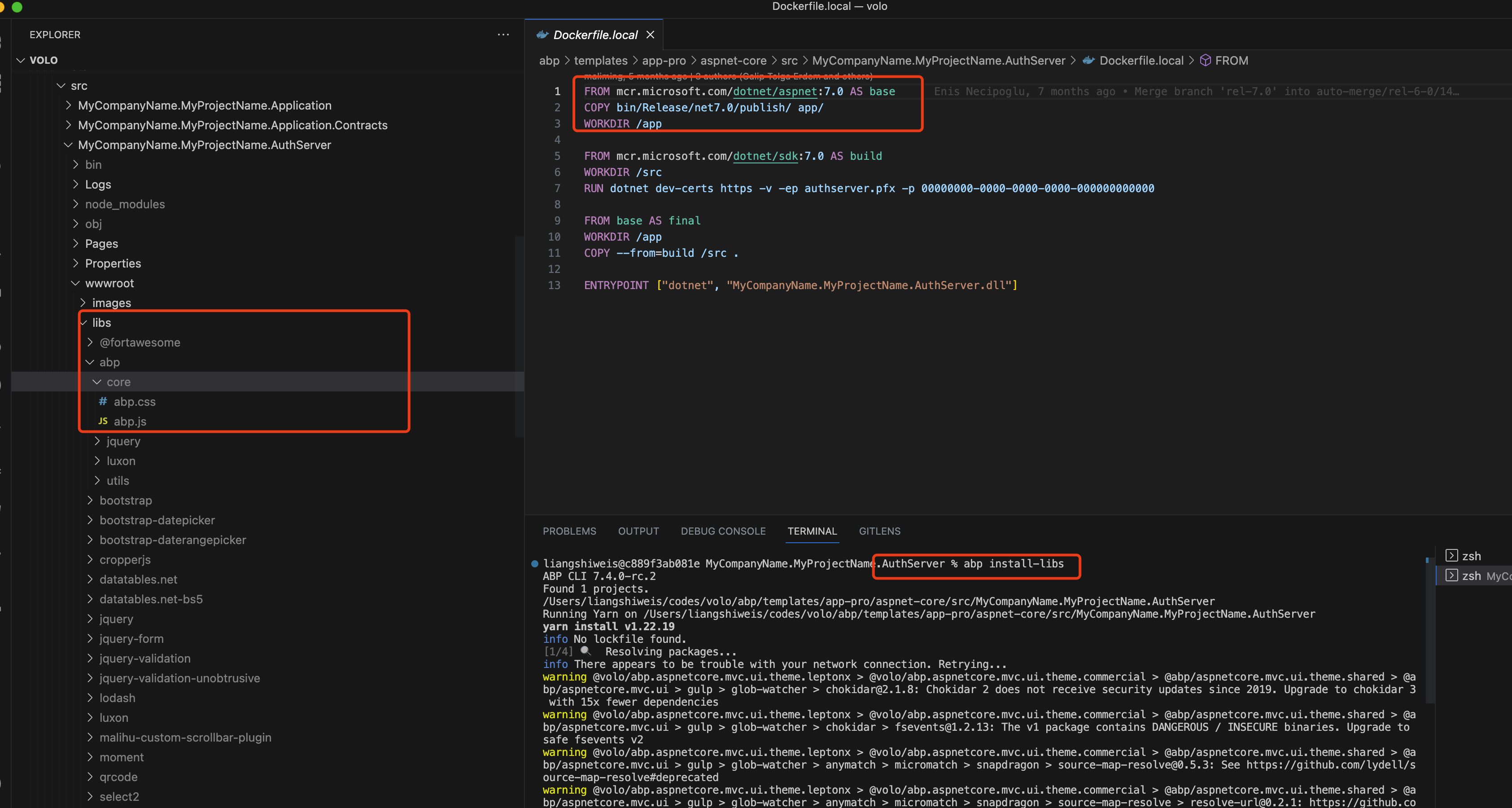
You should restore packages while developing, they will be included when you publish your application using dotnet publish
Hi,
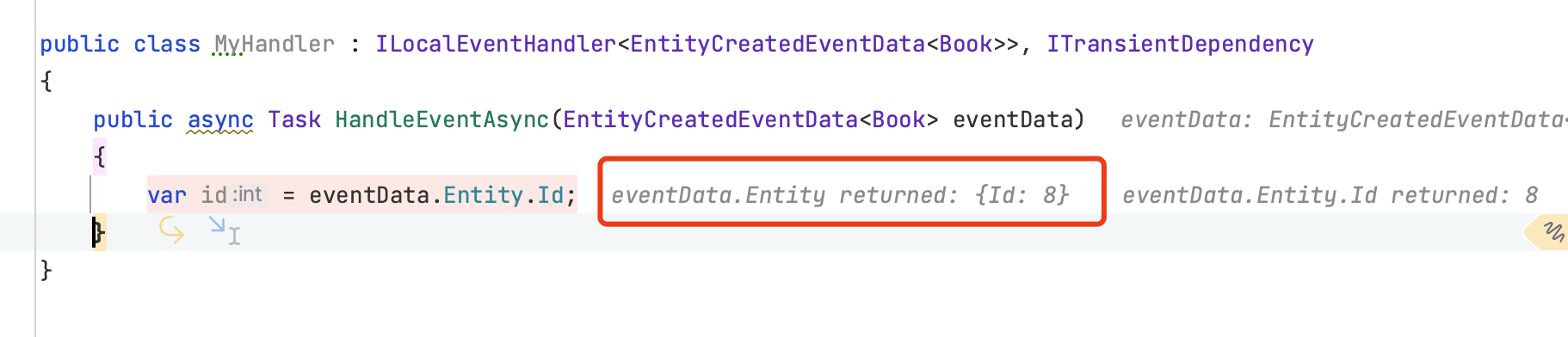
This is a limitation of EFCore, for the int type, the default value is 0, and ABP can't get the ID value in the entity tracking event.
I have the following suggestions:
GUID as best practice instead of intpublic async Task<Book> CreateAsync(string name)
{
var book = new Book(name);
return await _bookRepository.InsertAsync(book, autoSave: true);
}
public class MyHandler : ILocalEventHandler<EntityCreatedEventData<Book>>, ITransientDependency
{
public async Task HandleEventAsync(EntityCreatedEventData<Book> eventData)
{
var id = eventData.Entity.Id;
}
}
I will check it
The angular use authorization code flow by default, If you use the default, then you don't need to change the angular.
The default login and account manage uses the MVC page, which is why I said you don't need to change it.
Hi,
Sorry my bad, The login page is from Authserver, but account manage from Angular. Yes, you need also to change the angular project.
You can custom the component: https://docs.abp.io/en/abp/latest/UI/Angular/Component-Replacement
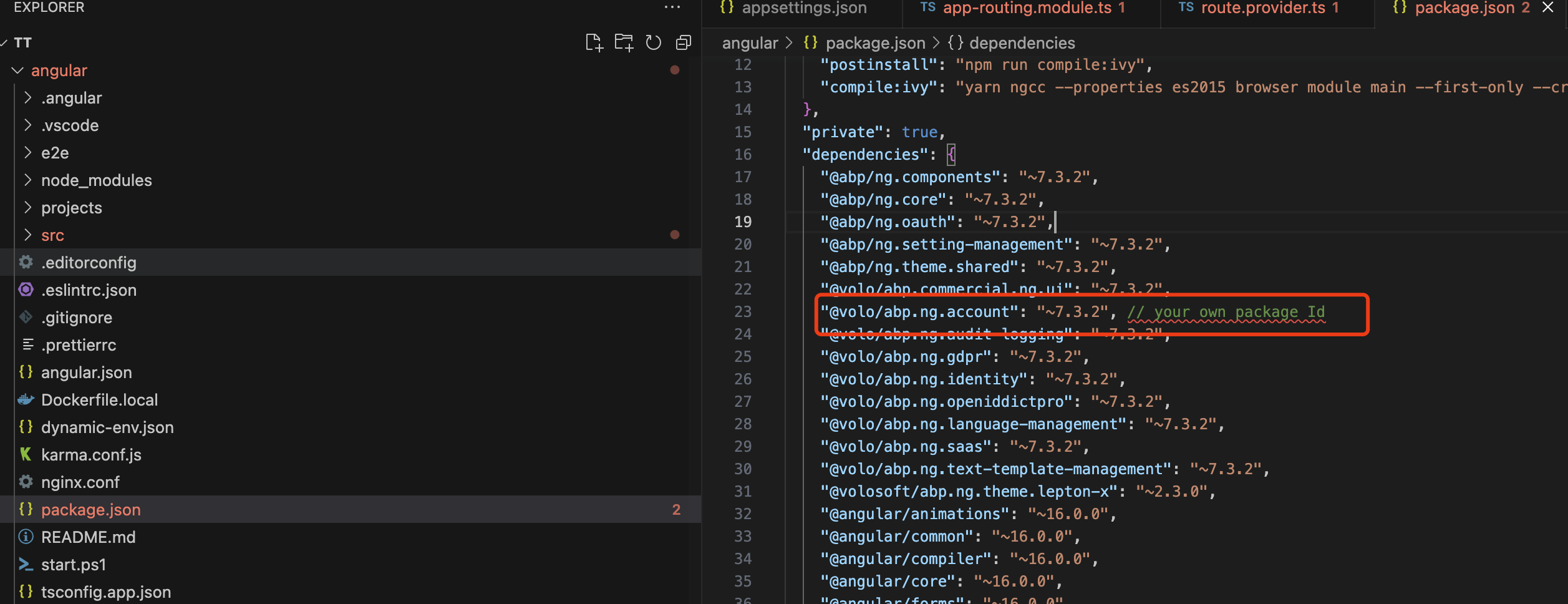
Or you can publish your own NPM package and replace the @volo/abp.ng.account package with yours:
So I need to copy changes to the Account Pro module source code then build then build this module and use it
Yes, but I really don't recommend you to do this, which will make it difficult for you to upgrade in the future and cannot get the benefits of the new version
Also do we need to make the same thing with Angular Account Pro project
The angular use authorization code flow by default, If you use the default, then you don't need to change the angular.
Hi,
Will it work If you use an empty ASPNETCore application without ABP?
If not, I think it might be an issue with notnet and I have no idea. You can try to use other certificates, you can also get help from Microsoft https://github.com/dotnet/runtime/issues
Hi,
I have checked the logs.
All error messages are The property 'Provstate.Id' is part of a key and so cannot be modified or marked as modified....
Do you have such code in your project?
HasPrincipalKey(....)
This is by EF design: https://learn.microsoft.com/en-us/ef/core/modeling/keys?tabs=data-annotations#alternate-keys https://github.com/dotnet/efcore/issues/4560 If you just want to enforce uniqueness on a column, define a unique index rather than an alternate key (see Indexes). In EF, alternate keys are read-only and provide additional semantics over unique indexes because they can be used as the target of a foreign key.
Anyway, I don't know the details of your project, could you use Suite to create a new solution to reproduce this problem? I will try to help you.









