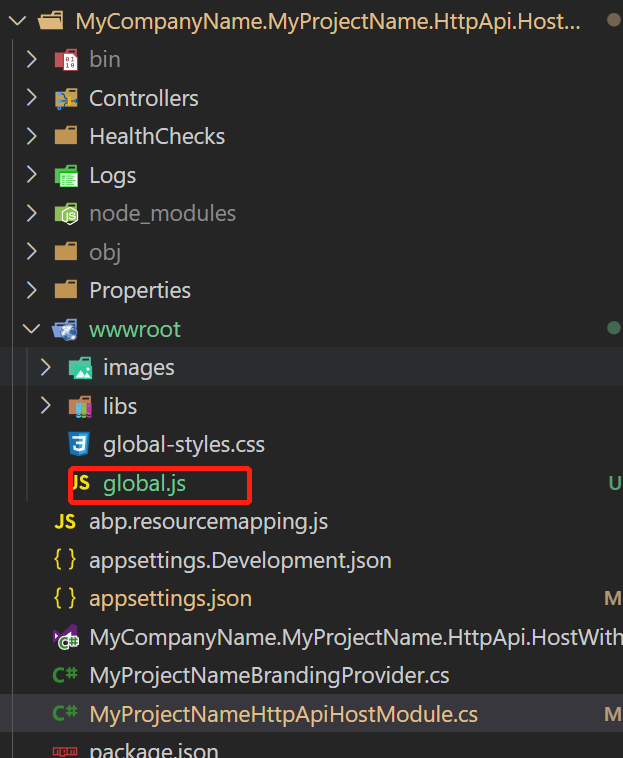
Make sure the global.js file is under the wwwroot folder
Add global.js to backend (.IdentityServer project for for tiered project)
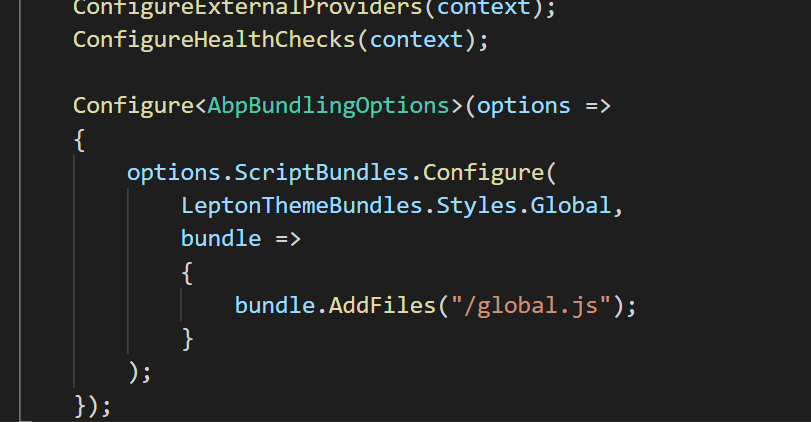
Configure AbpBundlingOptions
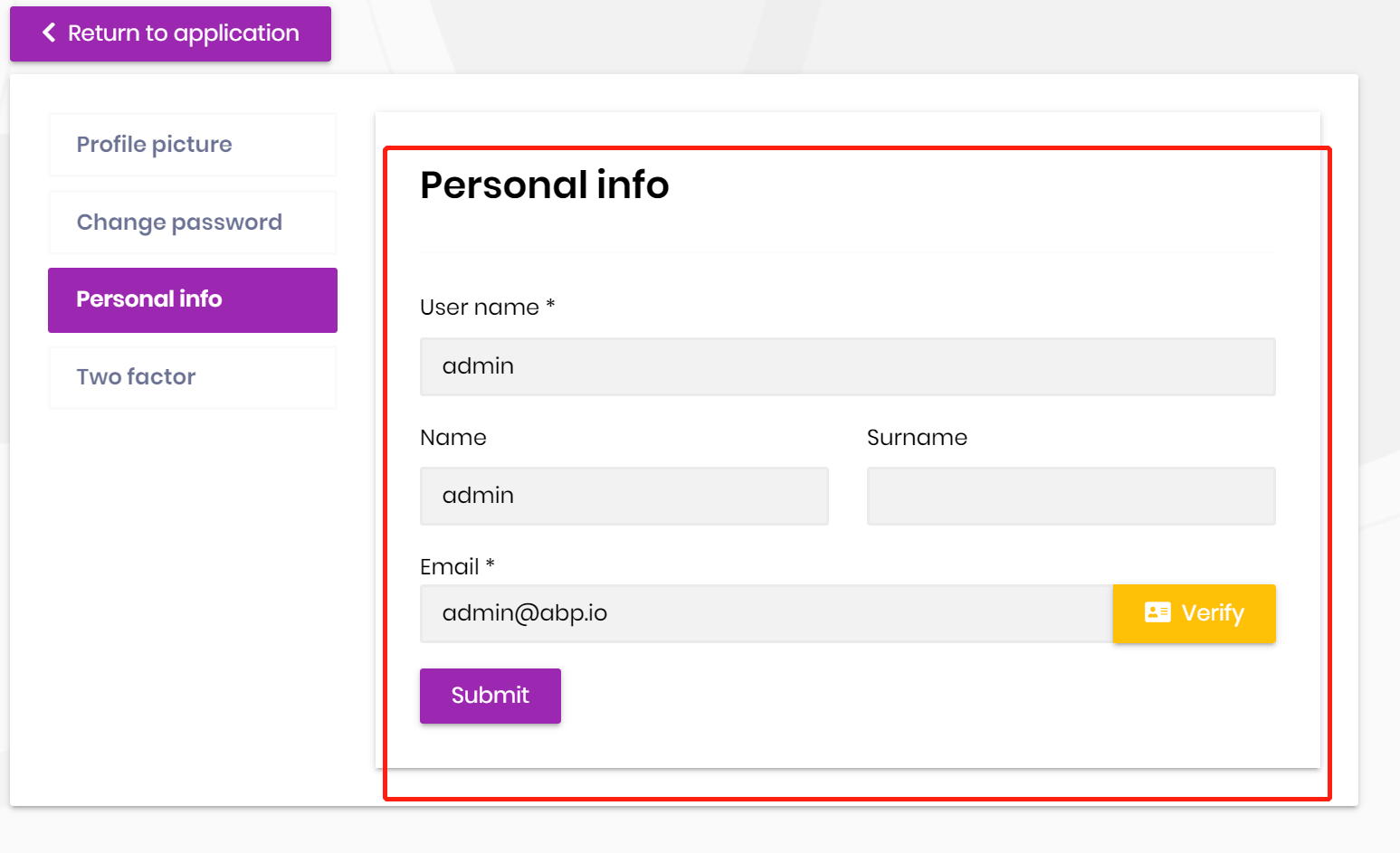
It will work:
What UI are you using? Blazor wasm or Blazor server?
Hi,
No, it only works for the user management page.
The profile page is MVC UI, you can hide the phone number input via Javascript.
global.js
$(function(){
    if($("#ProfileManagementTab").length === 1){
        $("#ProfileManagementTab #PhoneNumber").parent().hide()
        $("#ProfileManagementTab #PhoneNumber").parent().prev().hide()
    }
})
Configure<AbpBundlingOptions>(options =>
{
    options.ScriptBundles.Configure(
        LeptonThemeBundles.Styles.Global,
        bundle =>
        {
            bundle.AddFiles("/global.js");
        }
    )
});
because I have customized user page as well.
You can continue to use your custom page and delete phone number related code
Hi,
Please share the repository with me, I will check it. thanks.
See the document: https://docs.abp.io/en/abp/latest/UI/Blazor/Customization-Overriding-Components
For example: https://gist.github.com/realLiangshiwei/7b206990452bf566c711c0a0472d043d
Hi,
You can't remove it, it's a part of ASP.NET Core Identity, but you can hide it.
Hi,
You can just put the class in the domain project it should work.
Hi,
Ok but as you mentioned above u can add this in domain project
Because I don't know what kind of project are you using and you want use it anywhere.
If I add this in domain then it will work right?
If you are building a microservice solution, probably not, because every service has a domain project. If you are building a monolithic solution, it will work.
Creating a new project is a better way, you can use it in any project.









