The specified network password is not correct.
dev-certs https -v -ep authserver.pfx -p 00000000-0000-0000-0000-000000000000
Don't use 00000000-0000-0000-0000-000000000000 as a network password. you should use an real GUID value.
Hi,
Yes, I can see many error records. But it's not enough to find the problem.
You can try check the webserver(nginx, IIS etc.) logs, maybe you can find something.
Email sent.
APIs in our other projects can send requests here and perform tenant and auth authentications in these services. We want to make this screen design service work the same way. What settings do we need to make?
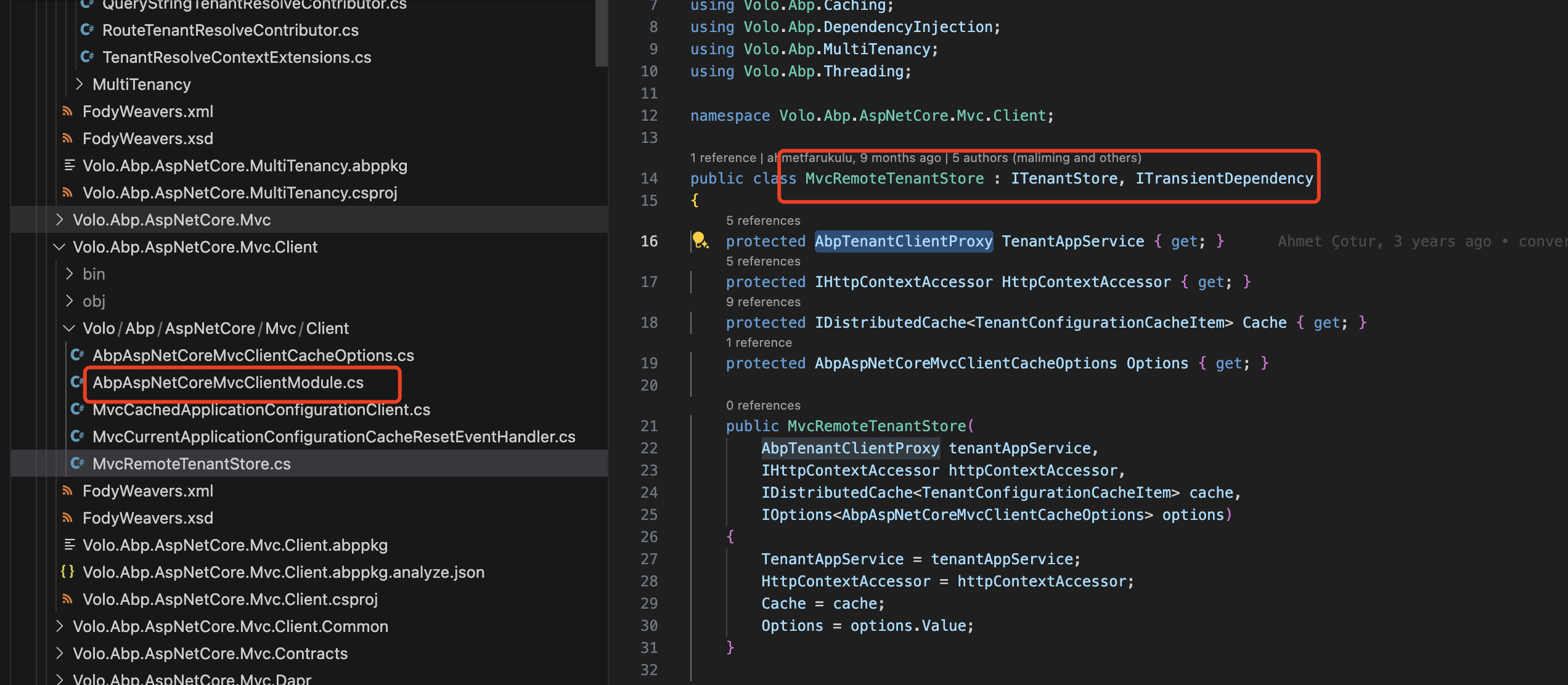
you should add the AbpAspNetCoreMvcClientModule module dependency. and config remote service
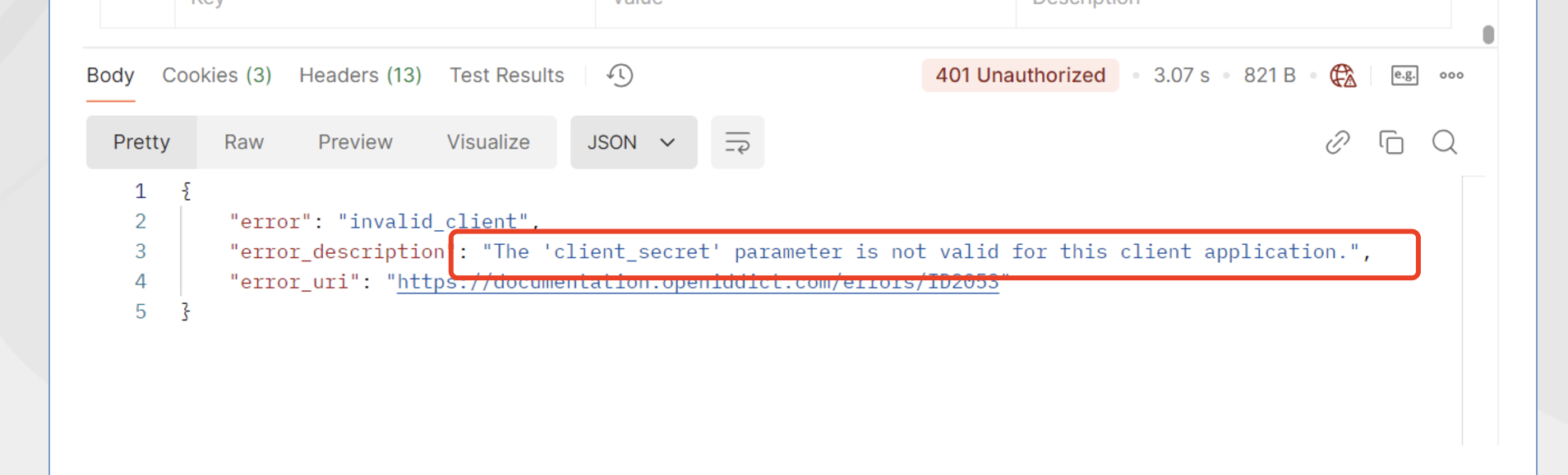
you don't need to pass client_secret parameter if client is public, remove it from the HTTP request body.
Hi,
I guess there is no currentTenant on the server.
You can try writing log:
Logger.LogInformation("CurrentTenant Id"+ CurrentTenant.Id);
Logger.LogInformation("CurrentTenant Name"+ CurrentTenant.Name);
and could you please share the HTTP request body?
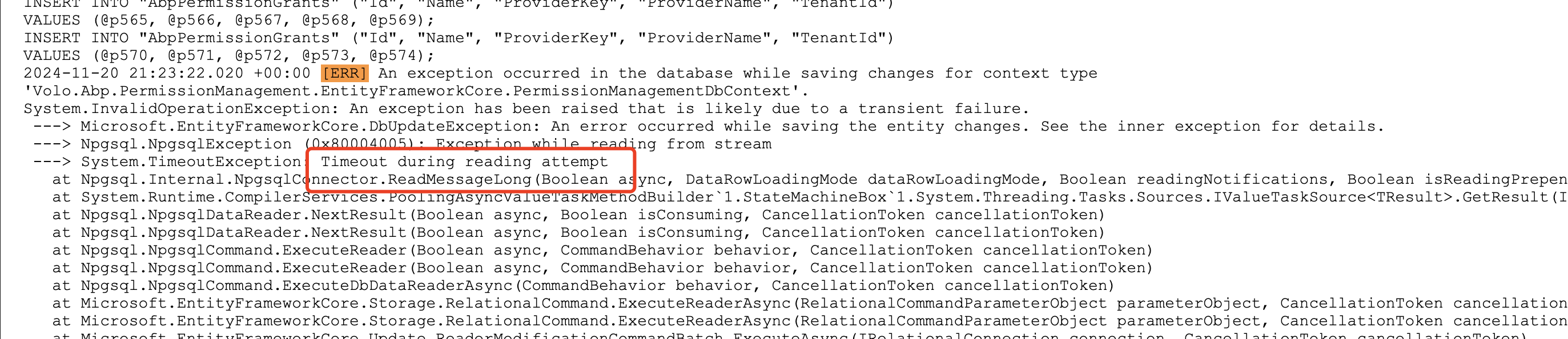
you can try change the time out value.
Exception while reading from stream
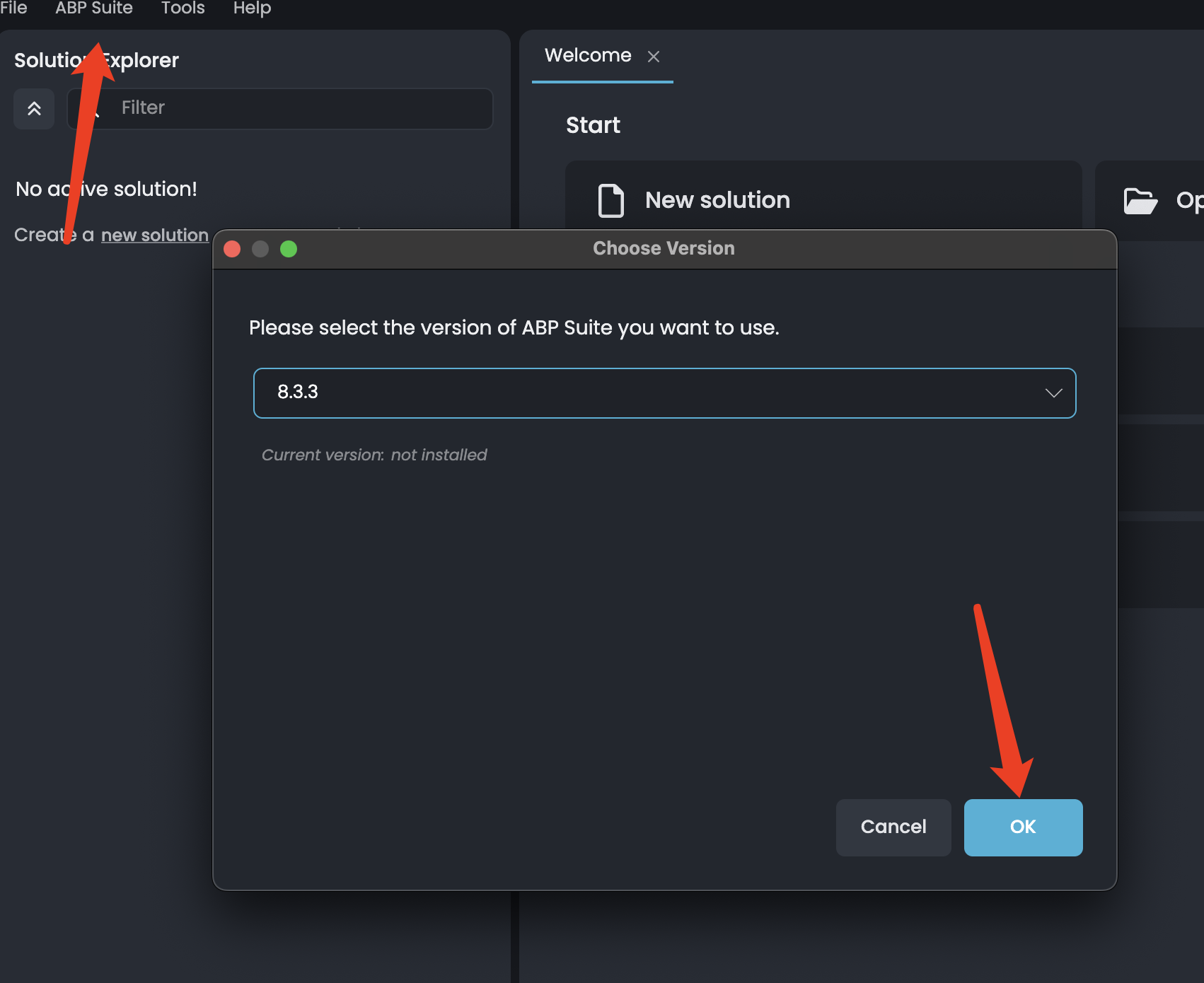
also when i open the project in abp suite its throwing this error
Is your CLI and Suite 8.3.3 version too? You can try remove project from suite and re-add it.
Hi,
Thanks, I can login to datadog, how do I to use it to check.
Hi,
you can try
dotnet tool uninstall -g volo.abp.suitedotnet tool uninstall -g volo.abp.cliabp install-old-cli -v 8.3.3