hi
This has nothing to do with microservice.
Only need two projects:
Angular tries to log in and get the token. That's all.
hi
I have got your project.
Can you share some steps to show the problem?
Or what code you don't understand? etc...
Then I will add a new code.
Thanks.
hi
You don't need the entire project, you can try copying part of the code in your project to the POC project to reproduce the problem, I will check the POC project , this is just the login code, it should be simple.
Thanks.
There are two oauth2 processes:
code , and use the code to exchange the access_token.codeget access token from auth servercodehi I have checked the latest har file
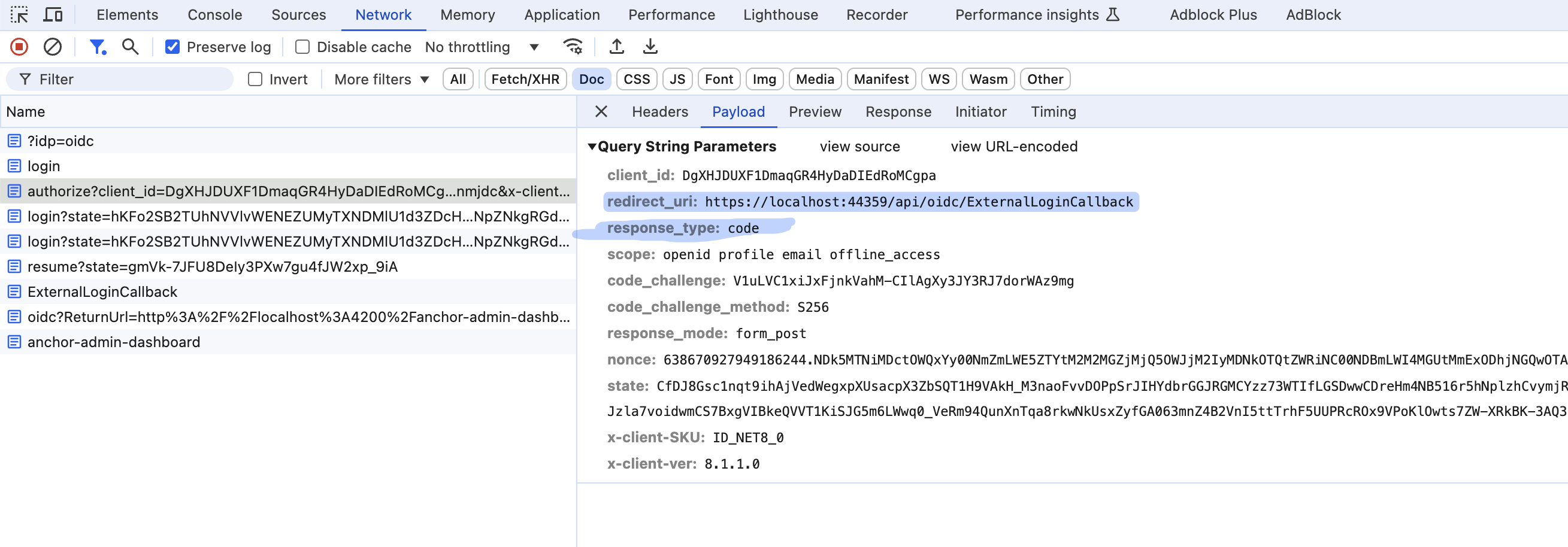
Can you try to set redirect_uri as http://localhost:4200 at First auth2 login request?
Your angular doesn't start the oauth2 login process.
If you can share a project that reproduces your problem, this would be the fastest way to troubleshoot the problem.
The POC angular project
localhost:4200 ->
login ->
redirect - https://localhost:44333/Account/Login ((redirect url is http://localhost:4200)) ->
OpenIdConnect ->
auth0.com(redirect url is https://localhost:44333/api/oidc/ExternalLoginCallback) ->
signing at auth0 ->
https://localhost:44333/api/oidc/ExternalLoginCallback ->
http://localhost:4200/?code=UAbYI ->
angular success
Your angular project
localhost:4200 ->
login ->
redirect - https://localhost:44333/Account/Login (https://localhost:44333/api/oidc/ExternalLoginCallback) ->
OpenIdConnect ->
auth0.com(redirect url is https://localhost:44333/api/oidc/ExternalLoginCallback) ->
signing at auth0 ->
https://localhost:44333/api/oidc/ExternalLoginCallback(code=123123) ->
hi
Identity service logs
Please share a test access_token
Please set the log level as Debug and share full logs of Identity service logs
public class Program
{
    public async static Task<int> Main(string[] args)
    {
        Log.Logger = new LoggerConfiguration()
            .MinimumLevel.Debug()
            .MinimumLevel.Override("Microsoft.EntityFrameworkCore", LogEventLevel.Warning)
            .Enrich.FromLogContext()
            .WriteTo.Async(c => c.File("Logs/logs.txt"))
            .WriteTo.Async(c => c.Console())
            .CreateLogger();```
Identity service project to see the current claims of the api/identity-service/user-account/GetPAuthWithPermission call.hi
. However I am still seeing the issue with the weird column widths
Can you share a screenshot for that?
Thanks
Yes, you can use blazorise
and you can try to publish your angular&authserver website to internet. So I can check it online.
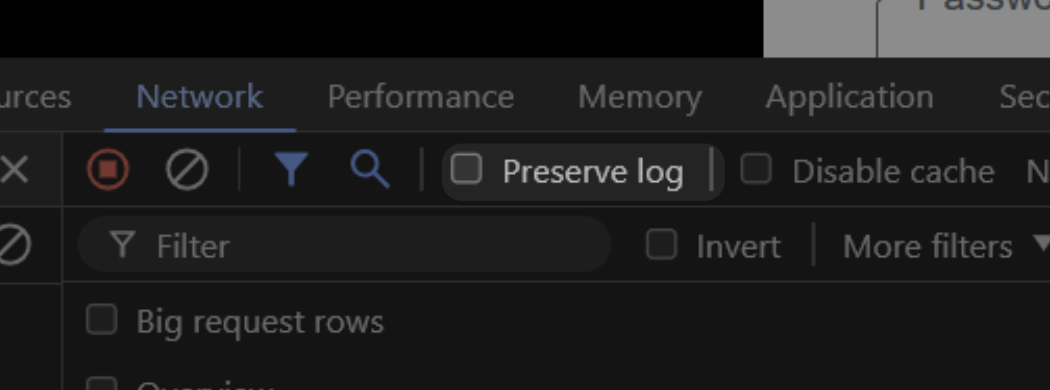
You can select the preserve logs
They will use a one browser tab throughout the whole process.
localhost:4200 ->
login ->
redirect - https://localhost:44333/Account/Login ->
OpenIdConnect ->
auth0.com(redirect url is https://localhost:44333/api/oidc/ExternalLoginCallback) ->
signing at auth0 ->
https://localhost:44333/api/oidc/ExternalLoginCallback ->
http://localhost:4200/?code=UAbYI ->
angular success