The template project already contains some test codes; please refer to them.
They are under the Samples folder.
and the test document: https://abp.io/docs/latest/tutorials/book-store?UI=NG&DB=EF https://abp.io/docs/latest/tutorials/book-store/part-04?UI=NG&DB=EF
hi
Why do you add these services as null mocks?
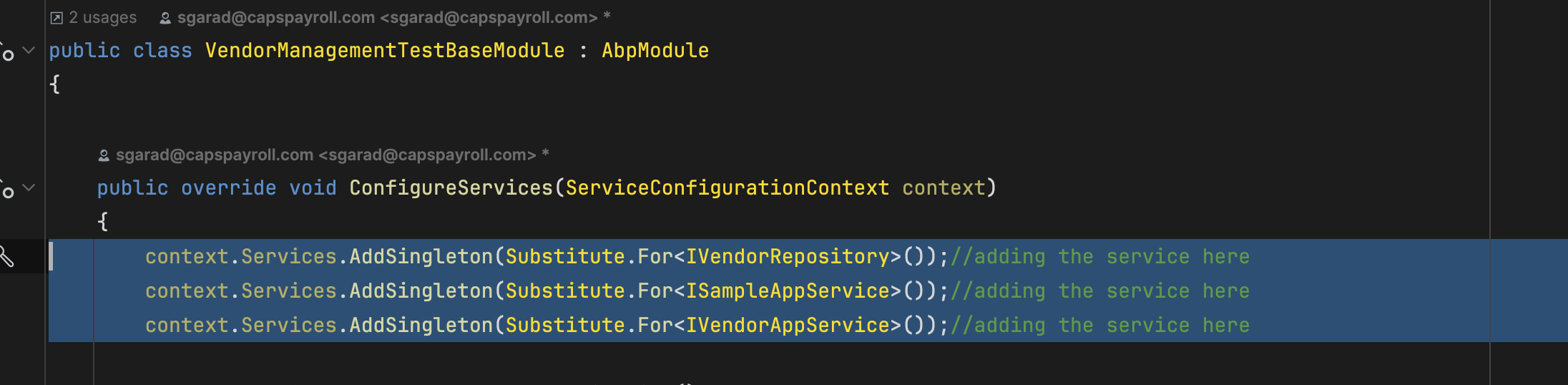
hi
I have downloaded your project, I will check it asap.
THanks.
If you can share a project that can reproduce the problem in my local. I will download and check the code.
You can try to set this to 1.0.0
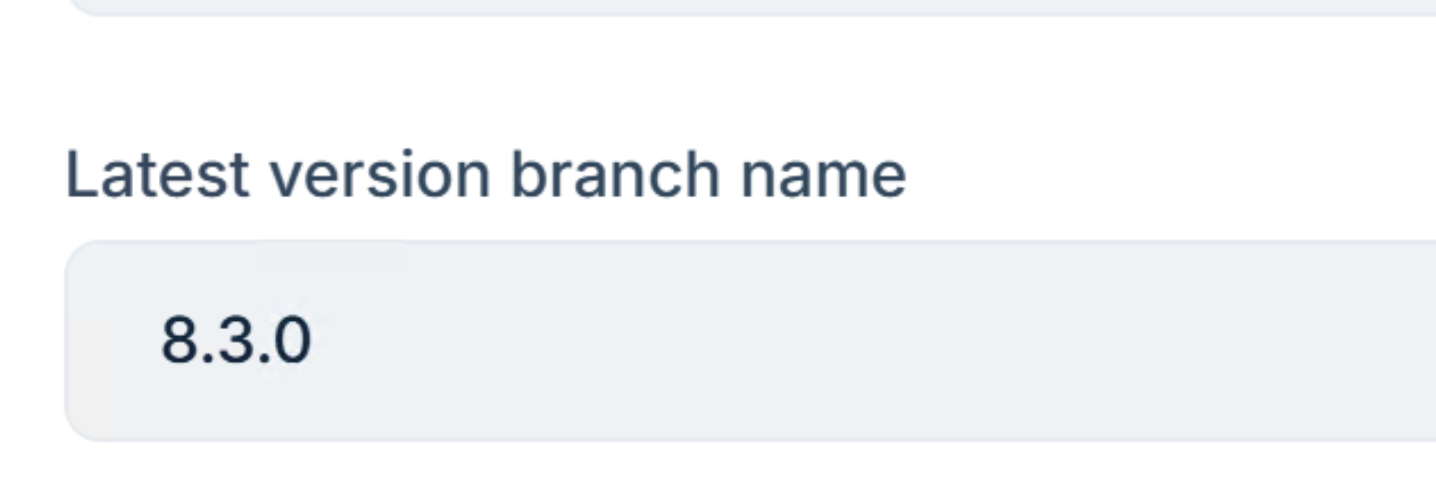
When ever i update the documentation, will it automatically update in the publised server page.
If the cache expires, the document will try to get the latest. https://github.com/abpframework/abp/blob/dev/modules/docs/src/Volo.Docs.Application/Volo/Docs/Documents/DocumentAppService.cs#L527-L547
hi
The Default.cshtml in \Themes\LeptonX\Layouts\Account and Pages/Accounts/Login.chstml are two different pages.
Your needs may require overriding both of them
Code flow:
code and redirected to angular(localhost:4200?code=xxx)connect/token to get access_token and id_token.The above is the right way. This is the oauth2 protocol and you cannot change it
https://developer.okta.com/blog/2018/04/10/oauth-authorization-code-grant-type
hi
You are breaking the oauth flow, which means you are going the wrong way.
You have to follow the process to pass the code to angular app. There is no other way other than that.
Abp's template project uses the standard oauth2 process to authenticate for angular. You may consider following this approach instead of your custom authentication.
Yes, You can use local filesystem as document source.









