If there is an unhandled exception the uow should fall back/fail.
The InsertAsyc/UpdateAsync method has an autoSave parameter. You can set it to true.
https://docs.abp.io/en/abp/latest/Unit-Of-Work#alternative-to-the-savechanges
hi
As i see dataFilter adds where condition in a parenthesis then join it with prior tables, not adding where condition on the last where clause.
This is EF Core behavior, And it has some limitations. See https://learn.microsoft.com/en-us/ef/core/querying/filters https://learn.microsoft.com/en-us/ef/core/querying/filters#limitations
hi
Please try to remove the typeof(Microsoft.Playwright.NUnit.PlaywrightTest) from AbpPlaywrightTestTestBaseModule
[DependsOn(
    typeof(AbpAutofacModule),
    typeof(AbpTestBaseModule),
    typeof(AbpAuthorizationModule),
    typeof(AbpPlaywrightTestDomainModule)
    // typeof(Microsoft.Playwright.NUnit.PlaywrightTest)
    )]
public class AbpPlaywrightTestTestBaseModule : AbpModule
Can we accomplish all of this using ABP Suite?
See https://docs.abp.io/en/commercial/latest/abp-suite/creating-many-to-many-relationship https://docs.abp.io/en/commercial/latest/abp-suite/creating-master-detail-relationship
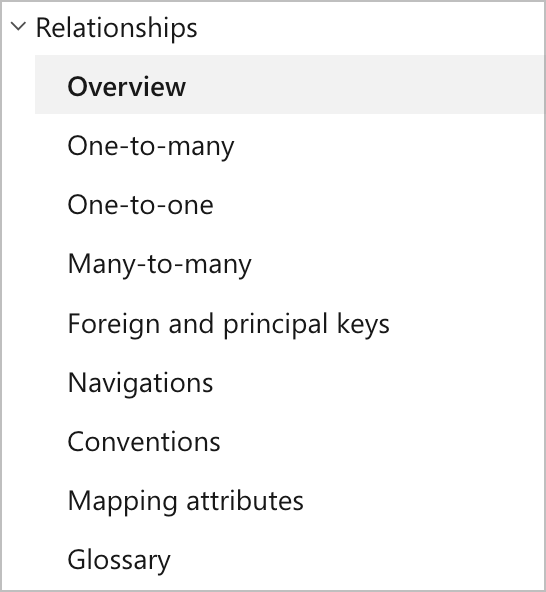
For the relationship, please refer to the EF Core document.
https://learn.microsoft.com/en-us/ef/core/modeling/relationships
hi
What are errors now?
Please share the full stack error.
You need to CompleteAsync the uow.
using (var uow = UnitOfWorkManager.Begin(requiresNew: true, isTransactional: false))
{
    for (int indexClass = 1; indexClass <= 10; indexClass++)
    {
        var data = await _ClassesRepository.InsertAsync(new Classes(GuidGenerator.Create())
        {
            Name = indexClass.ToString(),
            No = indexClass
        }, true);
        await CreateStudentAsync(data);
    }

    await uow.CompleteAsync();
}
hi
System.InvalidOperationException: IDX20803: Unable to obtain configuration from: '[PII of type 'System.String' is hidden. For more details, see https://aka.ms/IdentityModel/PII.]'. at Microsoft.IdentityModel.Protocols.ConfigurationManager`1.GetConfigurationAsync(CancellationToken cancel)
Set the ShowPII to true on your https://192.168.23.81:44367/ website.
You can add this line to Program.cs
IdentityModelEventSource.ShowPII = true;
Please share the logs of the Auth Server as well.
Thanks
hi
Can you also try to use the latest Microsoft.IdentityModel packages in your API website?
<PackageReference Include="Microsoft.IdentityModel.Protocols.OpenIdConnect" Version="7.5.1" />
<PackageReference Include="Microsoft.IdentityModel.Tokens" Version="7.5.1" />
<PackageReference Include="Microsoft.IdentityModel.JsonWebTokens" Version="7.5.1" />
hi
How can I reproduce this 404 in a new template project?
Can you share the code and steps.
Thanks.
hi
I have no experience with MAUI/Android
hi
You can create a new class and copy the code from DynamicFileProvider.cs and CachedBundleDynamicFileProvider.cs
[Dependency(ReplaceServices = true)]
[ExposeServices(typeof(IDynamicFileProvider))]
public class YourDynamicFileProvider : DictionaryBasedFileProvider, IDynamicFileProvider, ISingletonDependency









