ok, Can you share your project?
You can remove the business/secret code.
hi
Undefined background job for the job name: MyProject.Extensions.MyBackgroundEmailSendingJobArgs
Add your MyBackgroundEmailSendingJob class too.
public class MyBackgroundEmailSendingJob : AsyncBackgroundJob<MyBackgroundEmailSendingJobArgs>, ITransientDependency
{
    protected IEmailSender EmailSender { get; }

    public BackgroundEmailSendingJob(IEmailSender emailSender)
    {
        EmailSender = emailSender;
    }

    public async override Task ExecuteAsync(MyBackgroundEmailSendingJobArgs args)
    {
        // you can get correct tenant id here.

        if (args.From.IsNullOrWhiteSpace())
        {
            await EmailSender.SendAsync(args.To, args.Subject, args.Body, args.IsBodyHtml, args.AdditionalEmailSendingArgs);
        }
        else
        {
            await EmailSender.SendAsync(args.From!, args.To, args.Subject, args.Body, args.IsBodyHtml, args.AdditionalEmailSendingArgs);
        }
    }
}
hi
Please try to clear the redis.
I just migrated the database and ran the projects.
hi
Can you provide a simple project to reproduce this error?
Thanks
liming.ma@volosoft.com
hi
How can I reproduce this?
Can you share the steps?
Thanks
https://docs.abp.io/en/commercial/8.1/migration-guides/v8_1#added-normalizedname-property-to-tenant
hi
Your project works on my locally.
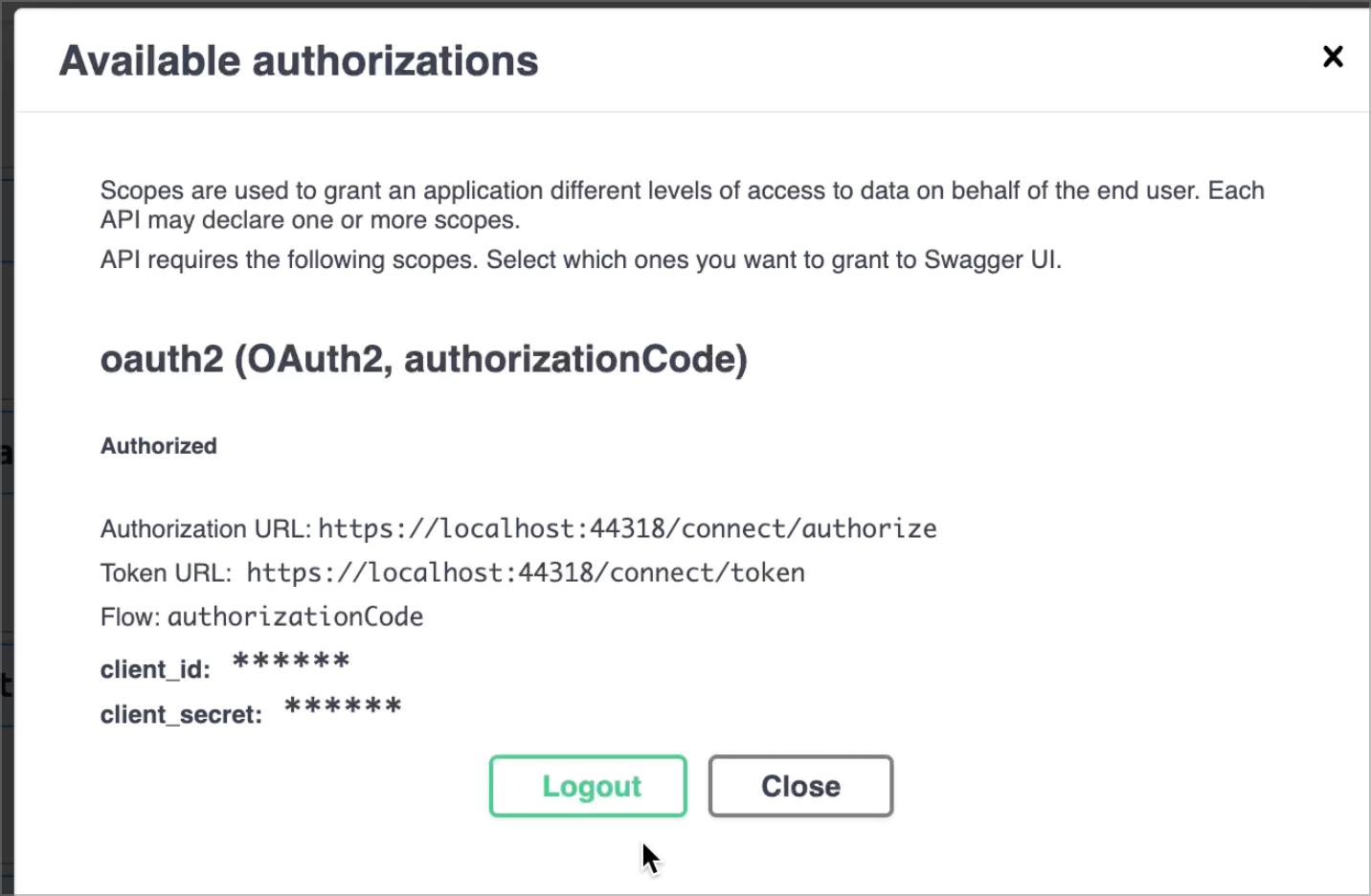
The video: https://we.tl/t-YelemJUEJV
hi
You can run your app and get the full js code: https://localhost:port/Pages/Account/Components/ProfileManagementGroup/ProfilePicture/Default.js
Then create a folder and Default.js with structure Pages/Account/Components/ProfileManagementGroup/ProfilePicture/Default.js
ok, I will give it a try. Thanks.
How can I get the The authentication request was rejected because invalid scopes were specified: ["Files"]. via your sample project?
Thanks. I will download and test it.
btw, can you share some steps about your project?









