Thanks HDaoud
Problem solved, We have to trust the localhost certificate.
Sloved via remotely.
The problem is about the format of connecting strings.
https://us05web.zoom.us/j/81998705800?pwd=CD9X9OtbIiA3xtLpA4yKbPC5VnOabQ.1
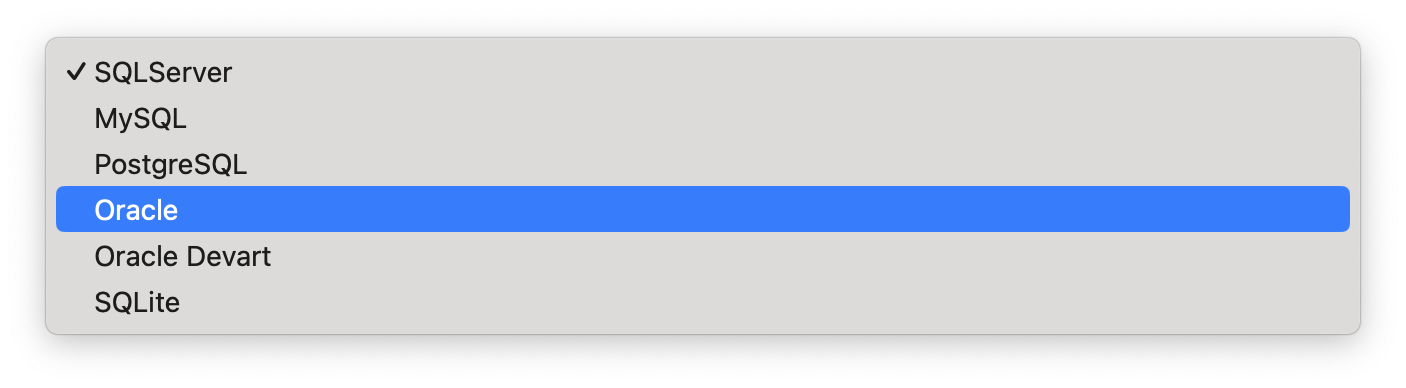
I guess you had selected the Oracle as db.
The format is User Id=<USER ID>;Password=<PASSWORD>;Data Source=<DATA SOURCE>;
https://github.com/oracle/dotnet-db-samples/blob/master/samples/ef-core/get-started/create-model-save-query-scaffold-efc6.cs#L17 https://github.com/oracle/dotnet-db-samples/blob/master/samples/ef-core/dependency-injection/appsettings.json#L3
Can I check it remotely?
https://us05web.zoom.us/j/87621986964?pwd=v9hRNWdaGIIqJrbNpM0IdC6lz1qPmb.1
hi
I think the problem is about the format of connecting strings.
Are you using the Devart.Data.Oracle.EFCore or Oracle.EntityFrameworkCore
hi
Can you share the my sample app?
hi
Can you share your connecting string or the appsettings.json file?
How can I reproduce it on my local comptuer?
liming.ma@volosoft.com
hi
No such host is known.
This is like a problem of connecting strings.
The target machine actively refused it.'
Can you check the target machine logs?
You can also test your connection string in the plain EF Core app.
I can test the connecting string in my docker environment. Can you share more info? liming.ma@volosoft.com
https://github.com/abpframework/abp/pull/17872









