hi
https://support.abp.io/QA/Questions/2787/Lookup-user--Create-user-from-microservice
hi
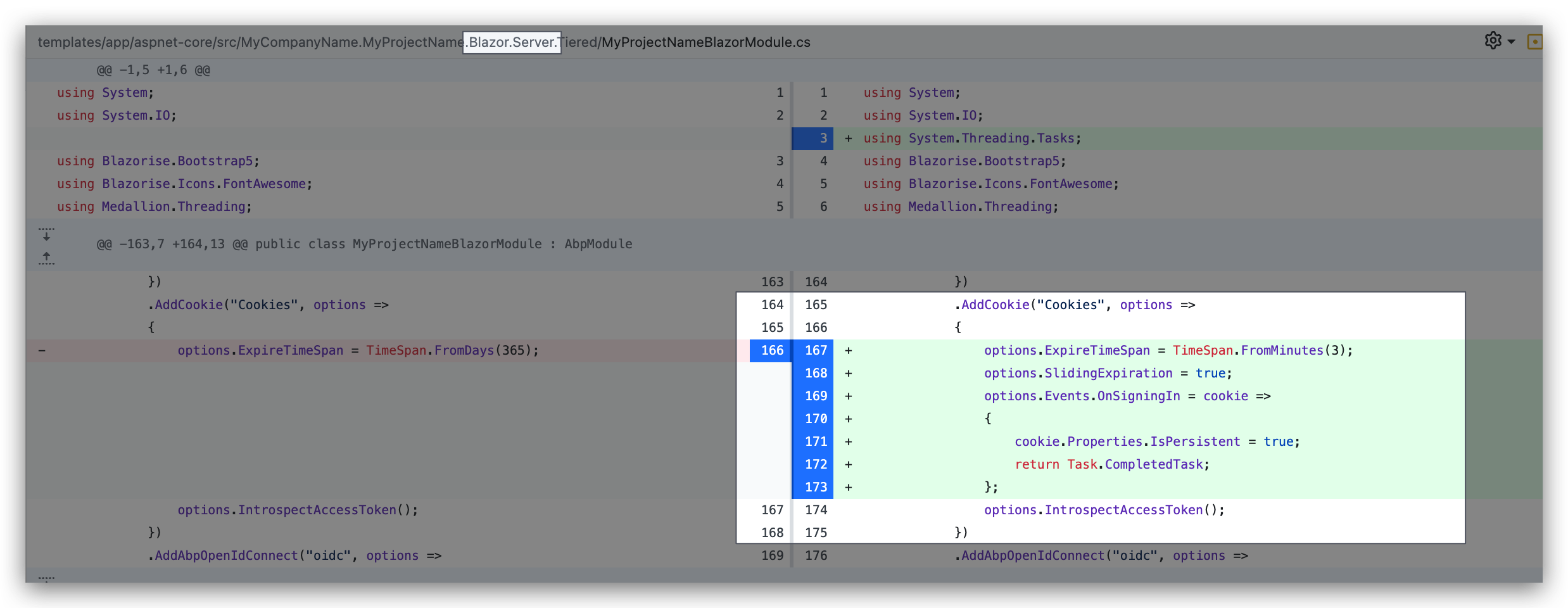
Add the below code to your blazor server:
.AddCookie("Cookies", options =>
{
    options.ExpireTimeSpan = TimeSpan.FromMinutes(3);
    options.SlidingExpiration = true;
    options.Events.OnSigningIn = cookie =>
    {
        cookie.Properties.IsPersistent = true;
        return Task.CompletedTask;
    };
})
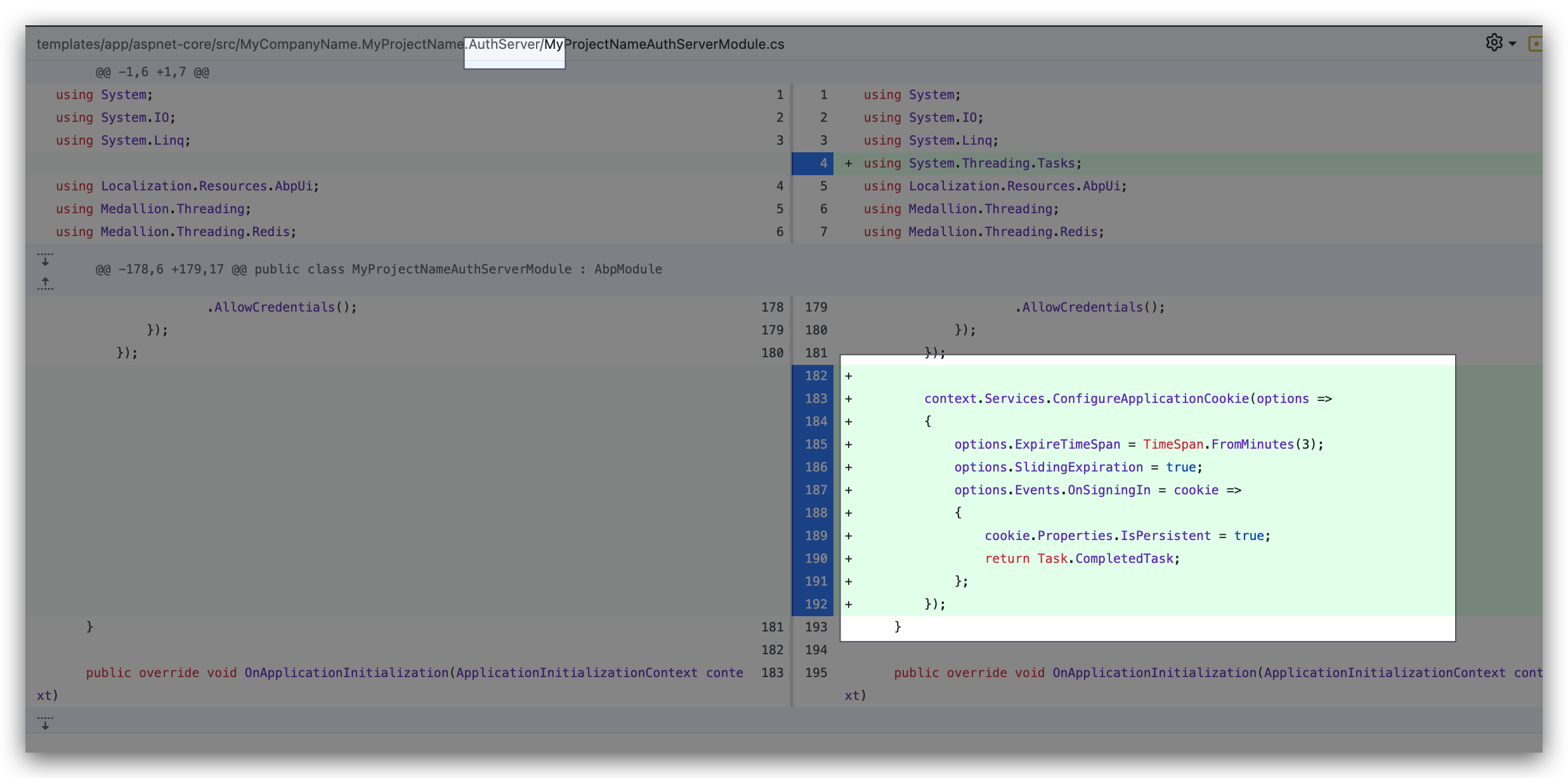
Add the below code to your auth server:
context.Services.ConfigureApplicationCookie(options =>
{
    options.ExpireTimeSpan = TimeSpan.FromMinutes(3);
    options.SlidingExpiration = true;
    options.Events.OnSigningIn = cookie =>
    {
        cookie.Properties.IsPersistent = true;
        return Task.CompletedTask;
    };
});
Thanks. I will run the app to test.
hi
I will set ExpireTimeSpan and test my locally. Thanks.
hi
When I try to upload with web host request, I got some error. Then, I added web host to cors-origin to authserver appsettings file. But I got a an other error from upload request. It returned successful array but id is broken. How can I request from web host?
What's the error?
but id is broken.
Can you explain it in detail?
hi
It is not recommended that you create a relationship, because different microservices may use different database(SQL server, mysql). You can record the user id and query the user info when needed
hi
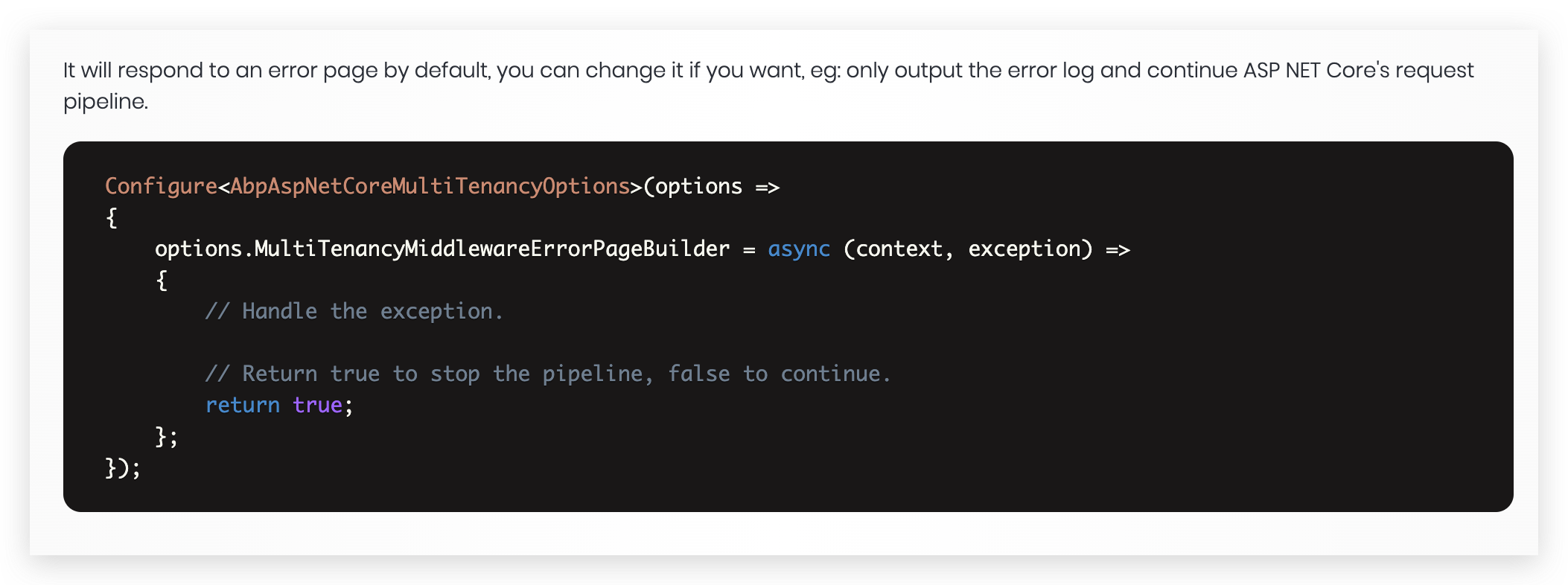
You can redirect page in custom MultiTenancyMiddlewareErrorPageBuilder.
The MultiTenancyMiddlewareErrorPageBuilder is used to handle inactive and non-existent tenants.
It will respond to an error page by default, you can change it if you want, eg: only output the error log and continue ASP NET Core's request pipeline.
https://docs.abp.io/en/abp/latest/Multi-Tenancy