hi
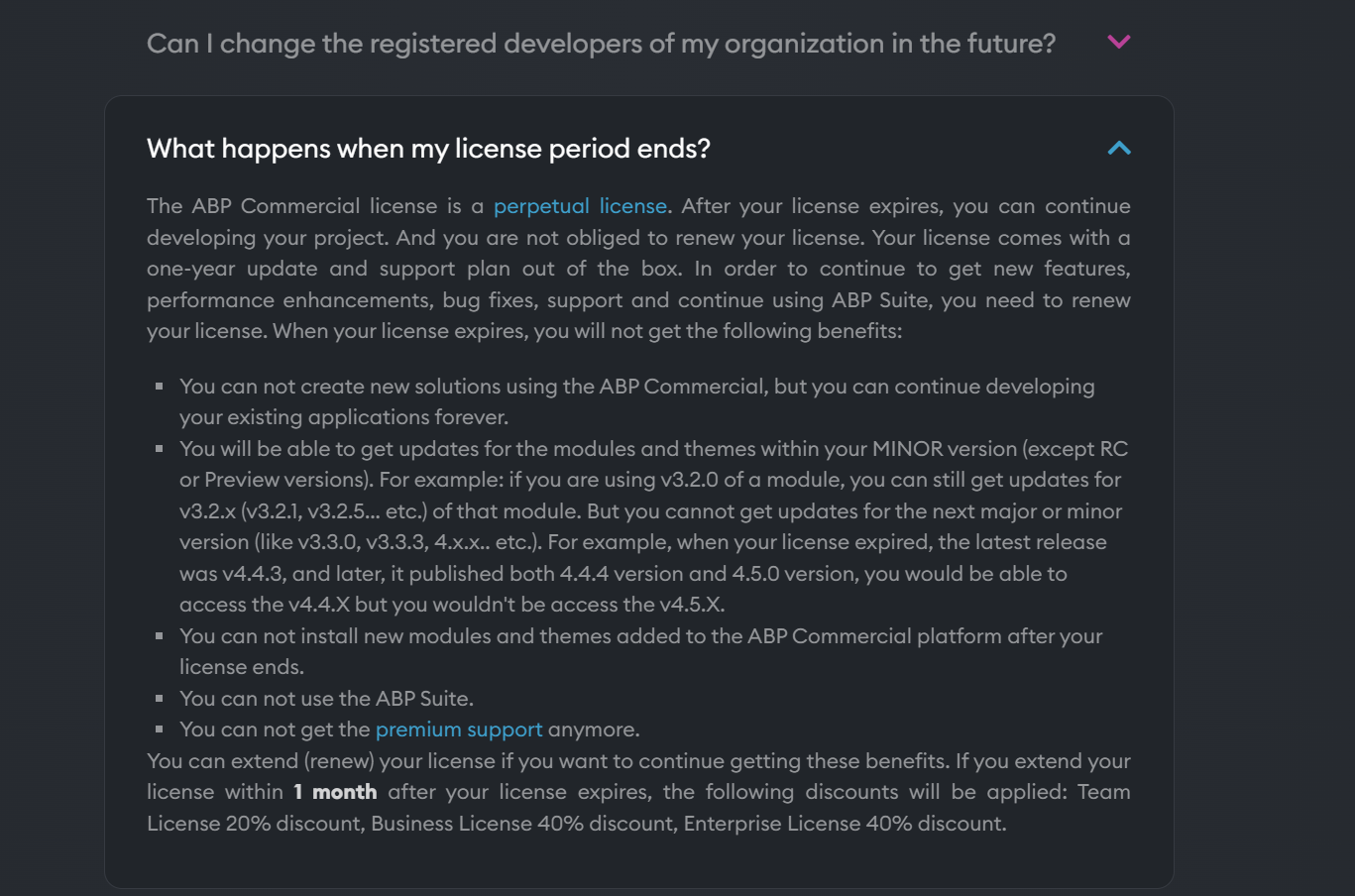
https://commercial.abp.io/faq#what-happens-when-license-ends
If possible, you can recreate a new microservice project or try another computer to troubleshoot the environment.
  redis:
    ports:
      - "6379:6379"

  sql-server-db:
    ports:
      - "1434:1433"
    environment:
      SA_PASSWORD: "myPassw0rd"
hi
ZOOM doesn't work well for remote checking. Can you try connecting to the databases in docker using the database and Redis client?
The Volo.Abp.Account.Pro.Public.Web project is a class library and can't be a startup project
Can you try to use the dotnet restore and dotnet build to restore and build?
hi
Exception message and stack trace:
Steps to reproduce the issue:
It seems the up.ps1 is not working.
Try to run these command.
> cd etc\docker
> docker network create your-project-name-network
> docker-compose -f docker-compose.infrastructure.yml -f docker-compose.infrastructure.override.yml up -d > logs.txt
hi
Some support ticket from devexpress
https://supportcenter.devexpress.com/ticket/details/t948537/devextreme-fileuploader-how-to-append-the-antiforgery-token-to-upload-requests
https://supportcenter.devexpress.com/ticket/details/t694385/fileuploader-antiforgerytoken-issue-in-asp-net-core-2-1
Did you install the Docker Windows?
Run the docker ps after the up.ps1

hi
The etc/docker folder under the main solution contains a
up.ps1file. Execute it to run the necessary infrastructure services:
What's the output of the up.ps1 command?
Can you check the docker? docker ps









