






Check the docs before asking a question: https://abp.io/docs/latest Check the samples to see the basic tasks: https://abp.io/docs/latest/samples The exact solution to your question may have been answered before, and please first use the search on the homepage.
Provide us with the following info:
🧐 Hint: If you are using the ABP Studio, you can see all the information about your solution from the configuration window, which opens when you right-click on the solution and click on the Solution Configuration button.
Template: app-nolayers
Created ABP Studio Version: 0.9.26
Current ABP Studio Version: 0.9.26
Multi-Tenancy: No
UI Framework: mvc
Theme: leptonx
Theme Style: system
Theme Menu Placement: side
Run Install Libs: Yes
Database Provider: ef
Database Management System: postgresql
Create Initial Migration: Yes
Run Db Migrator: Yes
Social Login: No
Use Local References: No
Optional Modules:
- GDPR
- TextTemplateManagement
- LanguageManagement
- AuditLogging
- OpenIddictAdmin
Create Command: abp new LaunchX.AuthServer -t app-nolayers --ui-framework mvc --mobile --database-provider ef --database-management-system postgresql --theme leptonx --no-tests --without-cms-kit --dont-run-bundling --no-multi-tenancy --no-social-logins -no-saas -no-file-management
Exception message and full stack trace:
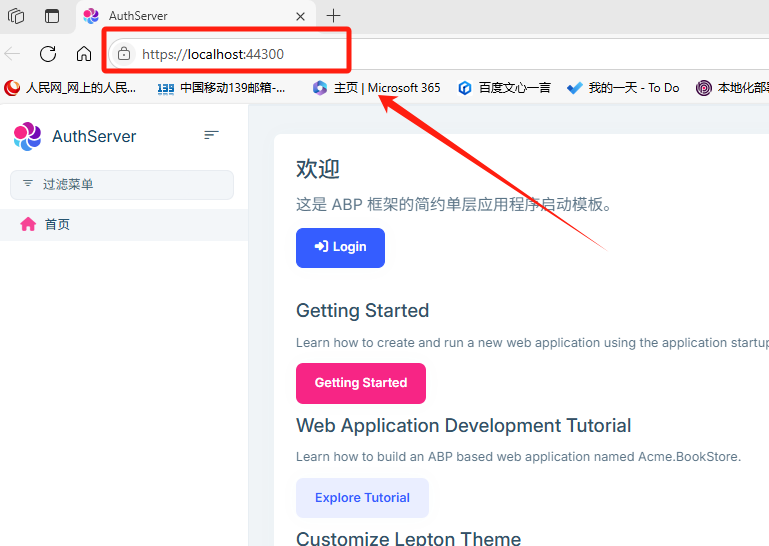
Before modifying the port, the authorization service runs normally:
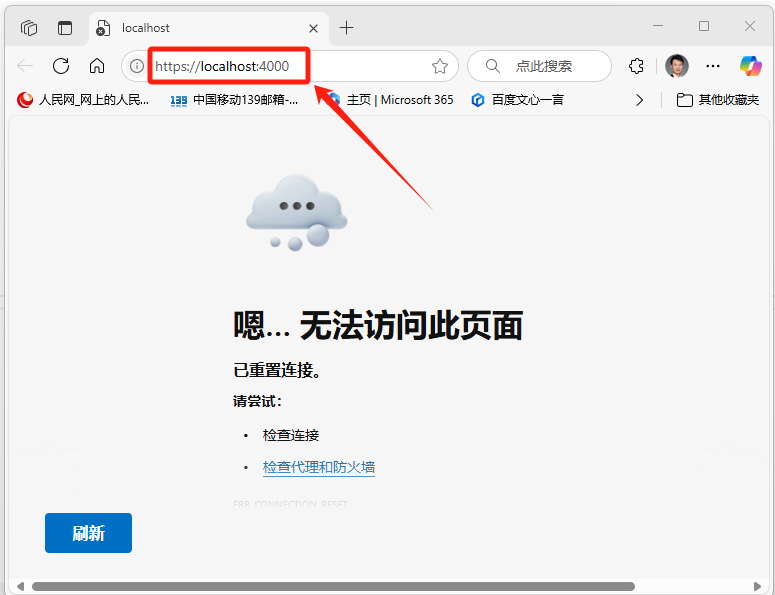
after I changed the port from 44300 to 4000, it not work!
- Steps to reproduce the issue:
appsettings.json configuration:
{
  "App": {
    "SelfUrl": "https://localhost:4000",
    "CorsOrigins": "http://localhost:4200,https://localhost:44334,https://localhost:44303",
    "HealthCheckUrl": "/health-status"
  },
  "ConnectionStrings": {
    "Default": "Host=localhost;Port=5432;Database=A_AuthServer;User ID=post;Password=pos;"
  },
  "AuthServer": {
    "Authority": "https://localhost:4000",
    "CertificatePassPhrase": "505ce01d-d074-4e0d-8cf0-1cffd6d5187b"
  },
  "Settings": {
    "Abp.Identity.Password.RequireNonAlphanumeric": "false",
    "Abp.Identity.Password.RequireLowercase": "false",
    "Abp.Identity.Password.RequireUppercase": "false",
    "Abp.Identity.Password.RequireDigit": "false"
  },
  "StringEncryption": {
    "DefaultPassPhrase": "8r1vt8i7phv1x3Sc"
  }
}
launchSettings.json configuration:
{
  "iisSettings": {
    "windowsAuthentication": false,
    "anonymousAuthentication": true,
    "iisExpress": {
      "applicationUrl": "https://localhost:4000/",
      "sslPort": 4000
    }
  },
  "profiles": {
    "IIS Express": {
      "commandName": "IISExpress",
      "launchBrowser": true,
      "environmentVariables": {
        "ASPNETCORE_ENVIRONMENT": "Development"
      }
    },
    "LaunchX.AuthServer": {
      "commandName": "Project",
      "launchBrowser": true,
      "environmentVariables": {
        "ASPNETCORE_ENVIRONMENT": "Development"
      },
      "applicationUrl": "https://localhost:4000/"
    }
  }
}
I checked the usage status of the port and found that port 4000 is not occupied.

Is there any other configuration missing?
5 Answer(s)
-
0
是的,在解决端口问题的时候我也是尝试了很多端口,其中40000也尝试过,问题依旧。
按照你指导的方式运行dotnet run命令可以看到有在4000端口上开启了监听:
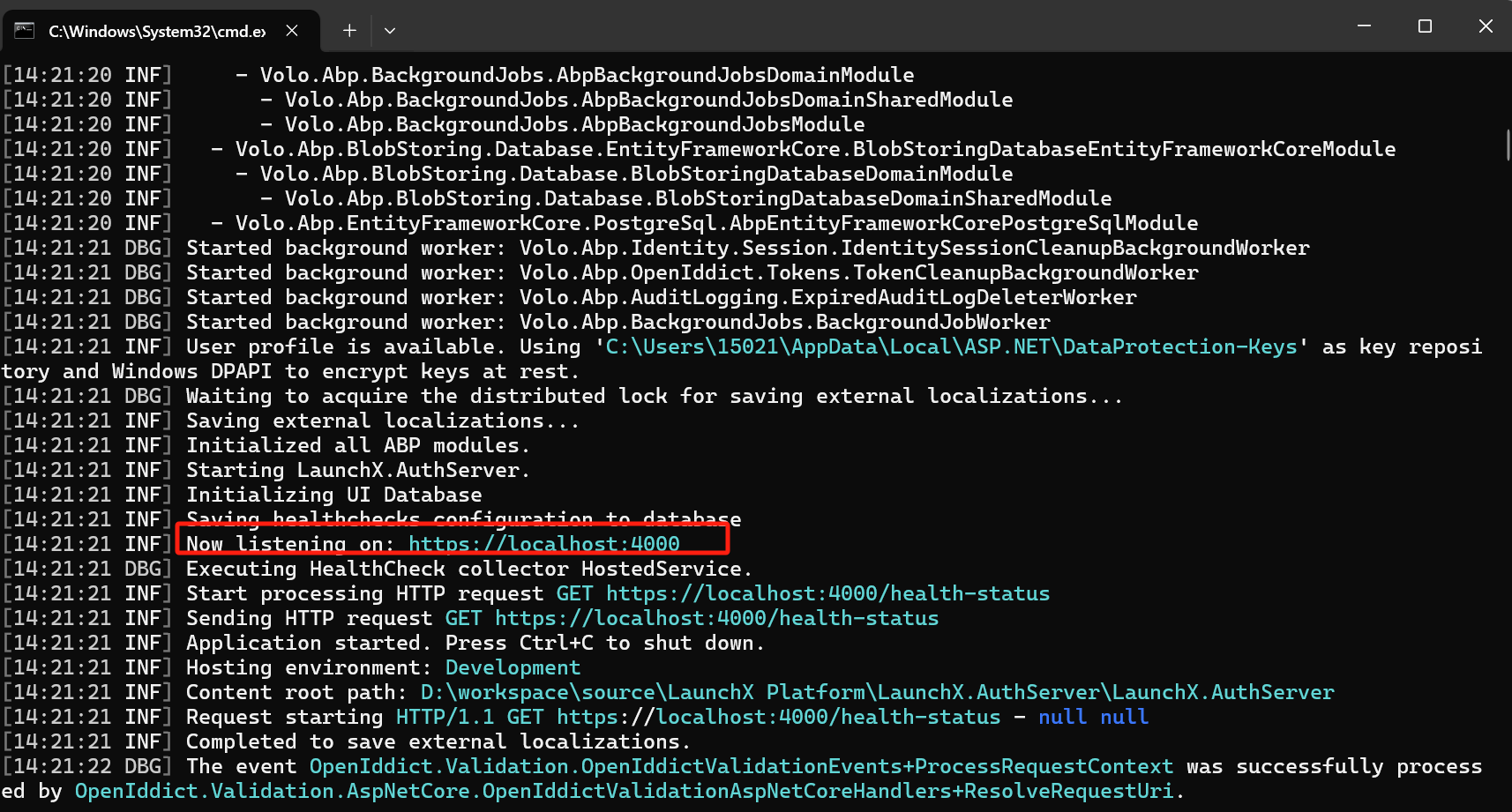
浏览器访问https://localhost:4000 地址也是可以正常访问。
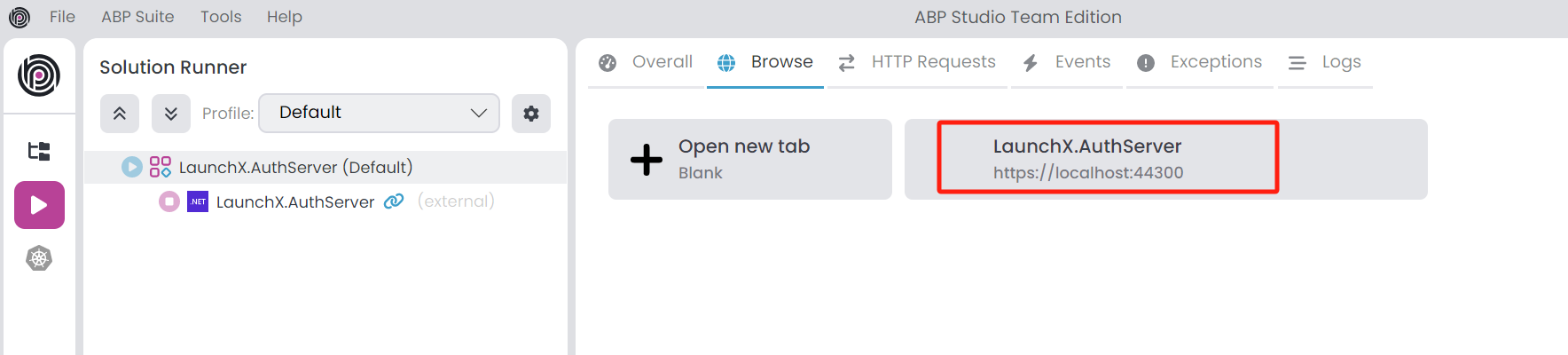
唯一看到的一个异常是Abp Studio显示的端口还是原先的端口:
似乎我手动调整端口配置文件之后,另外两种方式(VS -- 最常用的方式 / Abp Studio)都出现了异常 1)VS中的调试输出没有内容,切换到ASP.NET Core的输出是:

- 通过Abp Studio启动运行,无法运行起来,一直处于启动中状态
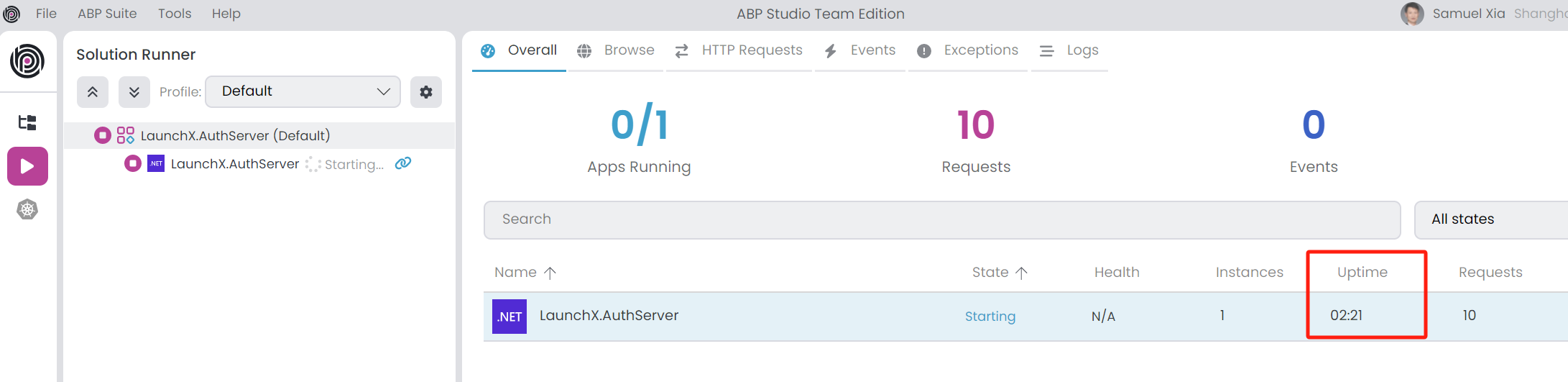
Markdown supported.Copy, paste, or drag & drop images and files (max 100 MB per file, 100 MB total per post) - 通过Abp Studio启动运行,无法运行起来,一直处于启动中状态
-
0
感谢回复,etc处把端口调整过来之后abp studio中的端口显示就恢复正常了。
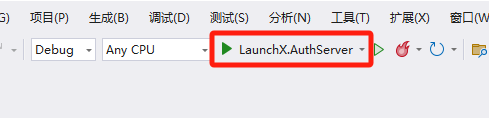
VS通过IIS Express运行的方式暂时还不行,调整为对应项目就可以了,可能IIS Express的限制
你创建的troubleshoot problems文章很不错,最近碰到通过模块化开发创建的模块在导入安装之后碰到了一些问题,之前碰到貌似没有解决,是否可以帮忙参谋一下,这个是Ticket链接(ID:9317): https://abp.io/support/questions/9317/Modular-development-with-Abp-Suite-encountered-an-exception--The-entity-type-%27ExtraPropertyDictionary%27-requires-a-primary-key-to-be-defined
Markdown supported.Copy, paste, or drag & drop images and files (max 100 MB per file, 100 MB total per post)


