Open Closed

Custom localization not being overridden #9434


User avatar
0
JimmyLiew created

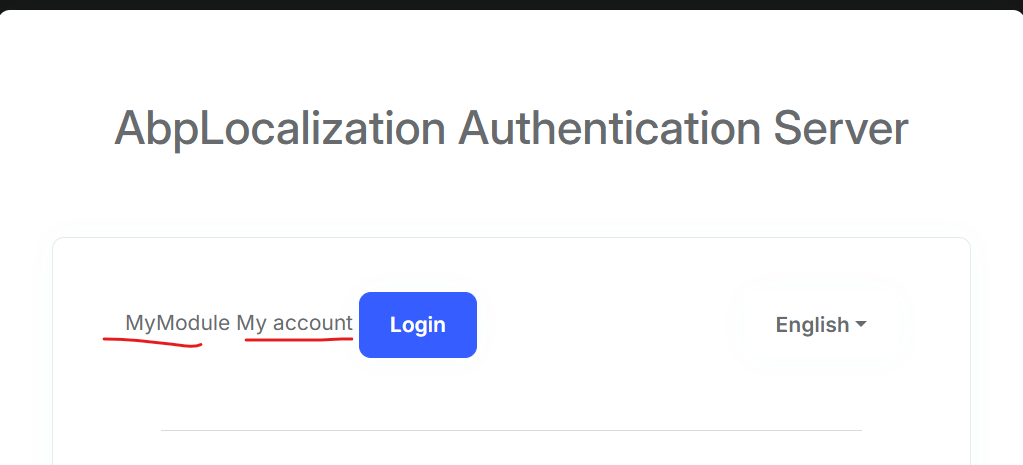
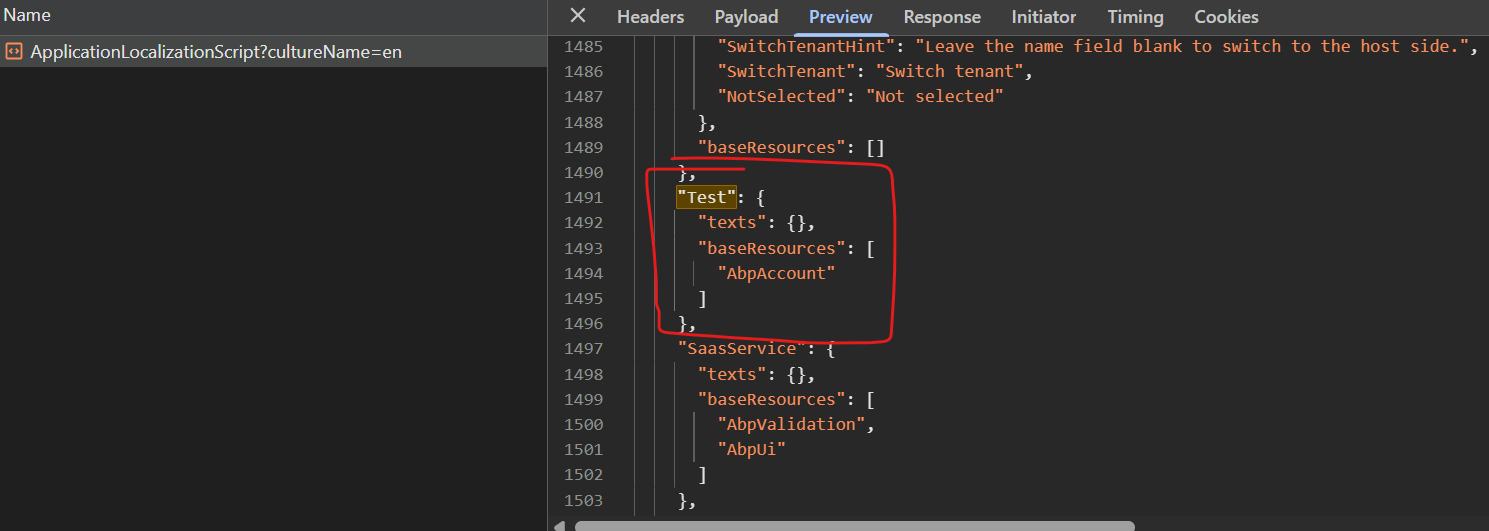
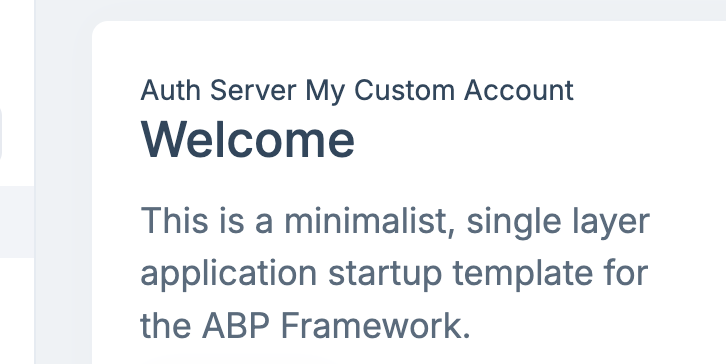
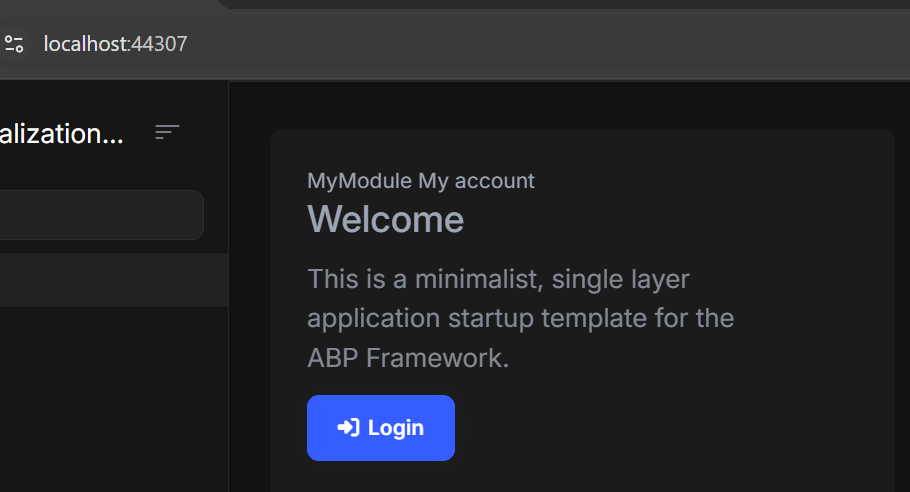
I have created microservice template for my application. I am currently implementing custom localization and also working on overriding the MyAccount localization provided by the Account module in my AuthServer MVC project, following the official documentation. However, the localization texts no being reflected.

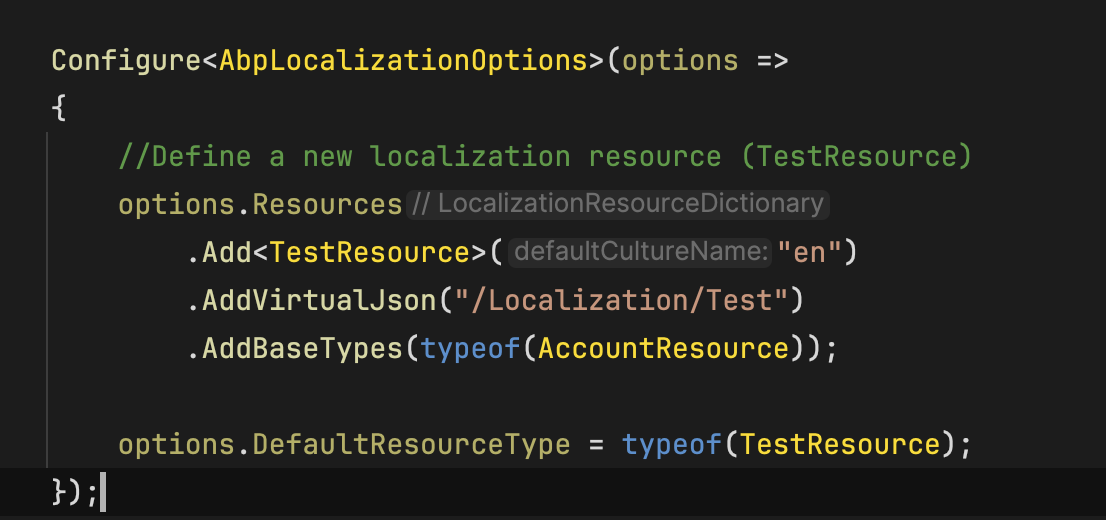
Below is my implementation of custom/override the localization:

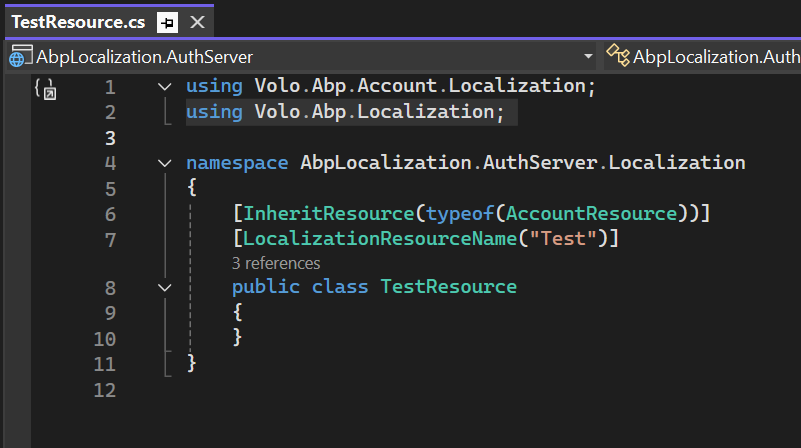
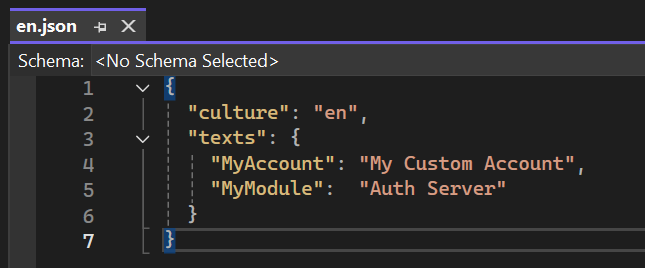
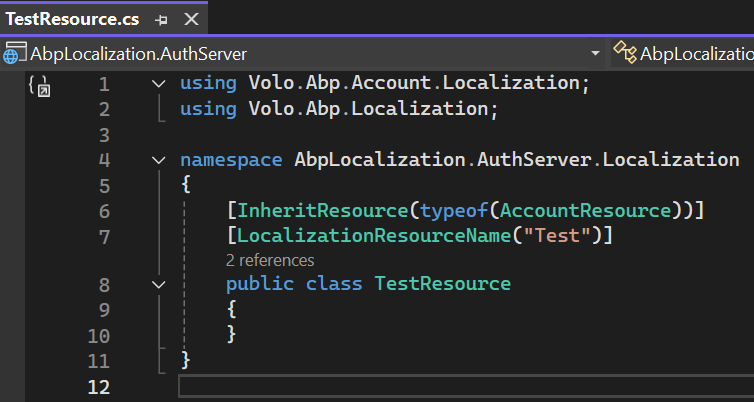
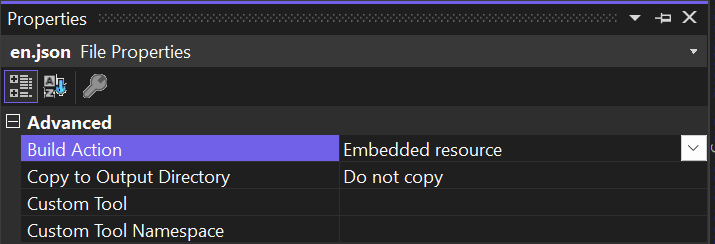
1. Created a new localization json file and resource.
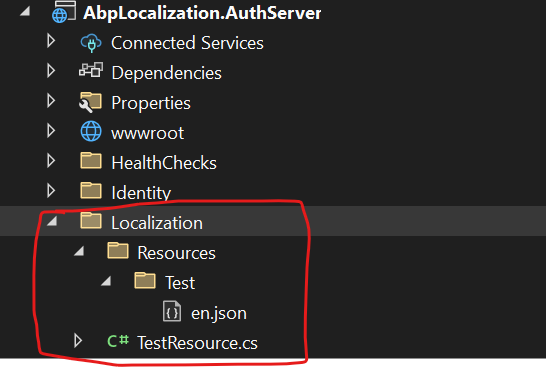
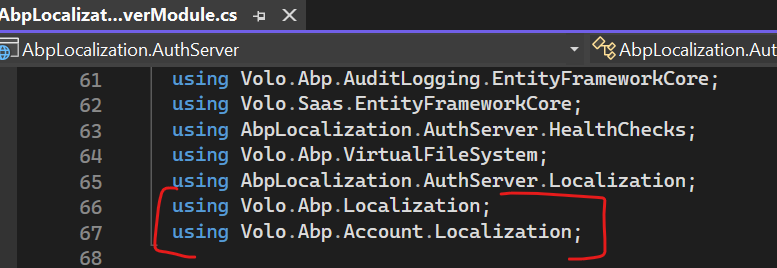
2. Added AbpLocalizationOptions and added AbpLocalizationModule as [DependsOn] Dependency

using Volo.Abp.Localization; using Volo.Abp.Account.Localization;
3. Injected IHtmlLocalizer<TestResource> in index.cshtml
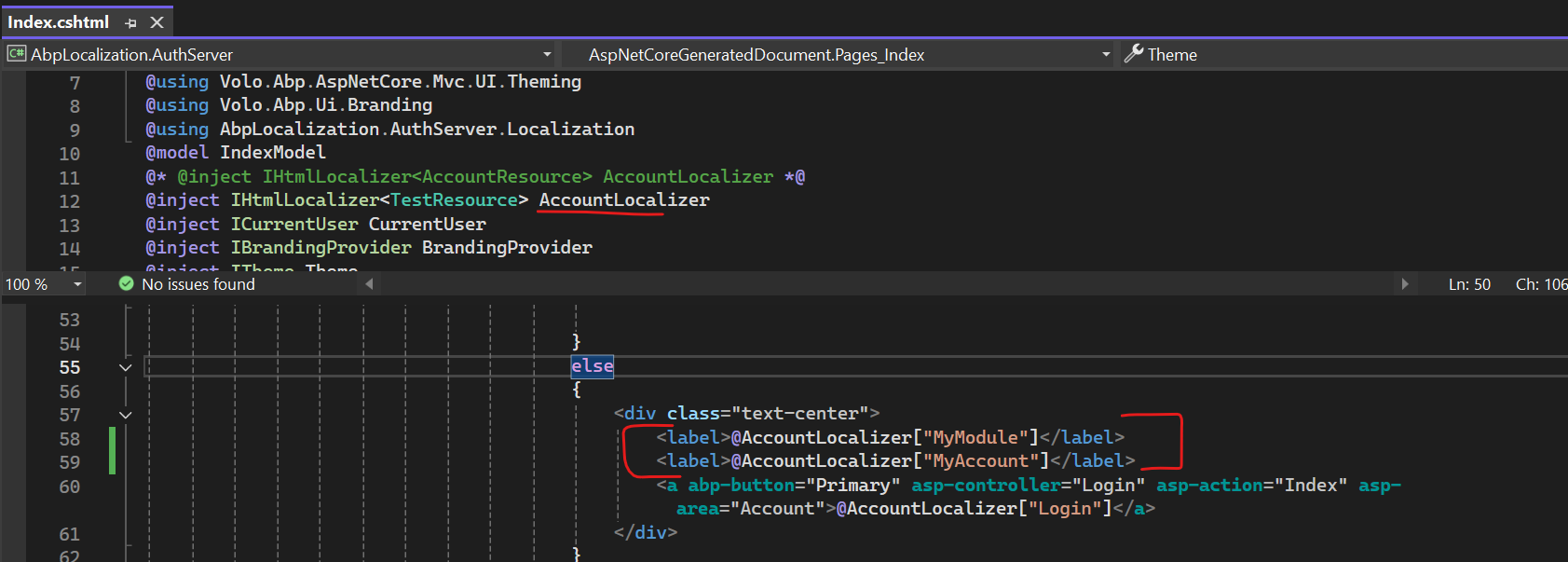
Could you please advise or review whether my implementation is correct?

Remarks: I also tried clearing the Redis cache using the Redis CLI command docker exec -it redis redis-cli flushall, but unfortunately, it didn’t resolve the localization issue.

Thanks.

Markdown supported.
Copy, paste, or drag & drop images and files (max 100 MB per file, 100 MB total per post)

8 Answer(s)
  • User Avatar
    0
    maliming created
    Support Team Fullstack Developer

    hi

    Can you test your code in a new app template project?

    then you can share the app project code.

    liming.ma@volosoft.com

    Thanks.

    Markdown supported.
    Copy, paste, or drag & drop images and files (max 100 MB per file, 100 MB total per post)
  • User Avatar
    0
    JimmyLiew created

    Hi,

    Sent via wetransfer.

    Thanks.

    Markdown supported.
    Copy, paste, or drag & drop images and files (max 100 MB per file, 100 MB total per post)
  • User Avatar
    0
    maliming created
    Support Team Fullstack Developer

    hi

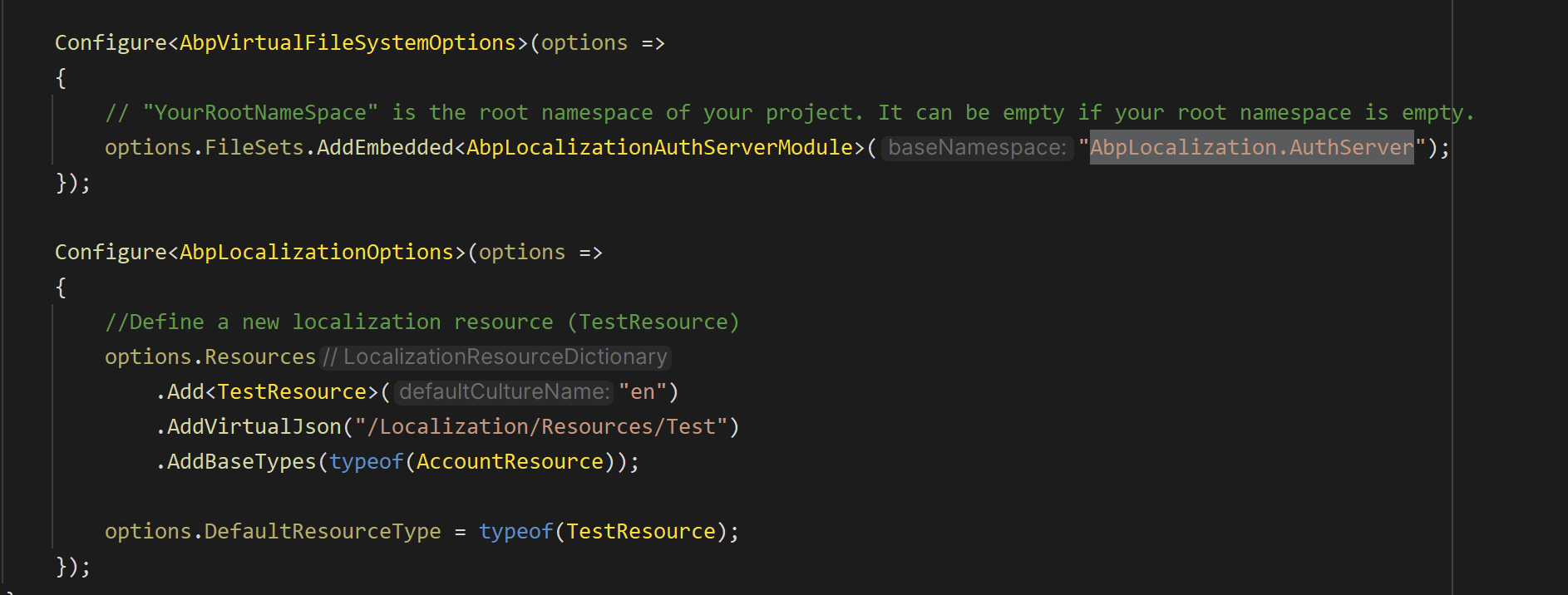
    Configure<AbpVirtualFileSystemOptions>(options =>
    {
        // "YourRootNameSpace" is the root namespace of your project. It can be empty if your root namespace is empty.
        options.FileSets.AddEmbedded<AbpLocalizationSingleLayerModule>();
    });
    
    Configure<AbpLocalizationOptions>(options =>
    {
        //Define a new localization resource (TestResource)
        options.Resources
            .Add<TestResource>("en")
            .AddVirtualJson("/Localization/Test")
            .AddBaseTypes(typeof(AccountResource));
    
        options.DefaultResourceType = typeof(TestResource);
    });
    

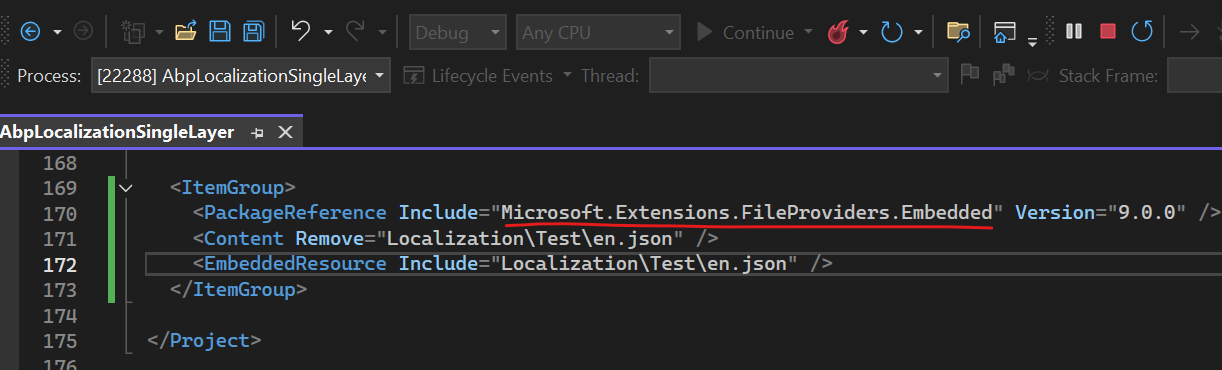
    <PackageReference Include="Microsoft.Extensions.FileProviders.Embedded" Version="9.0.0" />

    Markdown supported.
    Copy, paste, or drag & drop images and files (max 100 MB per file, 100 MB total per post)
  • User Avatar
    0
    maliming created
    Support Team Fullstack Developer

    See https://abp.io/community/articles/understanding-the-embedded-files-in-abp-framework-nsrp8aa9#gsc.tab=0

    Markdown supported.
    Copy, paste, or drag & drop images and files (max 100 MB per file, 100 MB total per post)
  • User Avatar
    0
    JimmyLiew created

    Hi,

    I have added as you mentioned. Unfortunately, still the same.

    Could you share your app project with me so I can compare it with mine?

    Thanks

    Markdown supported.
    Copy, paste, or drag & drop images and files (max 100 MB per file, 100 MB total per post)
  • User Avatar
    0
    maliming created
    Support Team Fullstack Developer

    hi

    AddVirtualJson("/Localization/Test")

    Markdown supported.
    Copy, paste, or drag & drop images and files (max 100 MB per file, 100 MB total per post)
  • User Avatar
    0
    JimmyLiew created

    Hi

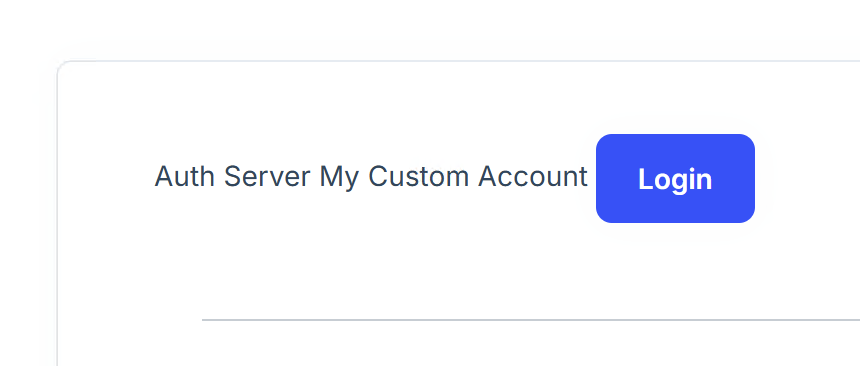
    Tested in app template is working.. but not working in microservice template. I have sent you the project via wetransfer. Could you please advise?

    Thanks.

    Markdown supported.
    Copy, paste, or drag & drop images and files (max 100 MB per file, 100 MB total per post)
  • User Avatar
    0
    maliming created
    Support Team Fullstack Developer

    See https://abp.io/community/articles/understanding-the-embedded-files-in-abp-framework-nsrp8aa9#gsc.tab=0

    Markdown supported.
    Copy, paste, or drag & drop images and files (max 100 MB per file, 100 MB total per post)

Boost Your Development
ABP Live Training
Packages
See Trainings
Mastering ABP Framework Book
The Official Guide
Mastering
ABP Framework
Learn More
Mastering ABP Framework Book
Made with ❤️ on ABP v10.8.0-preview. Updated on September 28, 2026, 11:44
1
ABP Assistant
🔐 You need to be logged in to use the chatbot. Please log in first.