Hi,
could you try this:
Add MyAuthentication.razor to the Blazor project.
@page "/authentication/{action}"
@using Microsoft.AspNetCore.Components.WebAssembly.Authentication
<RemoteAuthenticatorView Action="@Action"  OnLogInSucceeded="OnLogInSucceeded" OnLogOutSucceeded="OnLogOutSucceeded"/>
@inject WebAssemblyCachedApplicationConfigurationClient WebAssemblyCachedApplicationConfigurationClient

@inherits Authentication
@attribute [ExposeServices(typeof(Authentication))]
@attribute [Dependency(ReplaceServices = true)]

@code{
    [Parameter] public string Action { get; set; }

    private async Task OnLogInSucceeded(RemoteAuthenticationState obj)
    {
        await WebAssemblyCachedApplicationConfigurationClient.InitializeAsync();
    }
    private async Task OnLogOutSucceeded(RemoteAuthenticationState obj)
    {
        await WebAssemblyCachedApplicationConfigurationClient.InitializeAsync();
    }
}
could you share your redis configuration codes?
You forget add dbset to the dbcontext
https://abp.io/docs/latest/tutorials/book-store/part-01?UI=Blazor&DB=EF#add-the-book-entity-to-the-dbcontext
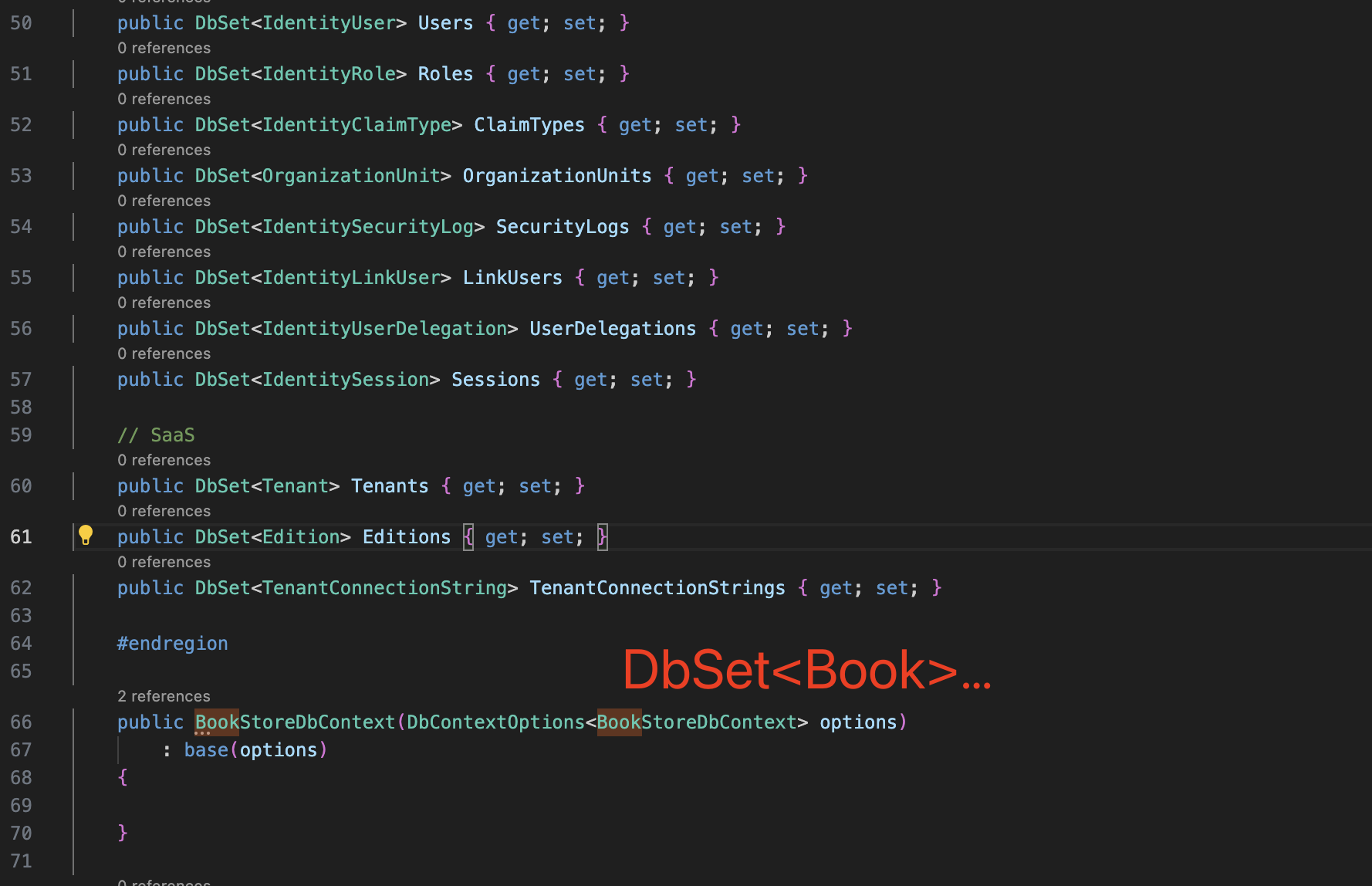
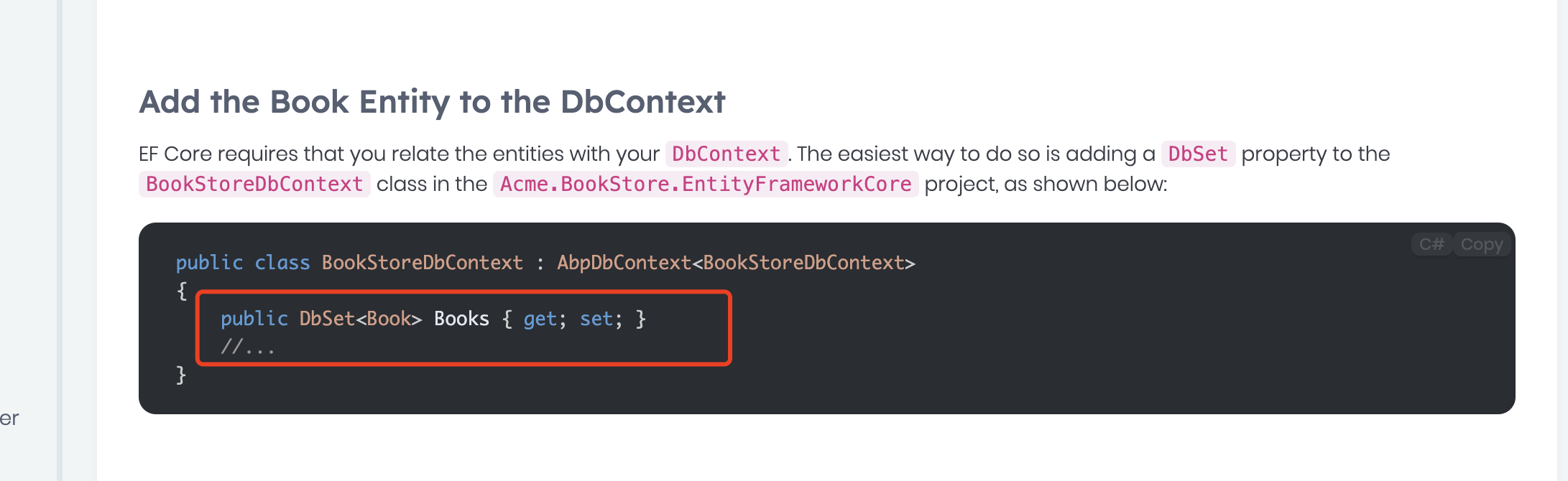
Sorry,
options.TokenValidationParameters.ValidIssuers = new[]
{
   configuration["AuthServer:Authority"] + "/",
   configuration["AuthServer:ValidIssuers"] //the port may different
};
Hi,
could you please share a simple project to reproduce the problem? i will check it, thanks shiwei.liang@volosoft.com
Hi,
It seems you are using a tiered project, are they using the same Redis server(key prefix)?
could you share your redis configuration code?
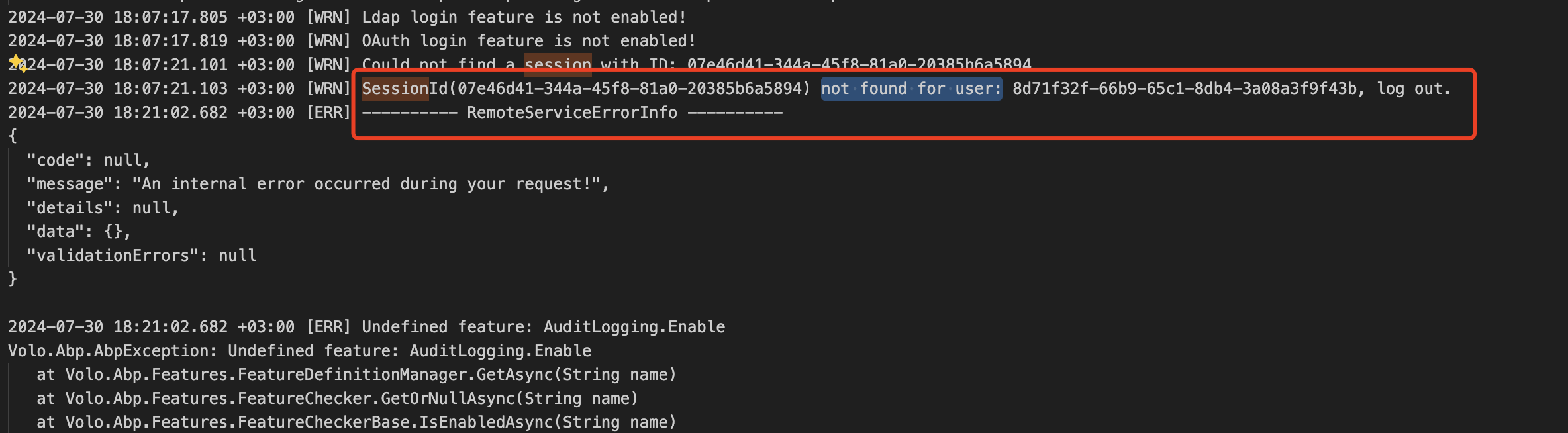
you can try
options.TokenValidationParameters.ValidIssuers = new[]
{
   configuration["AuthServer:Authority"],
   configuration["AuthServer:ValidIssuers"] //the port may different
};
Hi,
Sorry again, i don't have a DevExpress license.
Unable to find package DevExpress.AspNetCore.Reporting with version (>= 24.1.3) [/Users/liangshiweis/Downloads/HQSOFT.MainApplication/HQSOFT.MainApplication.sln]
BTW could you try add [DependsOn(typeof(SystemAdministrationBlazorServerModule))] to Blazor module to check if it's work
Unable to find package HQSOFT.eBiz.CoreBackend.Domain. No packages exist with this id in source(s): /usr/local/share/dotnet/library-packs, ABP Nightly, nuget.org [/Users/liangshiweis/Downloads/HQSOFT.MainApplication/HQSOFT.MainApplication.sln]
sorry, i could not reproduce the solution
When user login and logout of the application, and attempt to login as a tenant, user cannot see the "Login with this tenant" element under the action button
Steps to reproduce:
- Log in as an admin user
- Go to "Saas" under Administration
- Select "Tenants" under Saas
- Click on the Action button for Greethem
- Select the "Log in with this tenant" element
- Click on the profile icon on the tenant page
- Click on the Logout (To log out as tenant and admin user)
- Enter the credentials again (as Admin)
- Go to "Saas" under Administration
- Select "Tenants" under Saas
- Click on the Action button for Greethem
- Check if the user can see the "Log in with this tenant" element
Expected: Users should be able to log in as tenants no matter how many times they log in and out of the application
Actual: Users cannot log in as tenants the second time
We have video for reference if we can upload it somewhere.
HI,
yes please upload the video to google drive, we will check it.









