hi
This is the angular code that attaches the culture parameters.
https://github.com/abpframework/abp/blob/dev/npm/ng-packs/packages/oauth/src/lib/strategies/auth-code-flow-strategy.ts#L41 https://github.com/abpframework/abp/blob/dev/npm/ng-packs/packages/oauth/src/lib/tokens/auth-flow-strategy.ts#L7
Thanks
hi
liming.ma@volosoft.com
hi
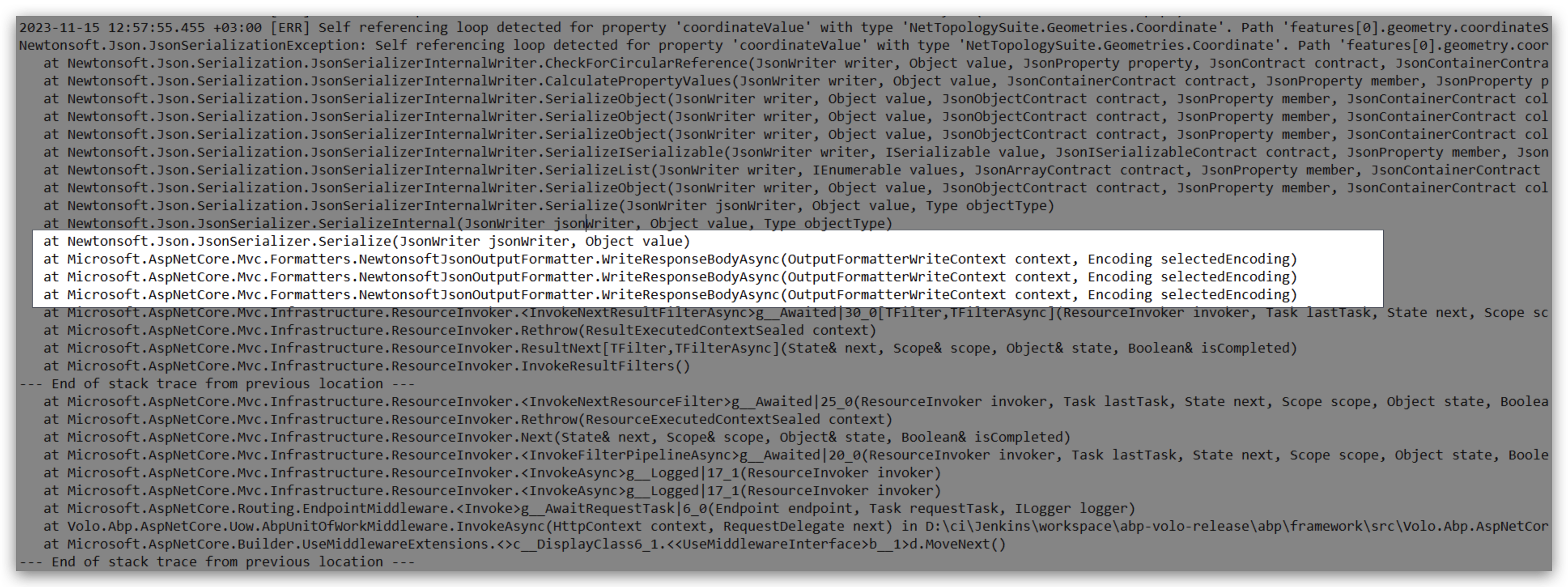
Your application is using NewtonsoftJsonOutputFormatter now.
Its behavior is controlled by MvcNewtonsoftJsonOptions https://learn.microsoft.com/en-us/dotnet/api/microsoft.aspnetcore.mvc.mvcnewtonsoftjsonoptions?view=aspnetcore-7.0
Please check your code. Possibly accidentally used AddNewtonsoftJson.
hi
Can you share a brand-new template includes your code to reproduce this?
Thanks liming.ma@volosoft.com
hi
You can override the login page to hide some elements.
https://support.abp.io/QA/Questions/160/How-to-customize-an-ABP-project
Are you using the separate-auth-server/tiered solution?
hi
ConnectionStrings are the same in all projects.hi
There is no way to do this now.
You can add a simple page to change the settings of current user.
await SettingManager.SetForUserAsync(userId, LeptonThemeSettingNames.Style, "Style1");

Style1,
Style2,
Style3,
Style4,
Style5,
Style6









