






- Template: microservice
- Created ABP Studio Version: 0.9.5
- Current ABP Studio Version: 0.9.21
- UI Framework: angular
- Theme: leptonx
- Theme Style: system
- Database Provider: ef
- Database Management System: sqlserver
- Mobile Framework: maui
- Public Website: Yes
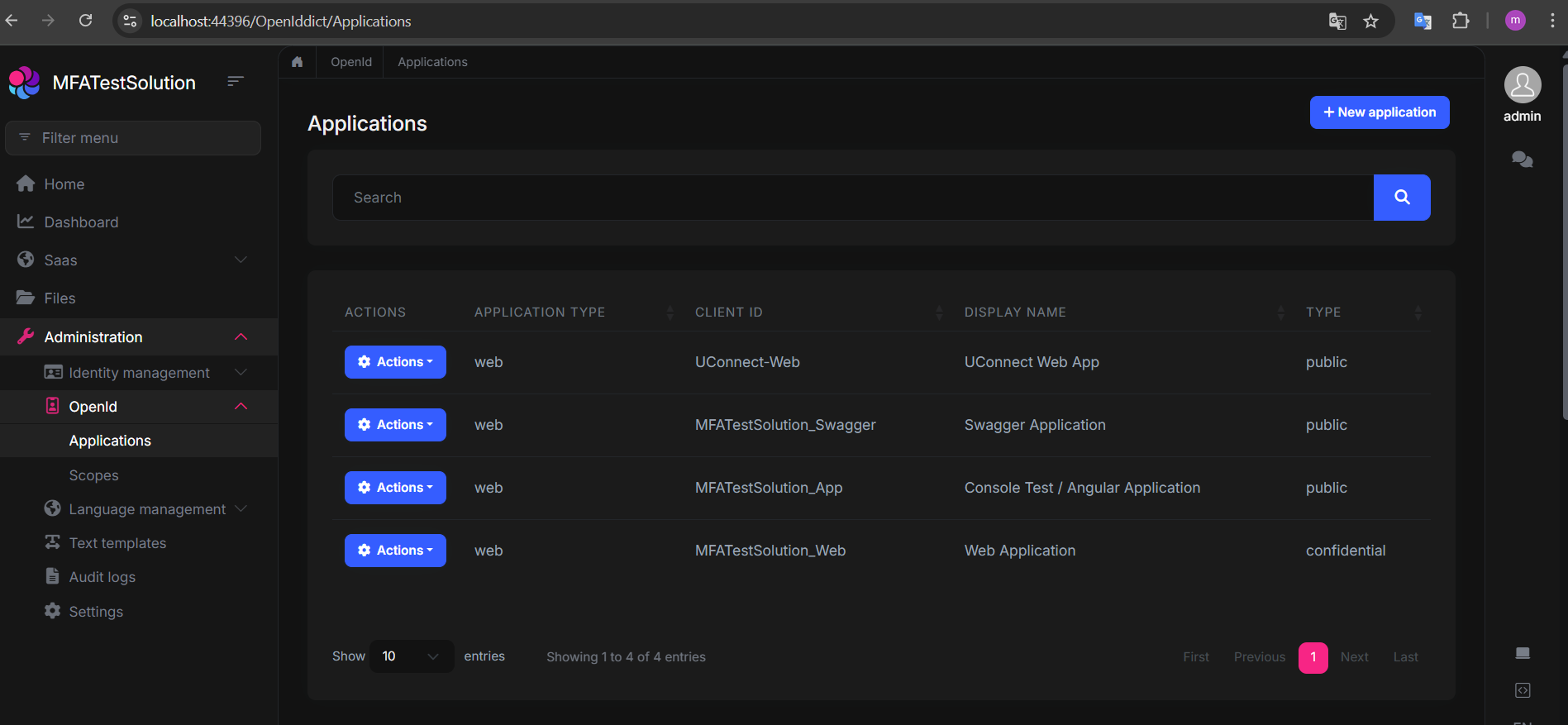
I want to activate Two-Factor Authentication (2FA) and manage its activation or deactivation in the ABP administration console for each ApplicationId - specifically, how to activate or deactivate 2FA per application. How can I accomplish this? Additionally, I'd like to add more 2FA options (we currently have SMS and email, but I want to add Google Authenticator as an option during login). Finally, how can I integrate SMS/email providers like Infobip?
1 Answer(s)
-
0
Hi,
ABP already has a built-in system for managing 2FA through settings, which can be configured globally or per tenant:
// In Account Admin UI
await SettingManager.SetForCurrentTenantAsync(IdentityProSettingNames.TwoFactor.Behaviour, input.TwoFactorBehaviour.ToString());
We already set is per each tenant. So you can manage it through settings.
Google Authenticator is already supported built-in, you do not have to take any action: https://abp.io/docs/latest/modules/identity/two-factor-authentication#verification-providers
Just enable it and start using.
Remember, users should have a verified e-mail or phone number to activate 2FA.
As a second question, to SMS integration ABP has an infrastructure for it and has an implementation with Twilio: https://abp.io/docs/latest/modules/twilio-sms
But if you wish to use Infobip you should implment it on your own:
- Add
Volo.Abp.Smsnuget package to your project:
abp add-package Volo.Abp.Sms- Create
InfobipSmsSenderthat implementsISmsSender
[Dependency(ReplaceServices = true)] [ExposeServices(typeof(ISmsSender))] public class InfobipSmsSender : ISmsSender, ITransientDependency { private readonly IConfiguration _configuration; private readonly HttpClient _httpClient; public InfobipSmsSender(IConfiguration configuration, IHttpClientFactory httpClientFactory) { _configuration = configuration; _httpClient = httpClientFactory.CreateClient("Infobip"); } public async Task SendAsync(SmsMessage smsMessage) { var baseUrl = _configuration["Infobip:BaseUrl"]; var apiKey = _configuration["Infobip:ApiKey"]; var sender = _configuration["Infobip:Sender"]; var requestBody = new { messages = new[] { new { from = sender, destinations = new[] { new { to = smsMessage.PhoneNumber } }, text = smsMessage.Text } } }; var request = new HttpRequestMessage(HttpMethod.Post, $"{baseUrl}/sms/2/text/advanced") { Content = new StringContent(JsonSerializer.Serialize(requestBody), Encoding.UTF8, "application/json") }; request.Headers.Add("Authorization", $"App {apiKey}"); await _httpClient.SendAsync(request); } }- And the appsettings.json:
{
  "Infobip": {
    "BaseUrl": "https://api.infobip.com",
    "ApiKey": "your-api-key",
    "Sender": "YourApp"
  }
}
Account Pro module uses
ISmsSenderinterface to send Security Code and Confirmation Code, so implementing this interface is enough to make it work. - Add


