Can you share your EmploymentEducationRepository class?
Did you add your Employment, EmploymentEducation and Education classes into your dbcontext class? (Like below)
...

public DbSet<Employment> Employments {get; set;}
public DbSet<EmploymentEducation> EmploymentEducations {get; set;}
public DbSet<Education> Educations {get; set;}

...
Hi @paul.harriman, I couldn't reproduce your error. It works as expected for me.
Is the app-pro template with version 4.4.0-rc.1 for commercial user released? I am still cannot download a start template code with the 4.4.0-rc.1
Hi @trendline, yes it's released. Could you specify the version (--version 4.4.0-rc.1) for downloading a startup template if you are using the CLI? (If you use Suite you can check the preview box while creating a project) Because otherwise, it might be using a cached template (with version 4.3.3)
Hi support,
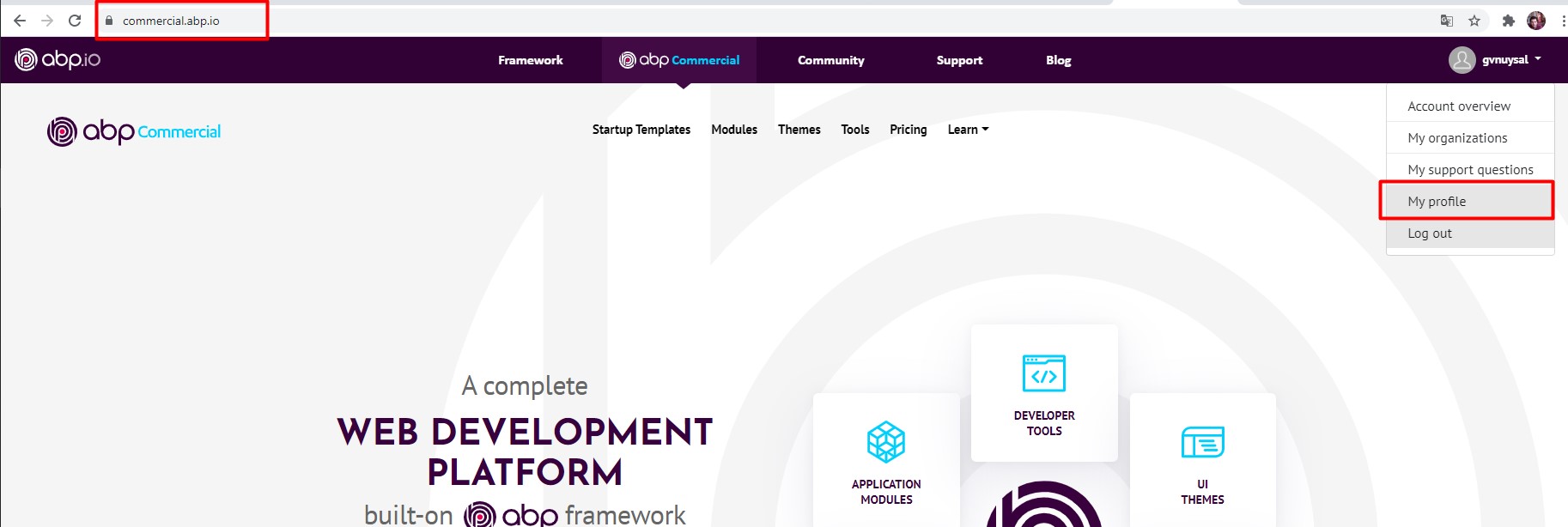
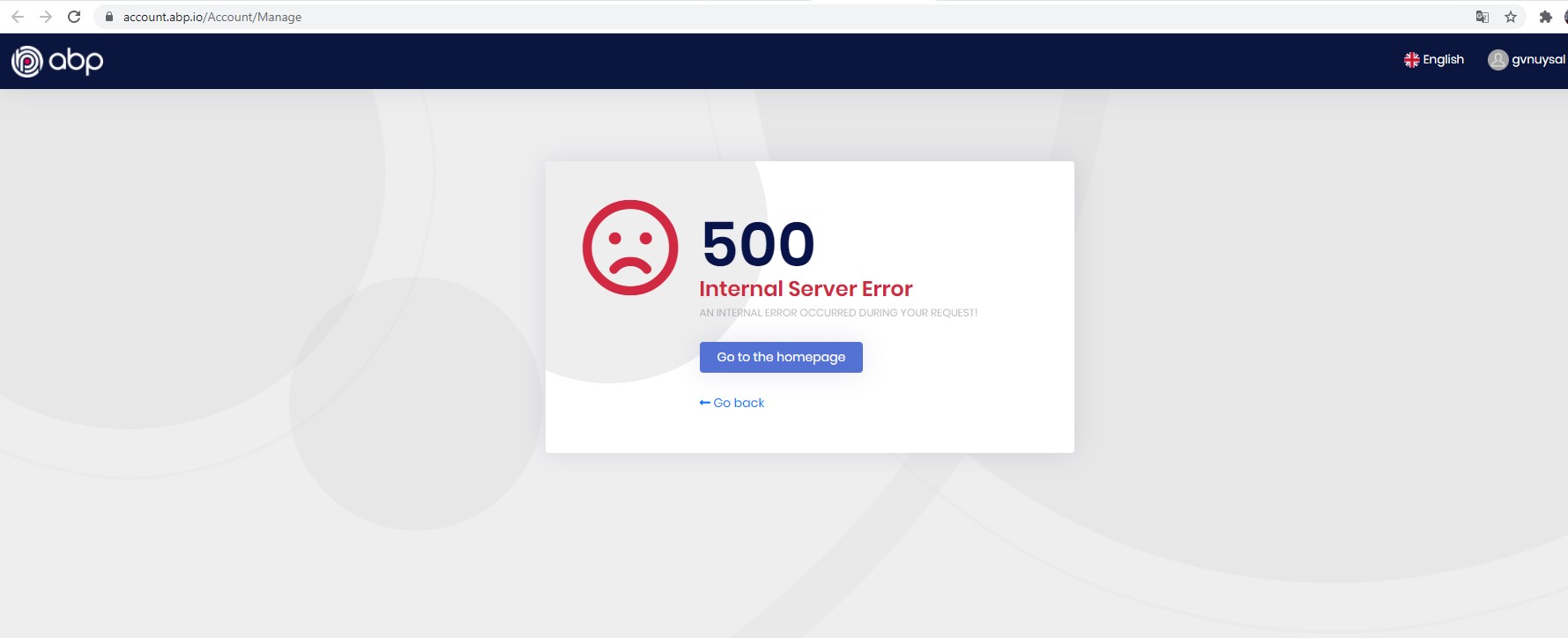
When I try to go to My profile address after logging in to the commercial.abp.io, I get an "Internal Server Error" error.
Hi @gvnuysal, thanks for reporting this issue. It will be fixed.
Hi @serdar,
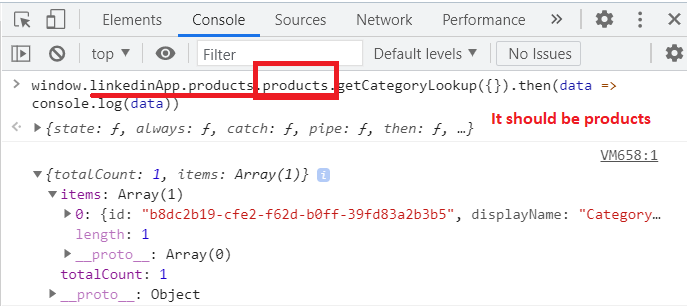
ProductsAppService.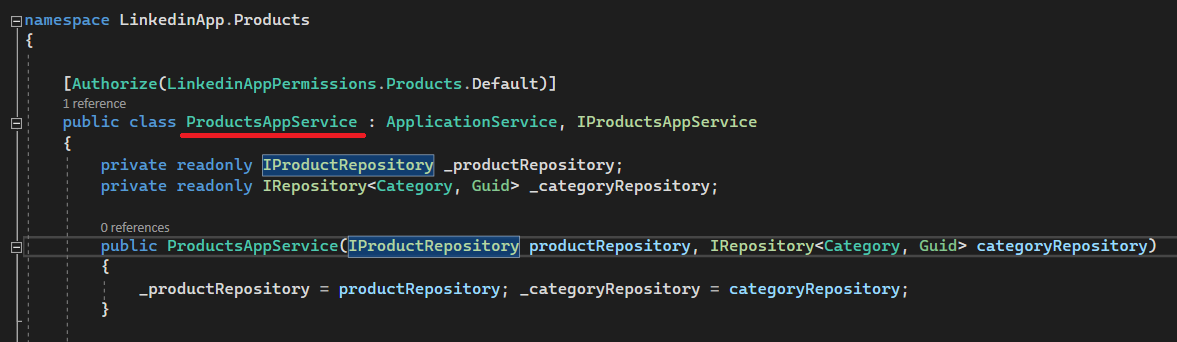
Hi, I need the steps to reproduce this problem. Can you also specify your version?
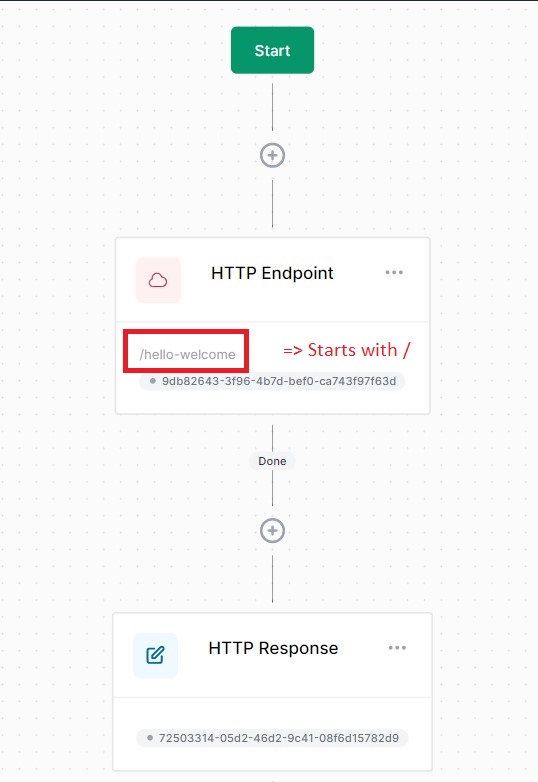
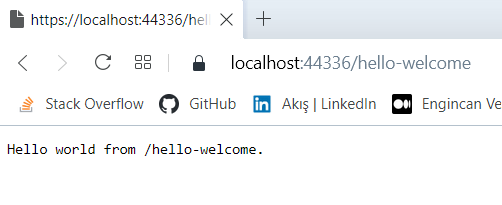
{
  "$id": "1",
  "definitionId": "b165f4cb25be4b6c8cfb660d859673d7",
  "versionId": "6a49a7f97881419d8c75dd0f4a4fe76a",
  "name": "support",
  "displayName": "support",
  "version": 1,
  "variables": {
    "$id": "2",
    "data": {}
  },
  "customAttributes": {
    "$id": "3",
    "data": {}
  },
  "isSingleton": false,
  "persistenceBehavior": "WorkflowBurst",
  "deleteCompletedInstances": false,
  "isPublished": true,
  "isLatest": true,
  "activities": [
    {
      "$id": "4",
      "activityId": "9db82643-3f96-4b7d-bef0-ca743f97f63d",
      "type": "HttpEndpoint",
      "displayName": "HTTP Endpoint",
      "persistWorkflow": false,
      "loadWorkflowContext": false,
      "saveWorkflowContext": false,
      "persistOutput": false,
      "properties": [
        {
          "$id": "5",
          "name": "Path",
          "expressions": {
            "$id": "6",
            "Literal": "/hello-welcome"
          }
        },
        {
          "$id": "7",
          "name": "Methods",
          "expressions": {
            "$id": "8",
            "Json": "[\"GET\"]"
          }
        },
        {
          "$id": "9",
          "name": "ReadContent",
          "expressions": {
            "$id": "10"
          }
        },
        {
          "$id": "11",
          "name": "TargetType",
          "expressions": {
            "$id": "12"
          }
        }
      ]
    },
    {
      "$id": "13",
      "activityId": "72503314-05d2-46d2-9c41-08f6d15782d9",
      "type": "WriteHttpResponse",
      "displayName": "HTTP Response",
      "persistWorkflow": false,
      "loadWorkflowContext": false,
      "saveWorkflowContext": false,
      "persistOutput": false,
      "properties": [
        {
          "$id": "14",
          "name": "StatusCode",
          "expressions": {
            "$id": "15"
          }
        },
        {
          "$id": "16",
          "name": "Content",
          "expressions": {
            "$id": "17",
            "Literal": "Hello world from /hello-welcome."
          }
        },
        {
          "$id": "18",
          "name": "ContentType",
          "expressions": {
            "$id": "19"
          }
        }
      ]
    }
  ],
  "connections": [
    {
      "$id": "20",
      "sourceActivityId": "9db82643-3f96-4b7d-bef0-ca743f97f63d",
      "targetActivityId": "72503314-05d2-46d2-9c41-08f6d15782d9",
      "outcome": "Done"
    }
  ],
  "id": "6a49a7f97881419d8c75dd0f4a4fe76a"
}
Hi @VivekKoppula, if you update the path of the HttpRequest Activity like /elsa-hello-world, you should be able to navigate the route and display the output.
P.S. There is already a defined path with that name (/elsa-hello-world), so you should define a different path (it should be relative-path. E.g. /hello-world), otherwise it will give an error.