Hi,
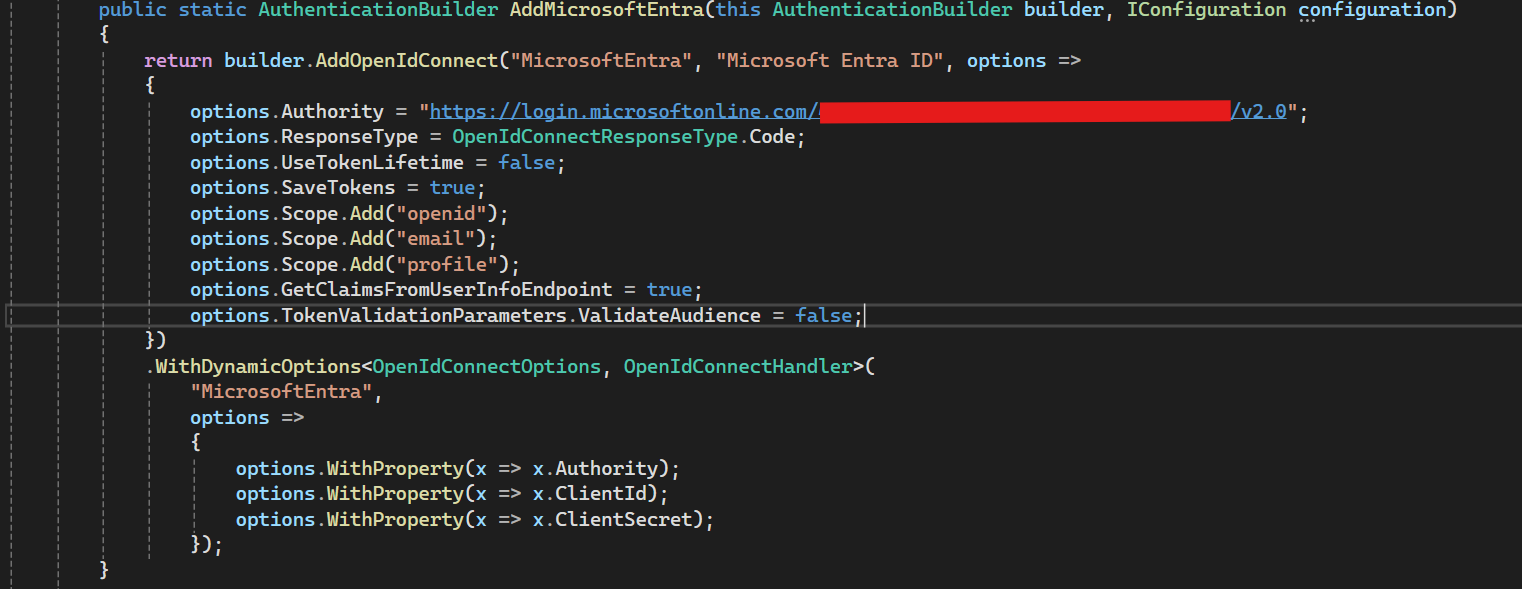
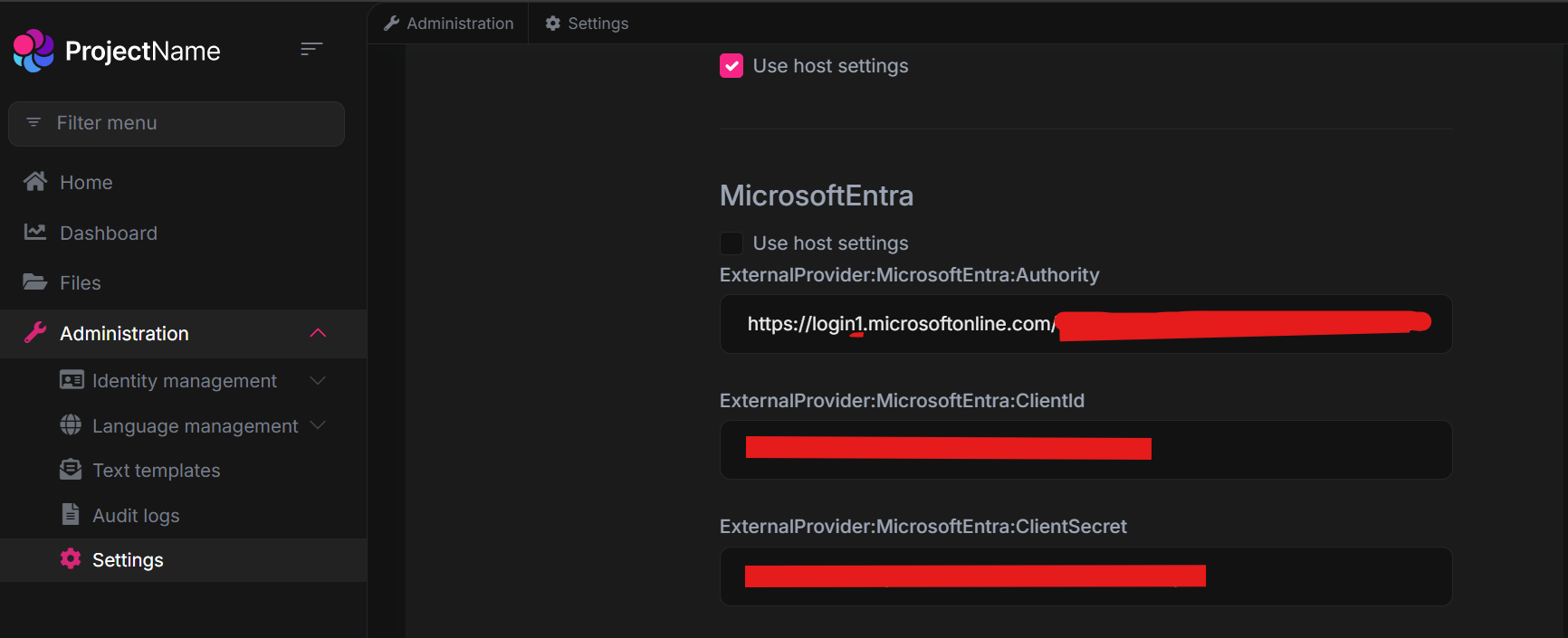
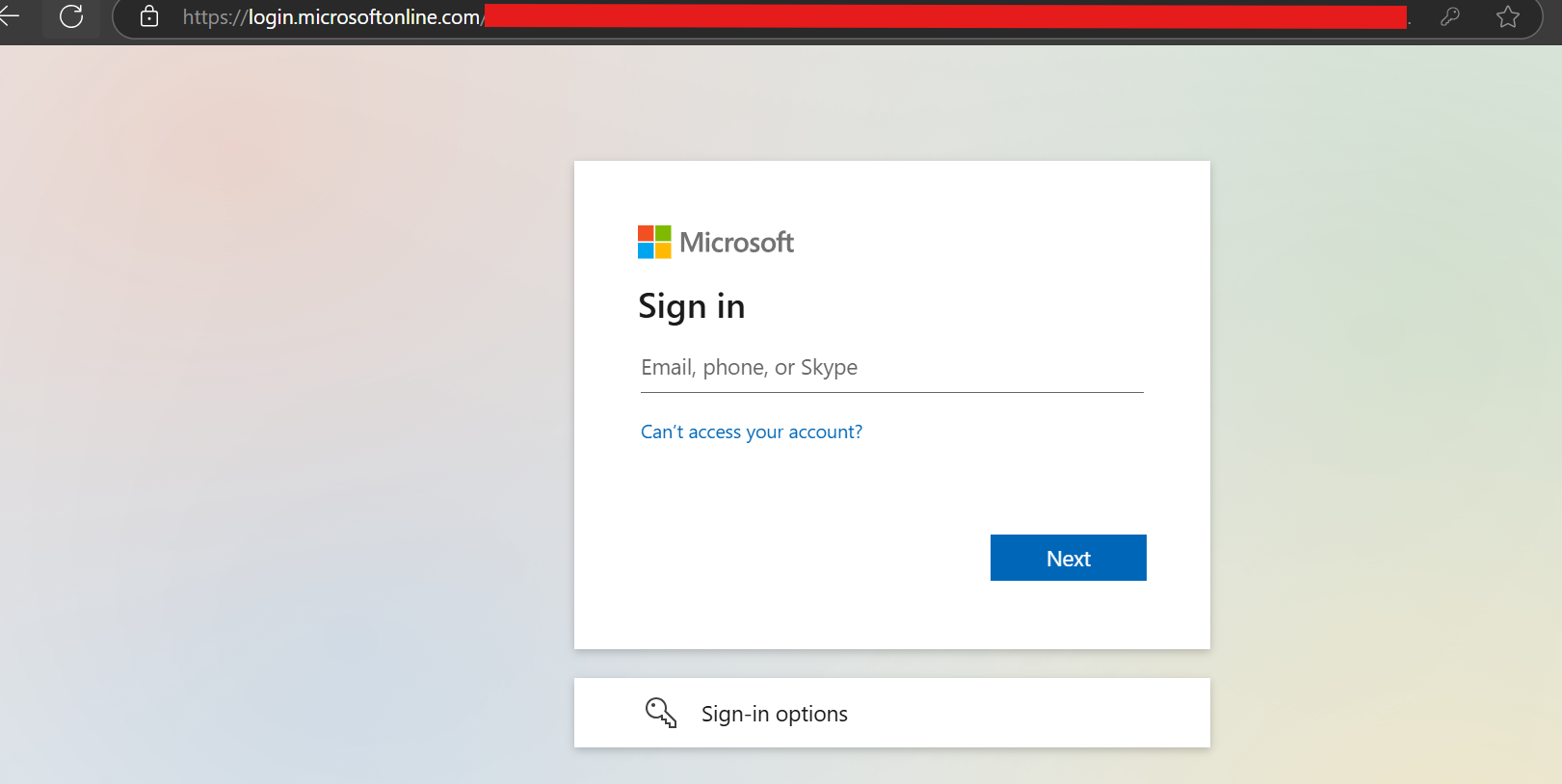
I have assigned a valid Authority value initially. After that, I login to tenant and purposely modify the Authority endpoint to become invalid login1.microsoftonline.com, but the change doesn't seem to take effect. Could you advice?
Remarks: I have performed clear cache as well.
Thanks.
Hi,
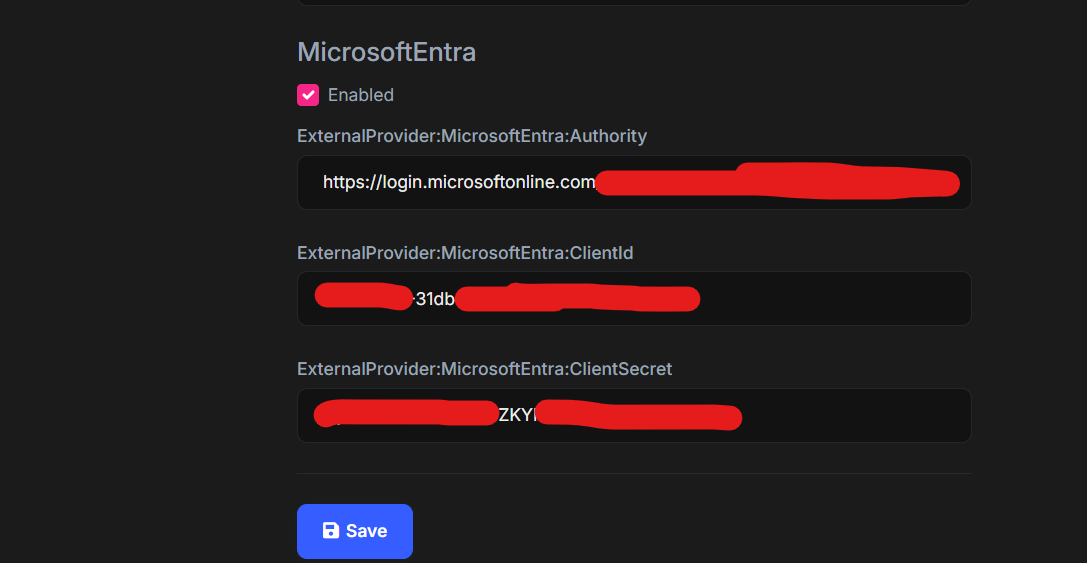
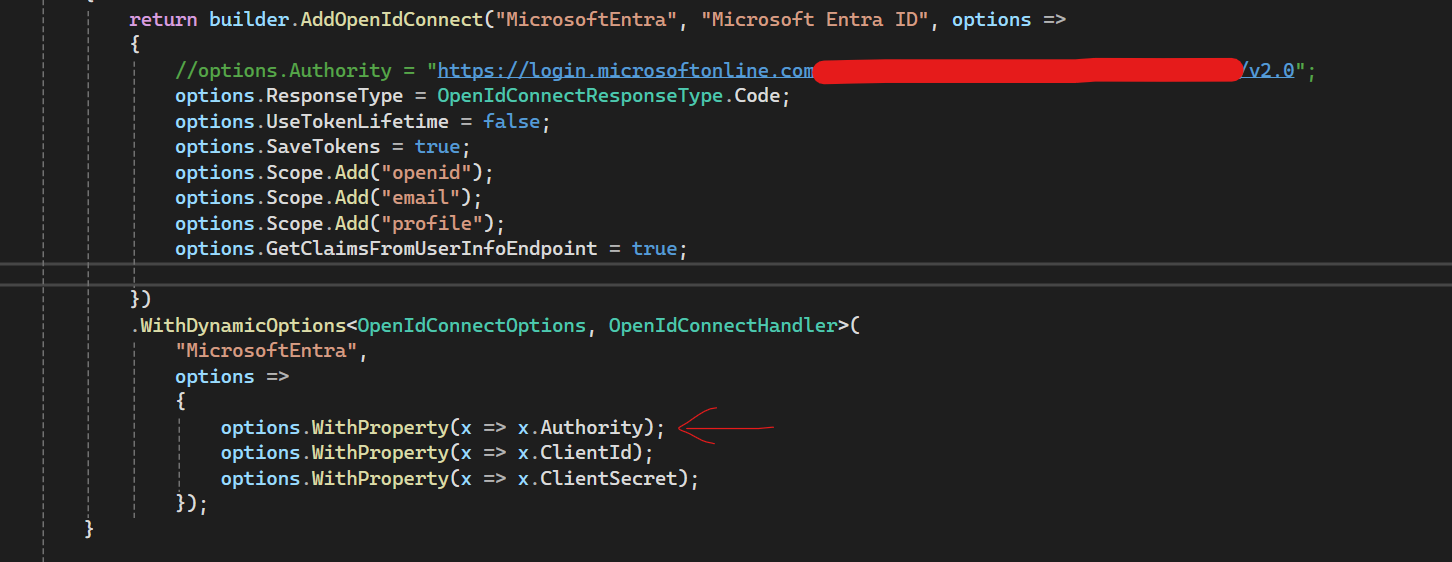
Currently I'm trying to integrate Microsoft Entra Id to my project. I have configured Authority as DynamicOptions property to support the multi-tenant Authority endpoint of Microsoft Entra.
Noticed that, this Authority property not working even i have assigned the value of Authority in frontend.
Noticed that, Authority value defined in the frontend isn't being applied which results in an empty authorization endpoint when redirecting to Microsoft Entra.
Could you advise how to configure the Authority property dynamically to support Microsoft Entra's multi-tenant endpoint?
 Thanks.
Hi,
May I know any update?
Thanks.
Hi,
Sent via email.
Thanks
Hi,
I have sent you an email regarding how to reproduce the issue. Please have a look.
Thanks.
Hi
Sent.
Thanks.
Hi,
Sent.
Thanks.
Hi,
I have encountered an issue when trying to logout from angular frontend.
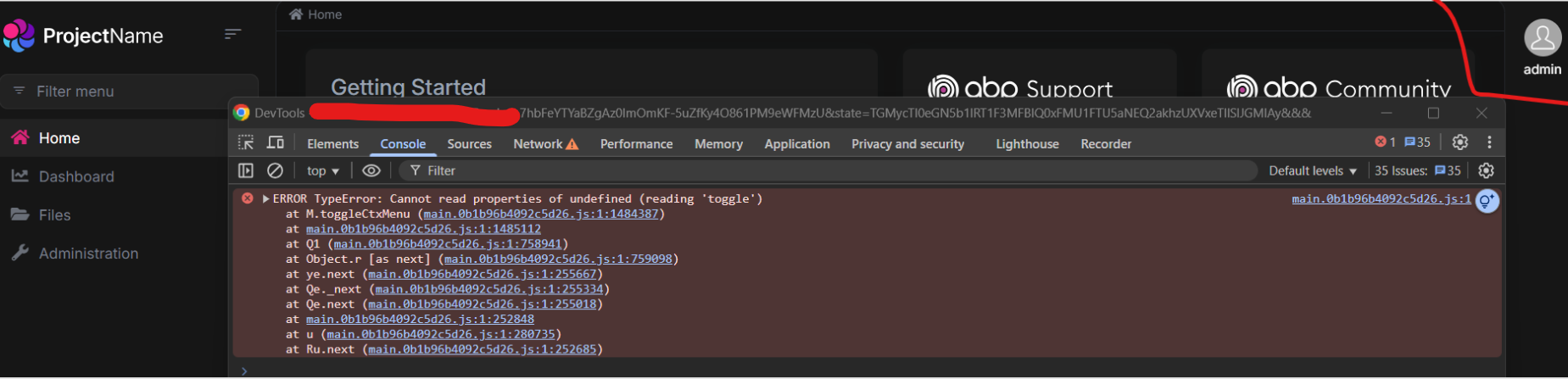
Steps to Reproduce
i) Pass __tenant as query string.
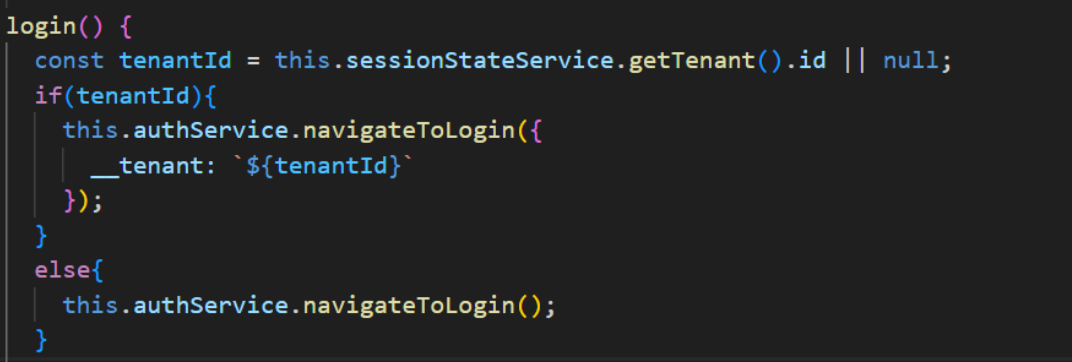
ii) click on login button with __tenant query string attached and redirect to authentication server.
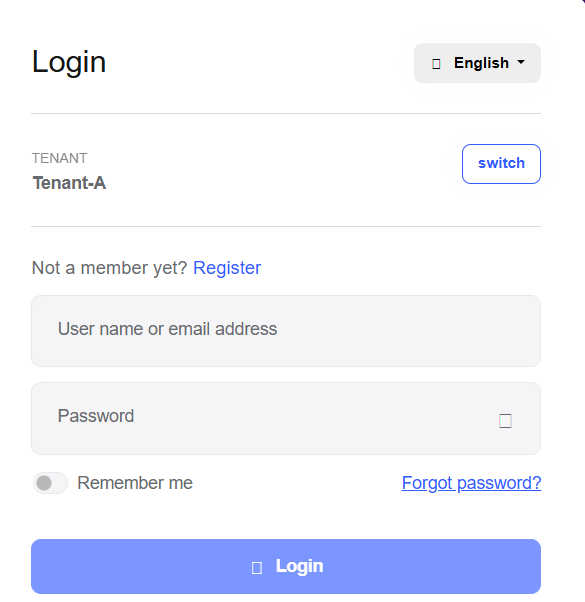
iii)There is no response after clicking on logout button.
Could you please advise if I missed any implementations?
Thanks.
Hi,
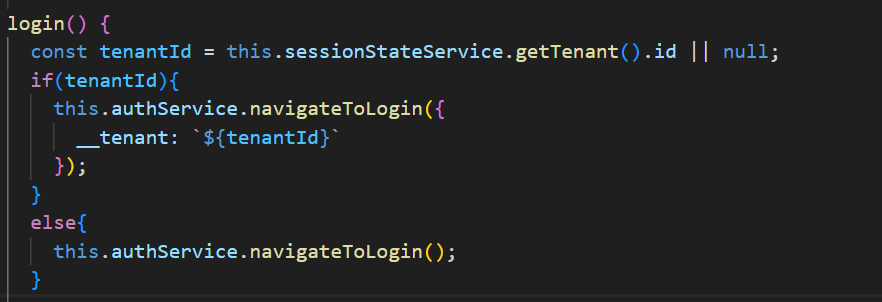
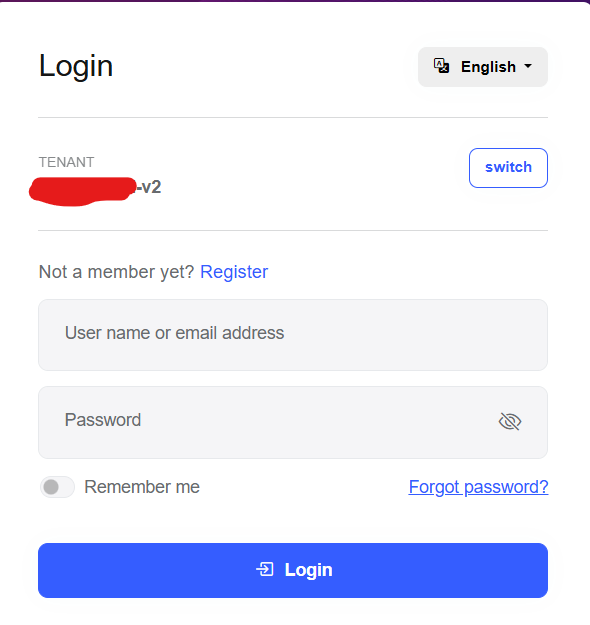
Thanks for prompt response. I’ve added __tenant as a parameter in this.authService.navigateToLogin(). The Authentication Server correctly resolves the tenant and pre-fills the tenant input field. However, the tenant input field is still visible. Is there a way to hide the tenant input field if the tenant is successfully resolved, and only display it when the tenant cannot be identified? Does ABP automatically hide the tenant input field when the tenant is successfully resolved, or do I need to implement the logic explicitly to hide it?
Thanks.
Hi,
I have implemented subdomain tenant resolver in angular frontend by adding {0} placeholder to determine current tenant.

Noticed that, when angular redirect to auth-server, __tenant custom header does not forward due to the redirect with 302 status code behavior. (Please correct me if I'm wrong.) https://stackoverflow.com/questions/46133557/why-is-my-header-not-being-set-on-redirect
Workaround Solution - Pass __tenant as query string instead of request header.
Question: As per abp documentation, abp backend already built-in QueryStringTenantResolveContributor to resolve the tenant by trying to find current tenant id from query string parameters. May i know how to implement QueryStringTenantResolveContributorin frontend so that "__tenant" will append as query string in URL and forwards to authentication server and trigger QueryStringTenantResolveContributor to resolve tenant seamlessly?
For example: Angular : https://tenant1.app.example.com AuthServer: https://auth-server.example.com?__tenant=tenant1
Thanks.









