Hi, I already resolved this issue. The cause come from when I inject the Logger on DbContext then it's not able to create instance for that. Thank you all for your supporting me
Hi, we already implemented 2 Dbcontext and it work fine. But when we upgrade to .net version 9.0 then it happen.
Hi sir, Thank you for that but I can not share our application. For your information: I am using abp framework with .net version 9.0. we have 2 context 1 is XDbcontext 2 is XTenantDbContext. But I just met issue with XDbcontext and other I able to run migration. Eventhough, the XtenantDbContext using with the same DbcontextFactoryBase.
Hi sir, it's still err like that. I don't know why if I using version 8 then it's ok. Could you give me another solution?
Hi EngincanV, Here is DbContextFactory file. Could you help me to check?
using System;
using System.IO;
using Microsoft.EntityFrameworkCore;
using Microsoft.EntityFrameworkCore.Design;
using Microsoft.Extensions.Configuration;

namespace Eduverse.EntityFrameworkCore;

/* This class is needed for EF Core console commands
 * (like Add-Migration and Update-Database commands) */
public abstract class EduverseDbContextFactoryBase<TDbContext> : IDesignTimeDbContextFactory<TDbContext>
    where TDbContext : DbContext
{
    public TDbContext CreateDbContext(string[] args)
    {
        // https://www.npgsql.org/efcore/release-notes/6.0.html#opting-out-of-the-new-timestamp-mapping-logic
        AppContext.SetSwitch("Npgsql.EnableLegacyTimestampBehavior", true);

        var configuration = BuildConfiguration();

        EduverseEfCoreEntityExtensionMappings.Configure();

        var builder = new DbContextOptionsBuilder<TDbContext>()
            .UseNpgsql(configuration.GetConnectionString("Default"));

        return CreateDbContext(builder.Options);
    }

    protected abstract TDbContext CreateDbContext(DbContextOptions<TDbContext> dbContextOptions);

    protected IConfigurationRoot BuildConfiguration()
    {
        var builder = new ConfigurationBuilder()
            .SetBasePath(Path.Combine(Directory.GetCurrentDirectory(), "../Eduverse.DbMigrator/"))
            .AddJsonFile("appsettings.json", optional: false);

        return builder.Build();
    }
}
Hi support team,
Could you help me which part am I missing when I upgrade from .net version 8 to 9?
After I upgrade to .net version 9.0 I met this issue when running migration cmd like: "add-migration... or update-database"
Here is the err:

Could you help to give me the solution to resolve it? Thank you
Hi team, Could you guys tell me How to change the default tab title? Even though, I already tried some way like:
 But the result of tab title still like the image. Pls help me to resolve that. Thanks

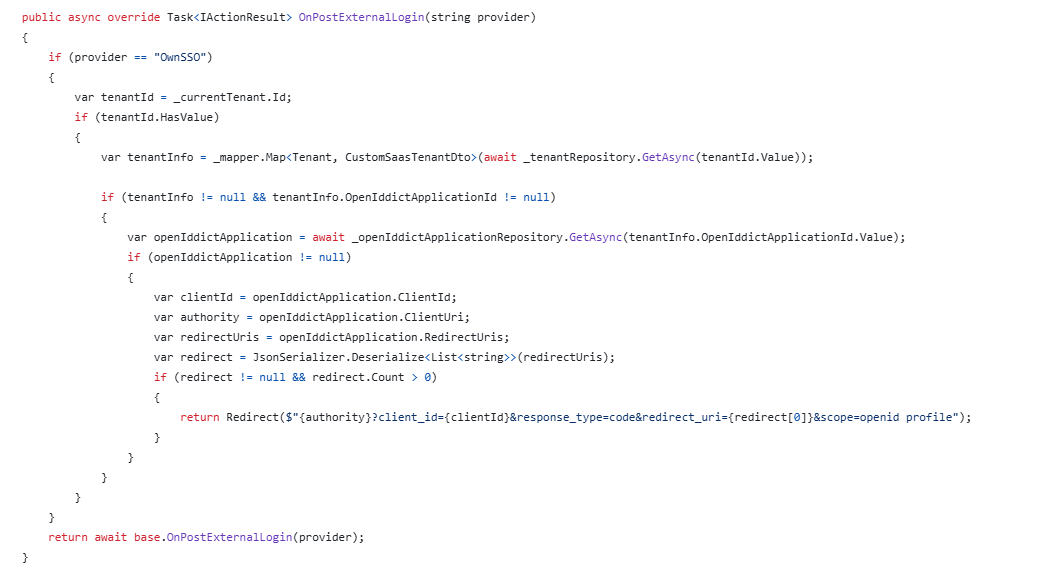
Do we have the exactly redirectUrl when I apply custom SSO login using microsoft?
I implemented like that but it's seem does not work. This error: An unhandled exception occurred while processing the request.AuthenticationFailureException: The oauth state was missing or invalid.Unknown locationAuthenticationFailureException: An error was encountered while handling the remote login.Microsoft.AspNetCore.Authentication.RemoteAuthenticationHandler<TOptions>.HandleRequestAsync()Stack Query Cookies Headers RoutingAuthenticationFailureException: The oauth state was missing or invalid.Show raw exception detailsAuthenticationFailureException: An error was encountered while handling the remote login.Microsoft.AspNetCore.Authentication.RemoteAuthenticationHandler<TOptions>.HandleRequestAsync()Volo.Abp.Account.Public.Web.ExternalProviders.AbpAccountAuthenticationRequestHandler<TOptions, THandler>.HandleRequestAsync()Microsoft.AspNetCore.Authentication.AuthenticationMiddleware.Invoke(HttpContext context)Volo.Abp.AspNetCore.Security.AbpSecurityHeadersMiddleware.InvokeAsync(HttpContext context, RequestDelegate next)Microsoft.AspNetCore.Builder.UseMiddlewareExtensions+InterfaceMiddlewareBinder+<>c__DisplayClass2_0+<<CreateMiddleware>b__0>d.MoveNext()Volo.Abp.Studio.Client.AspNetCore.AbpStudioMiddleware.InvokeAsync(HttpContext context, RequestDelegate next)Volo.Abp.Studio.Client.AspNetCore.AbpStudioMiddleware.InvokeAsync(HttpContext context, RequestDelegate next)Volo.Abp.Studio.Client.AspNetCore.AbpStudioMiddleware.InvokeAsync(HttpContext context, RequestDelegate next)Microsoft.AspNetCore.Builder.UseMiddlewareExtensions+InterfaceMiddlewareBinder+<>c__DisplayClass2_0+<<CreateMiddleware>b__0>d.MoveNext()Microsoft.AspNetCore.Localization.RequestLocalizationMiddleware.Invoke(HttpContext context)Microsoft.AspNetCore.RequestLocalization.AbpRequestLocalizationMiddleware.InvokeAsync(HttpContext context, RequestDelegate next)Microsoft.AspNetCore.Builder.UseMiddlewareExtensions+InterfaceMiddlewareBinder+<>c__DisplayClass2_0+<<CreateMiddleware>b__0>d.MoveNext()Microsoft.AspNetCore.Diagnostics.DeveloperExceptionPageMiddlewareImpl.Invoke(HttpContext context)Show raw exception details
It's an autocomplete input, try type something.
Do you know why is it? how to display as a dropdown instead of auto completion
Unfortunately, there is no way yet
yes thank you
Hi, I recognized that I have to type on input field then the data will display. Do you know why is it? how to display as a dropdown instead of auto completion









