Have you checked Tenant-Edition Subscription? Before doing that, you have to configure Payment Configuration properly.
You can use Edition Features to turn on/off tenant features according to the subscription.
Also you can check this out: https://support.abp.io/QA/Questions/3726/Questions-Regarding-Recurring-Stripe-Payment--Retrieval#answer-f874d726-d096-90e6-d993-3a0671092939
Hi christophe.baille
That search feature is written as a plain script in javascript. It shouldn't be dependent on redis. Can you provide Browser Console log if there is an error?
We're still investigating this issue. Since this is a kind of bug, your ticket has been refunded.
The HandleErrorAsync(ex); is only in the BLazor component though. The issue I am having is getting the error from the server and actually getting all the way to the component. It is getting lost somewhere and not making it to the client to be handled by the HandleErrorAsync method.
Global Error handling isn't possible currently for blazor-server: https://learn.microsoft.com/en-us/aspnet/core/blazor/fundamentals/handle-errors?view=aspnetcore-6.0 You have to use try-catch blocks to handle exceptions. Otherwise, the following error view will be displayed and your application execution won't continue.
<div id="blazor-error-ui">
    <environment include="Staging,Production">
        An error has occurred. This application may no longer respond until reloaded.
    </environment>
    <environment include="Development">
        An unhandled exception has occurred. See browser dev tools for details.
    </environment>
    <a href="" class="reload">Reload</a>
    <a class="dismiss">🗙</a>
</div>
Hi We've solved the problem, it'll be released in the next patch version of LeptonX. But you can use the following component in your project to overcome the problem as a workaround.
MyMainHeader.razor@using Volo.Abp.AspNetCore.Components.Web.LeptonXTheme.Components.ApplicationLayout.SideMenu.Navigation
@using Volo.Abp.DependencyInjection;
@using Volo.Abp.LeptonX.Shared.Localization
@using Volo.Abp.AspNetCore.Components.Web.LeptonXTheme.Components.ApplicationLayout.SideMenu.MainHeader
@inherits MainHeader
@attribute [ExposeServices(typeof(MainHeader))]
@attribute [Dependency(ReplaceServices = true)]
@{
LocalizationResource = typeof(LeptonXResource);
}
<div class="lpx-sidebar-container">
<div class="lpx-sidebar" id="lpx-sidebar">
<nav class="lpx-nav">
<div class="lpx-logo-container">
<MainHeaderBranding />
<i class="lpx-icon bi bi-filter-left menu-collapse-icon hidden-in-hover-trigger"
aria-hidden="true"
data-lpx-toggle="sidebar">
</i>
</div>
<div class="lpx-menu-filter hidden-in-hover-trigger" data-lpx-menu-filter="sidebar">
<i class="lpx-icon bi bi-filter menu-filter-icon" aria-hidden="true"></i>
<input class="menu-filter-input hidden-in-hover-trigger" type="text" placeholder="@L["FilterMenu"]" />
<span class="menu-filter-clear hidden">
<i class="lpx-icon bi bi-x clear-icon" aria-hidden="true"></i>
</span>
</div>
<ul class="lpx-nav-menu" id="desktop-sidebar">
<MainMenu />
</ul>
</nav>
</div>
</div>
Then you'll see it'll start to be scrolled
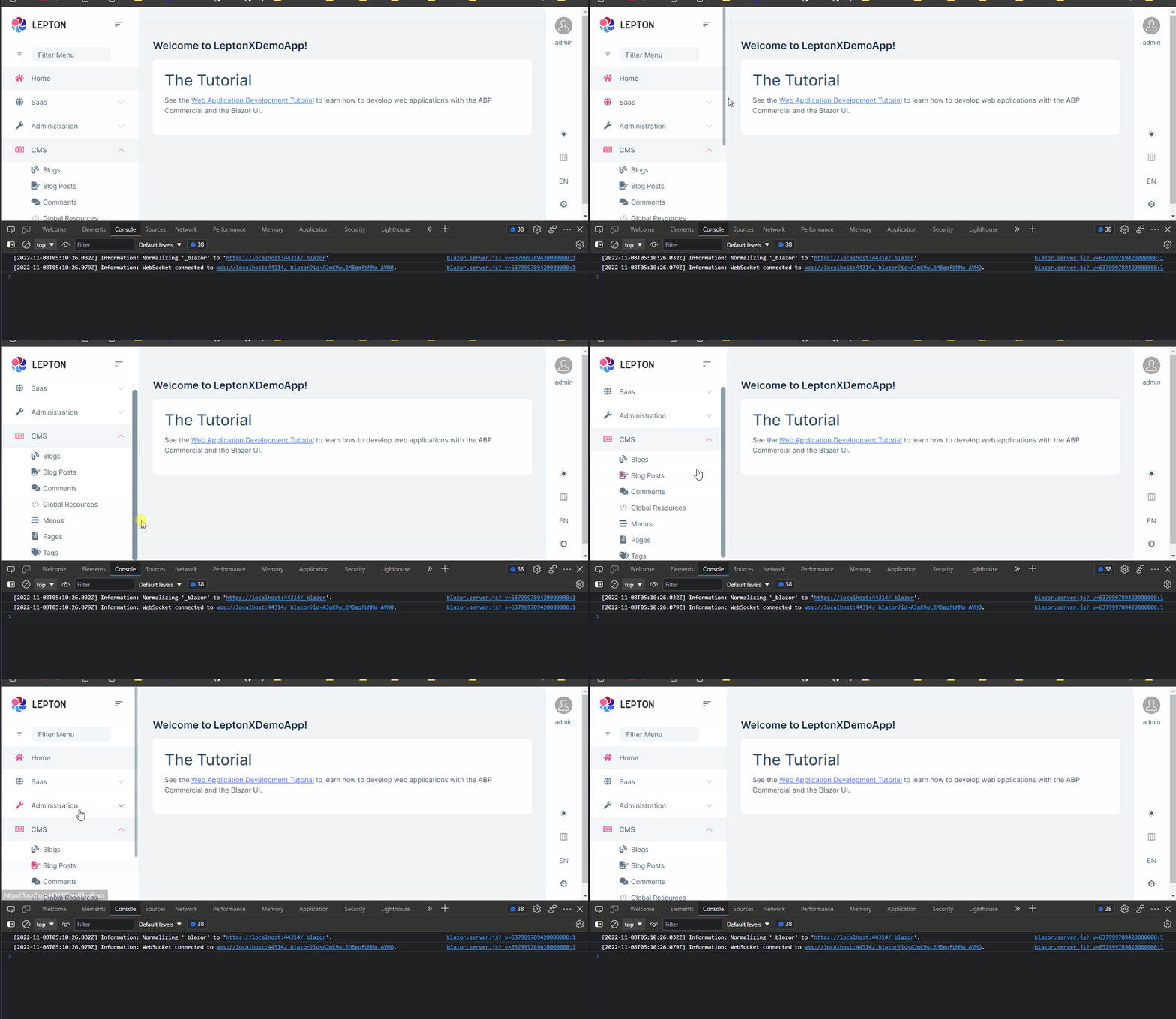
Sorry for your inconvenient experience. We'll update related documentations about it as soon as possible.
Also your credit was refunded.
How did you deploy? Docker, filesystem,..etc?
Make sure you run abp install-libs before building the docker image. Those wwwroot files should be included in the docker image.
Hi ccernat,
In the Blazor WASM, you should complete following steps after layout changing:
Configure<LeptonXThemeBlazorOptions>(options =>
{
    options.Layout = LeptonXBlazorLayouts.TopMenu;
});
 "AbpCli": {
    "Bundle": {
      "Mode": "BundleAndMinify", /* Options: None, Bundle, BundleAndMinify */
      "Name": "global",
      "Parameters": {
        "LeptonXTheme.Layout": "top-menu"
      }
    }
  }
abp bundle commandThat might help: https://learn.microsoft.com/en-us/answers/questions/892666/azure-app-service-web-app-websockets-enabledisable.html
It says it failed to connect websockets. Did you allow websocket connections? Also, make sure Upgrade header is allowed and passed to the application by load-balance/proxy.









