hi.
You should set the value via Code(FeatureManager).
Or you can clear the redis.
hi
You can use FeatureManager.SetAsync to set a feature value for a tenant. Then it will use the tenant's value instead of the edition's value.
await FeatureManager.SetAsync("Identity.MaxUserCount", "20", "T", tenantId);

Thanks.
hi
You can remove the email and phone from options.Tokens.ProviderMap
services.PostConfigure<IdentityOptions>(options =>
{
    //options.Tokens.ProviderMap
});
hi
You only need to copy the Login.cshtml from the Account Pro module to your project.
See https://abp.io/docs/2.8/How-To/Customize-Login-Page-MVC
hi
The URL contains the __tenant info.
https://authserver.cloverleafcms.us/Account/EmailConfirmation?userId=74db3c8b-0643-c4bb-706b-3a1c1eaea16a&__tenant=49400f5b-7343-44e6-e5ba-3a1b7de4e30d&
The Volo.Abp.Account.Emailing.AccountEmailer service is used to generate and send the mail.
appUrlProvider.GetUrlAsync(appName, AccountUrlNames.EmailConfirmation)
https://github.com/abpframework/abp/blob/dev/framework/src/Volo.Abp.UI.Navigation/Volo/Abp/Ui/Navigation/Urls/AppUrlProvider.cs#L15
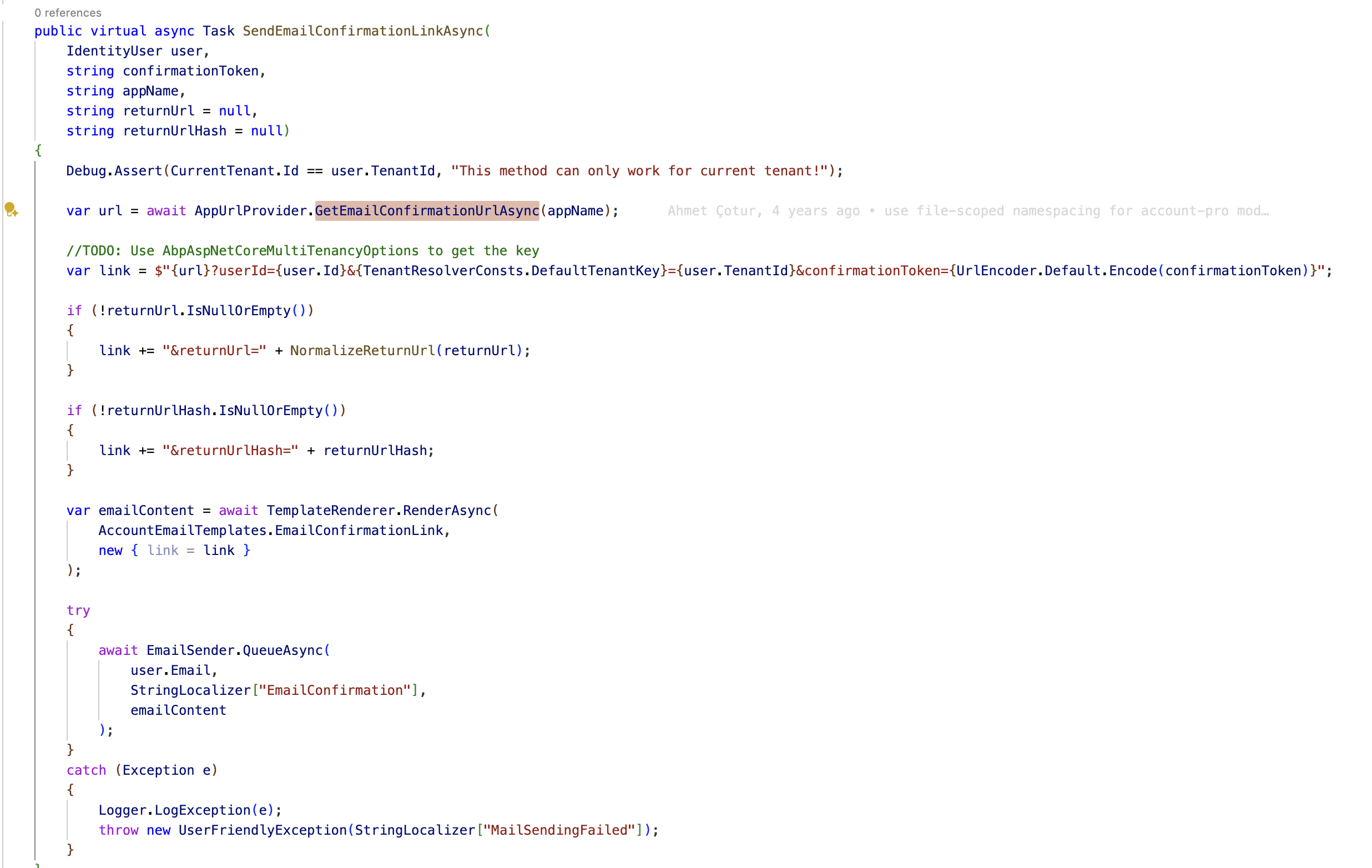
You can try to override the Volo.Abp.Account.Public.Web.Pages.Account.EmailConfirmationModel to check the current tenant info.
Thanks.
hi
Can you try to:
dotnet tool install -g volo.abp.studio.cli abp get-source Volo.Abp.LeptonXTheme or abp get-source Volo.Abp.LeptonXTheme --version 4.2.1Thanks.
hi
You can add a Razor page to let users create a new tenant.
You can inject ITenantAppService or ITenantRepository/ITenantManager in your new page.
Thanks.
ok, no problem.
hi
Currently, LeptonX only supports two layouts: Top and Side.
Thanks.
hi
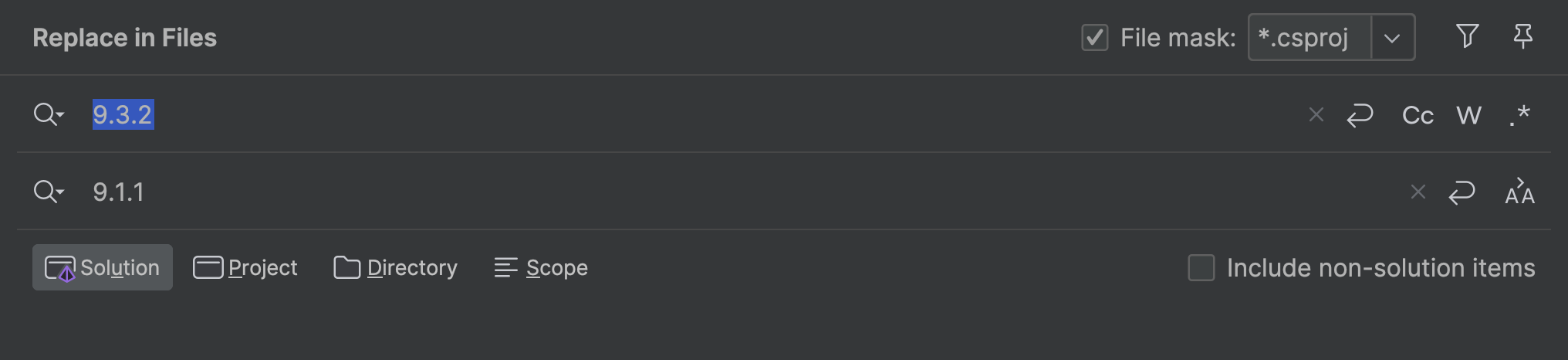
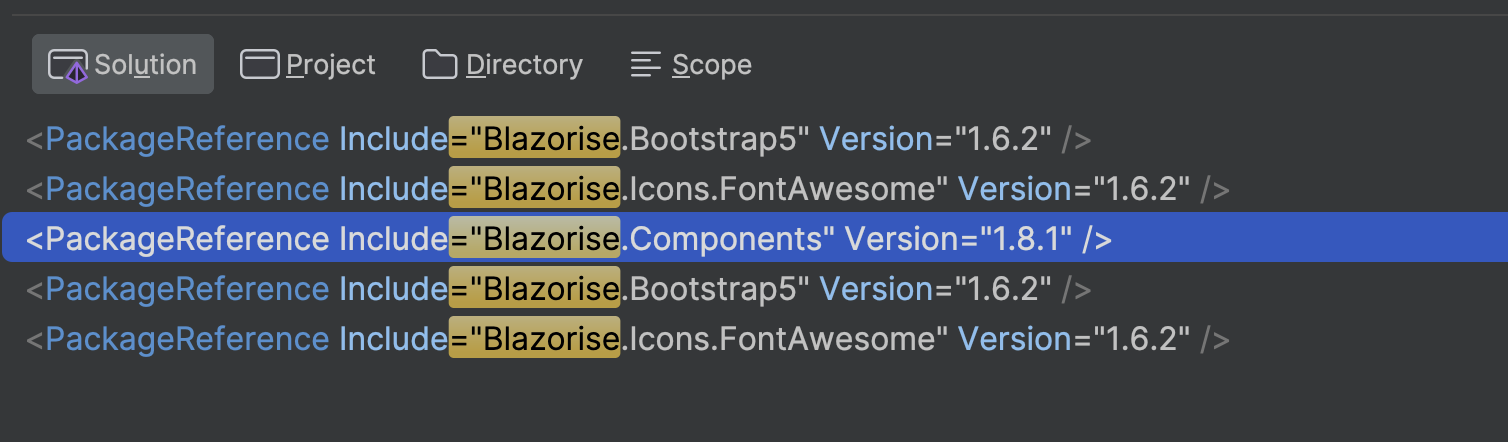
9.3.2 abp packages with 9.1.1Blazorise.Components with 1.6.2