hi @smwasimraja
You can try to override the OpenIddict's pages
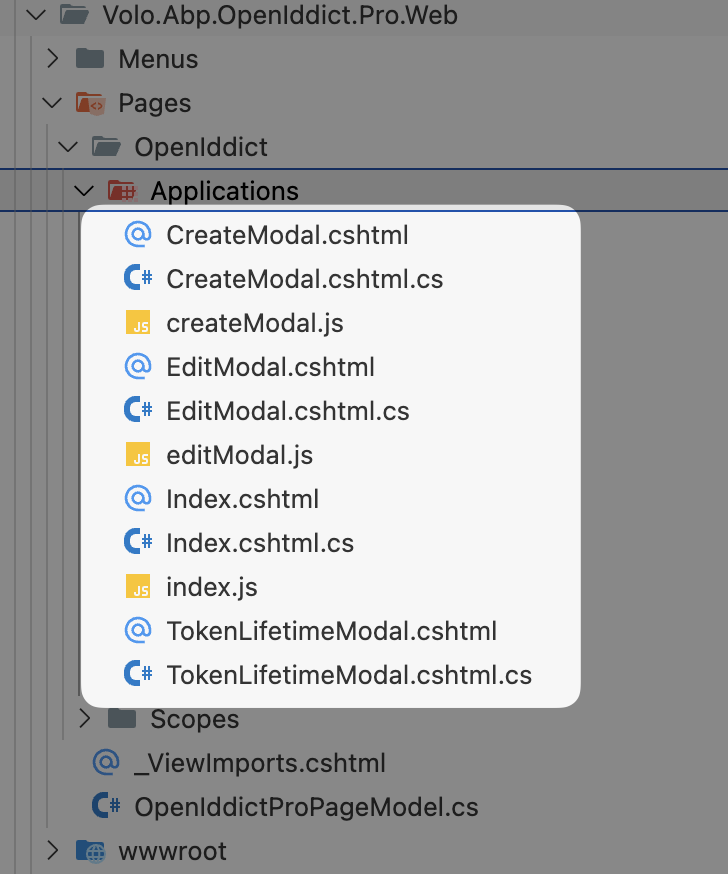
Volo.Abp.OpenIddict.Pro.Web.Pages.OpenIddict.ApplicationsIndexModel
Volo.Abp.OpenIddict.Pro.Web.Pages.OpenIddict.CreateModal
Volo.Abp.OpenIddict.Pro.Web.Pages.OpenIddict.EditModal
Volo.Abp.OpenIddict.Pro.Web.Pages.OpenIddict.TokenLifetimeModal
https://abp.io/docs/latest/framework/ui/mvc-razor-pages/customization-user-interface
hi
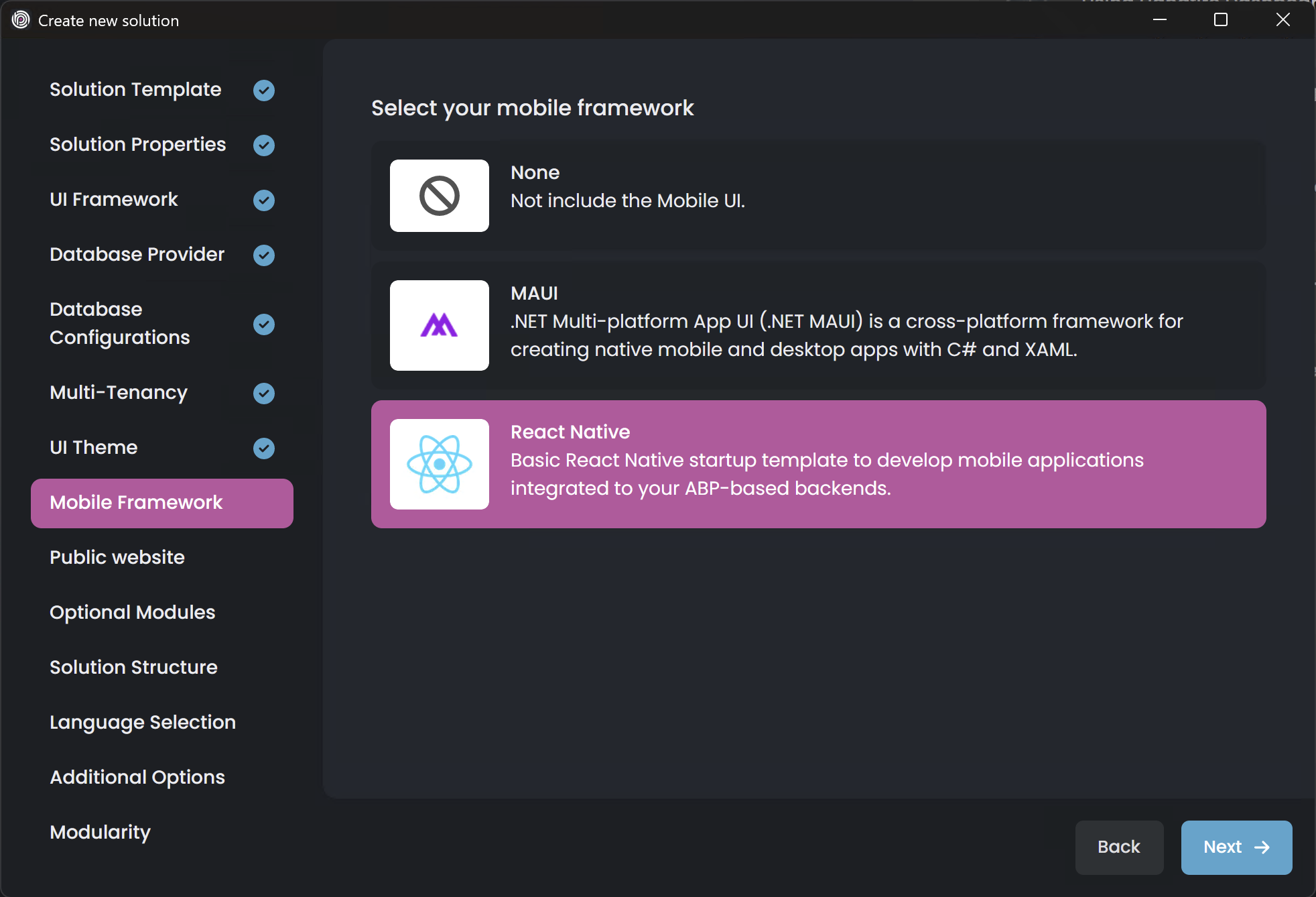
You can create a project with the same name, select React as mobile ui, and you will see the react-native folder.
The URL in the new react-native project needs to be changed to your old project.

hi
But it is not possible to Remove any SettingDefinition in such a use.
These settings will be used by the email service and the email settings UI page, you cannot remove them.
They are setting definitions. If you want to replace, you can replace the Email send service.
We can make this class public, but you generally don't need to replace it. It only defines, rather than implements.
Thanks.
hi
But I am unable to generate token from auth-server on login.
What are the error logs from the authserver project?
https://abp.io/support/questions/8622/How-to-enable-Debug-logs-for-troubleshoot-problems
hi
Does the OpenIddictApplications tables has any data?
What are the error logs from the authserver project?
https://abp.io/support/questions/8622/How-to-enable-Debug-logs-for-troubleshoot-problems
Thanks.
hi
Do you have OpenIddictDataSeedContributor in your solution?
If not, Please create a new project and copy the OpenIddictDataSeedContributor file.
Thanks.
A better version would be:
protected virtual void ValidateDefaultConnectionString(ValidatorEventArgs e)
{
    if (ConnectionStrings.Default.IsNullOrWhiteSpace())
    {
        e.Status = ValidationStatus.Success;
        return;
    }
    e.Status = !ConnectionStrings.UseSharedDatabase && ConnectionStrings.Default.IsNullOrWhiteSpace()
        ? ValidationStatus.Error
        : ValidationStatus.Success;

    e.ErrorText = e.Status == ValidationStatus.Error ? L["The {0} field is required.", L[$"DisplayName:{nameof(ConnectionStrings.Default)}"]] : null;
}
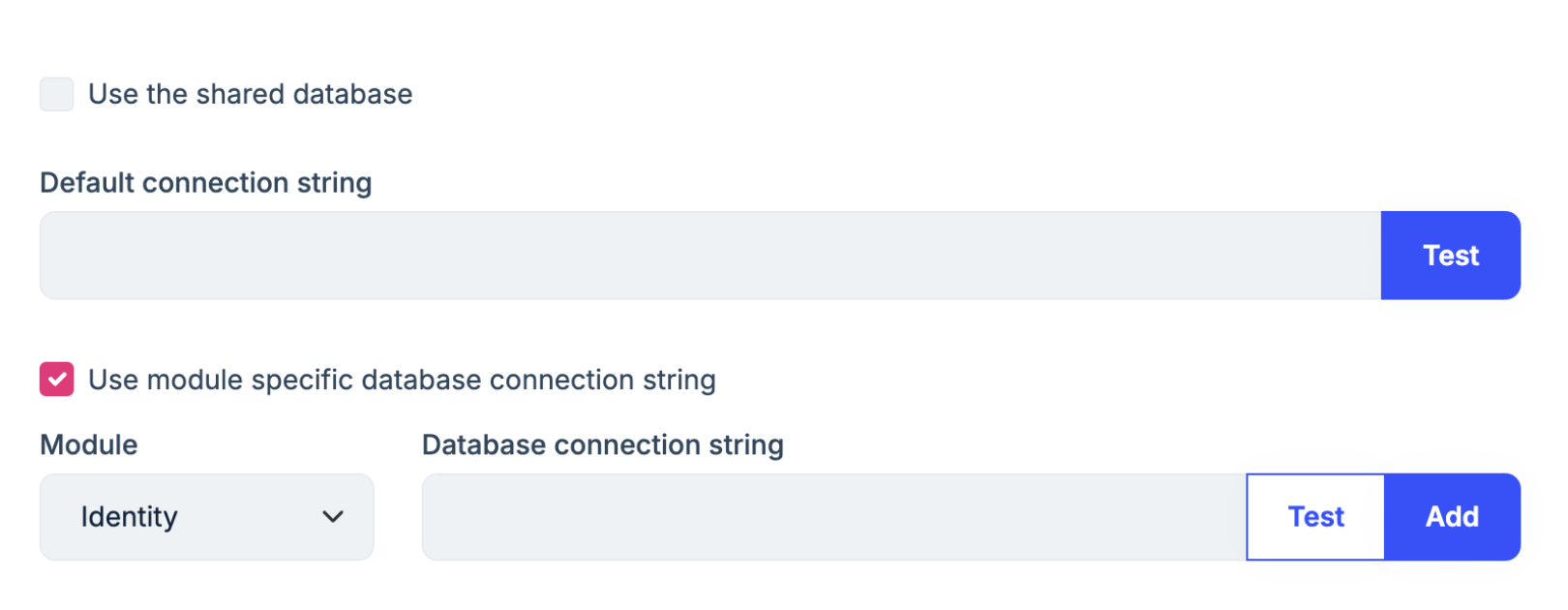
If you select the Use the shared database UI element will show up and we will check the ConnectionStrings.Default
hi
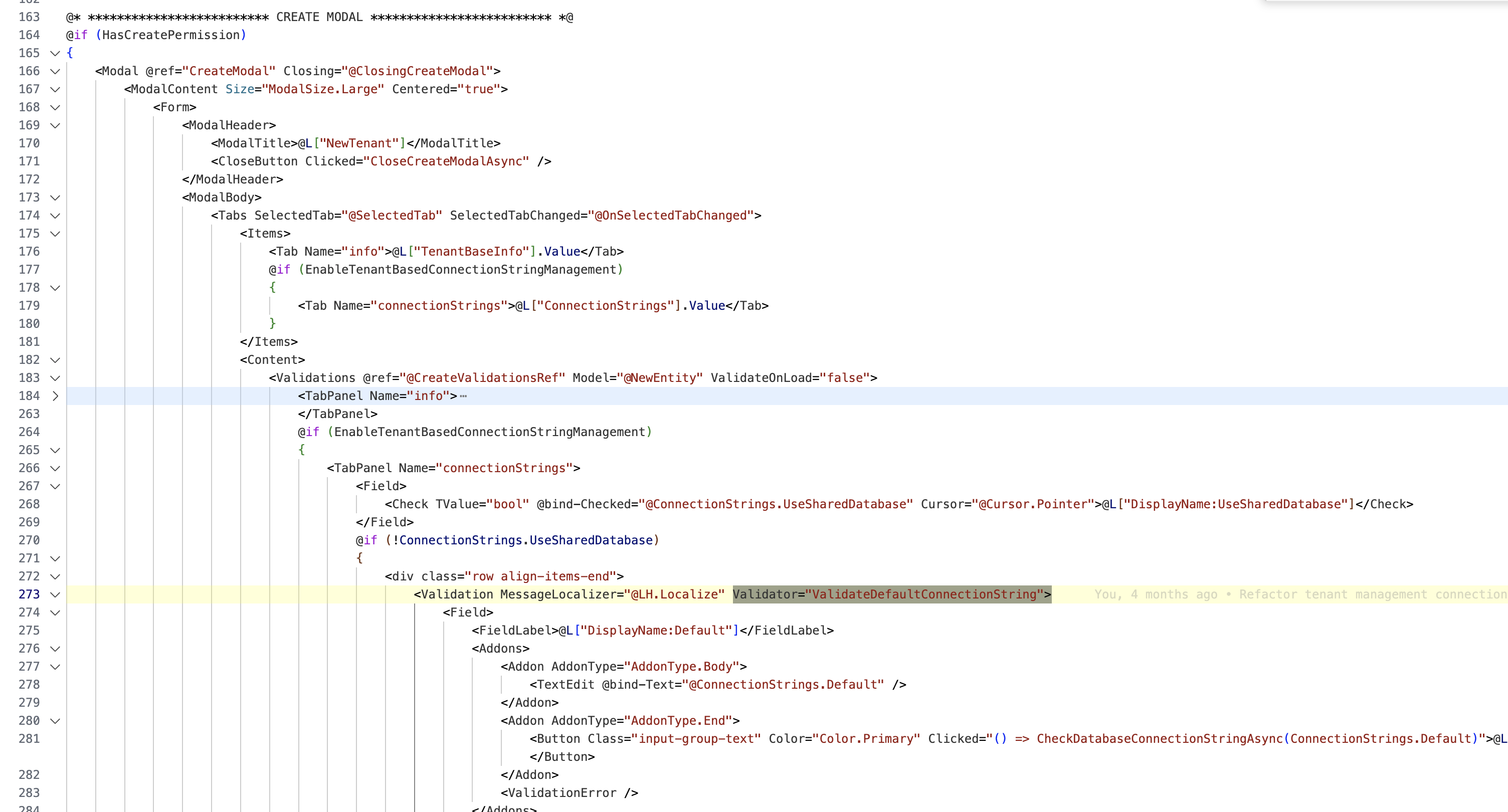
First weird thing - edit modal and create modal seem to validate differently:
I will check this.
Thanks.
We changed the code after Volo.Saas >= 9.1.0
hi
when replacing the component - the replaced component is only used when switched to wasm. when still rendering on blazor server - the component does not get replaced :-| (that's maybe worth another issue)
Your custom component needs to add both MyProject and MyProject.Client projects.
eg: Add a component class in both projects, OR Add this component class to MyProject.Client, and then manually add it to the DI in MyProject.
Because the web app actual two projects. One is Blazor Server and the other is Blazor WebAssembly (WASM).
hi
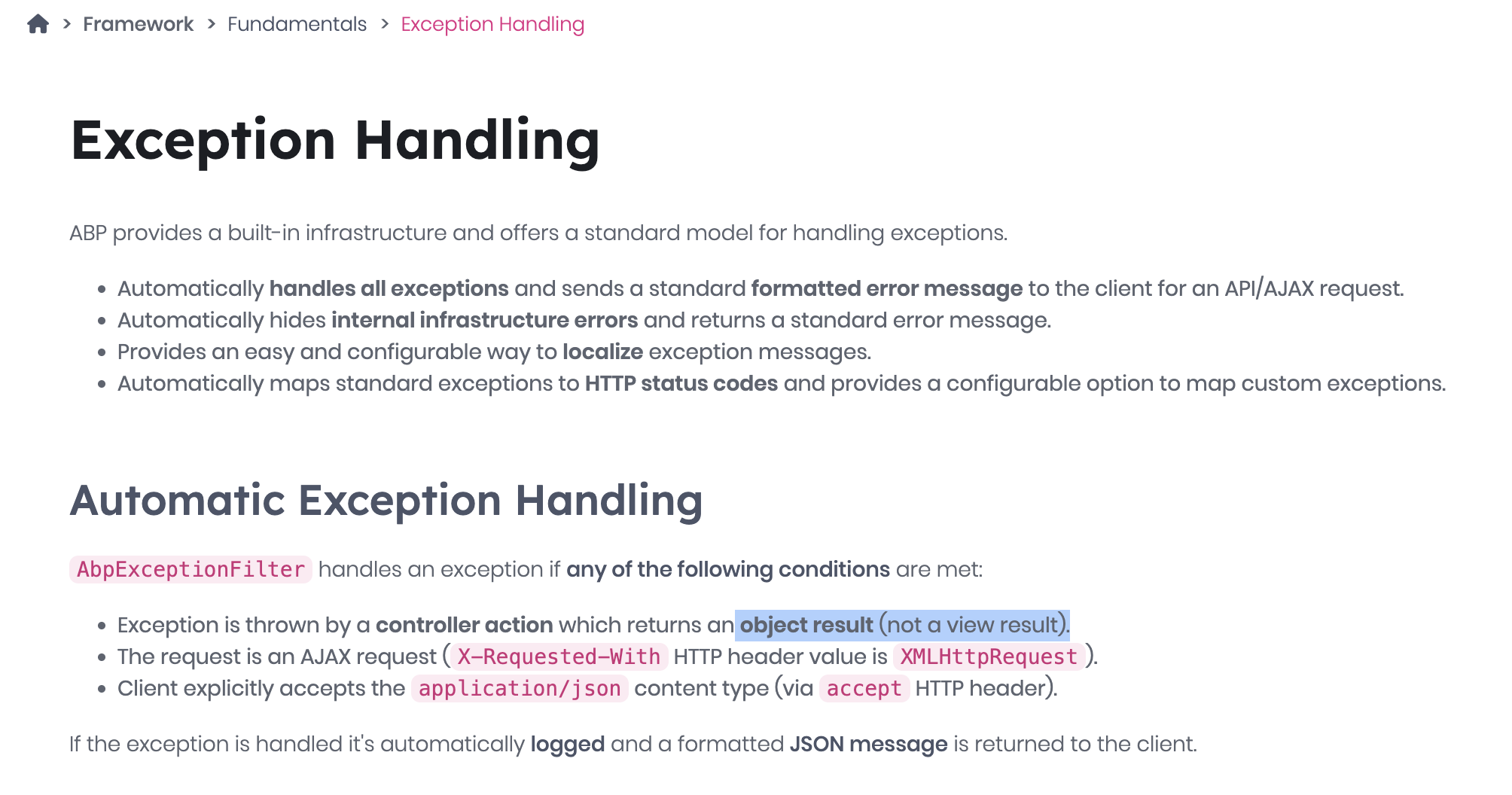
You can add try catch when calling the application service in your razor page. Because your page return type is page(IActionResult) instead of object.
public virtual async Task<IActionResult> OnPostAsync()
{
    try
    {
        await AppService....
    }
    catch (UserFriendlyException e)
    {
        Alerts.Danger(L["Your messag"]);
        return Page();
    }
}
Thanks.









