hi
when replacing the component - the replaced component is only used when switched to wasm. when still rendering on blazor server - the component does not get replaced :-| (that's maybe worth another issue)
Your custom component needs to add both MyProject and MyProject.Client projects.
eg: Add a component class in both projects, OR Add this component class to MyProject.Client, and then manually add it to the DI in MyProject.
Because the web app actual two projects. One is Blazor Server and the other is Blazor WebAssembly (WASM).
hi
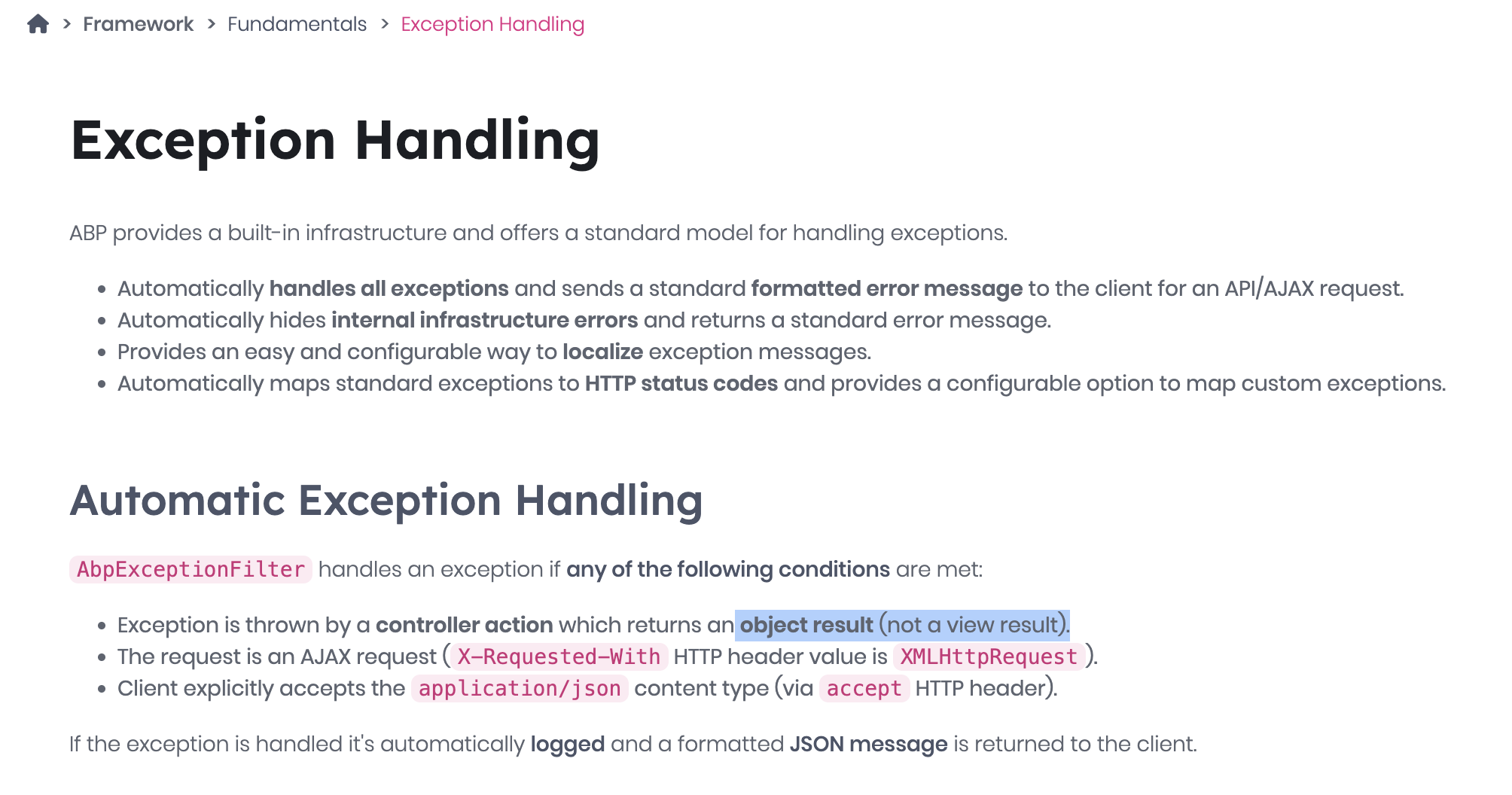
You can add try catch when calling the application service in your razor page. Because your page return type is page(IActionResult) instead of object.
public virtual async Task<IActionResult> OnPostAsync()
{
    try
    {
        await AppService....
    }
    catch (UserFriendlyException e)
    {
        Alerts.Danger(L["Your messag"]);
        return Page();
    }
}
Thanks.
hi
You can add your MySettingDefinitionProvider to get and change the EmailSettingProvider's SettingDefinition
Example: Change the default password policy.
public class ChangeIdentityPasswordPolicySettingDefinitionProvider : SettingDefinitionProvider
{
    public override void Define(ISettingDefinitionContext context)
    {
        var requireNonAlphanumeric = context.GetOrNull(IdentitySettingNames.Password.RequireNonAlphanumeric);
        if (requireNonAlphanumeric != null)
        {
            requireNonAlphanumeric.DefaultValue = false.ToString();
        }

        var requireLowercase = context.GetOrNull(IdentitySettingNames.Password.RequireLowercase);
        if (requireLowercase != null)
        {
            requireLowercase.DefaultValue = false.ToString();
        }

        var requireUppercase = context.GetOrNull(IdentitySettingNames.Password.RequireUppercase);
        if (requireUppercase != null)
        {
            requireUppercase.DefaultValue = false.ToString();
        }

        var requireDigit = context.GetOrNull(IdentitySettingNames.Password.RequireDigit);
        if (requireDigit != null)
        {
            requireDigit.DefaultValue = false.ToString();
        }
    }
}
hi
You can send an email to info@abp.io to request refund.
Thanks
hi
Can you try this?
https://abp.io/support/questions/8933/Intermittent-Login-Failure-After-Upgrading-ABP-Framework-to-v9#answer-3a189b11-6314-b51d-08de-b775c7bdf450
Thanks
hi
Your solution uses bothProjectReference and PackageReference at the same time. Please change it.
For Account.Pro source code:
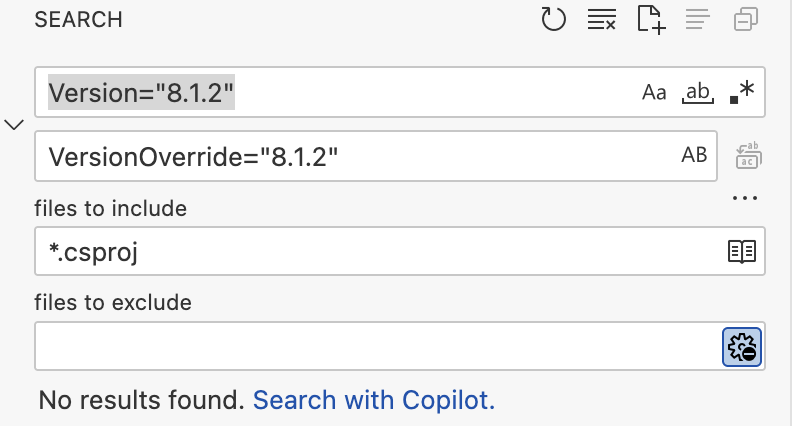
Please replace Version="8.1.2" with VersionOverride="8.1.2" in all csproj files.
I’ve downloaded the Volo.Abp.Account.Pro module source code, but it's currently not building. Could you help identify what might be causing the issue?
Please share the Volo.Abp.Account.Pro module source code.
And Can you open your solution in VS Code and search for the Volo.Abp.Identity and Volo.Abp.Account keywords in all .csproj files globally?
hi
Can you use Studio to create a new microservice solution and copy the _templates folder to your old solution?

Thanks
Created ABP Studio Version: 0.9.26
And can you try to use the latest(1.0.2) Studio?
Thanks. I will check the template.









