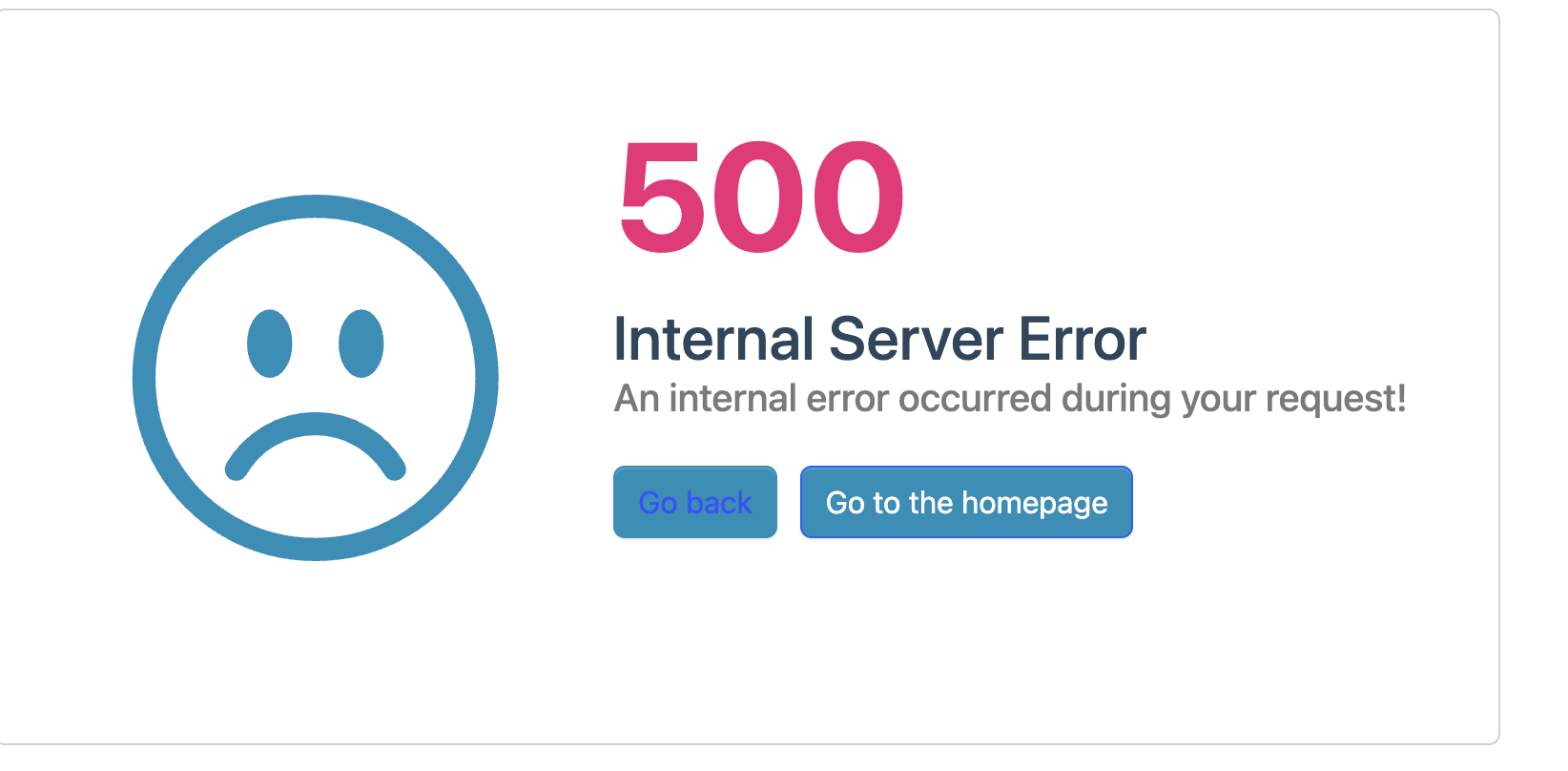
hi
"error_description":"AADSTS50076: Due to a configuration change made by your administrator, or because you moved to a new location, you must use multi-factor authentication to access '00000003-0000-0000-c000-000000000000'. Trace ID: 63406391-cbd1-4701-8f7c-b6af61c93f00 Correlation ID: 0ee99e11-e50b-49c5-906d-c19462111edf Timestamp: 2026-01-30 05:49:48Z",
because you moved to a new location
Perhaps your IP address has changed?
I mean your local computer and remote server.
Thanks.
hi
Perhaps your OAuth Login Settings differ between the local and production environments.
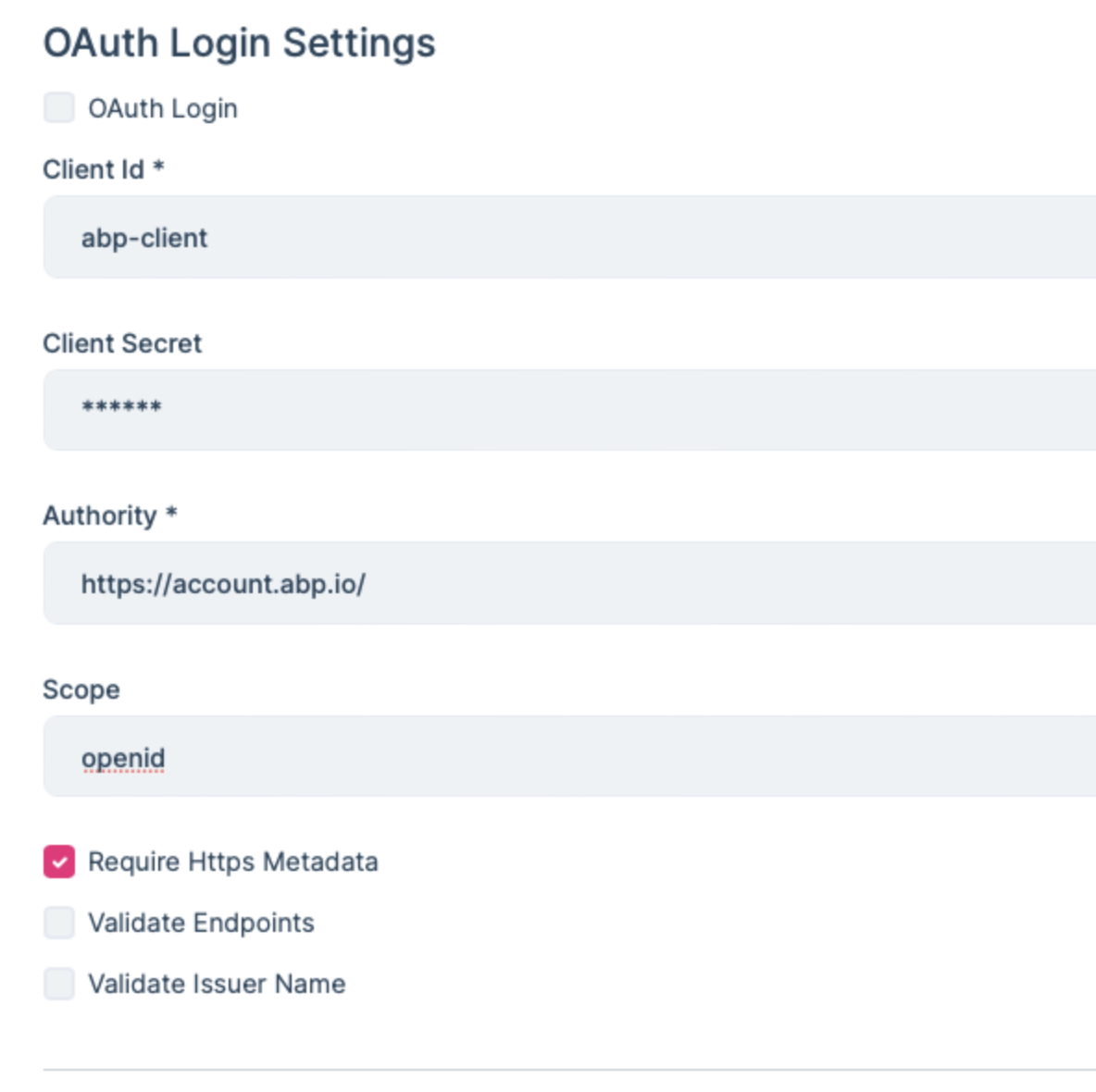
Thanks
hi
The error is returned by Azure AD. Your Azure AD tenant is currently configured to require Multi-Factor Authentication (MFA) or Conditional Access for Microsoft Graph. Because of this, the OAuth2 password (ROPC) flow is blocked by Azure AD and cannot be used.
This behavior is controlled only by Azure AD. Your Azure AD administrator would need to review the tenant’s security settings (such as Conditional Access or MFA policies) to determine whether the password flow is permitted in your environment.
Thanks.
hi
I tested this url and it works
https://auth.x x x.com/.well-known/openid-configuration
https://auth.xxx.com/account/login
hi
Can you try add code below ctx.Request.Scheme = "https"; to your auth server module?
public override void OnApplicationInitialization(ApplicationInitializationContext context)
{
    var env = context.GetEnvironment();
    var app = context.GetApplicationBuilder();

    app.Use(async (ctx, next) =>
    {
        ctx.Request.Scheme = "https";
        await next();
    });
hi
Thanks. Let's check it one by one.
hi
Can you share the full logs.txt file?
I will check the context logs.
liming.ma@volosoft.com
Thanks.
hi
Still 401 error
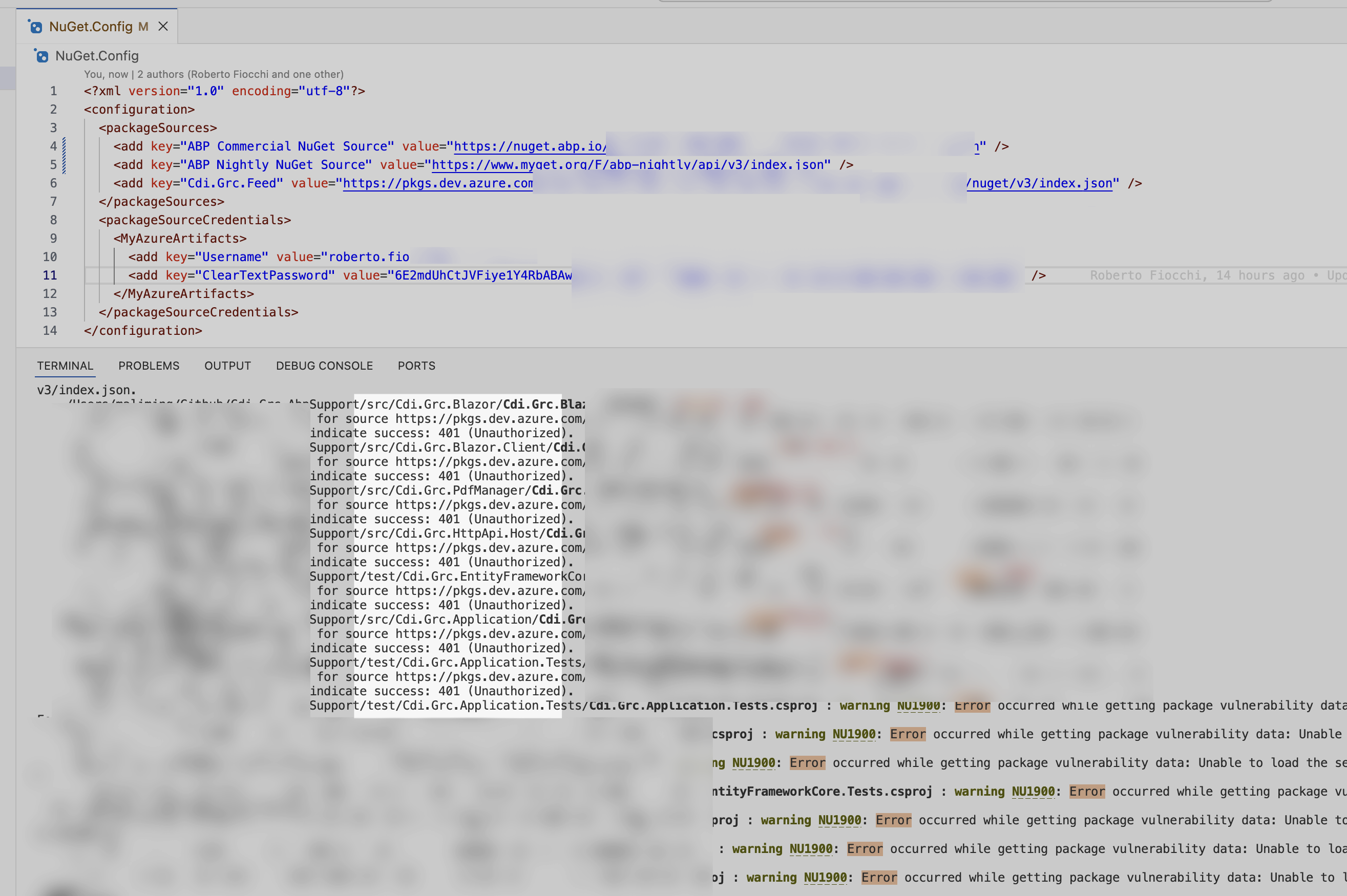
hi
Is the external login problem solved?
Thanks.
hi
Can you share the logs.txt of this 500 error?
The error logs in your https://xxxx.com/Account/Login website