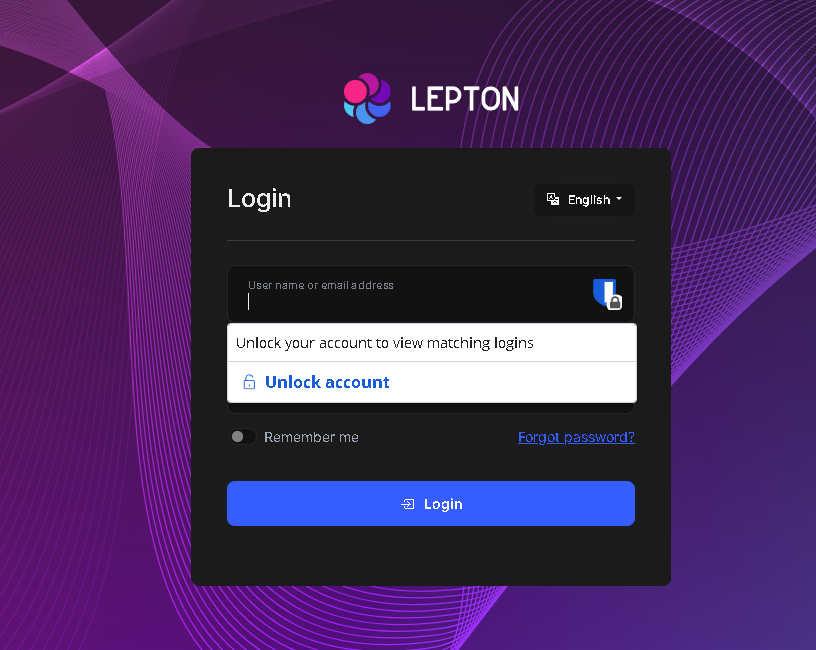
Thanks for your response, is this something wrong on my side or in component?
Hello,
Perhaps I'm using this incorrectly. I have mailed you the project.
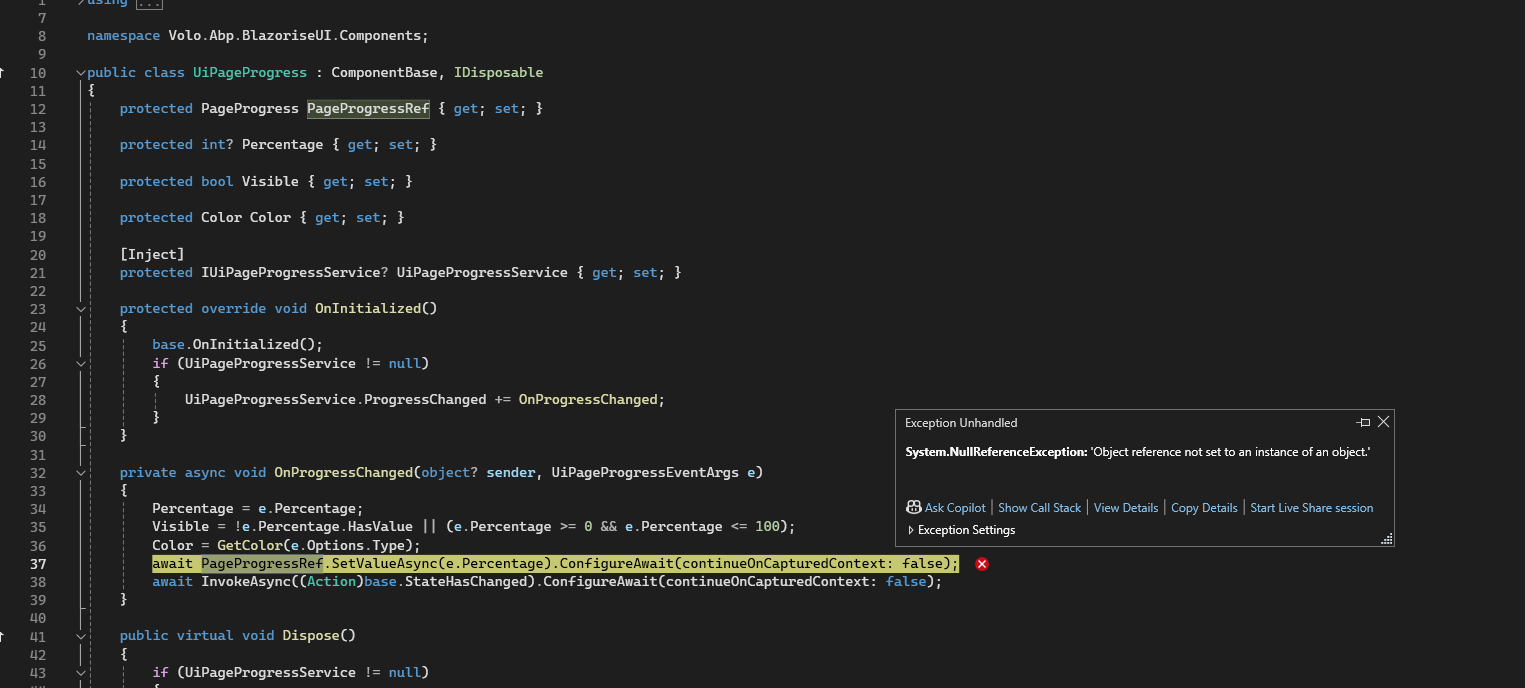
Load it up, log in, go to the page /Index2 and refresh.
Okay,
The Template issue is resolved by adding the Microsoft package, per this documentation https://docs.abp.io/en/abp/latest/Virtual-File-System#embedding-the-files the section that says the system might malfunction if the project contains special characters, which i guess includes '.'
embedding a file in the project/assembly may cause problems if a file name contains some special chars. To overcome this limitation;

Add Microsoft.Extensions.FileProviders.Embedded NuGet package to the project that contains the embedded resource(s).
Add <GenerateEmbeddedFilesManifest>true</GenerateEmbeddedFilesManifest> into the <PropertyGroup>...</PropertyGroup> section of your .csproj file.
The bundle issue seems a bug on application type solution importing the bundle from module, I guess it will be patched in future version. Thanks
Shared via email, thanks
For the virtual file system problem, i installed the virtual file system ui package and saw that even though I used option-2 here, which says This approach allows you to locate templates in any folder instead of the folder defined by the depended module. It did not register the virtual file path as /Templates/NewUser.cshtml, instead it registered it as My.Project.Templates so I had to change the path to
.WithVirtualFilePath(
    "/My/Project/Templates/NewUser.cshtml",
    isInlineLocalized: true
);
This then causes a problem with the following piece of code thats intended to make dev easier because then it kind find it with the new /My/Project/Templates path.
private void ConfigureVirtualFileSystem(IWebHostEnvironment hostingEnvironment)
{
    if (hostingEnvironment.IsDevelopment())
        {
            Configure<AbpVirtualFileSystemOptions>(options =>
            {
                options.FileSets.ReplaceEmbeddedByPhysical<MyProjectDomainSharedModule>(Path.Combine(hostingEnvironment.ContentRootPath, $"..{Path.DirectorySeparatorChar}Cns.MyProject.Domain.Shared"));
                options.FileSets.ReplaceEmbeddedByPhysical<MyProjectDomainModule>(Path.Combine(hostingEnvironment.ContentRootPath, $"..{Path.DirectorySeparatorChar}Cns.MyProject.Domain"));
                options.FileSets.ReplaceEmbeddedByPhysical<MyProjectApplicationContractsModule>(Path.Combine(hostingEnvironment.ContentRootPath, $"..{Path.DirectorySeparatorChar}Cns.MyProject.Application.Contracts"));
                options.FileSets.ReplaceEmbeddedByPhysical<MyProjectApplicationModule>(Path.Combine(hostingEnvironment.ContentRootPath, $"..{Path.DirectorySeparatorChar}Cns.MyProject.Application"));
            options.FileSets.ReplaceEmbeddedByPhysical<MyProjectBlazorModule>(hostingEnvironment.ContentRootPath);
        });
    }
}
What's the correct way for this to work for both dev and prod?
We still have not receive any feedback regarding the bundling problem i detailed in the op either. Could you please help us?
Well if its copying to output directory it doesn't really make sense to have it embedded, but I tried it anyway and published, this did copy the files to Templates, but still I deployed this and still the same issue
I can confirm that the files ended up on the file system of the docker container
Bump?
Well if its copying to output directory it doesn't really make sense to have it embedded, but I tried it anyway and published, this did copy the files to Templates, but still I deployed this and still the same issue
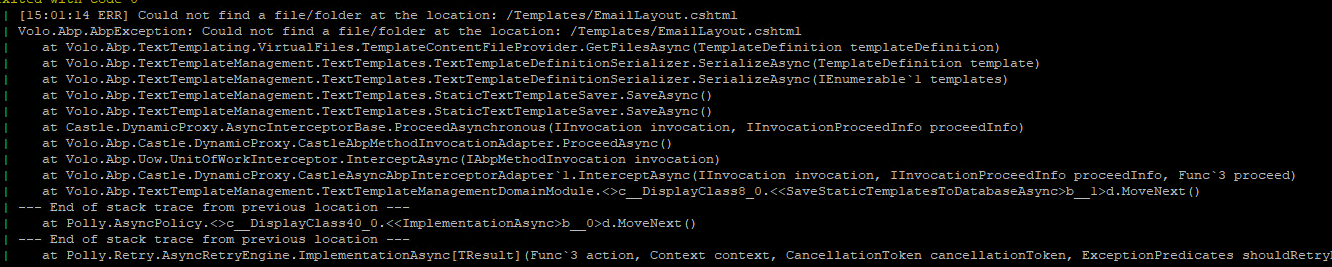
I can confirm that the files ended up on the file system of the docker container
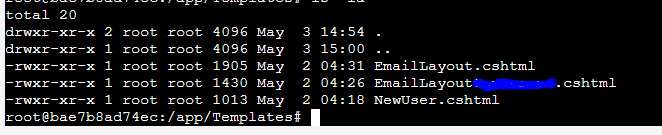
The issue is that this is missing in the file ProjectBlazorHostModule on the blazor.server.host project...
Configure<AbpMultiTenancyOptions>(options =>
{
    options.IsEnabled = MultiTenancyConsts.IsEnabled;
});
Using "brave" and "edge" in incognito, same problem.
Blazor.Server.Host is the startup project
I have manually changed everything to leptonx in the module successfully, but the tenant missing issue is happening straight from module creation.