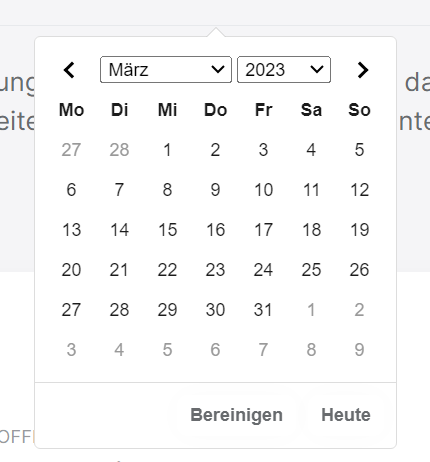
Sure... but it's the same as in the code above ;-)
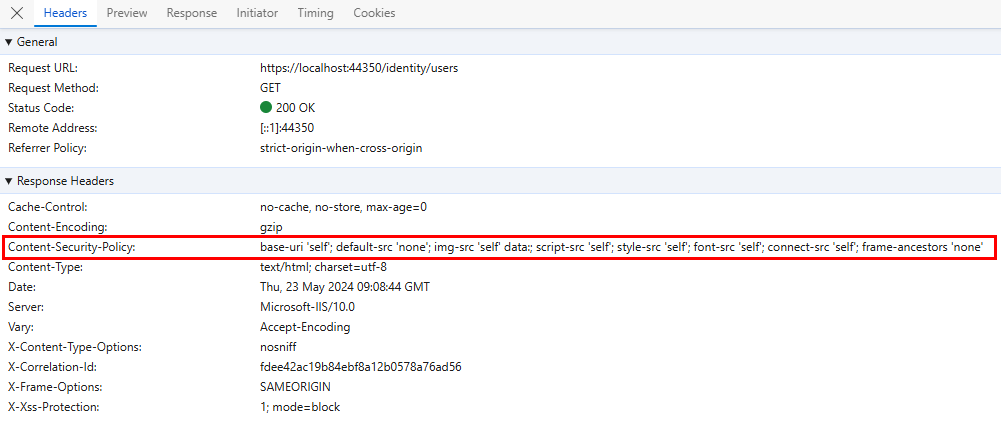
This error will continue because the code contains inline CSS. Different solutions may exist in content security policy. It's not a problem that can be fixed with abp.
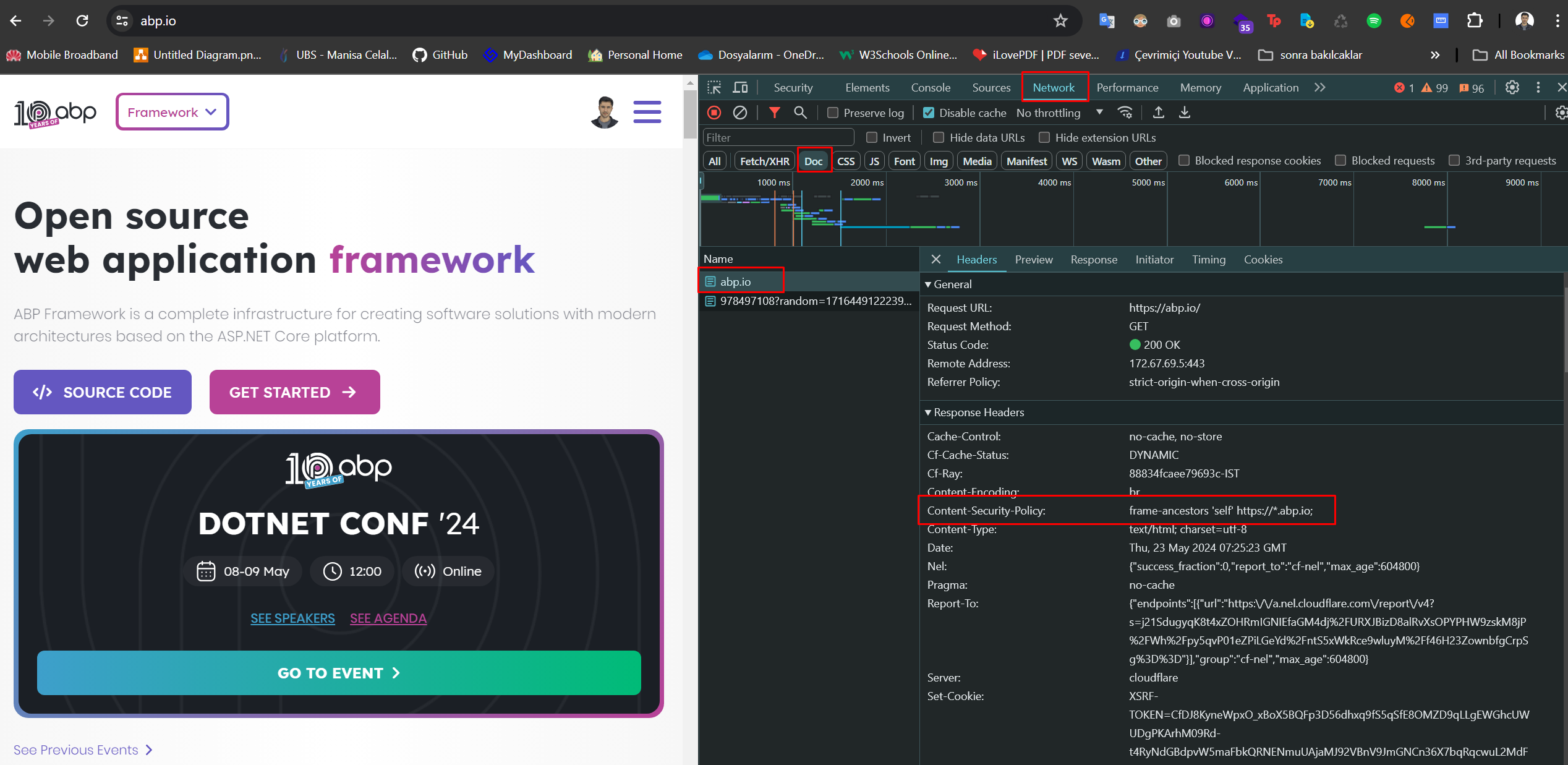
Can you share the response headers in the request of the document via the network tab?
Example:
Hi,
Can you use {AuthServerUrl}/api/account/profile-picture-file/{userId} with url.
Example usage:
<img src="https://account.abp.io/api/account/profile-picture-file/d488264a-c732-95c6-eccc-3a04e5515a1f"
Hi,
I’m both the Owner and developer and I cannot find it on the page!
Authorization granted. Can you check again? If the e-book part does not come, can you log out and log in again?
If you are the owner of the organization, you can see it under E-Book on the organization manage page at https://commercial.abp.io/my-organizations
salih.ozkara@volosoft.com
Sure, I will send you my demo project but one hint. Change you're region to South America (for example Peru) and set your timezone too to GMT-5.
If you sent your demo project, it did not reach me. Can you send it again via e-mail?
Hello!!! It's me again. I found 2 bugs related to datepickers.
One of them, is related to ABP Framework and I created an issue here https://github.com/abpframework/abp/issues/18985
The other one is related to ABP Commercial.
If you see the Loom video, you can see that I create an entity with a date value on day 17 but when I try to edit, It will display on day 16 in the date picker. https://www.loom.com/share/77c5c42318af4ff8b16f16e8729a7a66?sid=4c20182b-6621-4e39-9dd0-1f721967b51cI was able to fix it by modifying the generated index.js in this line
(new Date(date)).toLocaleDateString(abp.localization.currentCulture.name);with this
(new Date(date)).toLocaleDateString(abp.localization.currentCulture.name, {timeZone: 'UTC'});This seems to happen in my timezone (GMT-5).
Firefox problem: https://github.com/abpframework/abp/pull/18998 I couldn't reproduce your other problem. Can you share a sample project for this? My e-mail address is salih.ozkara@volosoft.com
https://github.com/salihozkara/Qa6185/commit/0cc7f01ecc9c9be42452fa825d8638203ed9dfcf
Hello, you can do it as in the commit above.
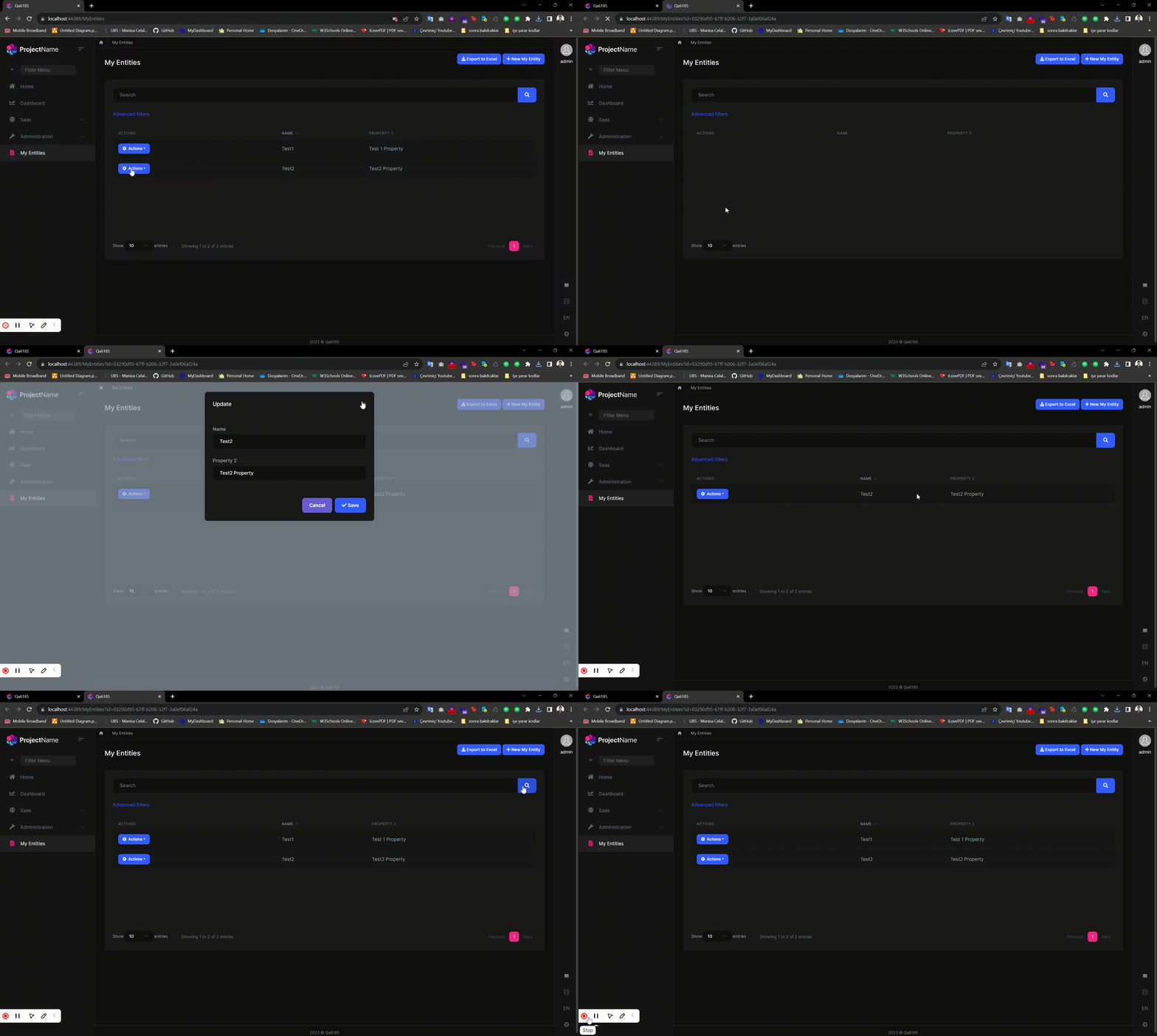
I didn't fully understand what you meant. I'm sharing a gif. Is something similar to this what you're looking for?
The issue will be resolved in this pull request: https://github.com/abpframework/abp/pull/18084. You can temporarily fix it by adding the changes as shown in these two locations: https://github.com/abpframework/abp/pull/18084/files#diff-52dec44c05efb7868266577c174a01a14b8accfc2f6dbcb0114c867b5385aef1R34 and https://github.com/abpframework/abp/pull/18084/files#diff-52dec44c05efb7868266577c174a01a14b8accfc2f6dbcb0114c867b5385aef1R39. Please pay attention to the package name, which should be 'MomentScriptContributor.PackageName.'
You can extend the "AbpUiResource" just like in the example here: https://community.abp.io/posts/how-to-override-localization-strings-of-depending-modules-ba1oy03l for the "Today" button.