So its still a bug, that the automapper is not generating
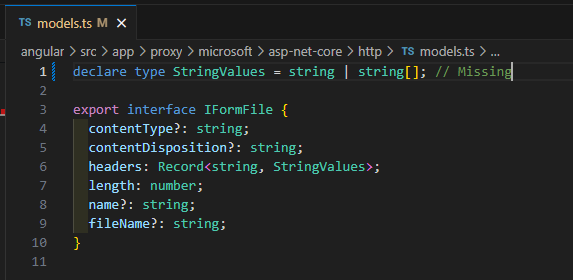
And its not working
I added:

My AppService:

This is the backend
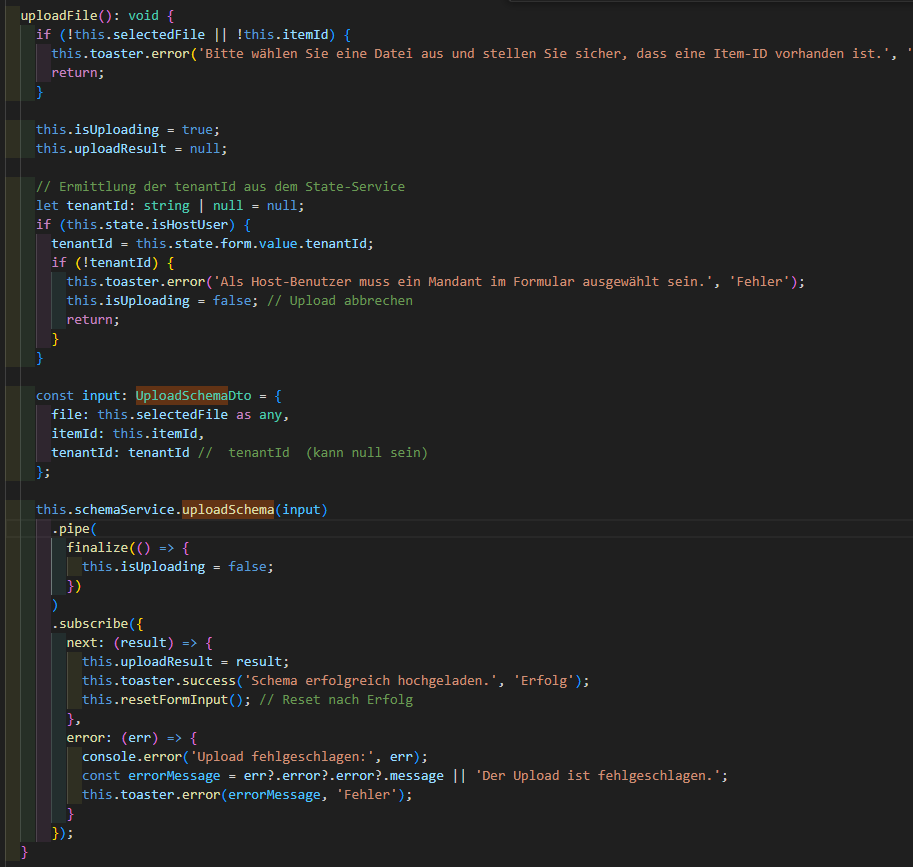
And frontend:
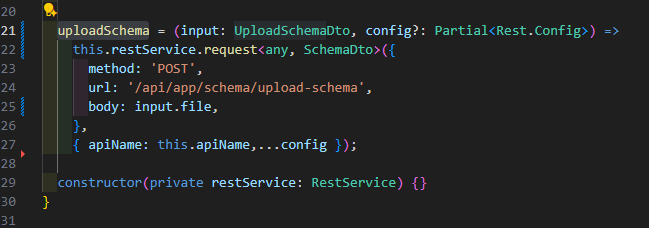
The generated proxy:
I get the same error:
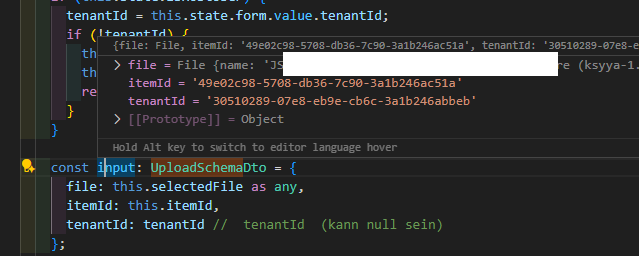
The values are filled
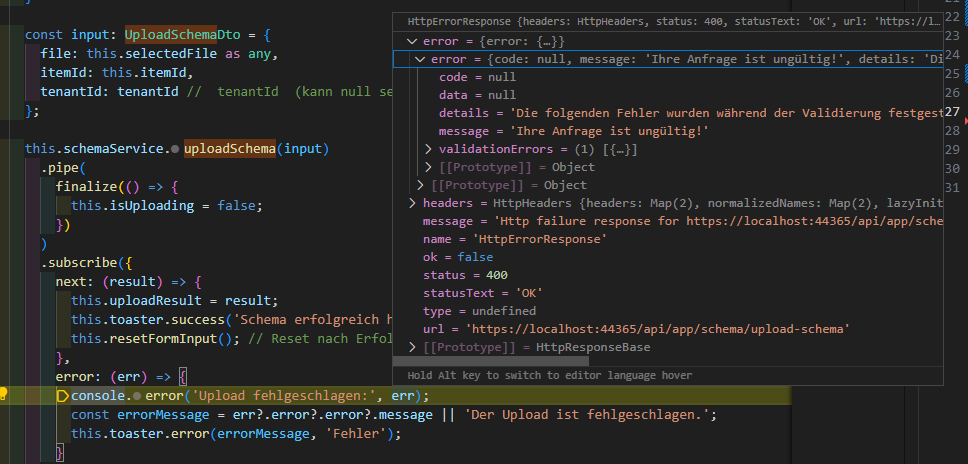
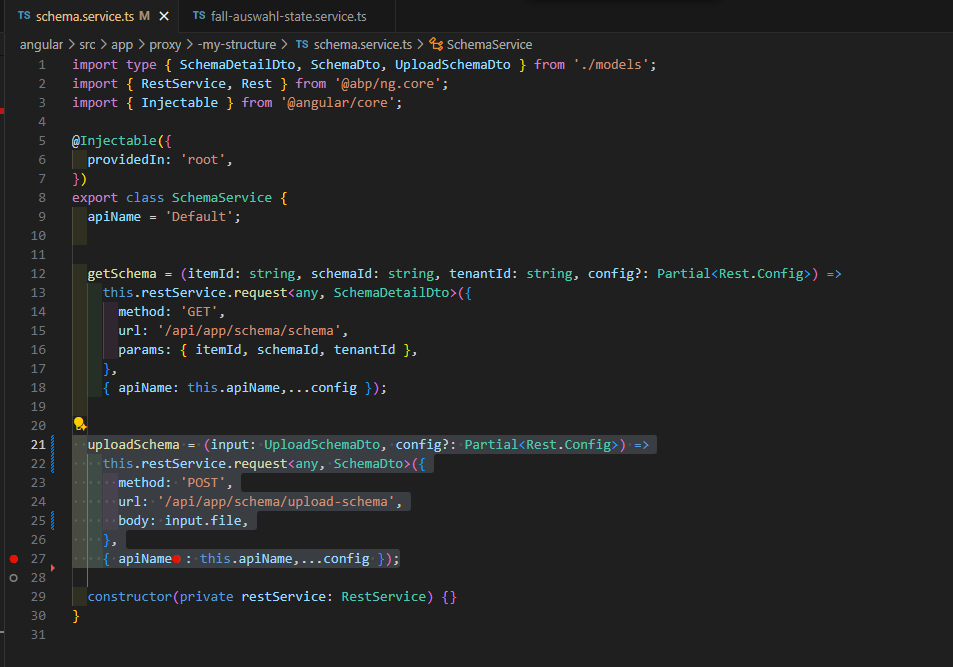
The proxy is generated wrong:
Please give me a fast workaround
The issue is a mismatch between the client's request and the server's expectation. Since the server is following the correct and most efficient standard, the solution is to fix the client to match the server, not the other way around.
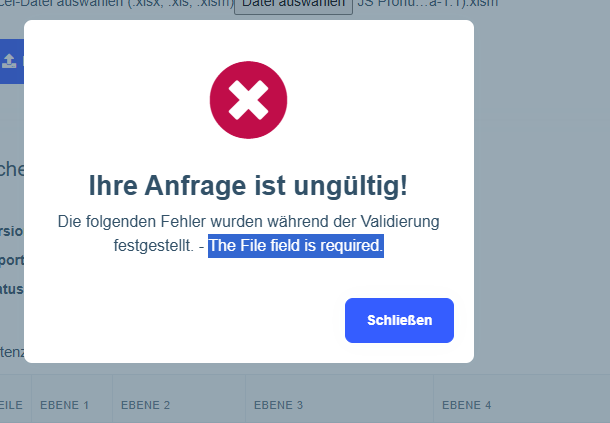
The upload doesnt work, I always get
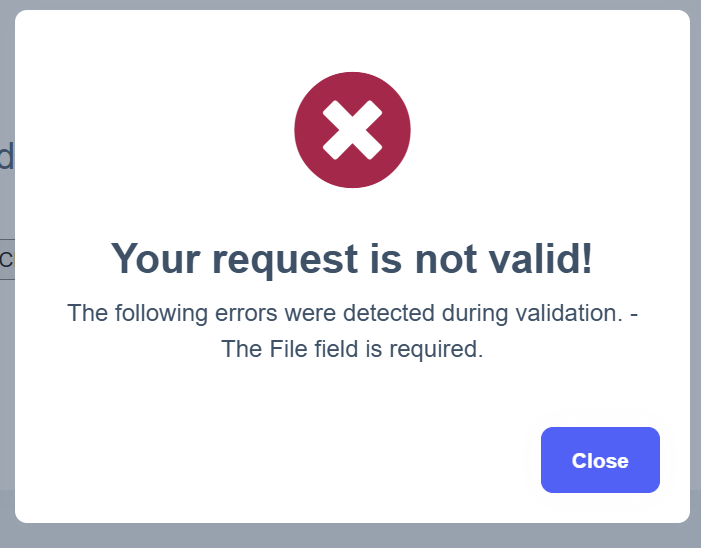
with that "import { ToasterService } from '@abp/ng.theme.shared'; import { Component, Input } from '@angular/core'; import { SchemaDto, SchemaService, UploadSchemaDto } from '@proxy/-my-structure'; import { FallAuswahlStateService } from '../fall-auswahl/fall-auswahl-state.service'; import { finalize } from 'rxjs';
@Component({ selector: 'app-schema-upload', standalone: false, templateUrl: './schema-upload.component.html', styleUrls: ['./schema-upload.component.scss'], }) export class SchemaUploadComponent { @Input() itemId: string;
selectedFile: File | null = null; isUploading = false; uploadResult: SchemaDto | null = null;
constructor( private schemaService: SchemaService, private toaster: ToasterService, private state: FallAuswahlStateService ) {}
onFileSelected(event: Event): void { const element = event.currentTarget as HTMLInputElement; const fileList: FileList | null = element.files; if (fileList && fileList.length > 0) { this.selectedFile = fileList[0]; this.uploadResult = null; } } uploadFile(): void { if (!this.selectedFile || !this.itemId) { this.toaster.error('Bitte wählen Sie eine Datei aus und stellen Sie sicher, dass eine Item-ID vorhanden ist.', 'Validierungsfehler'); return; }
this.isUploading = true; this.uploadResult = null;
const input: UploadSchemaDto = { file: this.selectedFile as any, itemId: this.itemId };
this.schemaService.uploadSchema(input) .pipe( finalize(() => { this.isUploading = false; }) ) .subscribe({ next: (result) => { this.uploadResult = result as any; this.toaster.success('Schema erfolgreich hochgeladen.', 'Erfolg'); this.selectedFile = null; }, error: (err) => { console.error('Upload fehlgeschlagen:', err); this.toaster.error('Der Upload ist fehlgeschlagen.', 'Fehler'); } }); }
private resetFormInput(): void { const fileInput = document.getElementById('schemaFile') as HTMLInputElement; if (fileInput) { fileInput.value = ''; } this.selectedFile = null; } }"
and
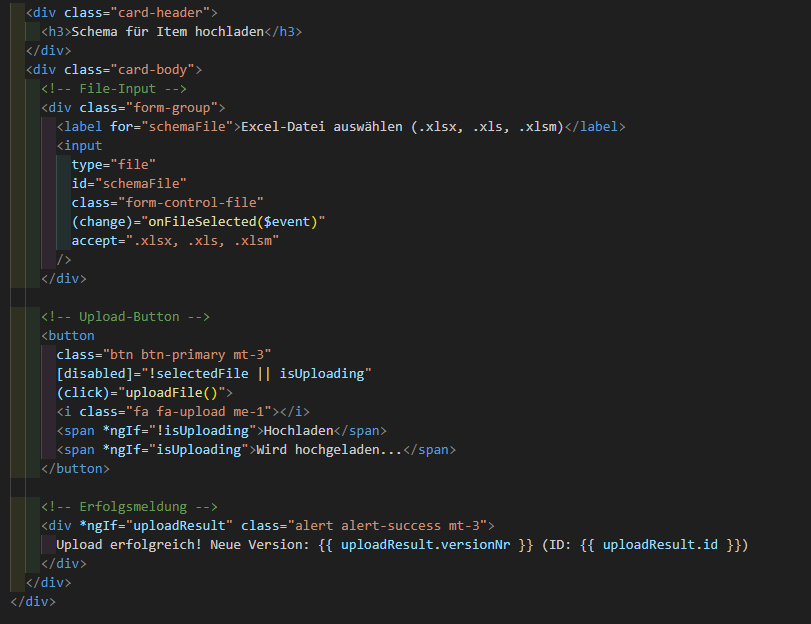
"<div class="card"> <div class="card-header"> <h3>Schema für Item hochladen</h3> </div> <div class="card-body"> <!-- File-Input --> <div class="form-group"> <label for="schemaFile">Excel-Datei auswählen (.xlsx, .xls, .xlsm)</label> <input type="file" id="schemaFile" class="form-control-file" (change)="onFileSelected($event)" accept=".xlsx, .xls, .xlsm" /> </div>
<!-- Upload-Button -->
<button
  class="btn btn-primary mt-3"
  [disabled]="!selectedFile || isUploading"
  (click)="uploadFile()">
  <i class="fa fa-upload me-1"></i>
  <span *ngIf="!isUploading">Hochladen</span>
  <span *ngIf="isUploading">Wird hochgeladen...</span>
</button>

<!-- Erfolgsmeldung -->
<div *ngIf="uploadResult" class="alert alert-success mt-3">
  Upload erfolgreich! Neue Version: {{ uploadResult.versionNr }} (ID: {{ uploadResult.id }})
</div>
</div> </div>"
that is the configuration:
"
"
the appservice method

I changed the proxy (!manually):

and the upload method

and now its working!
But this is not practical. Please give me the full code
The "ABP Studio Team Edition" rendered the paths wrong, I want the credits for the entire question back
I didn't receive a satisfying answer, please return the credits for the entire post, even the deleted ones
Are you lazy-loading the module from the library?

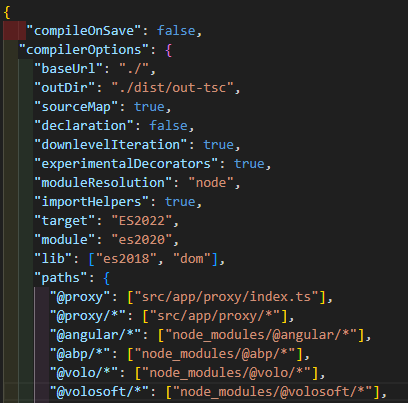
Please share the contents of your application's
Module: 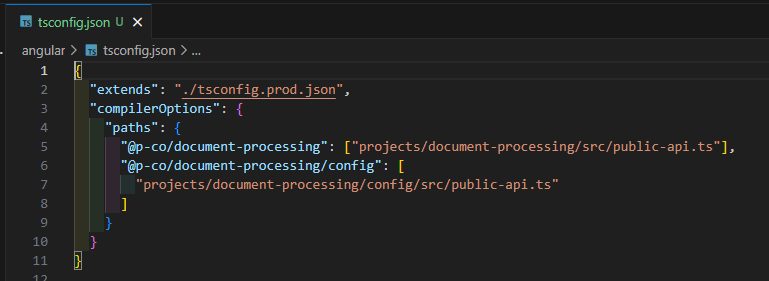
Main Application: 
Module:
Main Application: 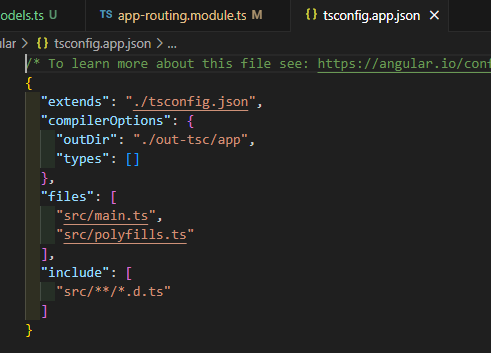
ts prod: 
Module-project-structure:
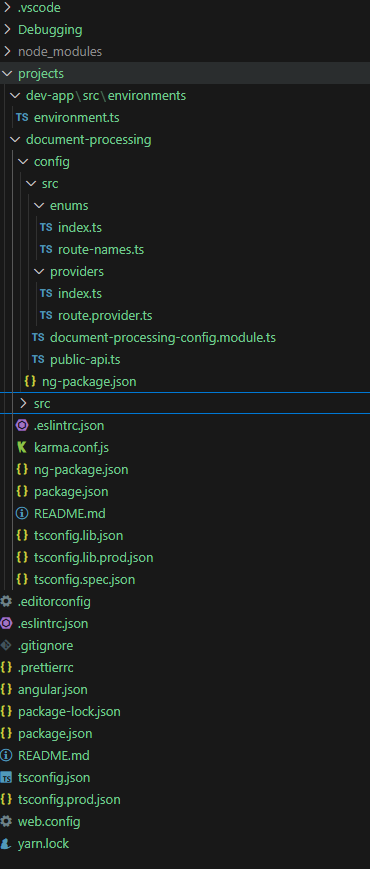
Could you please respond?
Hi,
I created an extra module using the ABP Suite, based on the approach described here: https://abp.io/support/questions/9394/Scaffold-Extra-angular-application-with-all-the-features-which-will-be-created-usually-in-ABP-Studio-language-auth
All errors were resolved, and the module was successfully installed.
However, when I try to access the module via the main application's URL, I encounter the following error:

Is it possible to start the angular project https://abp.io/support/questions/9394/Scaffold-Extra-angular-application-with-all-the-features-which-will-be-created-usually-in-ABP-Studio-language-auth (created with DDD and angular) without starting the main project where the module is installed?
...\myNewModule\angular> yarn start Results in: "yarn run v1.22.22 error Command "start" not found."
...\myNewModule\angular> ng s Results in: "Cannot determine project or target for command."









