Hi support team,
I created Microservice template project. I Started AuthServer, Web, WebGateway, AdministrationService.HttpApi.Host. projects success. After that I want to add and customize FileManagement module. I see the link https://docs.abp.io/en/commercial/latest/modules/file-management So i run "abp add-module Volo.FileManagement" command. But I restarted Started AuthServer, Web, WebGateway, AdministrationService.HttpApi.Host projects fail I see log write: The system cannot find the file specified.: Volo.FileManagement.HttpApi.Client, Version=4.4.0.0 Volo.FileManagement.EntityFrameworkCore
How to fix it to started AuthServer, Web, WebGateway, AdministrationService.HttpApi.Host. projects success and add customize FileManagement module in solution?
Dear support team,
When i create a new solution with Microservice template I have message
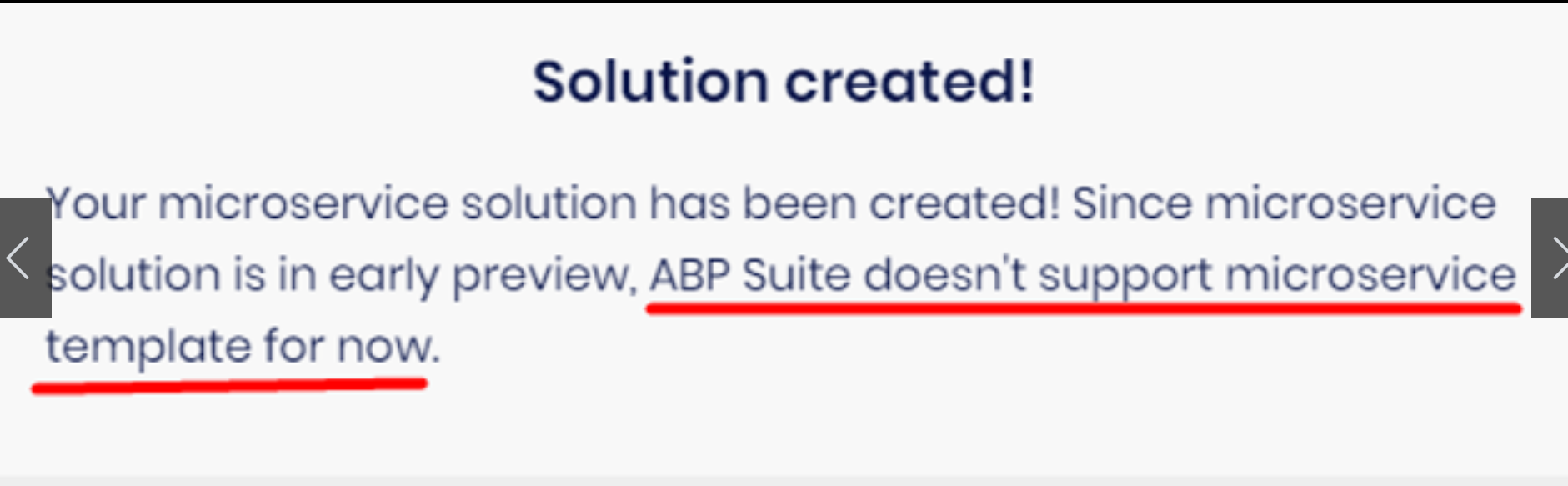
After that, the project have errors when i build
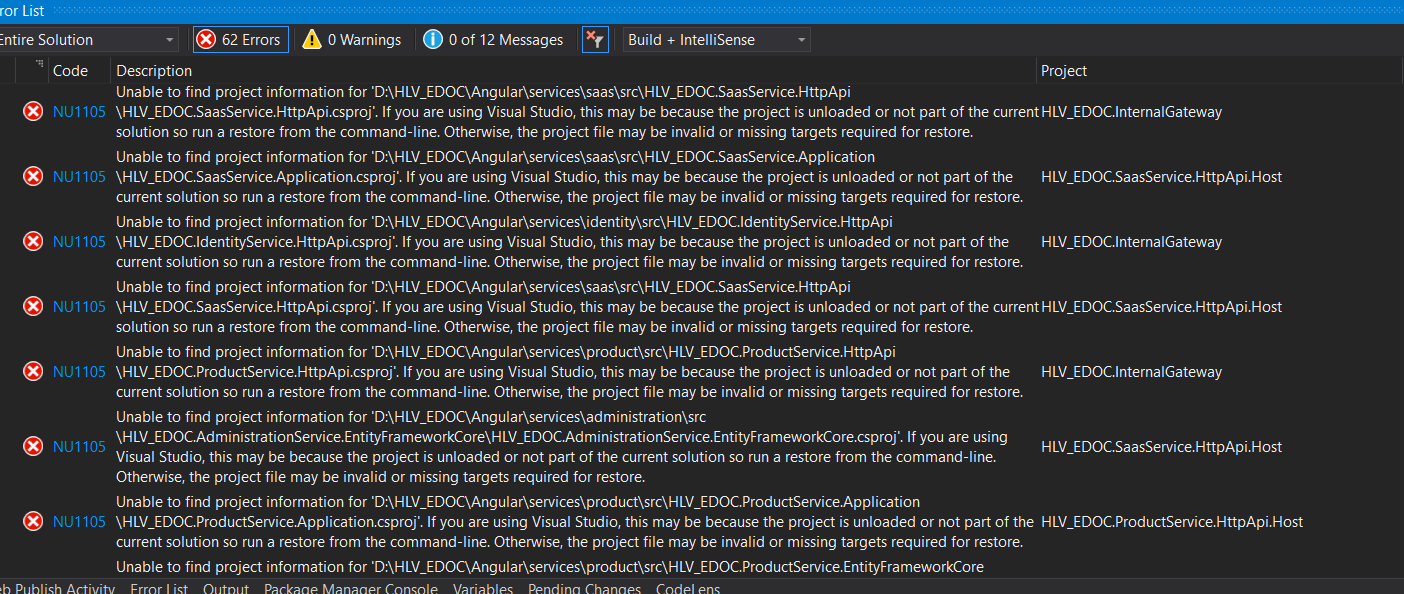
How can I start new project?
Hi support team,
I create a new solution with Template type is Module template.
And now I want to Add FileManagement Module into my solution. But have error:
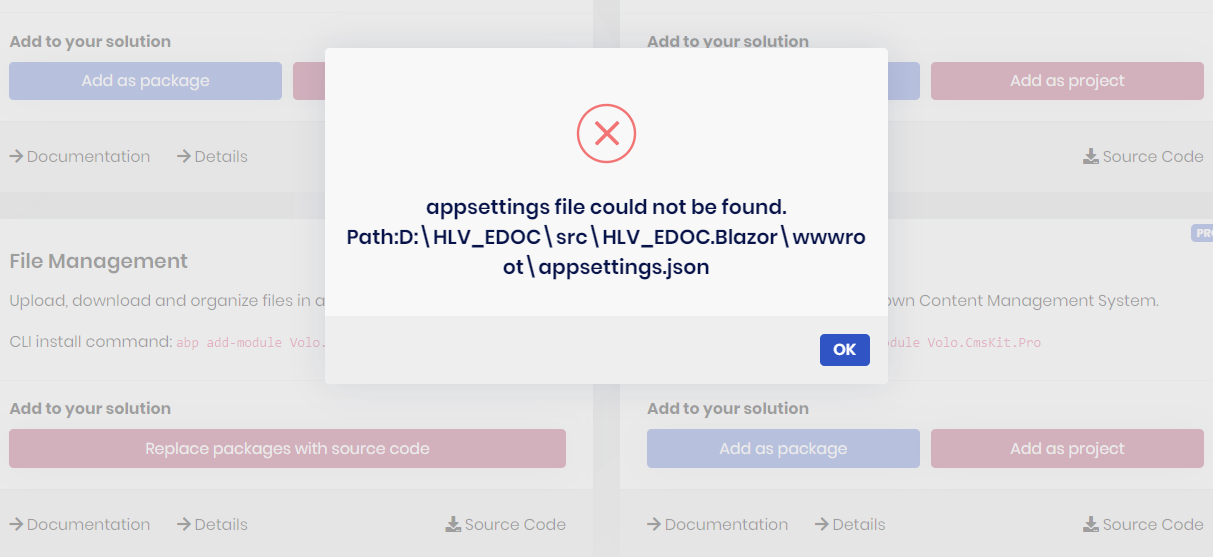
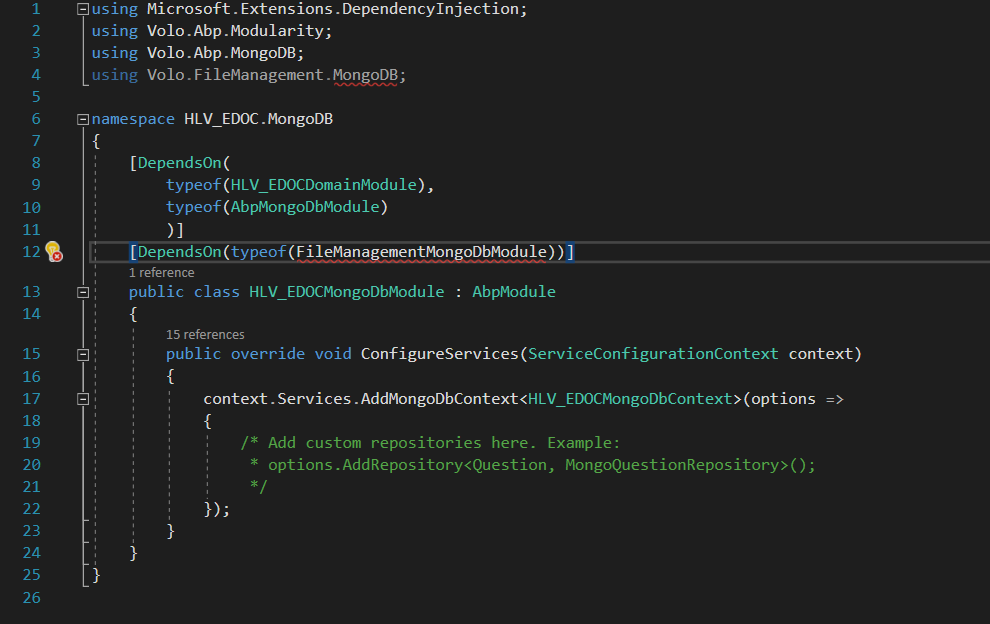
Beside I only want to use Oracle for FileManagement Module (I use SQL server for IdentityServer ) How to migrate FmDirectoryDescriptors, FmFileDescriptors tables into Oracle?
Hi support team,
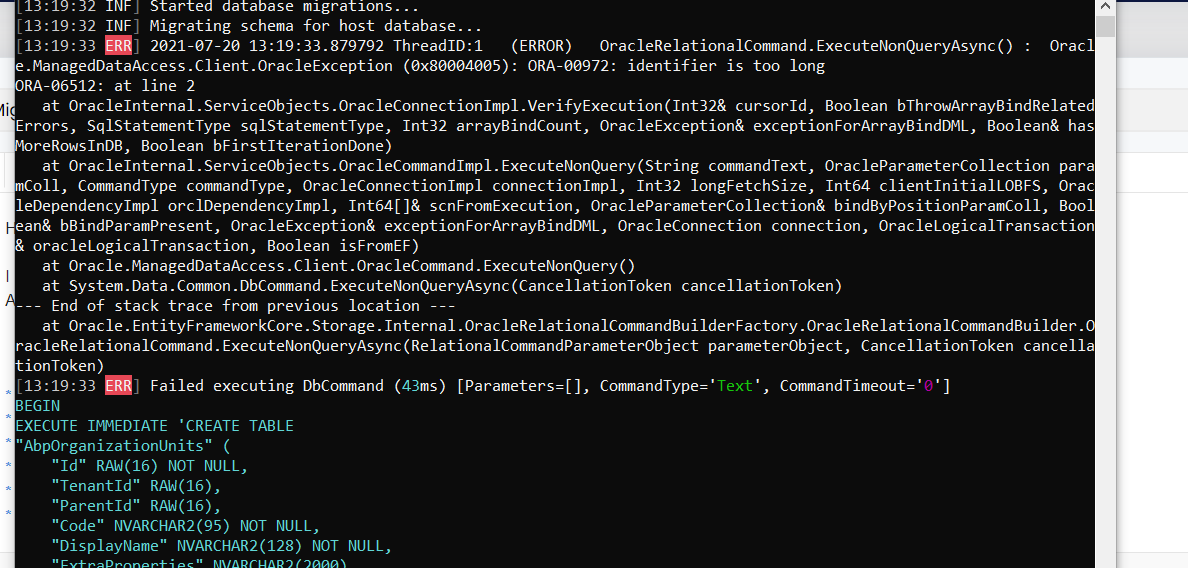
I have just create project use Oracle database. And I have error identifier is too long when run DbMigrator prject
Dear support team,
I use command "ng build --prod --base-href /HLVDMS/" build source to publish, but i can not see appsetting.production to updated api service link. where is it?
Hi support team, I am developing on source that has integrated login, but now I want to separate login to connect to another service (Ldap) How can i do to don't lose the existing code of other modules? and how is my database updated?
Hi support team,
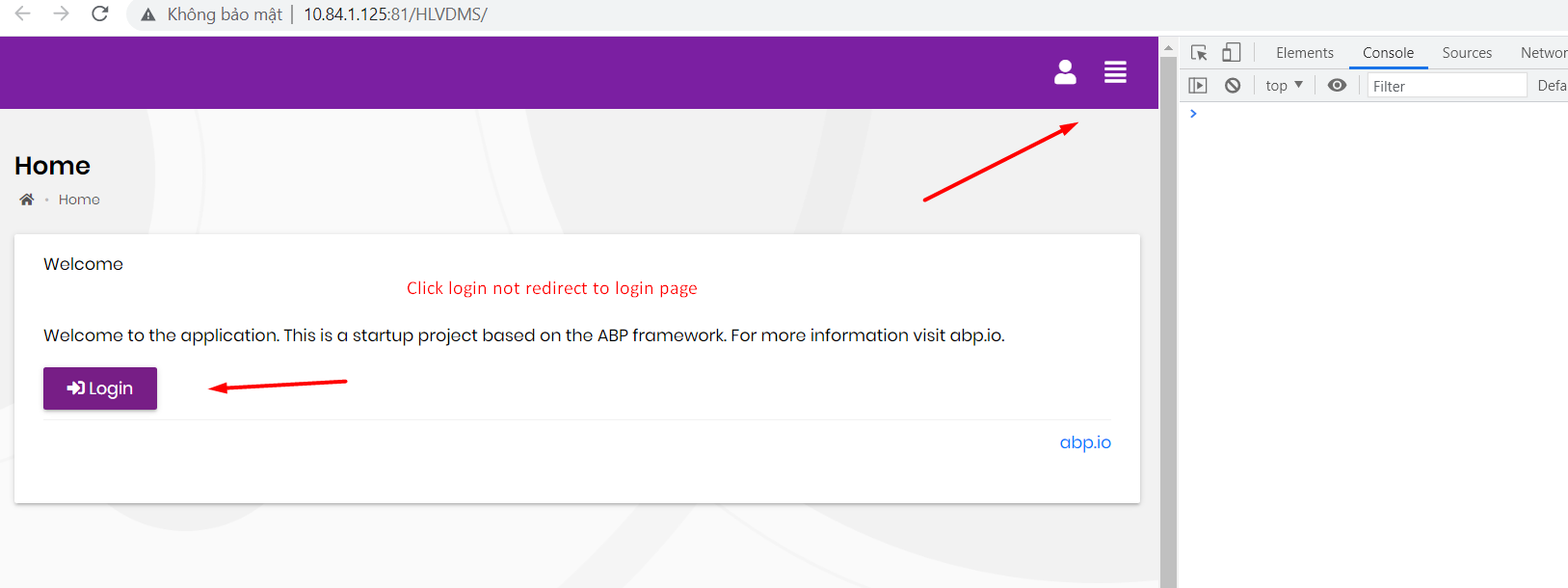
I host project to IIS, api service work ok, but when i click login button, it not working.
Console browser don't have any log.
I have already update databse
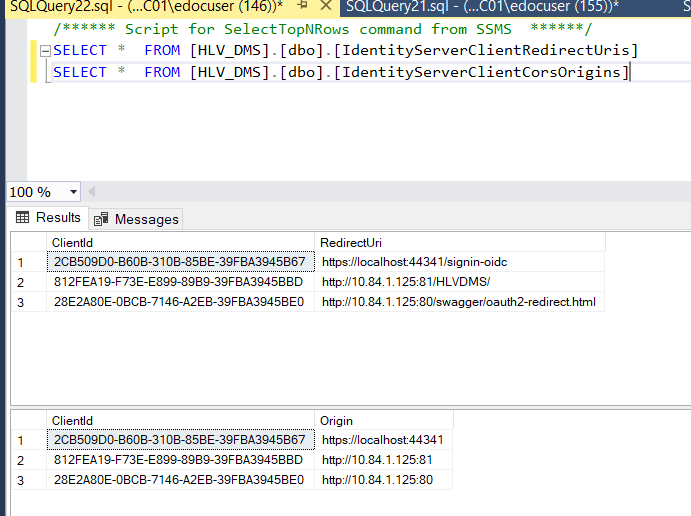
Please tell me why?
If you're creating a bug/problem report, please include followings:
Hi support team,
When i download file from client like this
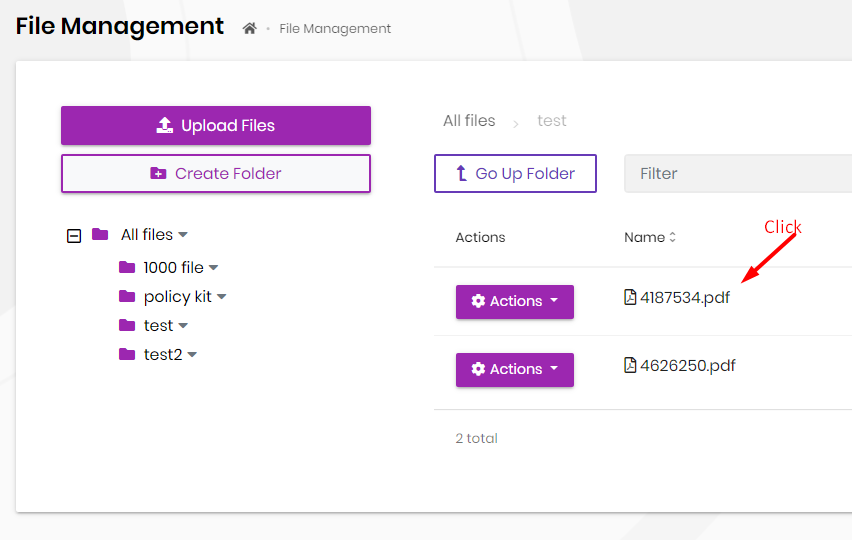 I have error when open it from local
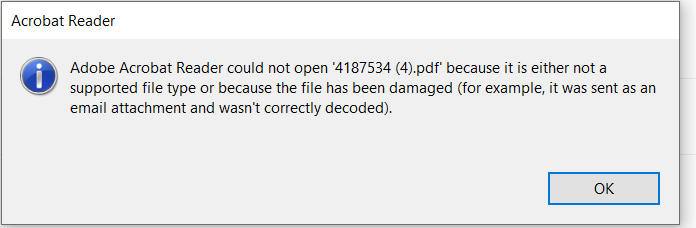
Please support to me
Dear support team,
I want to change status all of file in the folder.
I have a button Sign All like this
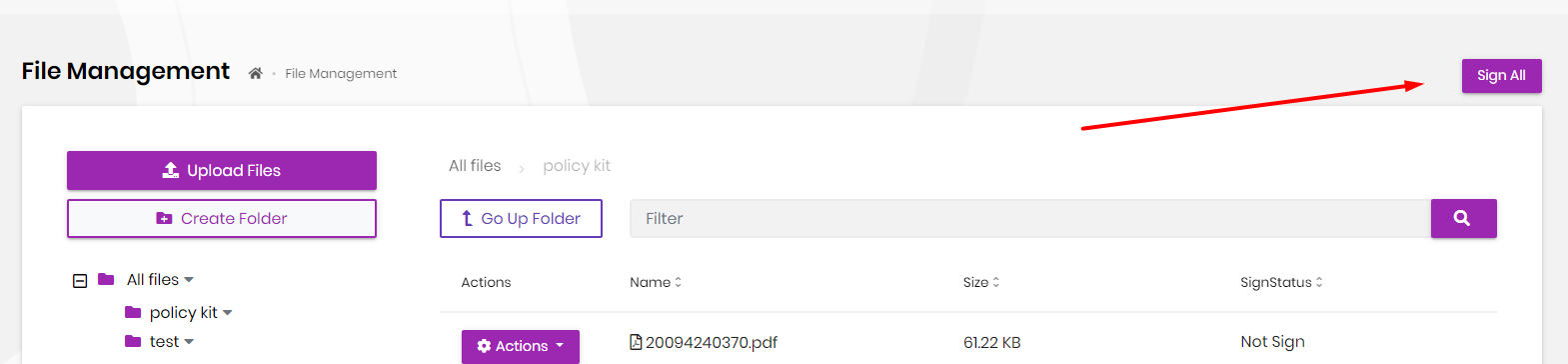 And I try to create signAllFile function in NavigatorService and FileManagementComponent but not success all.
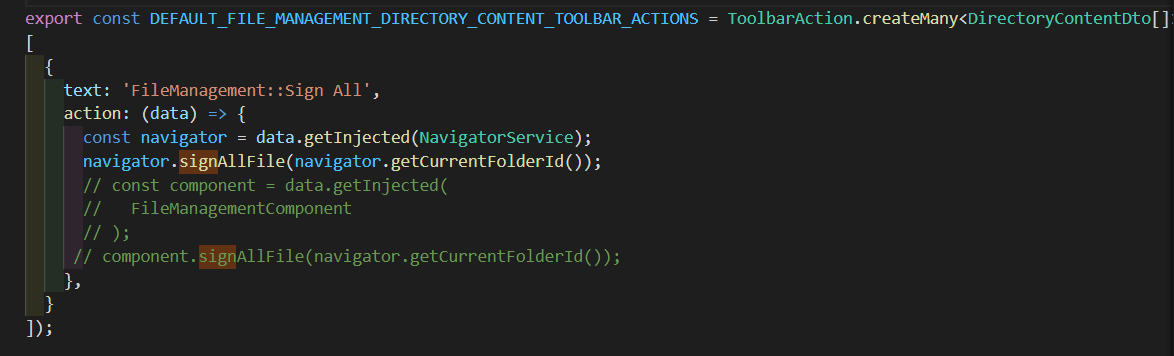 If I use signAllFile func in NavigatorService, code debug don't run into service "this.service.signAll(this.signFileInput))"
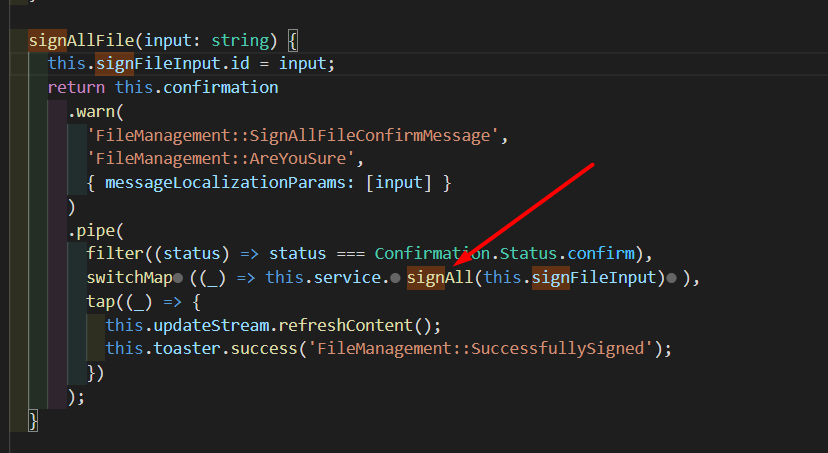 And If I use signAllFile func in FileManagementComponent, my frontend has error like this
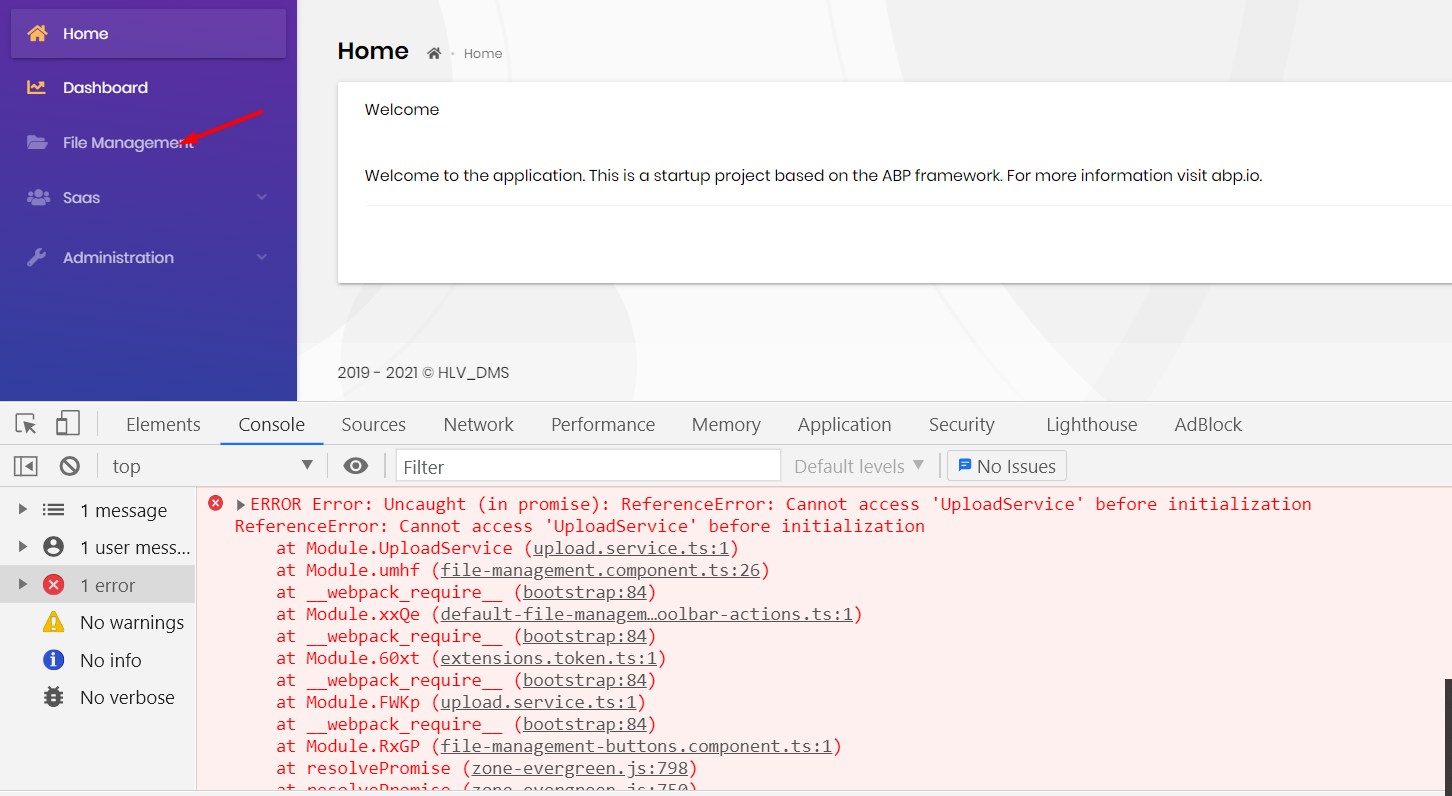 Please show me how to call my func in default-file-management-toolbar-actions.
Dear support team,
I host Angular into IIS: https://dmsuat.hanwhalife.com.vn:501/HLVDMS/
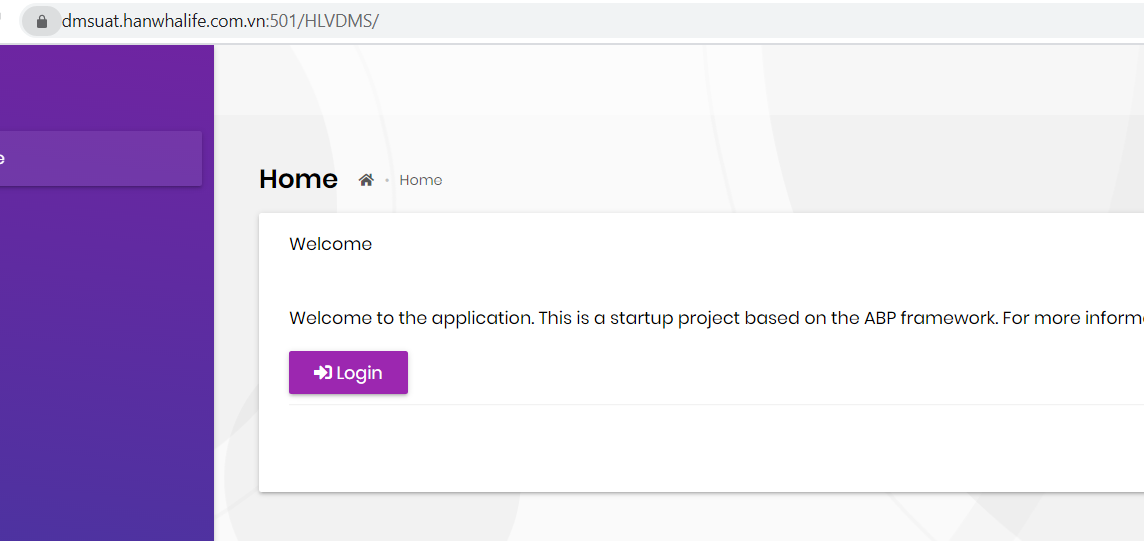 When i click Login, redirect to service like this
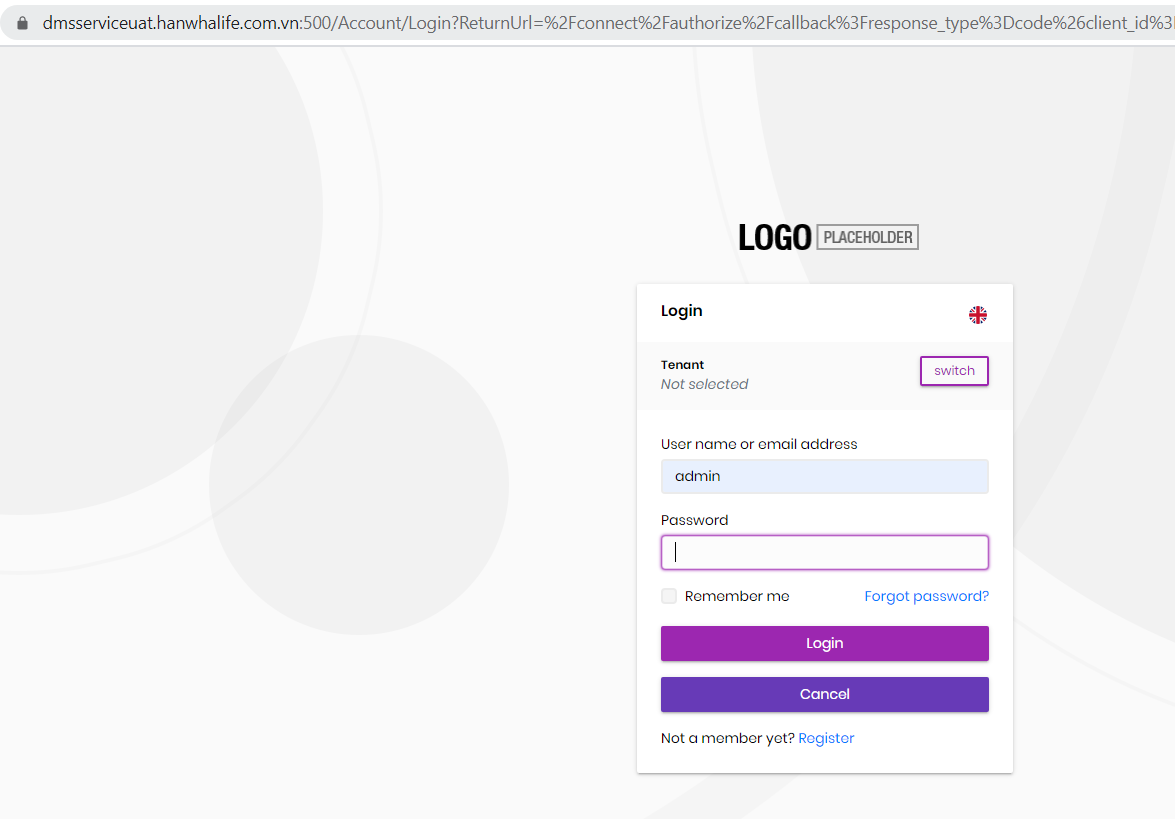 But when i login website redirect to localhost:4200
 I have update appsettings.json like this
 I don't understand why service redirect to localhost:4200
Please show me how to fix it
I don't understand why service redirect to localhost:4200
Please show me how to fix it









