Hello,
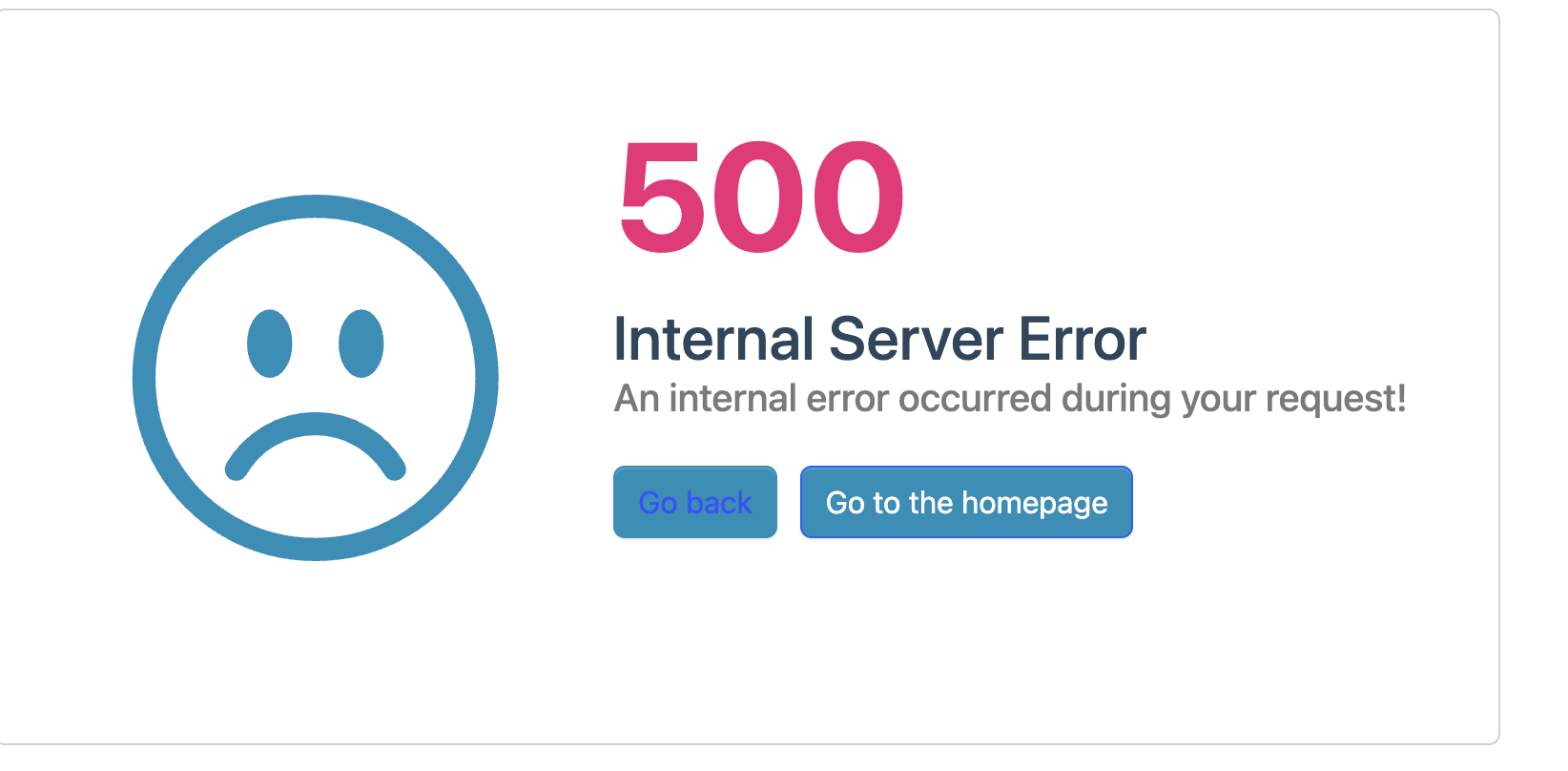
We are facing Error 500 issues with API after deploying to Azure Container App. Same application using appsettings.development.json config runs fine locally. We need your help spotting any misconfigured on our end.
Failed to load API definition - 500 Internal Server Error on the /api/abp/application-configuration - Fetch error OK /swagger/v1/swagger.json
More details - source files here: https://drive.google.com/drive/folders/1P88jaMPzPbPd9HLima4ZEj1HF-GUHu9H?usp=drive_link
ABP Studio Configuration Information:
- Template: app
- Created ABP Studio Version: 2.1.0
- Current ABP Studio Version: 2.1.7
- Tiered: Yes
- Multi-Tenancy: Yes
- UI Framework: blazor-server
- Theme: leptonx
- Theme Style: system
- Theme Menu Placement: side
- Database Provider: ef
- Database Management System: sqlserver
- Separate Tenant Schema: Yes
- Mobile Framework: none
- Public Website: Yes
- Social Login: Yes
- Include Tests: Yes
- Kubernetes Configuration: Yes
- Distributed Event Bus: rabbitmq
- Use Local References: No
- Optional Modules:
- GDPR
- FileManagement
- TextTemplateManagement
- LanguageManagement
- AuditLogging
- Chat
- OpenIddictAdmin
- Selected Languages: English, French, Spanish
- Default Language: English
- Create Command: abp new Millennial -t app --tiered --ui-framework blazor-server --database-provider ef --database-management-system sqlserver --theme leptonx --separate-tenant-schema --skip-migration --skip-migrator --public-website --without-cms-kit --dont-run-install-libs --dont-run-bundling -chat -file-management
What we have tried: Validated OpenIddict Application values in DB and Admin console Validated values in AppSettings.json files
37 Answer(s)
-
0
js file is not the issue as we have been able to rule that out. Can you share correct values for CORS: in AuthServer appsettings.json file for azure.
the main issue is when i click login form Public App or Admin App it cant redirect us to auth server and it find login page on Public app url or Admin app url so i cant understand this issue and local is working fine.
Markdown supported.Copy, paste, or drag & drop images and files (max 100 MB per file, 100 MB total per post) -
0
Can we have this looked at today? Error 500 still is the issue, login form Public App or Admin App it cant redirect us to auth server and it find login page on Public app url or Admin app
Markdown supported.Copy, paste, or drag & drop images and files (max 100 MB per file, 100 MB total per post) -
0
https://drive.google.com/file/d/1Fw2rPtOpRtjZGOyjyj4Yvi-uscfJ1e0x/view?usp=drive_link
Markdown supported.Copy, paste, or drag & drop images and files (max 100 MB per file, 100 MB total per post) -
0
hi
Can you try add code below
ctx.Request.Scheme = "https";to your auth server module?public override void OnApplicationInitialization(ApplicationInitializationContext context) { var env = context.GetEnvironment(); var app = context.GetApplicationBuilder(); app.Use(async (ctx, next) => { ctx.Request.Scheme = "https"; await next(); });Markdown supported.Copy, paste, or drag & drop images and files (max 100 MB per file, 100 MB total per post) -
0
I tried the above and now we are getting Error 400 Can you check on your end? I have shared logs at https://drive.google.com/file/d/1Fw2rPtOpRtjZGOyjyj4Yvi-uscfJ1e0x/view?usp=drive_link
Markdown supported.Copy, paste, or drag & drop images and files (max 100 MB per file, 100 MB total per post) -
0
Issues resolved, the ClientId in appsettings spelling incorrect although in database was correct.
Markdown supported.Copy, paste, or drag & drop images and files (max 100 MB per file, 100 MB total per post) -
0
[maliming] said: hi
I tested this url and it works
https://auth.redacted.com/.well-known/openid-configuration
https://auth.redacted.com/account/login
Please can you redact all identifiable information in your replies? like this: https://auth.redacted.com/account/login
Markdown supported.Copy, paste, or drag & drop images and files (max 100 MB per file, 100 MB total per post) -
0
Thank you!
Markdown supported.Copy, paste, or drag & drop images and files (max 100 MB per file, 100 MB total per post)