Dear Team,
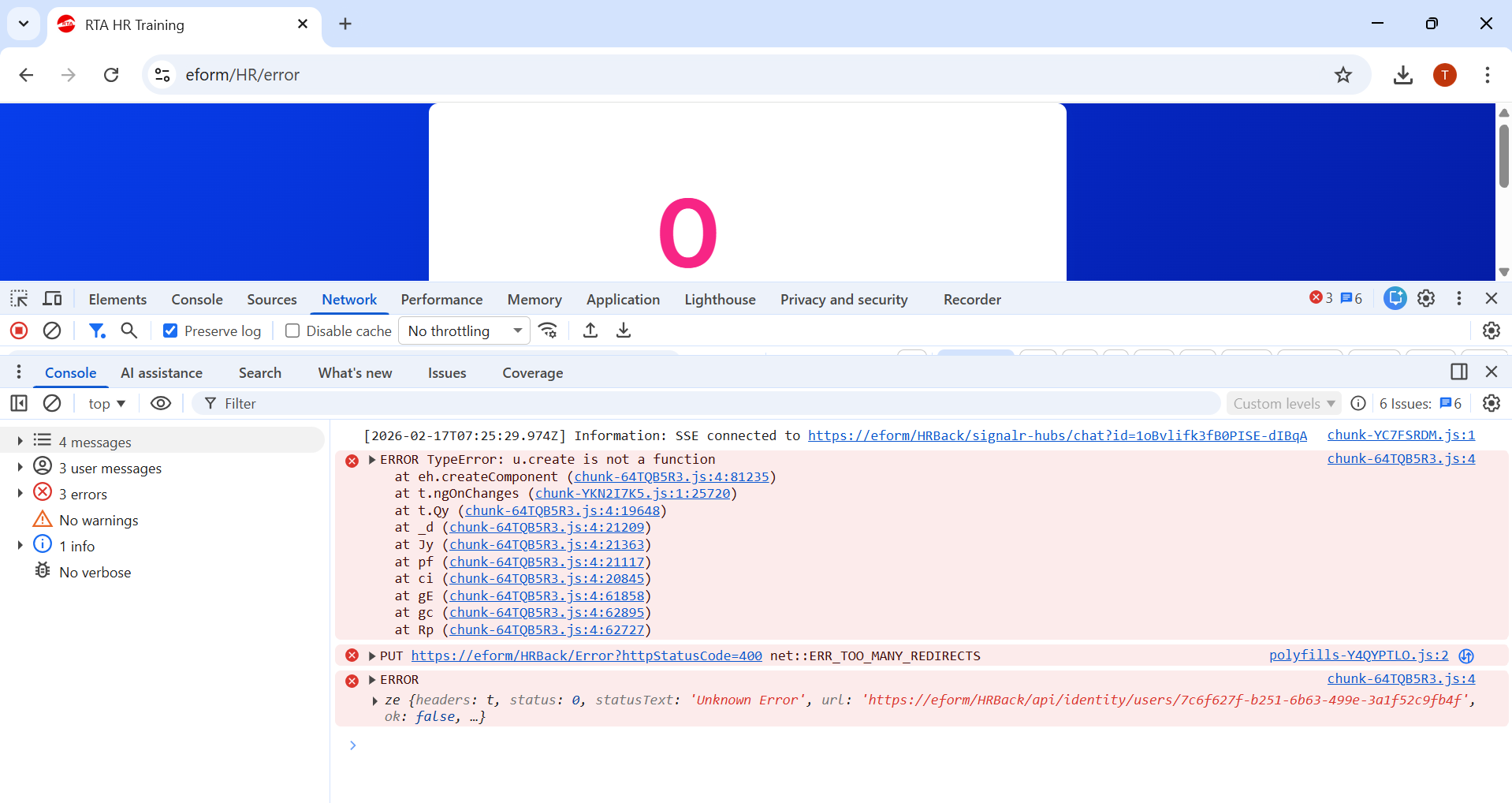
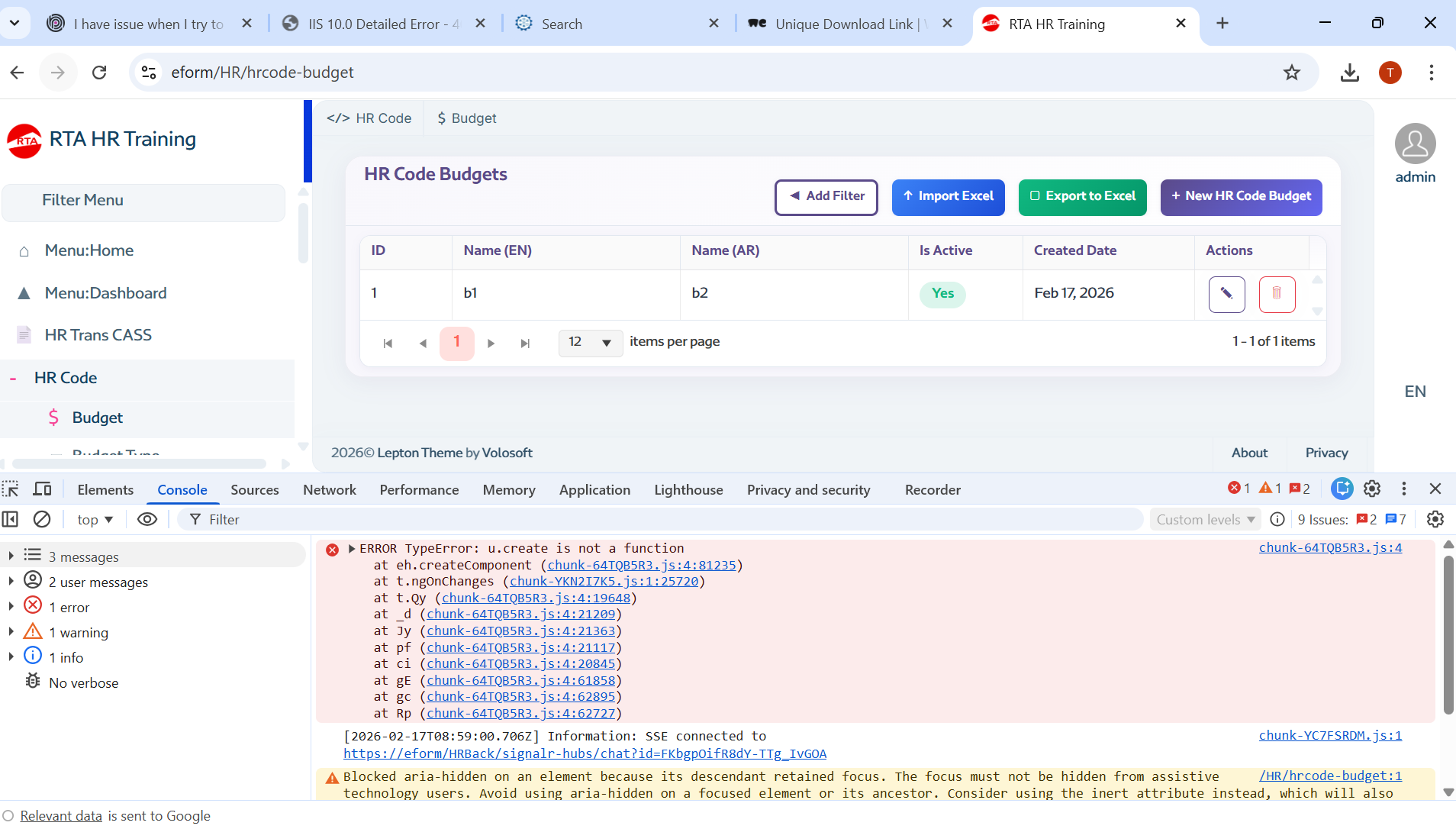
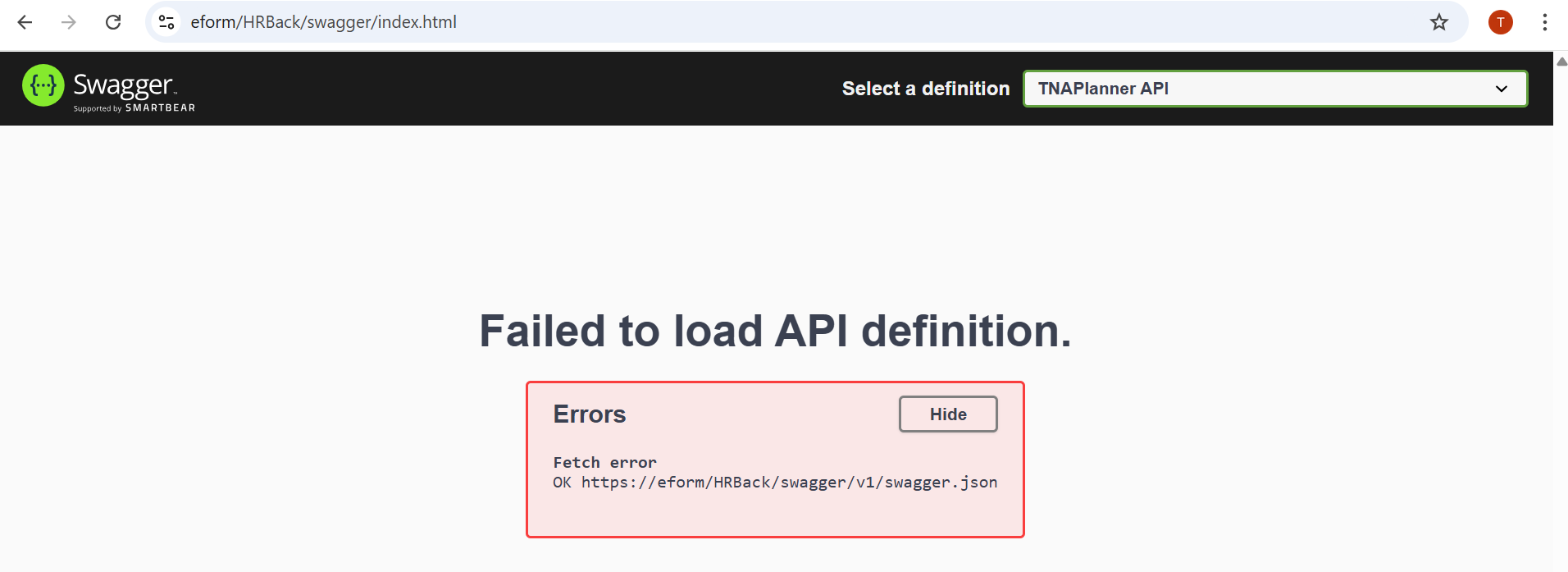
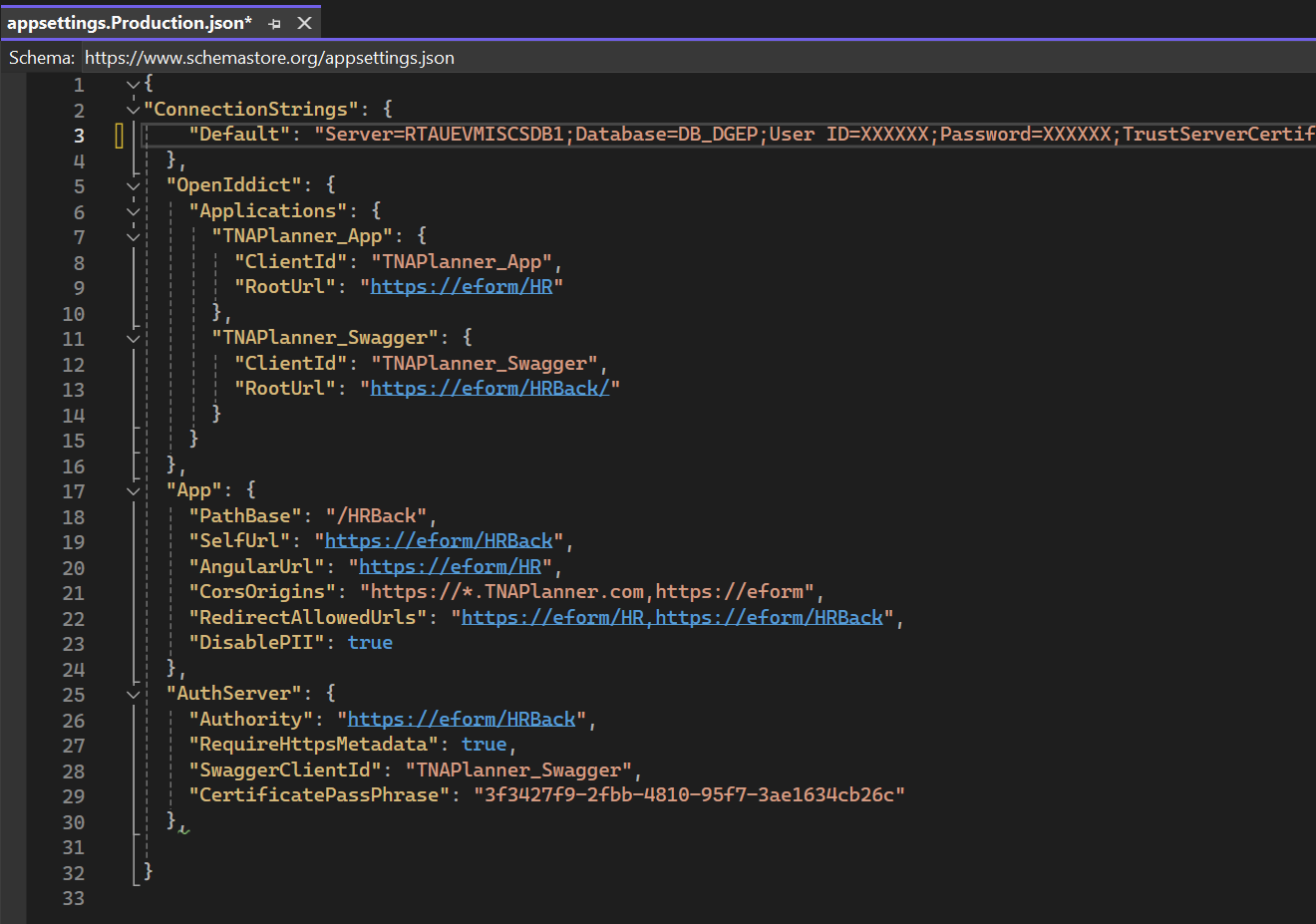
I am Published the site in the HRBack it is working fine, but after I create Application and the site call "DataSharing" in IIS give me error as attached file he can't load API swagger. Please I need from your side to check what i miss from the configuration to allow the swagger working under the Site name "DataSharing" and Application.
Thanks 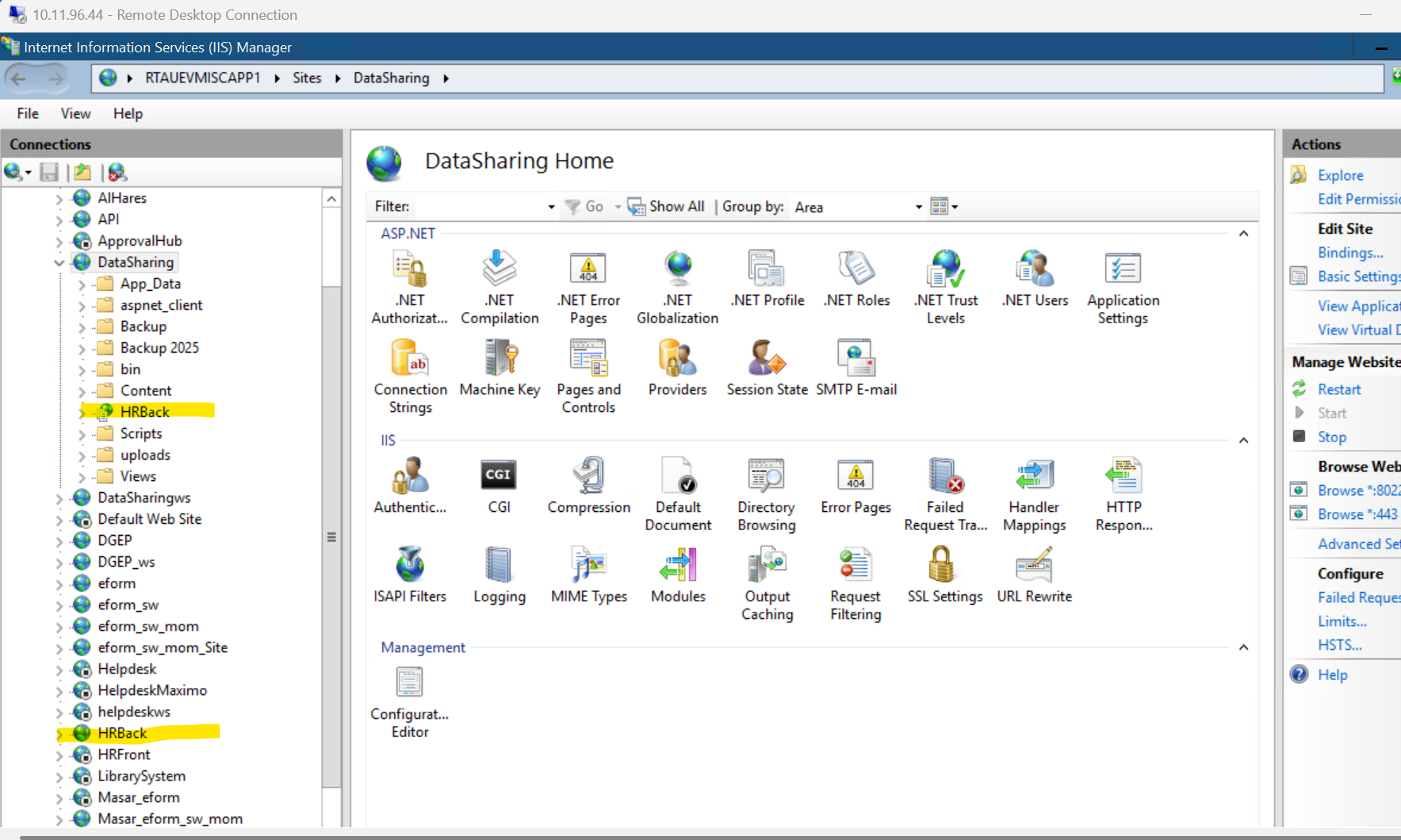
42 Answer(s)
-
0
hi
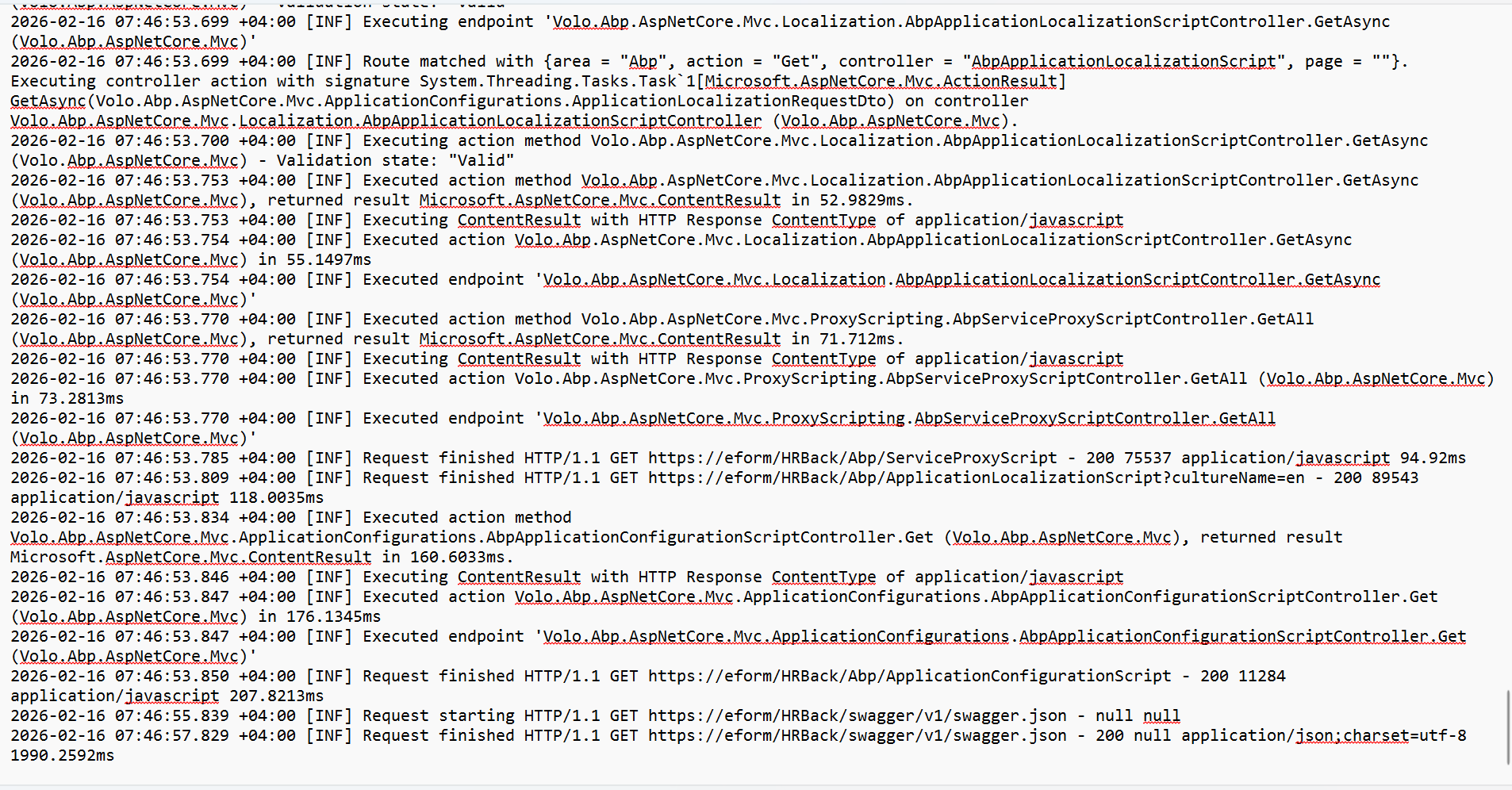
Your logs level still Info instad of Debug.
Can you use the Zoom client app to join a meeting and share your screen?
https://us05web.zoom.us/j/84753270199?pwd=TOgWscguZl2oIO3wYRwMyV8NqE4bIZ.1
Markdown supported.Copy, paste, or drag & drop images and files (max 100 MB per file, 100 MB total per post) -
0
Please use zoom windows app to join the meeting https://zoom.us/download?os=win
https://us05web.zoom.us/j/86442867737?pwd=Ioq7oIc71V1AugwY0w3sMU4QcQro4d.1 Thanks
Markdown supported.Copy, paste, or drag & drop images and files (max 100 MB per file, 100 MB total per post) -
0
hi
Can you try to change
TokenCookie.PathofAbpAntiForgeryOptionsto/?public override void ConfigureServices(ServiceConfigurationContext context) { //... Configure<AbpAntiForgeryOptions>(options => { options.TokenCookie.Path = "/"; }); //... }Markdown supported.Copy, paste, or drag & drop images and files (max 100 MB per file, 100 MB total per post) -
0
hi
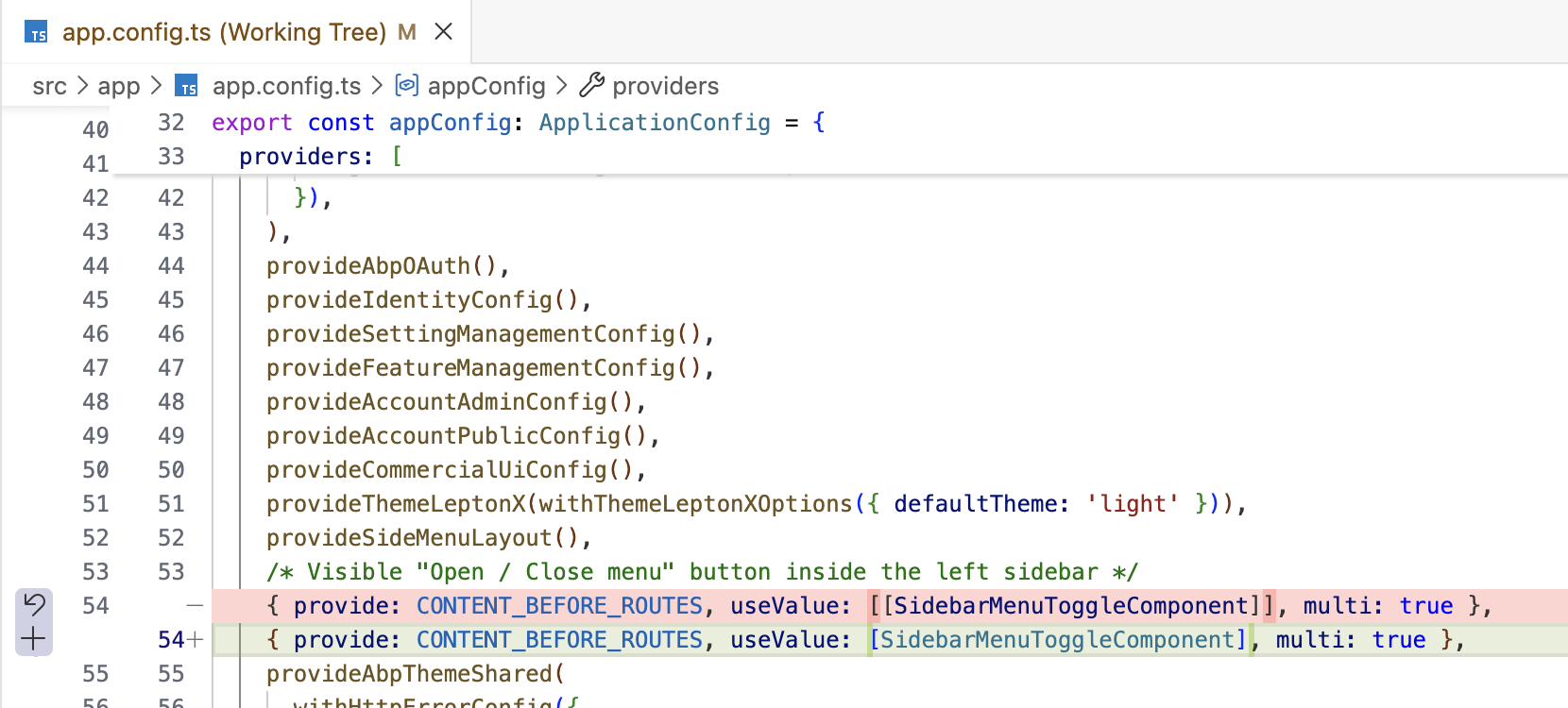
Can you try adding a custom functional interceptor that reads the XSRF-TOKEN cookie and adds the RequestVerificationToken header to mutating requests? Then register it in app.config.ts?
This ensures that the RequestVerificationToken header is always included in POST/PUT/DELETE requests, regardless of whether the URL is absolute or relative.
// src/app/shared/xsrf-absolute-url.interceptor.ts
import { HttpInterceptorFn } from '@angular/common/http';
import { inject } from '@angular/core';
import { DOCUMENT } from '@angular/common';

export const xsrfAbsoluteUrlInterceptor: HttpInterceptorFn = (req, next) => {
  if (req.method === 'GET' || req.method === 'HEAD') {
    return next(req);
  }
  if (req.headers.has('RequestVerificationToken')) {
    return next(req);
  }
  const doc = inject(DOCUMENT);
  const cookie = doc.cookie
    .split(';')
    .map(c => c.trim())
    .find(c => c.startsWith('XSRF-TOKEN='));
  const token = cookie ? decodeURIComponent(cookie.substring('XSRF-TOKEN='.length)) : null;
  if (token) {
    req = req.clone({ headers: req.headers.set('RequestVerificationToken', token) });
  }
  return next(req);
};
import { provideHttpClient, withInterceptors } from '@angular/common/http'; import { xsrfAbsoluteUrlInterceptor } from './shared/xsrf-absolute-url.interceptor'; // inside providers array: provideHttpClient(withInterceptors([xsrfAbsoluteUrlInterceptor])),Thanks.
Markdown supported.Copy, paste, or drag & drop images and files (max 100 MB per file, 100 MB total per post) -
0
hi
You can also change your api url in Angular instead of adding a new one
xsrfAbsoluteUrlInterceptorexport const environment = { production: true, application: { baseUrl, name: 'RTA HR Training', }, localization: { defaultResourceName: 'AbpUi', }, oAuthConfig, apis: { default: { url: "/HRBack", rootNamespace: 'TNAPlanner', }, AbpAccountPublic: { url: "/HRBack", rootNamespace: 'AbpAccountPublic', }, }, remoteEnv: { url: 'dynamic-env.json', mergeStrategy: 'deepmerge' } } as Environment;Thanks.
Markdown supported.Copy, paste, or drag & drop images and files (max 100 MB per file, 100 MB total per post)