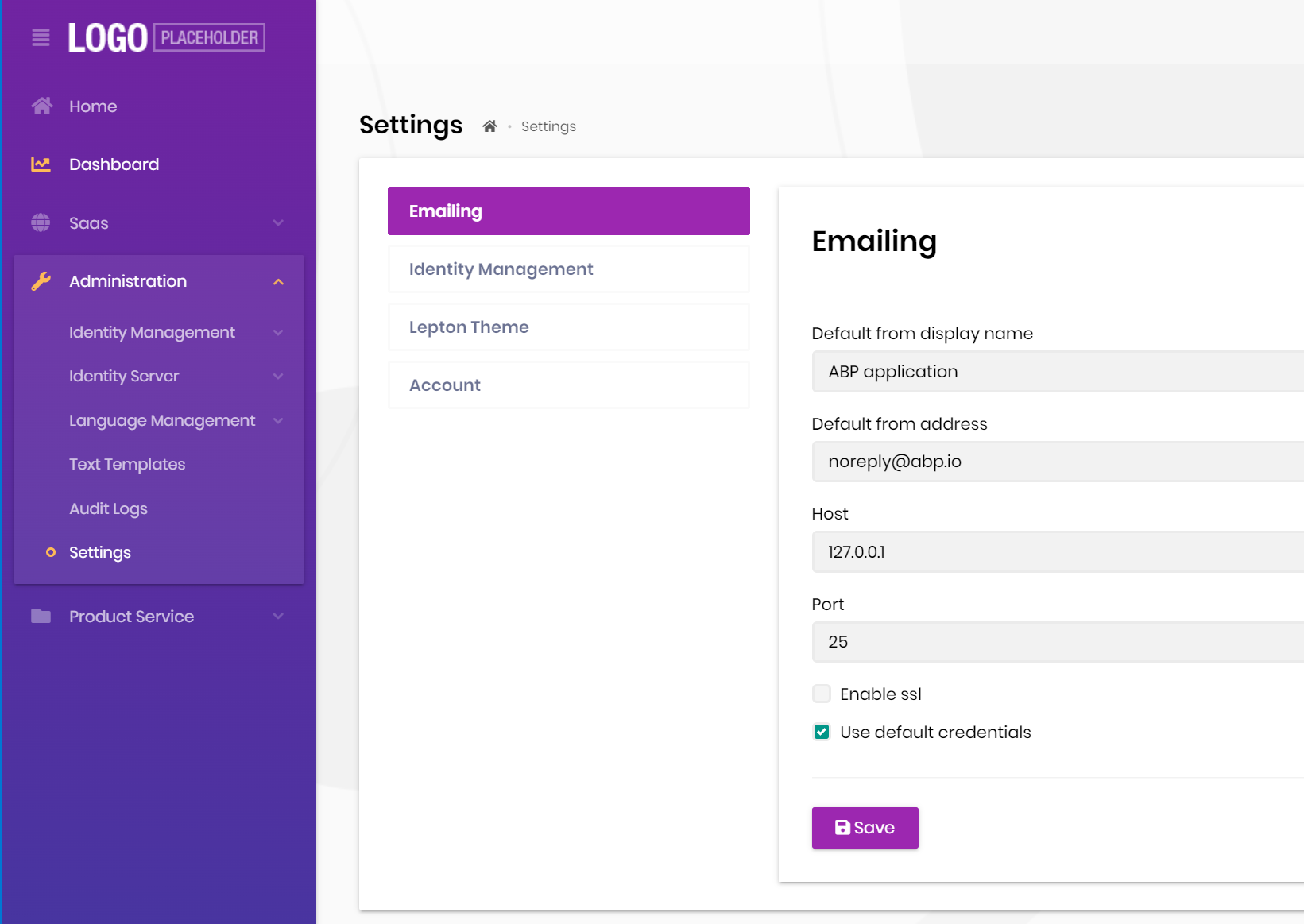
**ABP Framework version: v4.4 UI type: MVC DB provider: EF Core / MongoDB Tiered (MVC) or Identity Server Separated (Angular): yes - Micro service Exception message and stack trace:
error while sending email using IEmailSender:
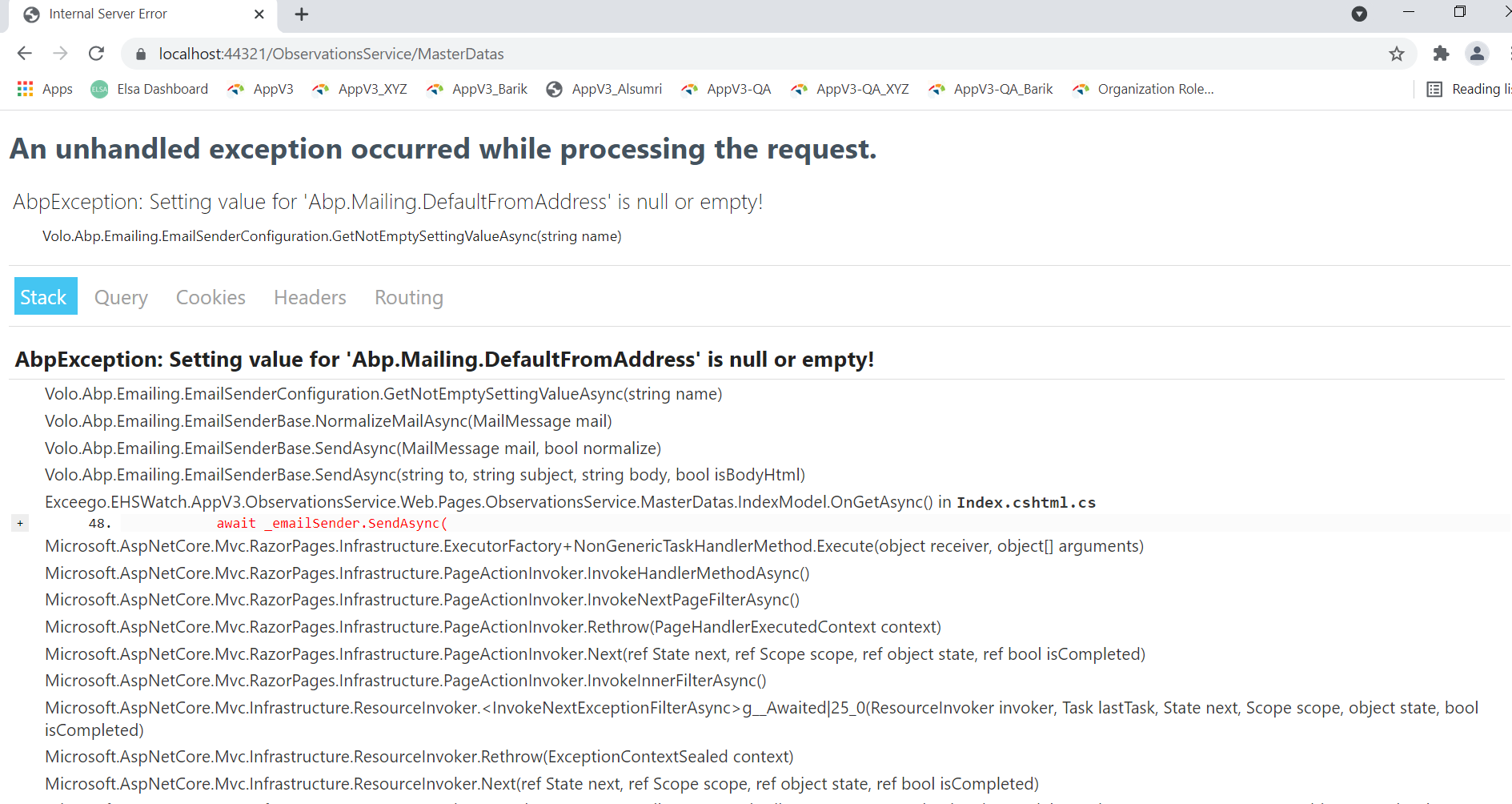
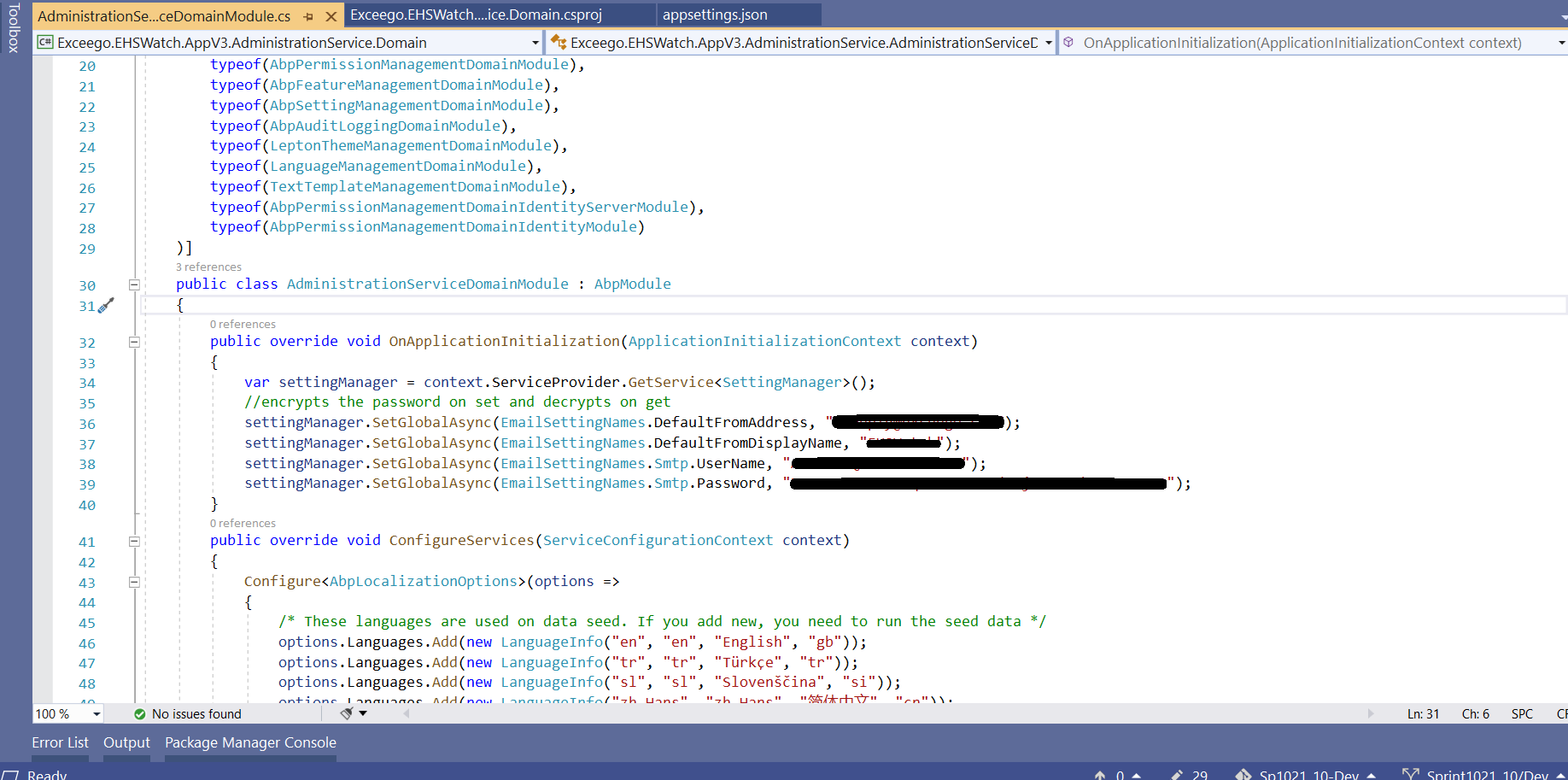
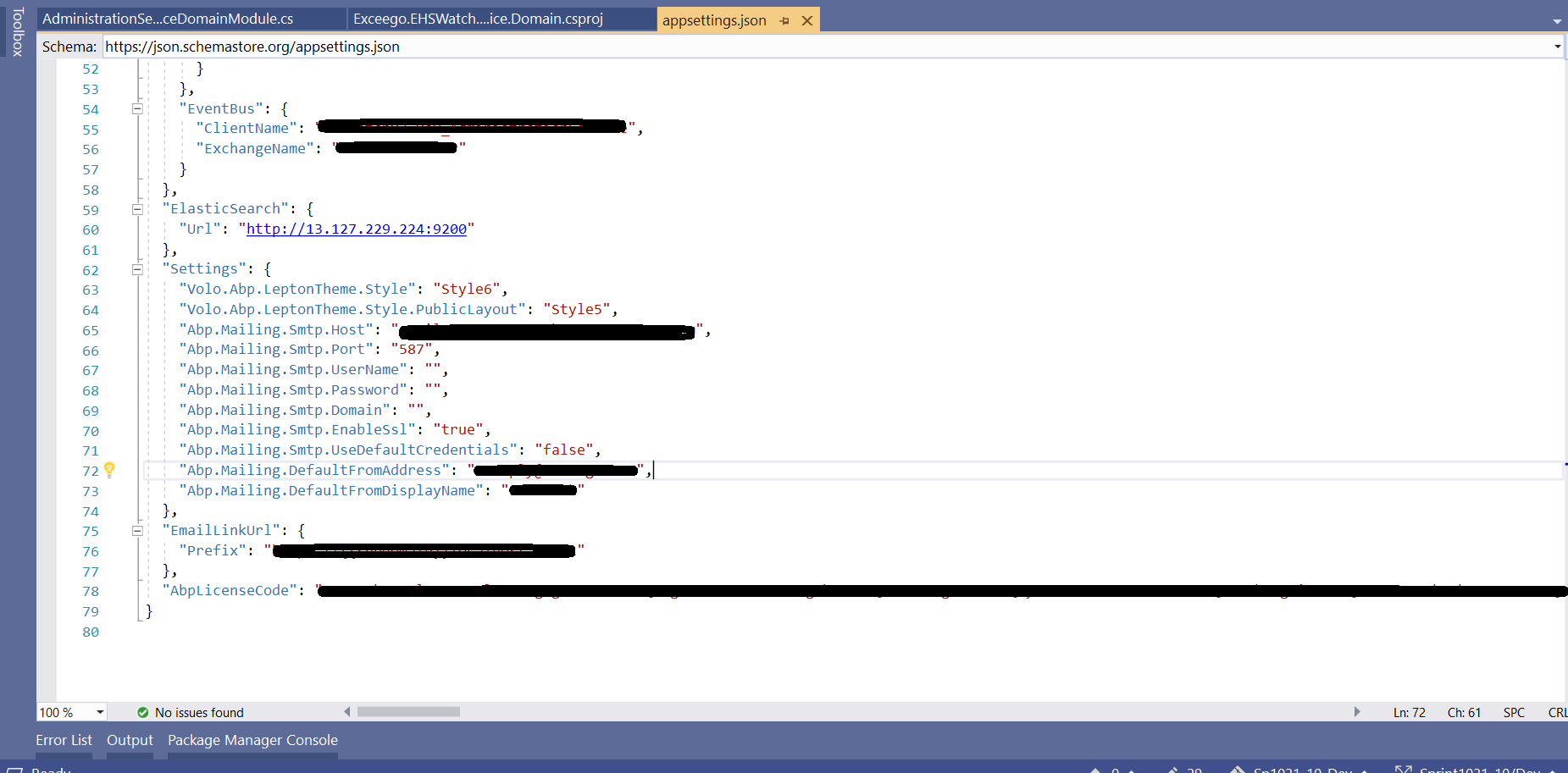
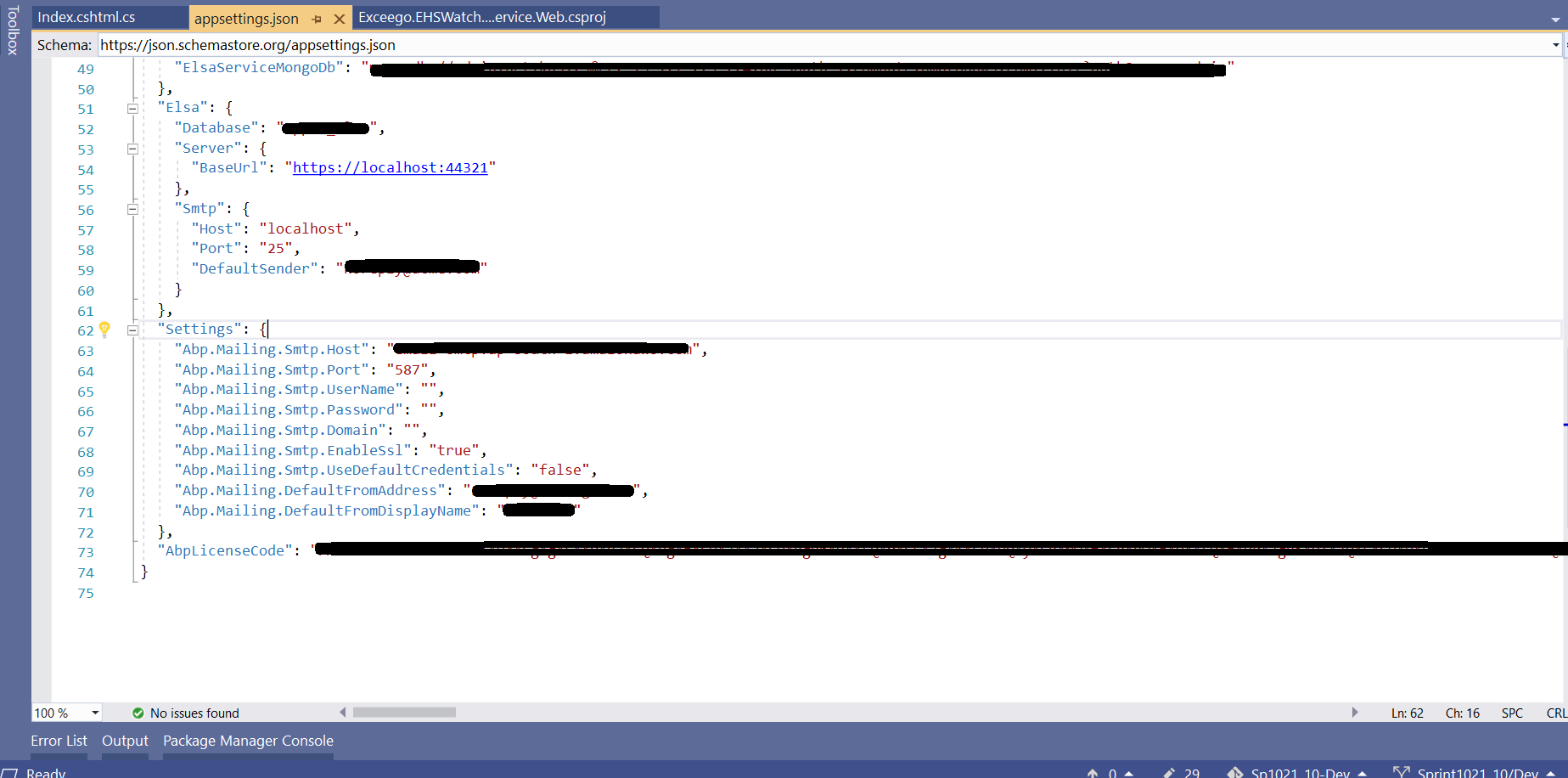
Configuration implemented in Administraion service and Web
- Configuration in Administration service :
AdministrationServiceDomainModule:
appsettings.json
- Configuration in Web:
appsettings.json

18 Answer(s)
-
0
hi
You are call async method in sync method. Can be replace by
AsyncHelper.RunSynchttps://github.com/abpframework/abp/blob/48c52625f4c4df007f04d5ac6368b07411aa7521/framework/src/Volo.Abp.BackgroundWorkers/Volo/Abp/BackgroundWorkers/AbpBackgroundWorkersModule.cs#L18

You can try to read the setting to see if it takes effect. https://docs.abp.io/en/abp/latest/Settings#setting-value-providers
https://github.com/abpframework/abp-samples/tree/master/EmailSendDemo
Markdown supported.Copy, paste, or drag & drop images and files (max 100 MB per file, 100 MB total per post) -
0
Email settings working for Password reset email and we are recieving email, but not working for forms module while sending invite.
Error: {"error":{"code":null,"message":"Your request is not valid!","details":"The following errors were detected during validation.\r\n - The value 'invite' is not valid for id.\r\n","data":{},"validationErrors":[{"message":"The value 'invite' is not valid for id.","members":["id"]}]}}
facing same issue in all our other modules: {"error":{"code":null,"message":"Your request is not valid!","details":"The following errors were detected during validation.\r\n - The value 'send-email-user' is not valid for id.\r\n","data":{},"validationErrors":[{"message":"The value 'send-email-user' is not valid for id.","members":["id"]}]}}
Markdown supported.Copy, paste, or drag & drop images and files (max 100 MB per file, 100 MB total per post) -
0
The value 'invite' is not valid for id The value 'send-email-user' is not valid for id
There is a problem with your request parameters. Can you share full logs?
Markdown supported.Copy, paste, or drag & drop images and files (max 100 MB per file, 100 MB total per post) -
0
logs sent to email id liming.ma@volosoft.com
Markdown supported.Copy, paste, or drag & drop images and files (max 100 MB per file, 100 MB total per post) -
0
Sending HTTP request POST "https://localhost:44325/api/userTask-service/task-managements/send-email-user?emailTo=srinivas.k%40exceego.com&emailBody=test&emailSubject=test&api-version=1.0" [INF] Received HTTP response headers after 2830.2244ms - 500
Can you share some code of this method? and DTO class.
Markdown supported.Copy, paste, or drag & drop images and files (max 100 MB per file, 100 MB total per post) -
0


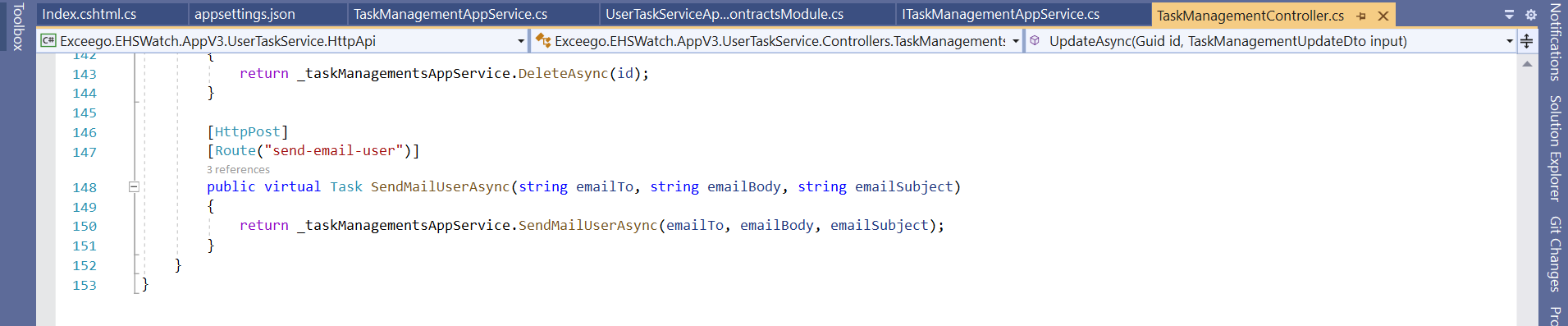
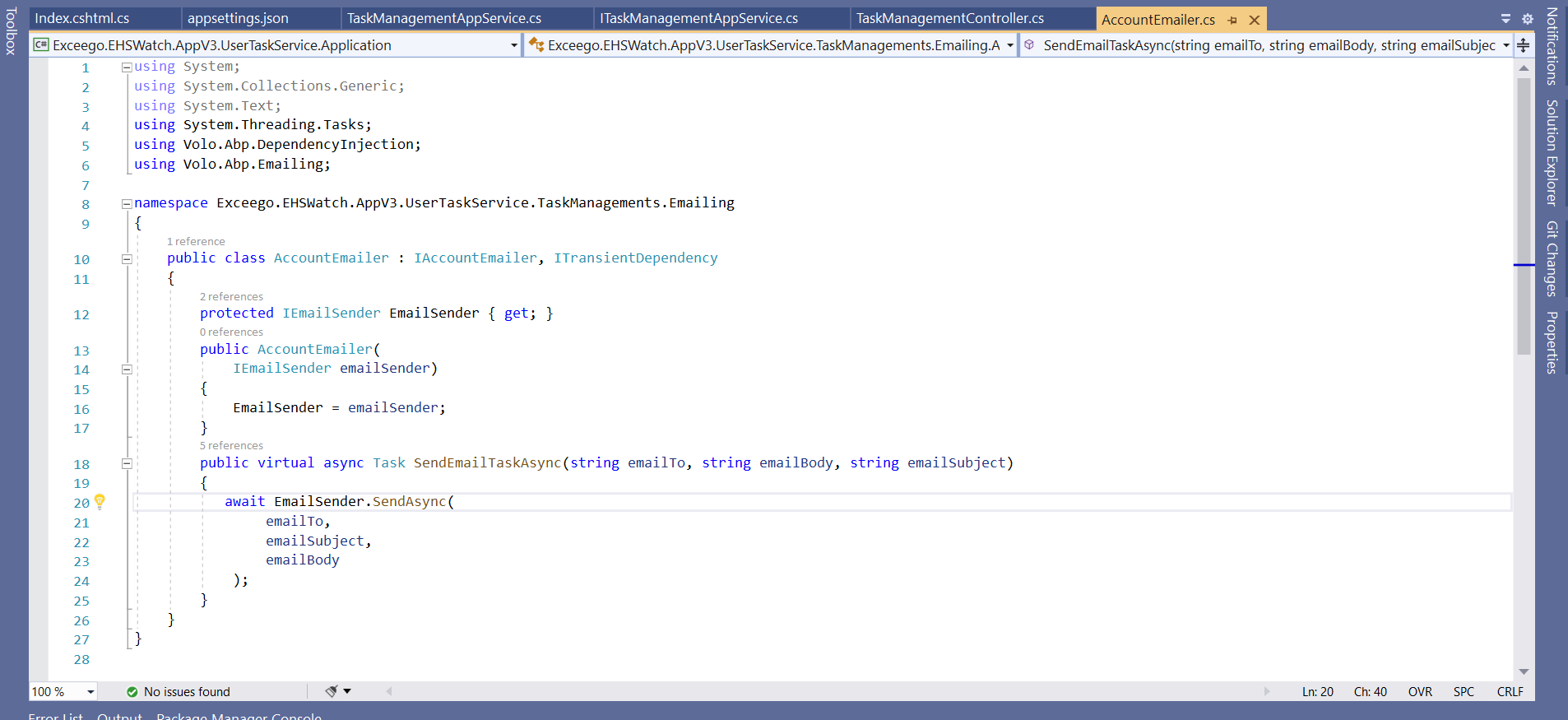
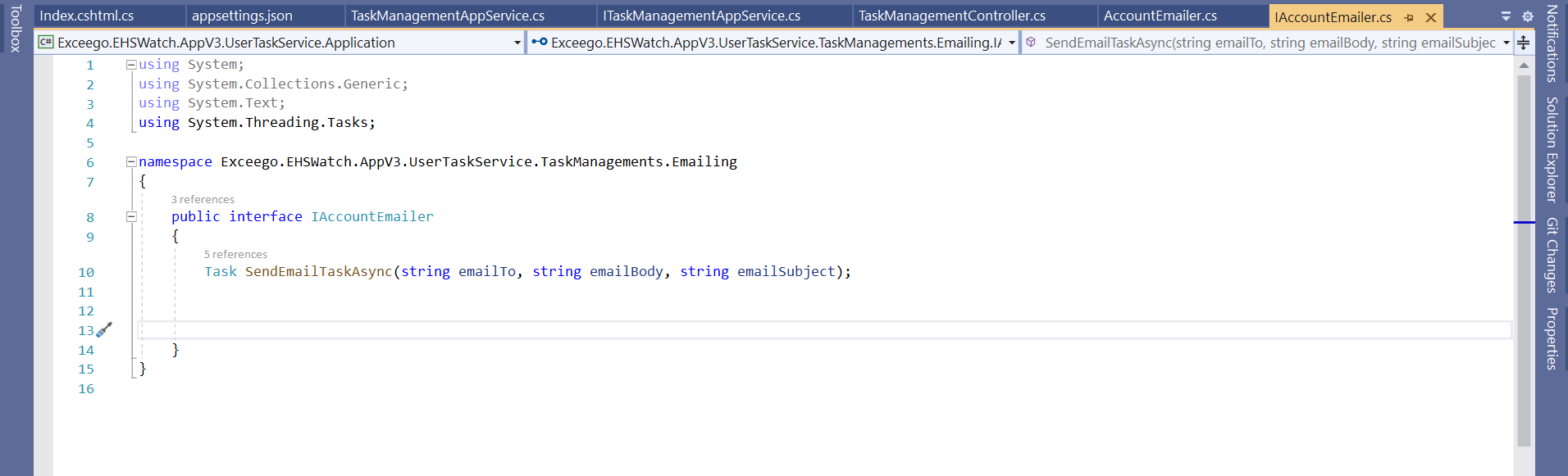 Markdown supported.Copy, paste, or drag & drop images and files (max 100 MB per file, 100 MB total per post)
 -
0
The value 'send-email-user' is not valid for id.
I can't see why this causes this error, can you share a simple project?
Email working from administration email app service, but not working from product email app service.Example code available in “MicroServiceDemo\services\product\src\MicroServiceDemo.ProductService.Web\Pages\Products\ Index.cshtml.cs”
I sent a seperate email of complet source code.. Please let us know if u need any more details.
Markdown supported.Copy, paste, or drag & drop images and files (max 100 MB per file, 100 MB total per post) -
0
hi
Add this to
gateways\web\src\MicroServiceDemo.WebGateway\appsettings.json{ "DownstreamPathTemplate": "/api/custom-text-template-management/{everything}", "DownstreamScheme": "https", "DownstreamHostAndPorts": [ { "Host": "localhost", "Port": 44367 } ], "UpstreamPathTemplate": "/api/custom-text-template-management/{everything}", "UpstreamHttpMethod": [ "Put", "Delete", "Get", "Post" ] }Markdown supported.Copy, paste, or drag & drop images and files (max 100 MB per file, 100 MB total per post) -
0
We added this in Web gateway and internal gateway also.
This is related to Admin service and email is working good from admin service, but not working from product service and 'Password reset link email'.
Markdown supported.Copy, paste, or drag & drop images and files (max 100 MB per file, 100 MB total per post) -
0
See https://support.abp.io/QA/Questions/1998#answer-4d3a68d7-a71e-d05f-4696-39ffadcafd82
If the global setting does not take effect, it will fall back to use the value in
appsettings.json, and the product service has not changedappsettings.json.Markdown supported.Copy, paste, or drag & drop images and files (max 100 MB per file, 100 MB total per post) -
0
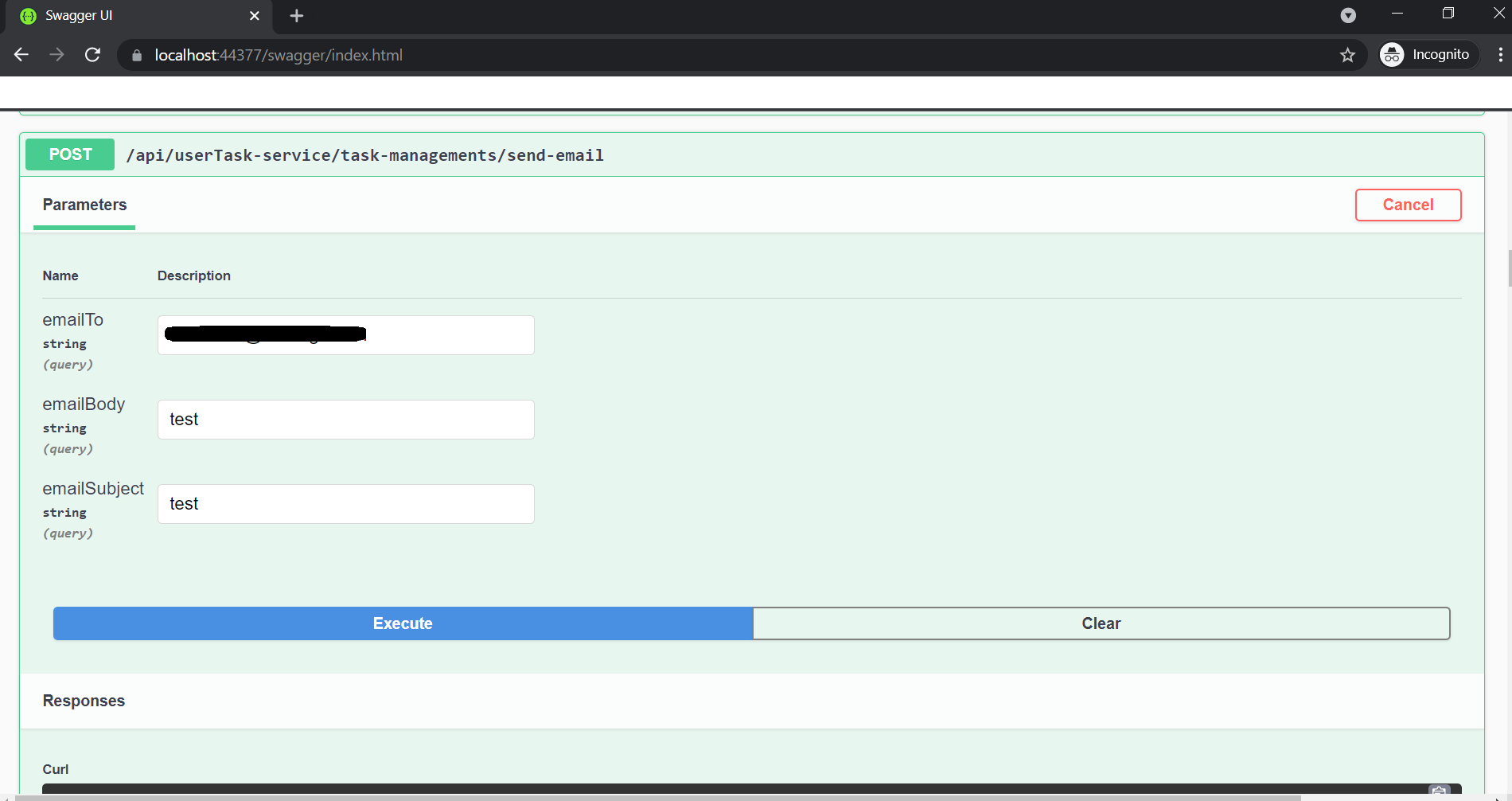
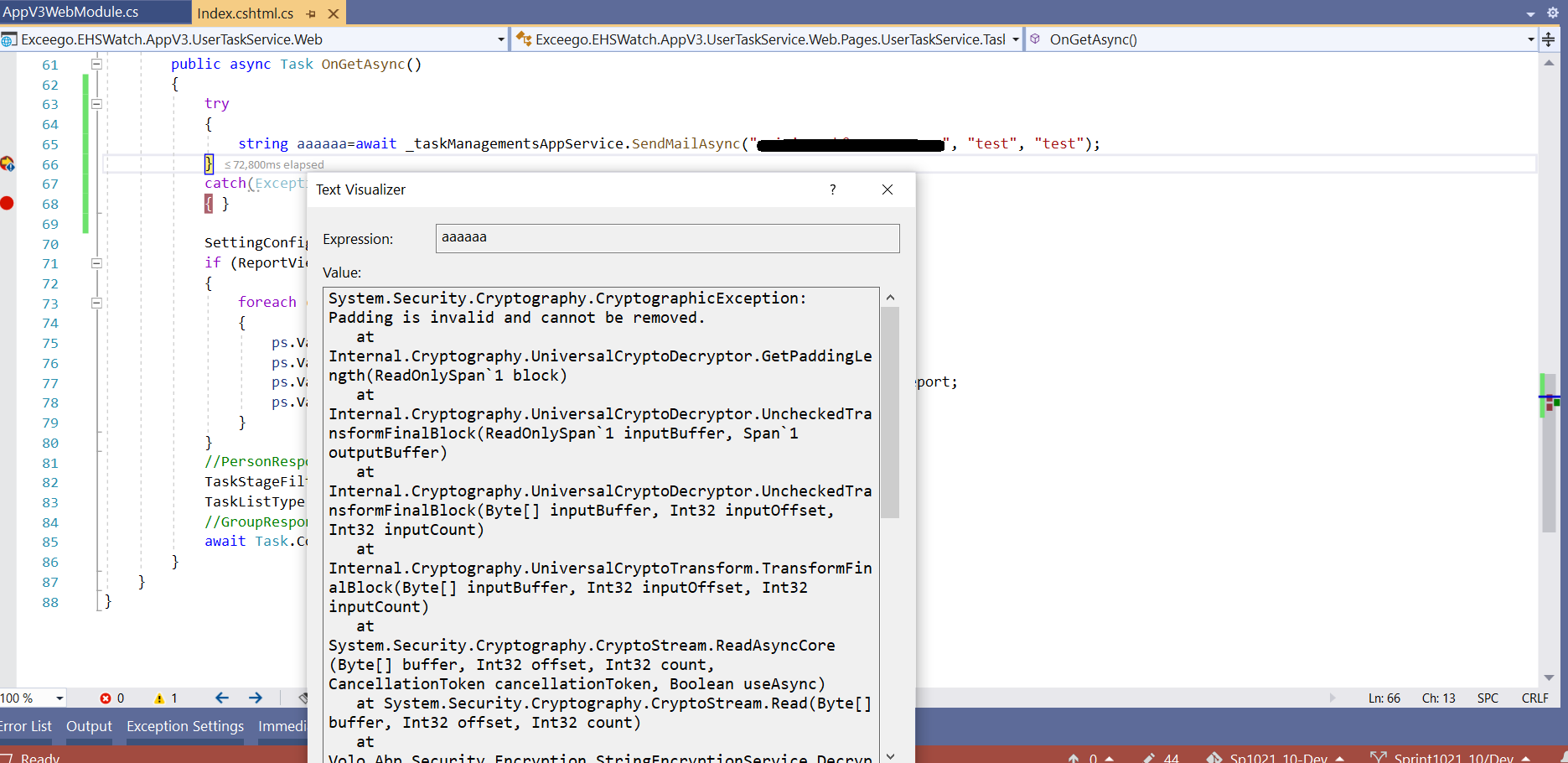
Email sending working from API, but not working from Web.
Can we connect and solve the issue.
 Markdown supported.Copy, paste, or drag & drop images and files (max 100 MB per file, 100 MB total per post)
 -
0
hi
You can try to read the setting to see if it takes effect. https://docs.abp.io/en/abp/latest/Settings#setting-value-providers https://github.com/abpframework/abp-samples/tree/master/EmailSendDemo
The Password of Abp.Mailing.Smtp.Password in appsettings.json file needs to encrypt! Please use the IStringEncryptionService to encrypt the plain text password. Note that encryption may be affected by the configuration of StringEncryption:DefaultPassPhrase in appsettings.json.
Markdown supported.Copy, paste, or drag & drop images and files (max 100 MB per file, 100 MB total per post) -
0
Without settings and password encryption how the email working for 'password reset', working in administration module and working from API for custom modules. why it is not working for custom modules calling email sending API from web
Markdown supported.Copy, paste, or drag & drop images and files (max 100 MB per file, 100 MB total per post) -
0
Already we did all the settings, Emails working with some of the modules. but not working for some of the custome modules.
can we have screen sharing session to solve the issue.
Markdown supported.Copy, paste, or drag & drop images and files (max 100 MB per file, 100 MB total per post)