**ABP Framework version: v7.4.1
UI Type: MVC
Database System: EF Core (SQL Server)
Tiered (for MVC) or Auth Server Separated (for Angular): no
Exception message and full stack trace:
Steps to reproduce the issue:**
Hi,
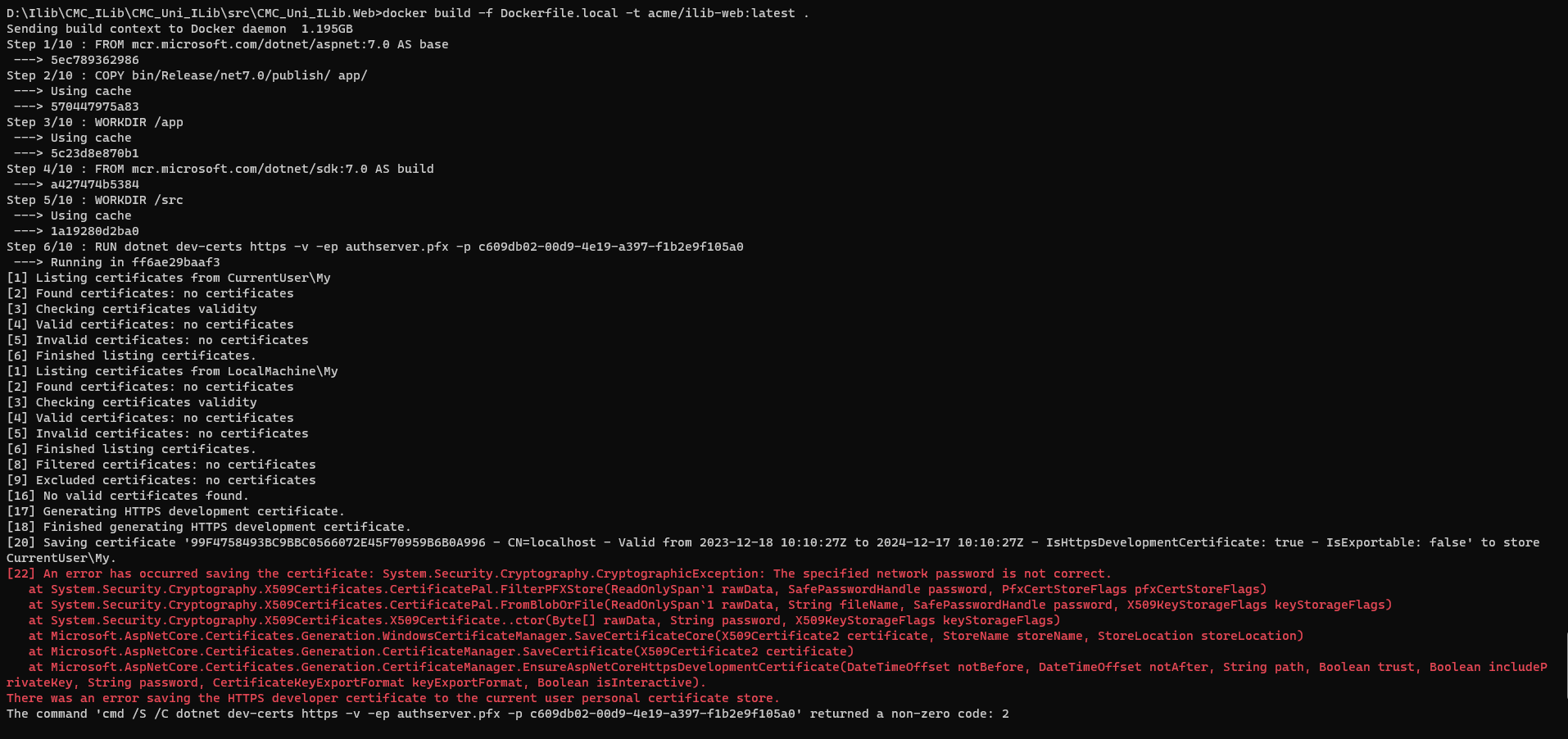
I want to publish my abp.Web project to Docker. But when I configure docker in publish, the project cannot be published. Is there any documentation that can guide me through configuring or handling this?
Thank you.
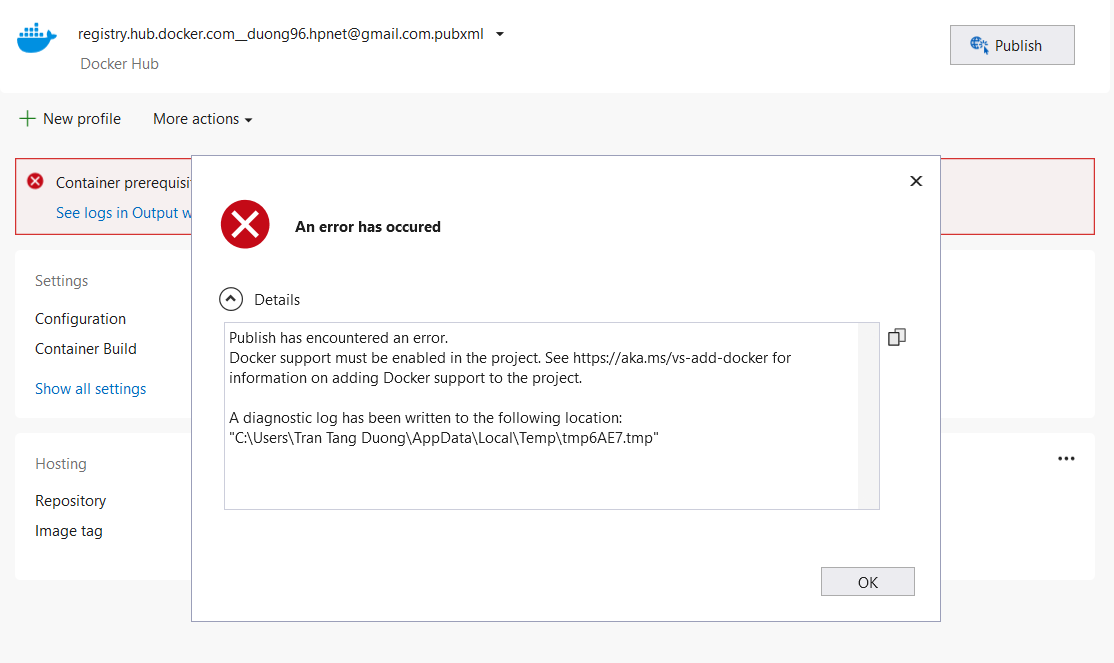
5 Answer(s)
-
0
Hi,
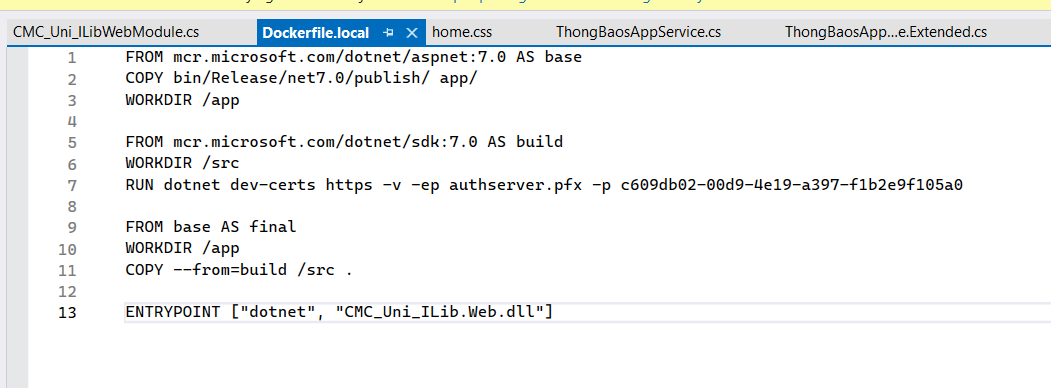
1 You can try to remove the dotnet dev-certs step
~~FROM mcr.microsoft.com/dotnet/sdk:7.0 AS build~~ ~~WORKDIR /src~~ ~~RUN dotnet dev-certs https -v -ep authserver.pfx -p 2D7AA457-5D33-48D6-936F-C48E5EF468ED~~
2 Update
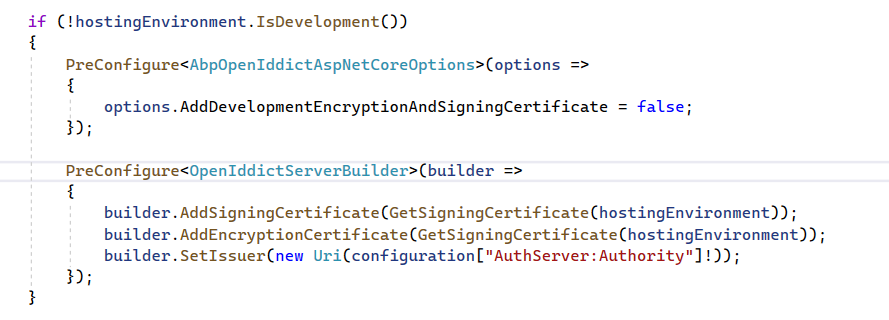
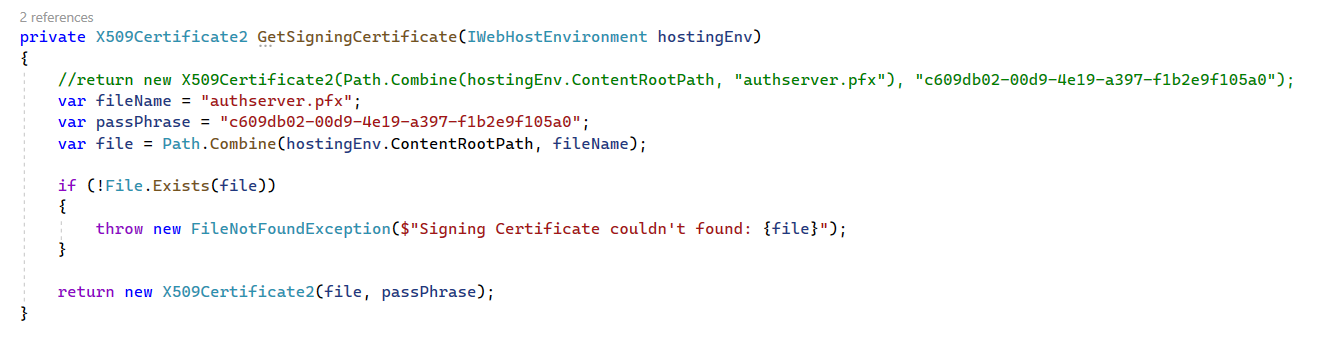
GetSigningCertificatemethod:private X509Certificate2 GetSigningCertificate() { var fileName = "authserver.pfx"; var passPhrase "2D7AA457-5D33-48D6-936F-C48E5EF468ED"; if (!File.Exists(fileName)) { throw new FileNotFoundException($"Signing Certificate couldn't found: {fileName}"); } return new X509Certificate2(fileName, passPhrase); }3 Update
.Web.csprojfile<ItemGroup Condition="Exists('./authserver.pfx')"> <None Remove="authserver.pfx" /> <EmbeddedResource Include="authserver.pfx"> <CopyToOutputDirectory>Always</CopyToOutputDirectory> </EmbeddedResource> </ItemGroup>4 Open the Web project root folder to run the command:
dotnet dev-certs https -ep authserver.pfx -p 2D7AA457-5D33-48D6-936F-C48E5EF468EDMarkdown supported.Copy, paste, or drag & drop images and files (max 100 MB per file, 100 MB total per post) -
0
ok
Markdown supported.Copy, paste, or drag & drop images and files (max 100 MB per file, 100 MB total per post)