Hi,
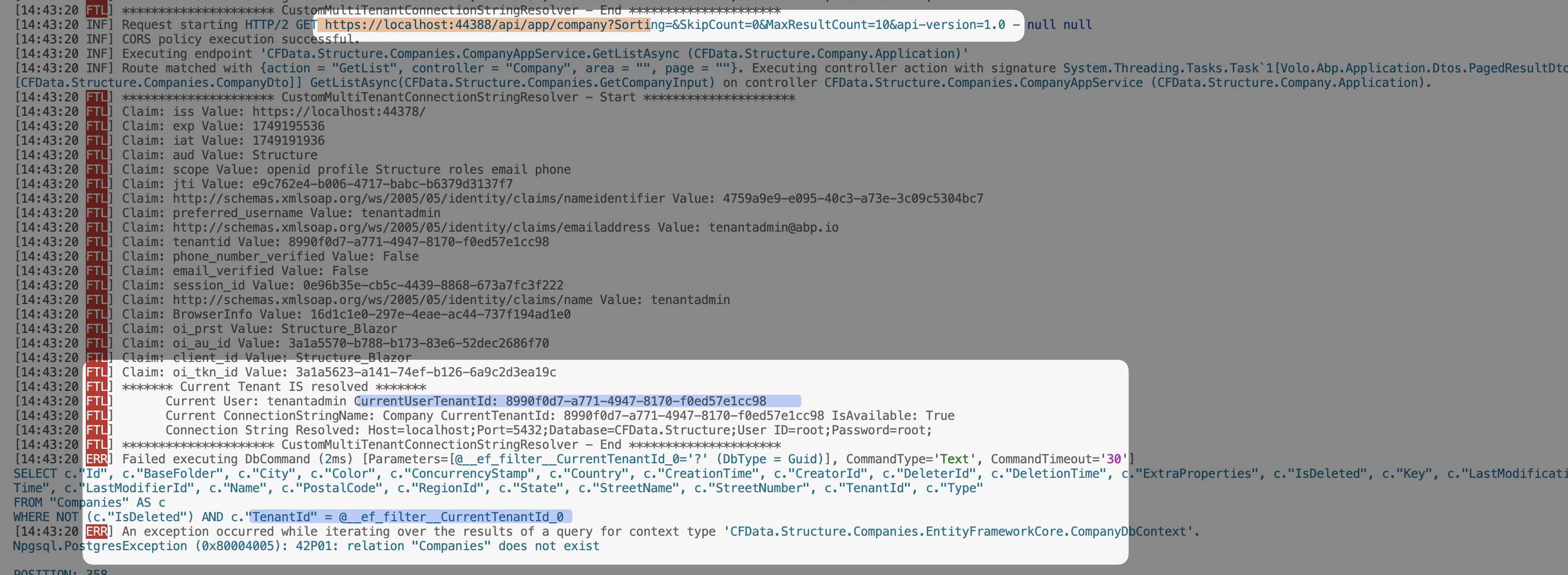
I have implemented a custom ConnectionStringResolver class but the ICurrentTenant implementation does not resolve to the current logged in tenant. However I can't even get ABP's solutions to run even if I exclude this resolver class. At this point I have grown very tired of getting any sample projects to work to show support when I generate them using ABP tools, so I'll just give you the generated solution and you can figure out how to get it to run first and then we can have a discussion about the CurrentTenant issue I am having.
Can't waste yet another day trying to get a stock generated ABP solution to run
Steps to Reproduce:
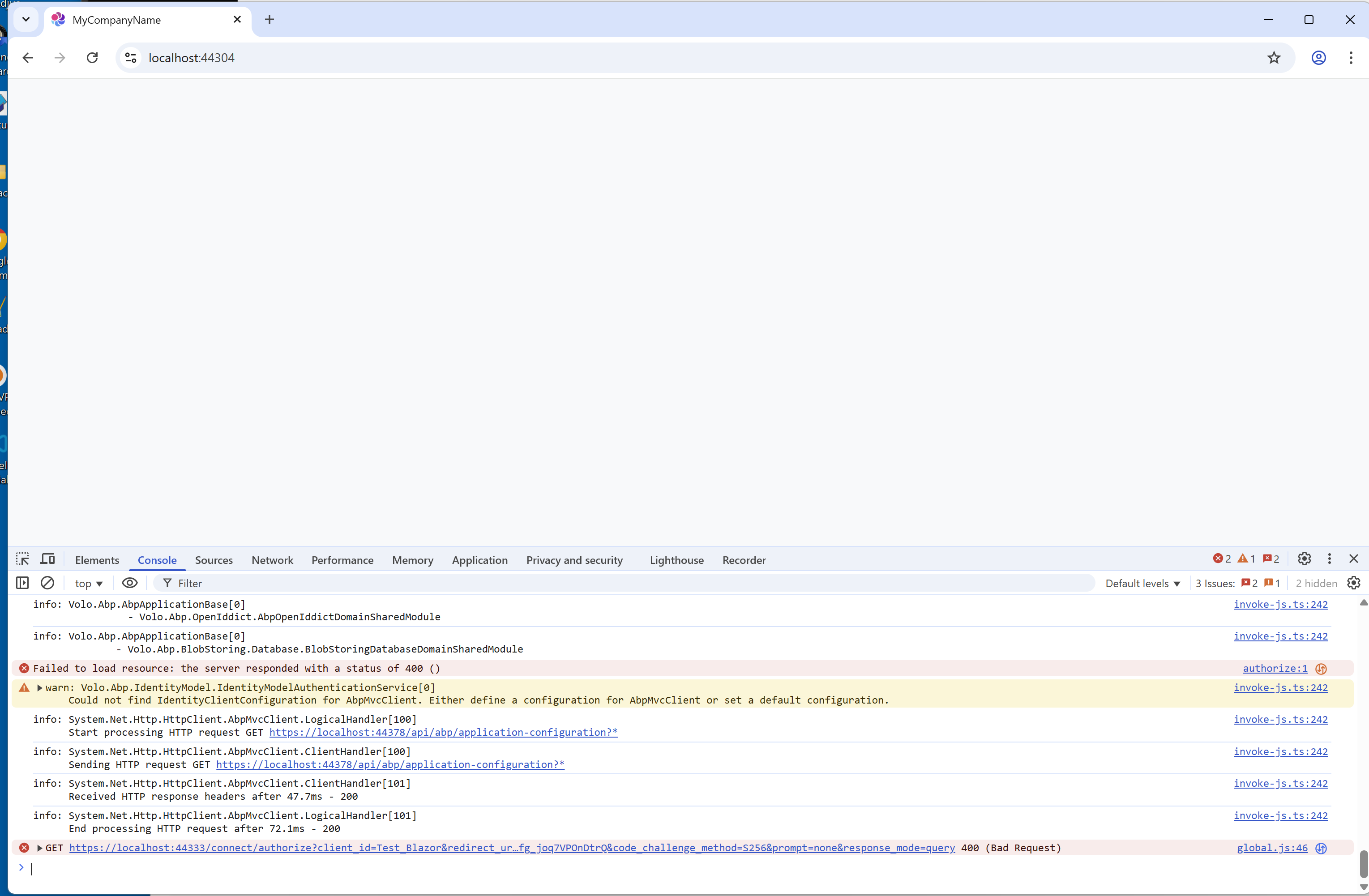
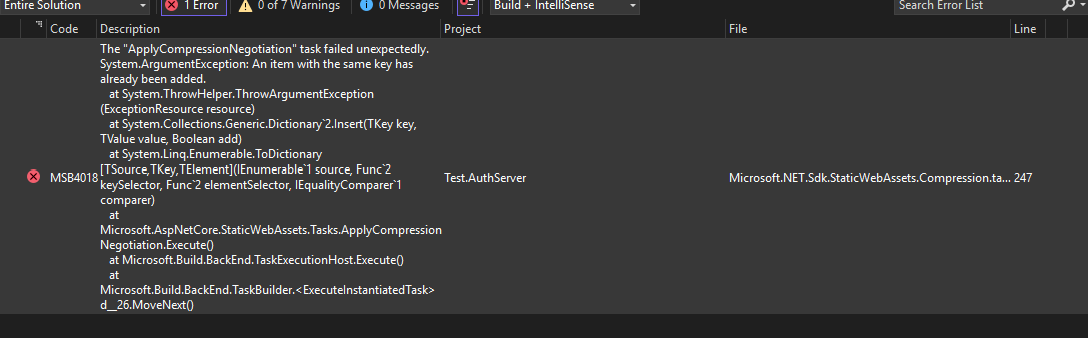
- Get stock ABP generated solution to compile/run (Good luck as I've spend 2 days attempting to get it generated and to even work)
- Login in as host admin and create a Tenant of 'KENCO' with a non-shared DB (tenant has their own db)
- Login in as the KENCO tenant admin
- Monitor the debug messages I've added to the CFDMultiTenantConnectionStringResolver.cs class
- Observe the CurrentTenant variable still being set to null
- I've not been able to verify this test project will reproduce the issue I am experiencing as I've stated above I can't even get the ABP tool generated solution to compile/run
https://github.com/spospisil/ABPSampleTenant.git
57 Answer(s)
-
0
Hi,
Just get the code up and running and then create the initial db. Log in as admin (host user) create a tenant (which will create new db) and then log in as that tenant user. Go to the 'companies' link in the left nav bar and you'll see that the current tenant is not set correctly otherwise 2 companies would be showing there.
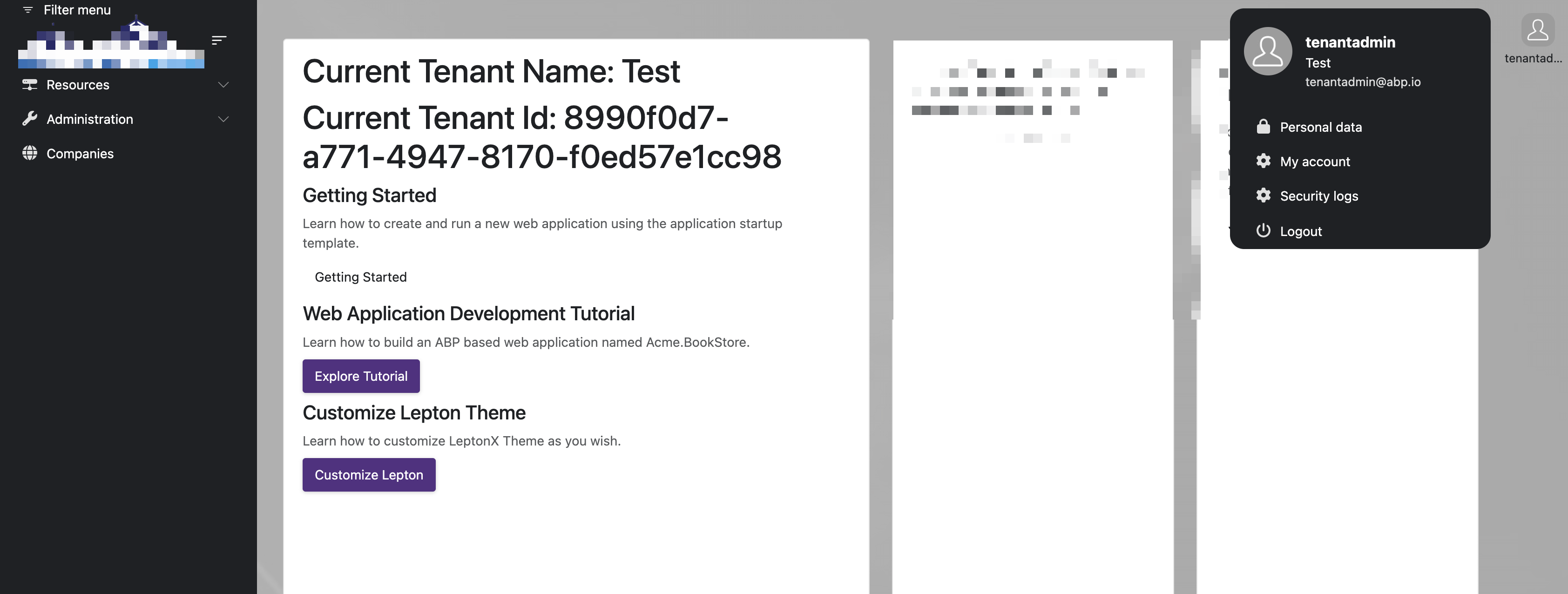
I've also put the Current Tenant Name and ID on the default page when you log in as a tenant and you'll see they don't contain the specific tenant information.
I suspect that you will not be able to get the code up and running as our solution is complicated, so I think you're best bet is to just look at the code in question (probably the login in logic) and tell me what might be wrong that is causing the CurrentTenant not to be set properly.
Markdown supported.Copy, paste, or drag & drop images and files (max 100 MB per file, 100 MB total per post) -
0
So I need to change the connection string and run
DbMigratorto initialize the databaseThen run
CFData.Structure.AuthServer,CFData.Structure.HttpApi.HostandCFData.Structure.BlazorLog in to Blazor -> AuthServer to reproduce the problem?
Are those steps correct?
Thanks.
Markdown supported.Copy, paste, or drag & drop images and files (max 100 MB per file, 100 MB total per post) -
0
-
0
I'm not convinced the login page is the issue as even if I use ABP's version of the login page (with the tenant switcher) the CurrentTenant object still is not populated properly.
Markdown supported.Copy, paste, or drag & drop images and files (max 100 MB per file, 100 MB total per post) -
0
Hi,
Thank you for looking into this. No, we don't currently have a site deployed where this issue exists. We are in the process of migrating our code from abp7 to abp9 and now are experiencing this issue.
Markdown supported.Copy, paste, or drag & drop images and files (max 100 MB per file, 100 MB total per post) -
0
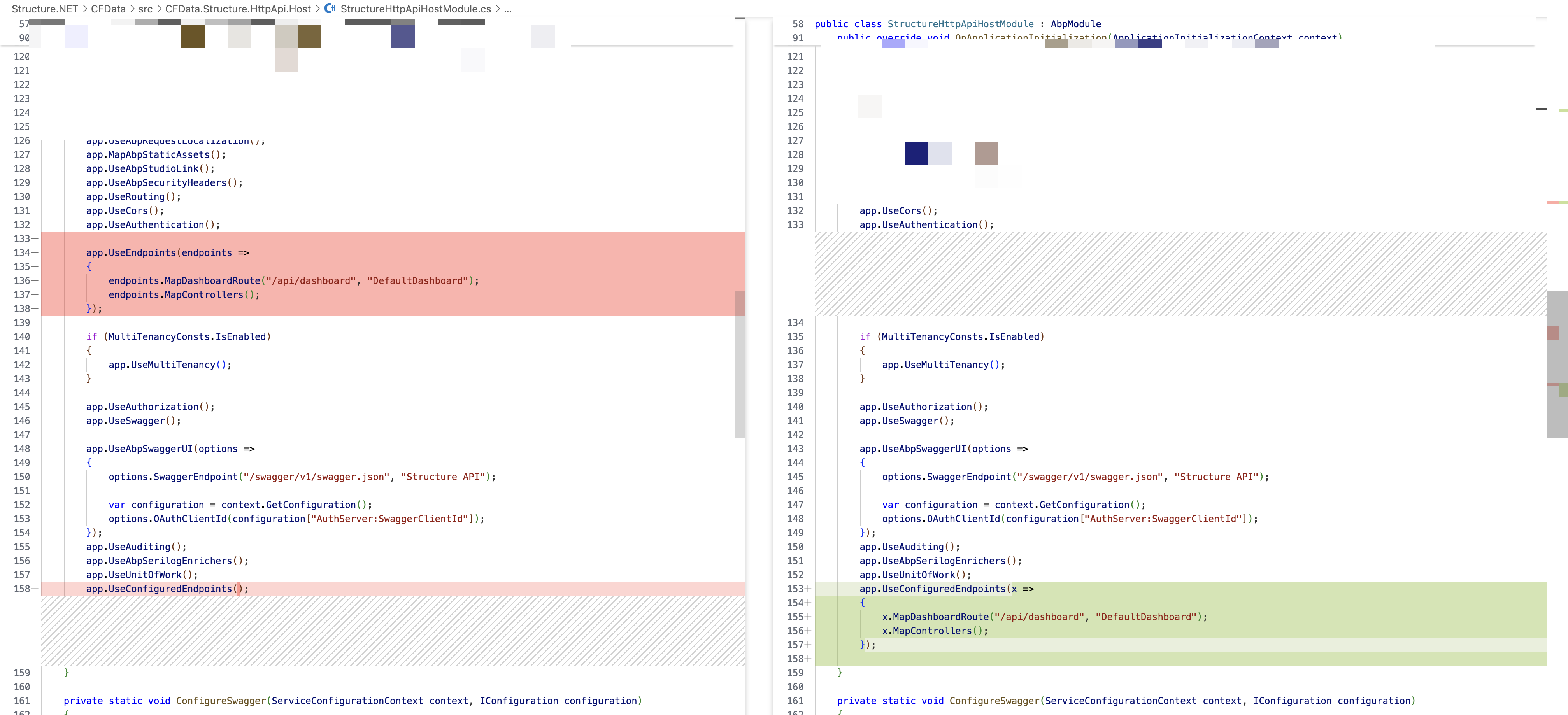
hi
******* Current Tenant IS NOT resolved *******
If your entity(eg,
UserPermissionView) is not implemented with theIMultiTenantinterface, thecurrentTenantwill be null even if there is a tenant claim.
 Markdown supported.Copy, paste, or drag & drop images and files (max 100 MB per file, 100 MB total per post)
 -
0
Hi,
I'm a little confused. Your commit was only 1 file and had nothing to do with the entity you spoke about. Did you try going to the 'companies' nav item? Do 2 companies show on the Company Management page if you do?
Markdown supported.Copy, paste, or drag & drop images and files (max 100 MB per file, 100 MB total per post) -
0
hi
Can you use my code to check
Company Managementpage?I got an error when visit this page
ERR] 42P01: relation "vw_securityuserpermissions" does not existMarkdown supported.Copy, paste, or drag & drop images and files (max 100 MB per file, 100 MB total per post) -
0
New error:
42P01: relation "Companies" does not exist

POSITION: 358
Npgsql.PostgresException (0x80004005): 42P01: relation "Companies" does not exist
Markdown supported.Copy, paste, or drag & drop images and files (max 100 MB per file, 100 MB total per post) -
0
Ok, what you are showing me looks correct....however what I'm not understanding is the UserPermissionView entity that you mentioned isn't even used on the Company Management screen so why would that affect the current tenant not being accessible? My initial problem started when I couldn't see the companies because the current tenant was not set and the datafilter thus didn't get applied for the query behind this page.
Why would an entity not implanting the IMultiTenant interface even be relevant on a page that doesn't use it?
Markdown supported.Copy, paste, or drag & drop images and files (max 100 MB per file, 100 MB total per post) -
0
Hi,
But you didn't answer my question
"Ok, what you are showing me looks correct....however what I'm not understanding is the UserPermissionView entity that you mentioned isn't even used on the Company Management screen so why would that affect the current tenant not being accessible? My initial problem started when I couldn't see the companies because the current tenant was not set and the datafilter thus didn't get applied for the query behind this page.
Why would an entity not implanting the IMultiTenant interface even be relevant on a page that doesn't use it?"
Markdown supported.Copy, paste, or drag & drop images and files (max 100 MB per file, 100 MB total per post) -
0
Hi,
Can you please give me the details of this? I spend 3 weeks trying to resolve this issue where as when my code was based on ABP7 it all worked. Now with ABP9 I encountered this issue. You explained the cause of the issue was an entity (not implementing the IMultiTenant interface) that isn't even used on the Company Management screen. So for a 3rd time I am asking you to please provide me with more detail in why this was occurring
Markdown supported.Copy, paste, or drag & drop images and files (max 100 MB per file, 100 MB total per post)