






0
1198462239 created
Markdown supported.
Copy, paste, or drag & drop images and files (max 100 MB per file, 100 MB total per post)
4 Answer(s)
-
0
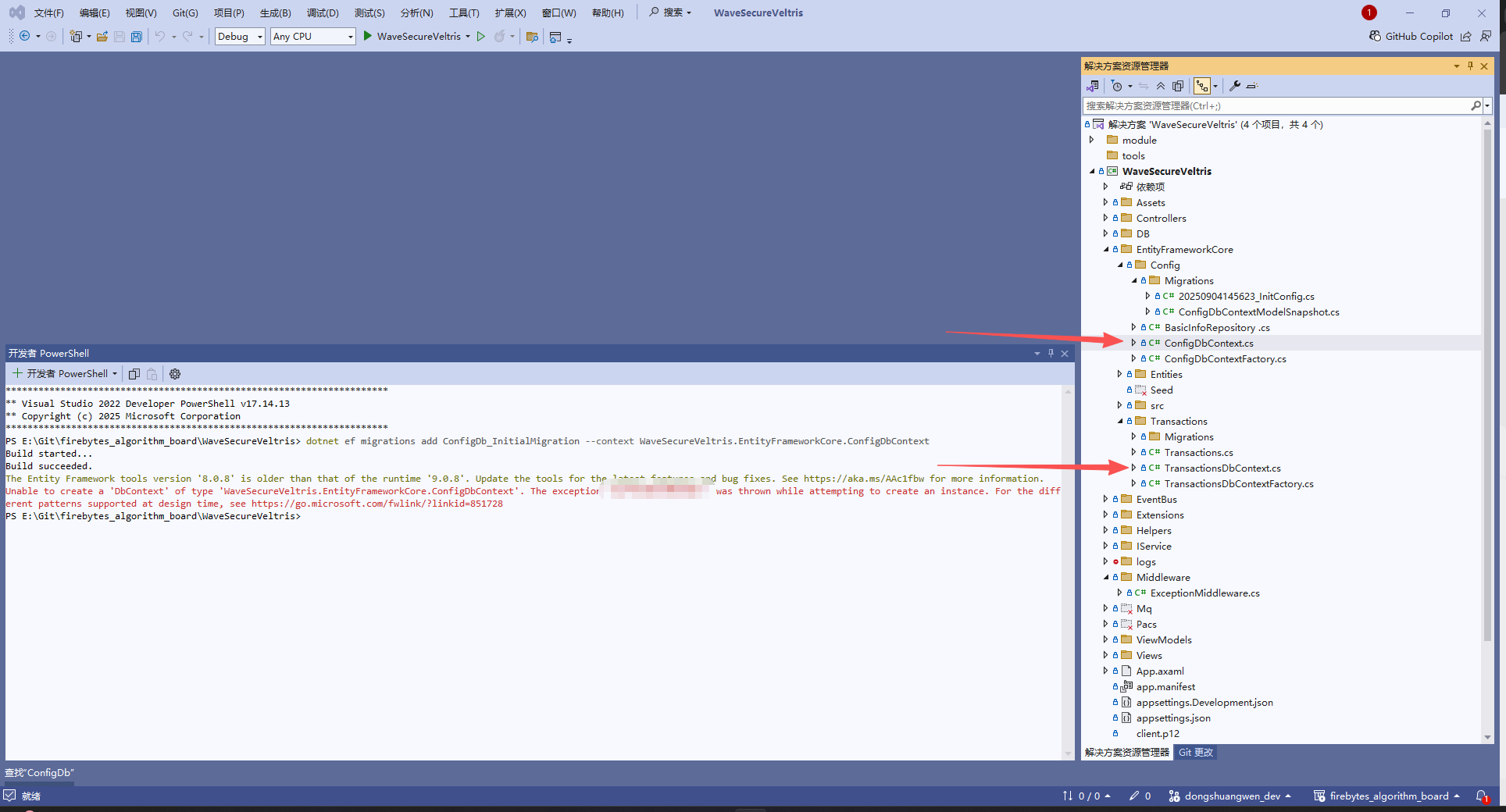
- The error message in your screenshot indicates two main issues when running
dotnet ef migrations addfor multiple DbContexts:
- Entity Framework Tools Version Mismatch
- The EF Core tools version (
8.0.8) is older than the runtime version (9.0.8). - Solution: Update your EF Core tools to match the runtime version. Run:
- The EF Core tools version (
dotnet tool update --global dotnet-efOr, if you use a local tool manifest:dotnet tool update dotnet-ef- Unable to Create a DbContext Instance
- The error says it cannot create a
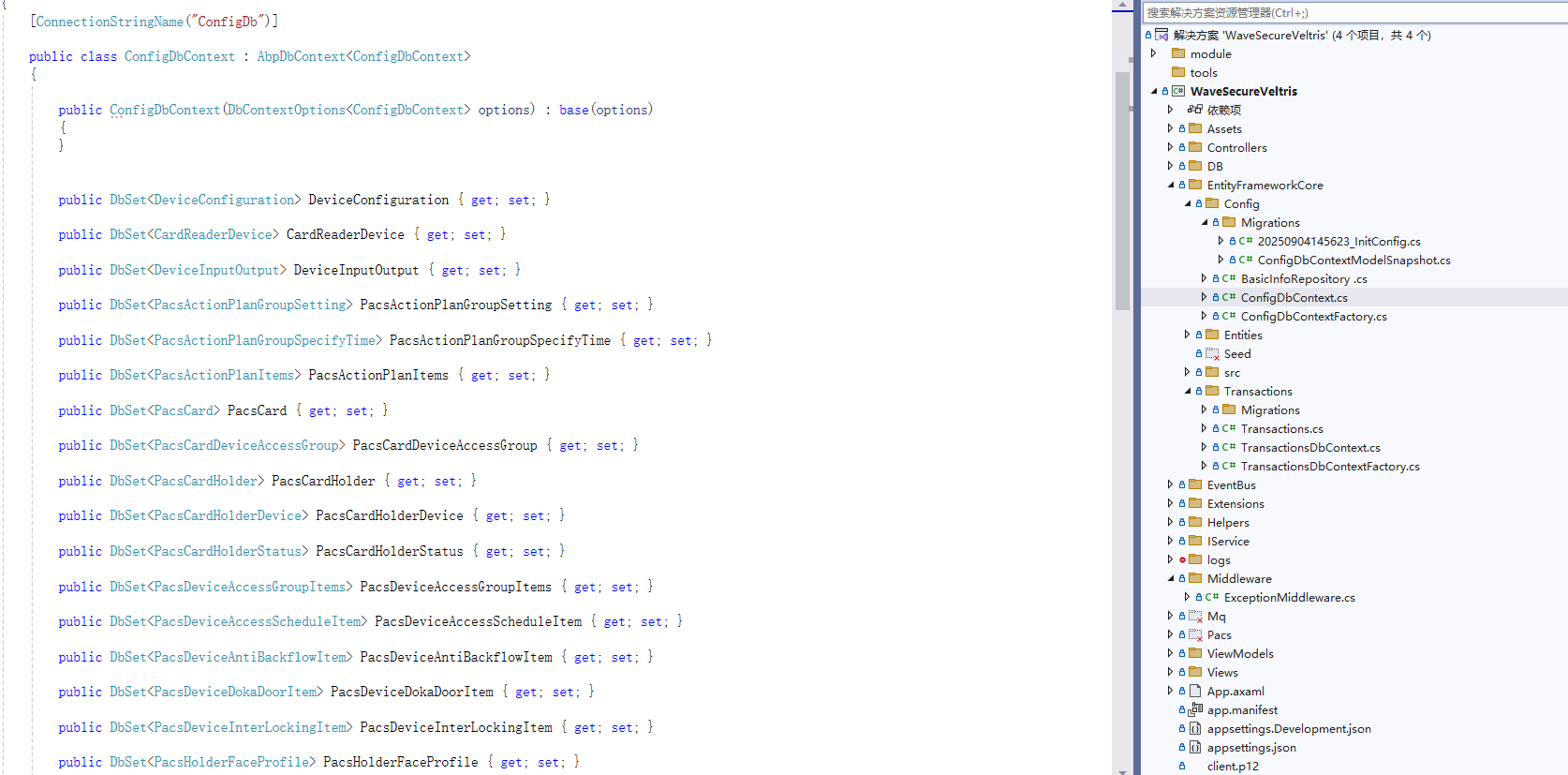
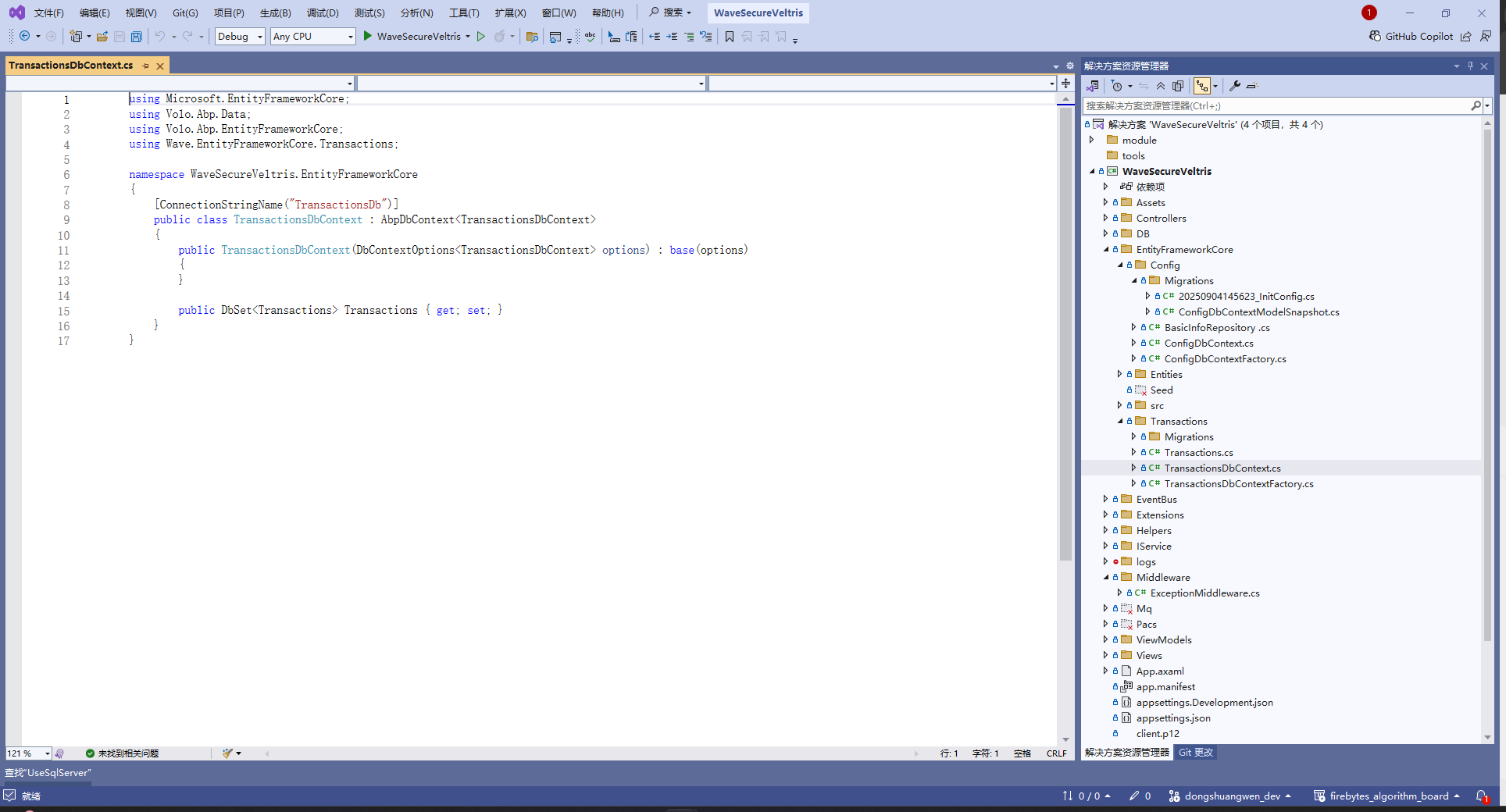
DbContextof typeWaveSecureVeltris.EntityFrameworkCore.ConfigDbContext. - This is usually caused by a missing or misconfigured
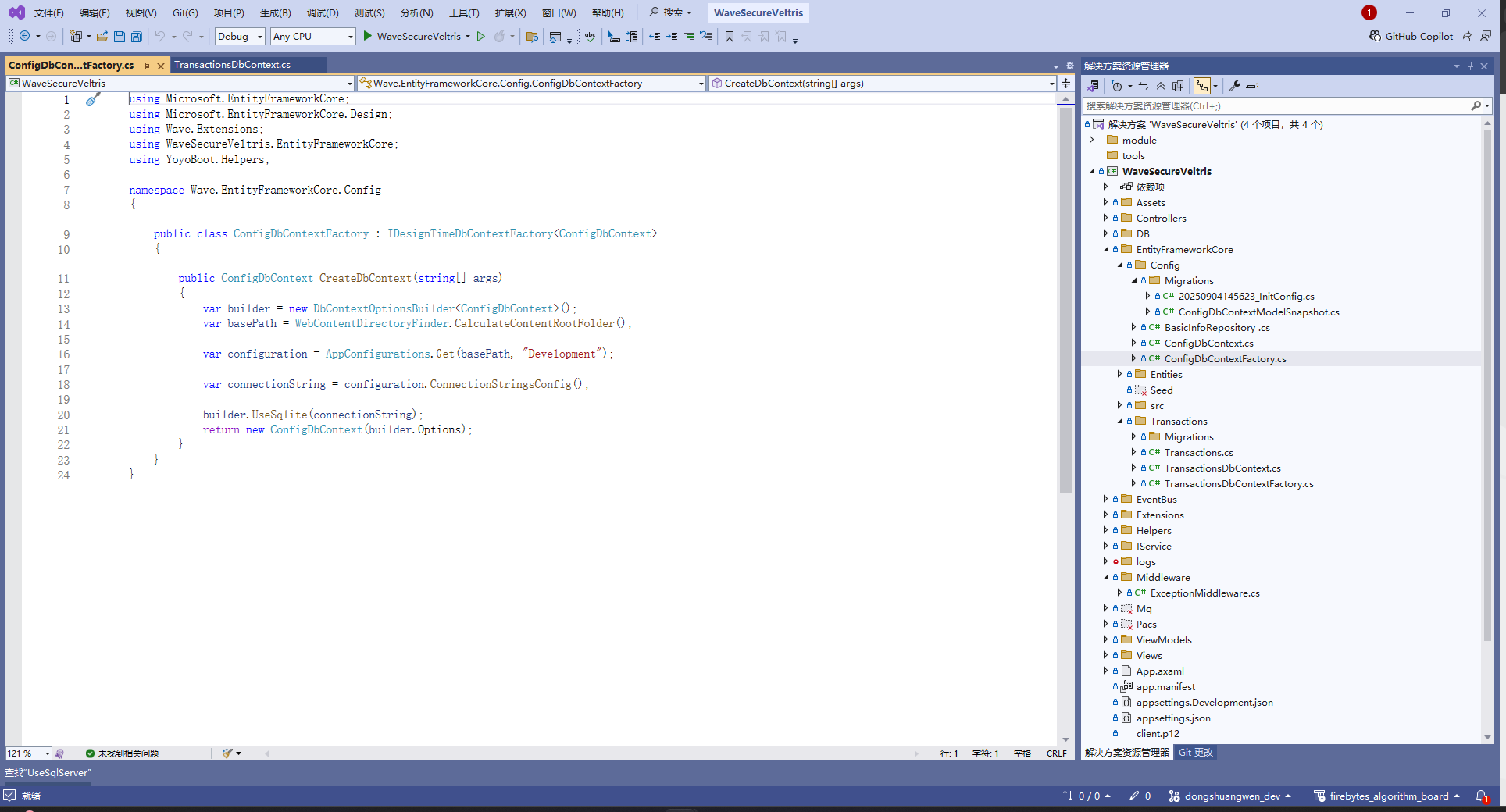
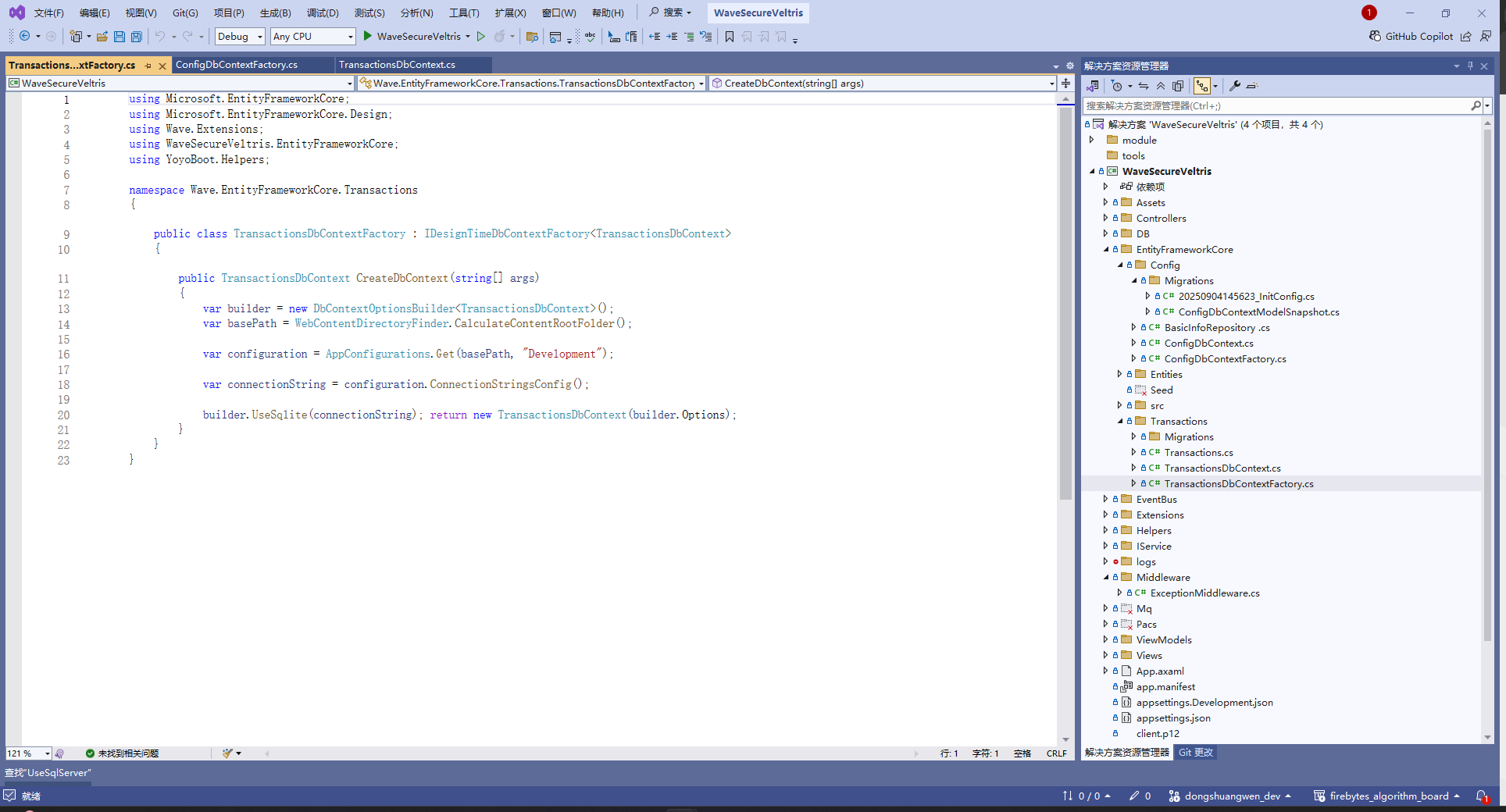
IDesignTimeDbContextFactory<ConfigDbContext>. - Solution: Ensure you have a correctly implemented
ConfigDbContextFactoryin yourEntityFrameworkCoreproject. The factory should look like:
- The error says it cannot create a
public class ConfigDbContextFactory : IDesignTimeDbContextFactory<ConfigDbContext> { public ConfigDbContext CreateDbContext(string[] args) { var optionsBuilder = new DbContextOptionsBuilder<ConfigDbContext>(); optionsBuilder.UseSqlServer("Your_Connection_String_Here"); return new ConfigDbContext(optionsBuilder.Options); } }- Make sure the connection string is valid and the factory is in the same assembly as your
DbContext.
Summary of Steps:
- Update EF Core tools to match your runtime.
- Double-check your
IDesignTimeDbContextFactoryimplementation and connection string.
References:
This response was generated by AI. If it didn’t solve your problem, feel free to post a new answer — our support team will jump in to help you soon.
Markdown supported.Copy, paste, or drag & drop images and files (max 100 MB per file, 100 MB total per post) - The error message in your screenshot indicates two main issues when running
-
0
 Markdown supported.Copy, paste, or drag & drop images and files (max 100 MB per file, 100 MB total per post)




