Hi, even though you mentioned that you haven't added custom code for SMTP and are not directly using SmtpClient, the ABP framework itself often uses email for various functionalities like user registration confirmation, password reset, etc.
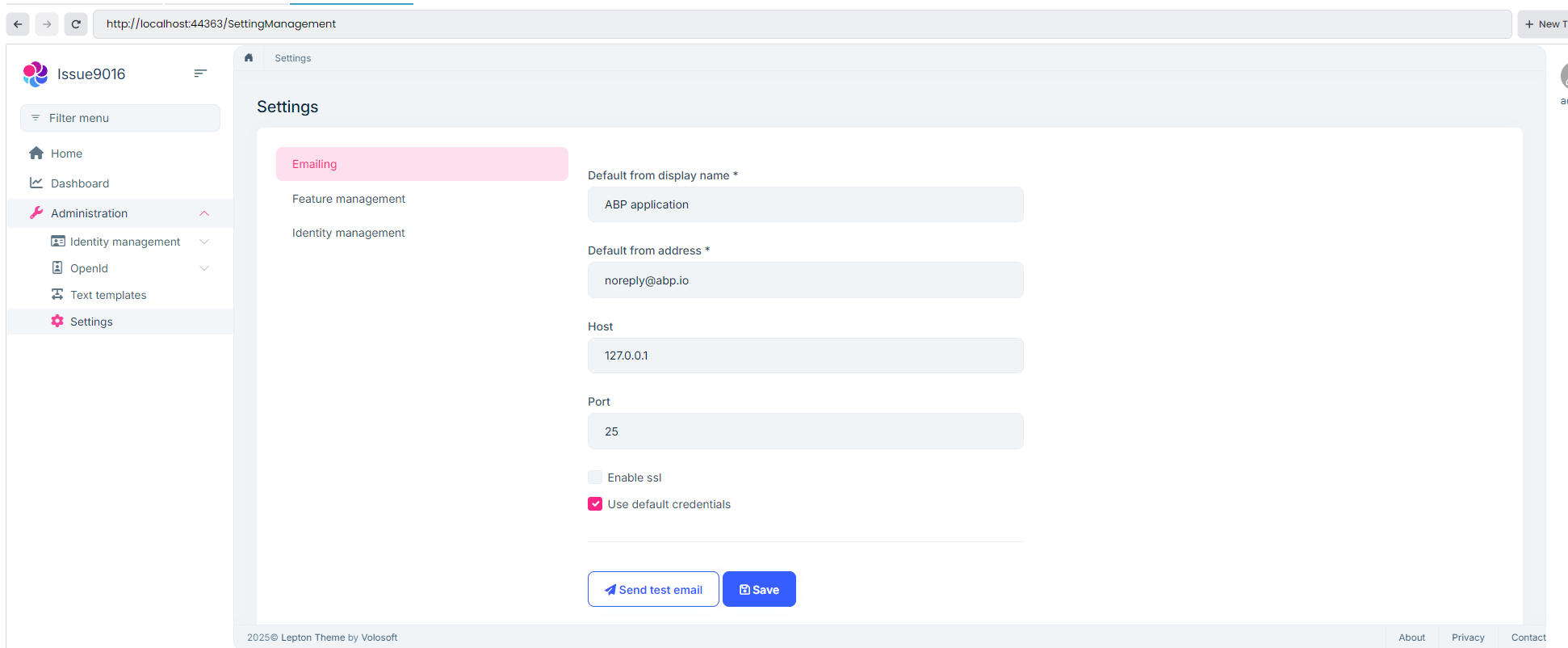
In debug mode, emails are logged in a txt file (under Logs folders), not sent. On the other hand, in production mode, the SMTP settings are coming from the defined configurations in the SettingManagement page. (Btw, the related module is included in the AdministrationService, where all core ABP Pro modules reside.)
Can you check your SMTP settings are correct in there please? (you can click the test email button to try your config)
Here is the code, that makes the email sender log email content instead of sent it on debug mode (you can see this code in the module class of authserver module):
    private void ConfigureEmailSender(ServiceConfigurationContext context)
    {
#if DEBUG
        context.Services.Replace(ServiceDescriptor.Singleton<IEmailSender, NullEmailSender>());
#endif
    }
Hi, this is a known issue that sometimes occurs with company email servers. Here are a few possible reasons:
Can you please check and confirm these two situations is not the case?
Hi, EngincanV
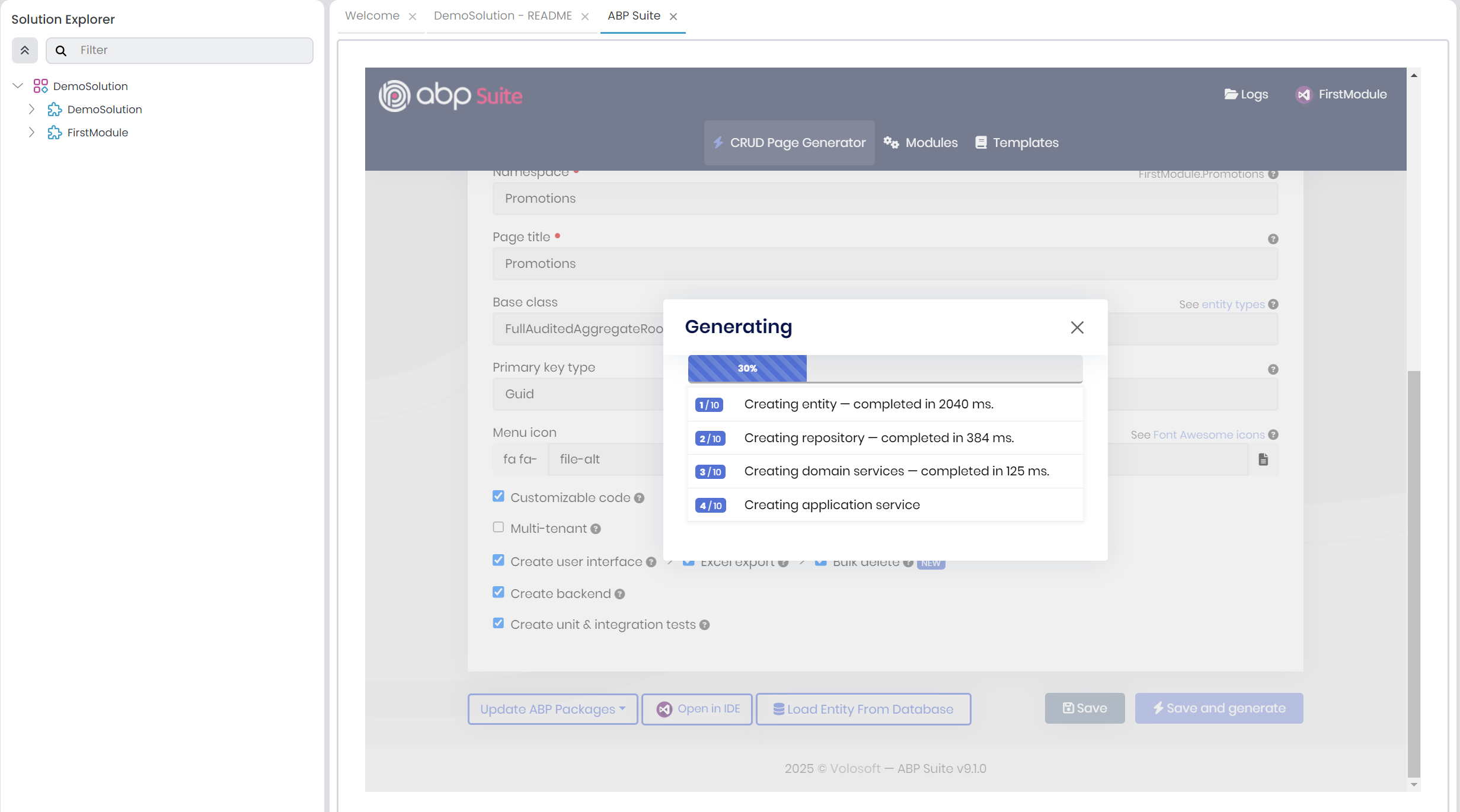
I created new Entity [Promotion] in [DemoSolution] and NOT in [FirstModule]. Issus is during adding new Entity to [DemoSolution].
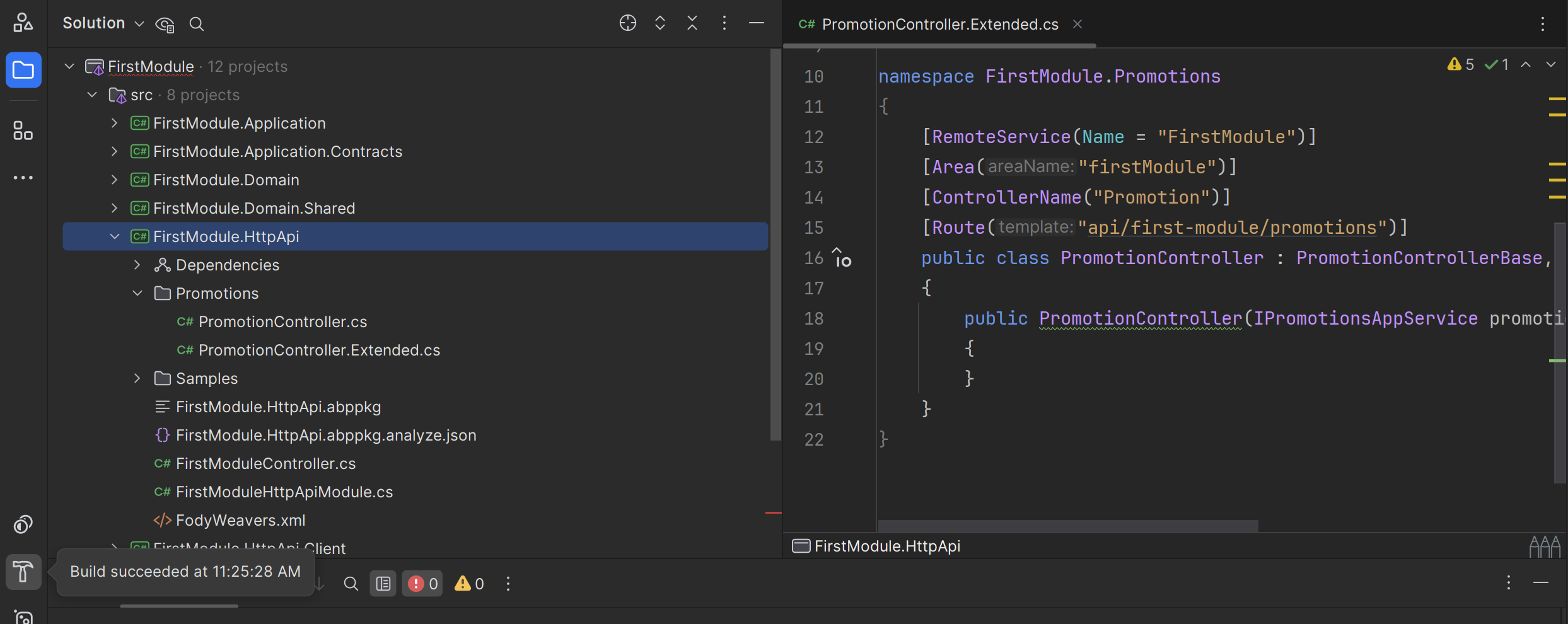
Hi, since you mentioned that you selected FirstModule to generate CRUD pages (in this thread), I have tried on that solution.
Now, I have tried on DemoSolution and still not able to reproduce:
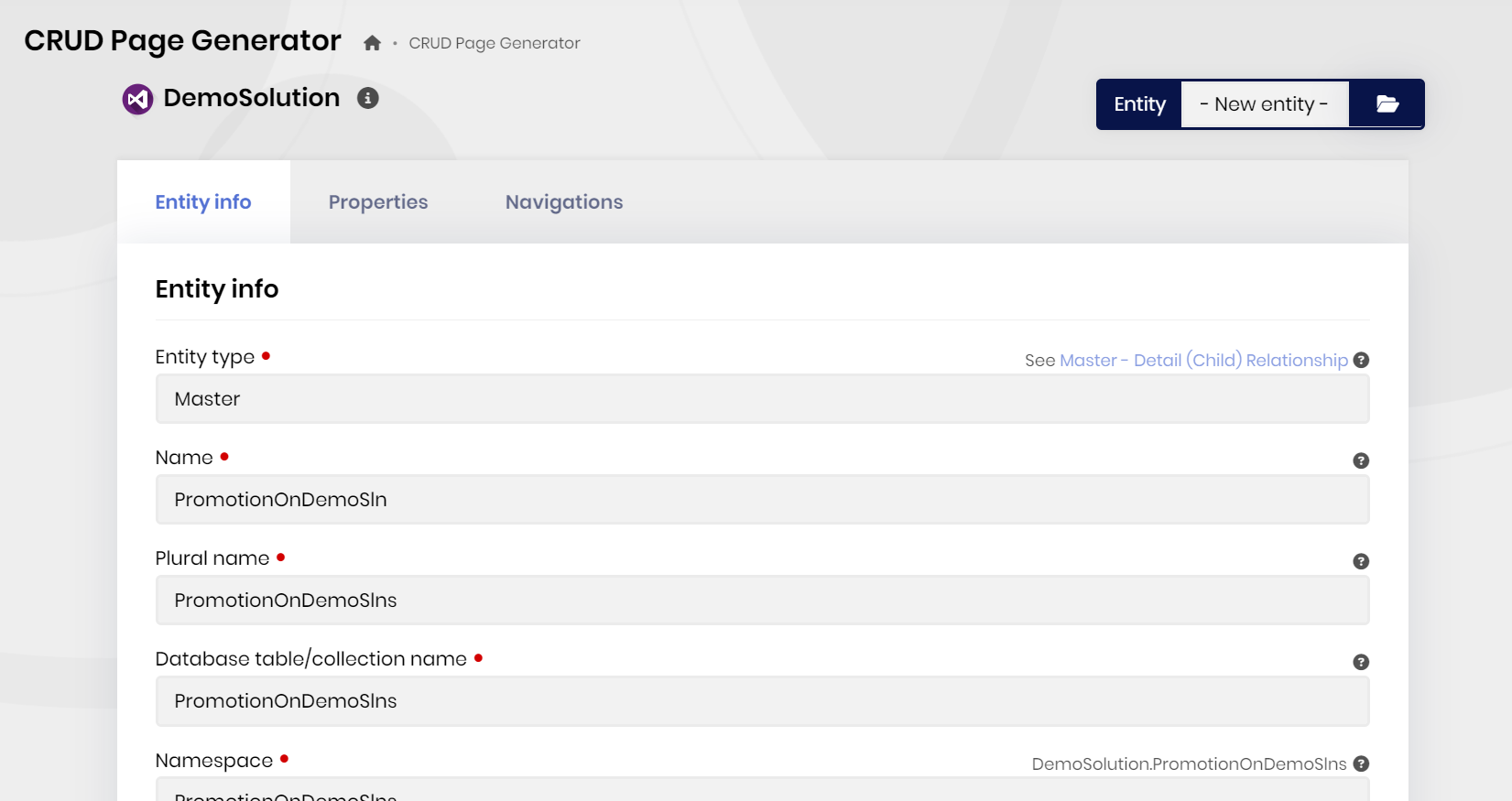
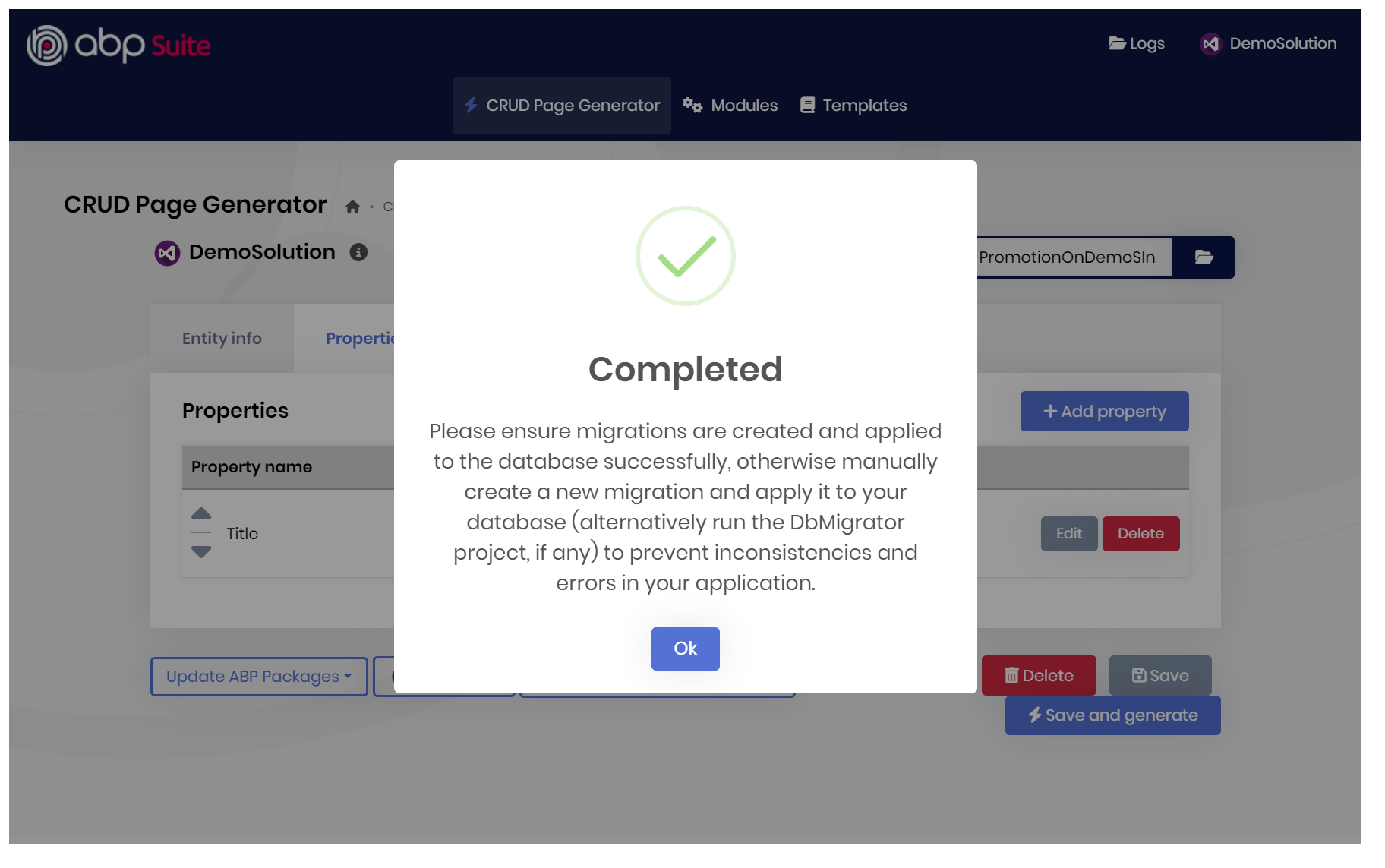
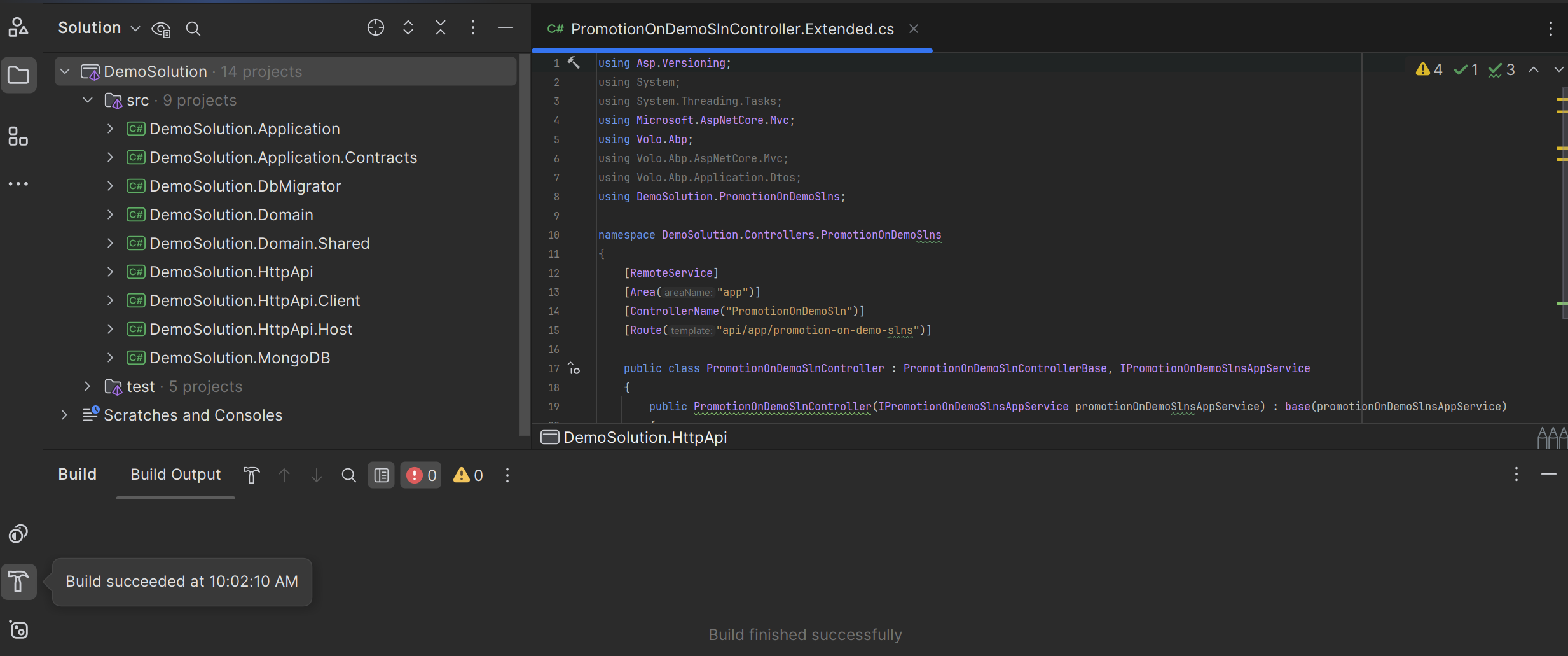
Used the entity name as
PromotionOnDemoSlnbut it does not matter.
I have followed your steps but unable to produce the problem. (Check the thread and your steps provided).
So, please try to create in a fresh solution and share the exact steps with me, so I can reproduce the problem.
Regards.
Hi, EngincanV
So I need some example how to build db migration file for entities inside Modules.
May you show some example code here. For Example I want to add new entity [Product] with properties [Title], [Price]. So I migration files will be look like?
Hi, in the modular monolith approach, we suggest to create migrations in the host application's ef core project. But, if you still want to create a migration in the modules, then you can create a DbContextFactory class that implements IDesignTimeDbContextFactory<OrderingServiceDbContext> (like in the main application, you can check its implementation) and then basically execute the dotnet ef migrations add MigrationName in your module to create migrations.
Hi, do you have a class which inherits the SampleAppService_Tests? It's needed otherwise the required services could not be obtained by di containers.
For example, you should have a method like follows, in your tests:
public class EfCoreSampleAppService_Tests : SampleAppService_Tests<MyProjectNameEntityFrameworkCoreTestModule>
{

}
Hi,
What is the recommended way of returning a file response like this with the Content-Disposition set to "inline"?
You can create a custom controller as you said (override the default appservice to httpapi controller) and set the response header, for example:
public class MyAppServiceController : AbpControllerBase, IMyAppService
{
    [HttpGet("data/{reportId}")]
    public virtual async Task<IRemoteStreamContent> GetReportAsync(Guid reportId)
    {
        Response.Headers.Add("Content-Disposition", "inline");

        return new RemoteStreamContent(stream, "Report.pdf", MimeTypes.Application.Pdf);
    }
}
You just need to add a line like above (Response.Headers.Add("Content-Disposition", "inline");). You can create your controllers in the httpapi project. This is a common practise that we also follow and use some of our modules.
Regards.
Hi, can you override the HandlePropertiesBeforeSave in your dbcontext class as below and try it, please?
    protected override void HandlePropertiesBeforeSave()
    {
        var entries = ChangeTracker.Entries().ToList();
        foreach (var entry in entries)
        {
            HandleExtraPropertiesOnSave(entry);

            if (entry.State.IsIn(EntityState.Modified, EntityState.Deleted))
            {
                UpdateConcurrencyStamp(entry);
            }
        }

        foreach (var entry in AbpEfCoreNavigationHelper.GetChangedEntityEntries().Where(x => x.State == EntityState.Unchanged))
        {
            UpdateConcurrencyStamp(entry);
        }
    }
Please let me know if it fixes your problem or not.
Hi, to use the pro features and modules, your development environment needs to be associated with a valid commercial license.
Therefore, if you are not logged in with an account that has a commercial license or the necessary permissions, you will likely not be able to run or utilize the commercial features and Pro modules of the ABP Framework.
Should every developer log into my current account
No, every developer should not log into your account. ABP's commercial licenses are typically issued per developer seat. You can see your organization details at https://abp.io/my-organizations (and add developers to the developer seats to allow them to make development on pro templates and also add additional developers if you need)
Having each developer log in with their own account ensures proper license management and allows each developer to have their own development environment configured correctly.
To summarize, the process involves adding developers to your organization on https://abp.io/my-organizations and then having them log in through the ABP CLI for efficient application building, maintenance, and release.
Let me know, if you have further questions. Regards.
Hi, here are the brief answers to your questions:
Q1: Is it possible to have a centralized identity management with AbpAccountPro module?
Yes, it is absolutely possible to achieve a centralized identity management system using the AbpAccountPro module.
Q2: If it is possible, we assume that the user and role tables will exist only in the central application, and the client applications will not need these tables. Is that correct?
Yes, this is correct. In this setup, the AbpUsers and AbpRoles tables (and other related tables) will primarily reside in the database of your central identity management application. The client applications will not need these tables.
Q3: Integration options with External Authentication Providers (Keycloak/Azure MFA)?
Yes, it is definitely possible to integrate with external authentication providers like Keycloak or Azure MFA. Here are some resources that may help you:
Q4: When the login screen is opened, can we directly redirect to the Keycloak (external provider) login screen? We don’t want users to have to click a "Login with Keycloak" button again when the login page opens.
You can directly redirect users to Keycloak (or any other external provider). You need to create a "realm" in the Keycloak dashboard, get the related URL and update the Authority section in appsetting.json file for example. (should configure oidc scheme like you would do in a normal .net application - there is no difference -).
Regards.
Hi again, I have checked but unfortunately could not reproduce the problem: