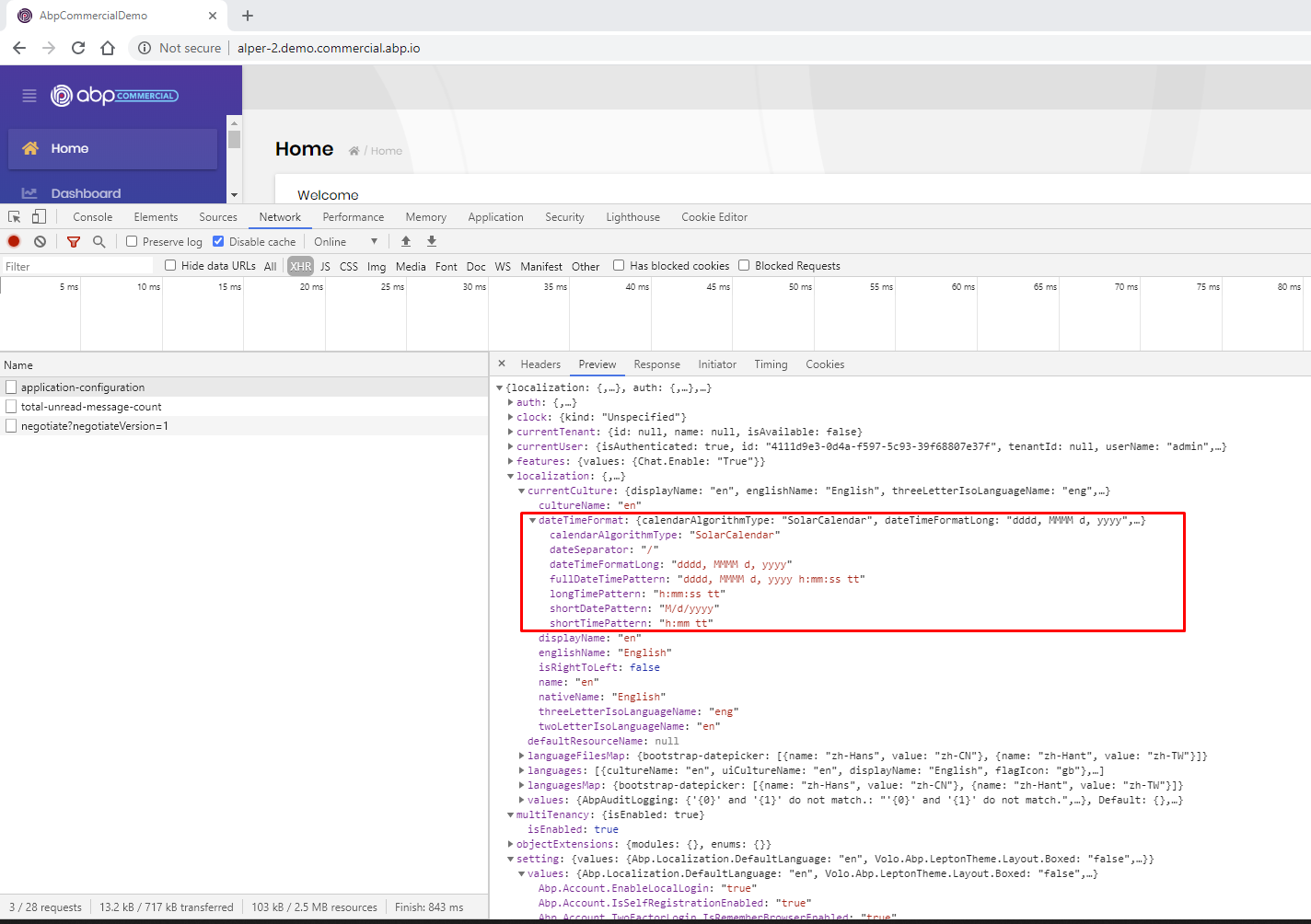
I'll try to reproduce and get back to you
if a user reports bug in a question, we refund the credit for that question. @alexandru-bagu we have refunded your 1 question credit for this bug report. Also if you are not satisfied with the ABP project, feel free to ask for a refund. We don't want to have unhappy customers.
Besides, we create a pinned topic on top of other questions about the current version's bugs & issues. you can freely write there, you don't loose any credits.
And for the question, can you upgrade to v3.0.4 for the specified problems.
for the "connection string not change" issue, I've tried and cannot reproduce it.

thanks @jackmcelhinney for the feedback. I guess there's a problem with the ABP website. Probably will be fixed on Monday, 2020-07-20.
@jackmcelhinney, we have added virtual to the SendEmailConfirmationLinkAsync
This is the implementation, you can replace this with your implementation until the next release.
public class AccountEmailer : IAccountEmailer, ITransientDependency
{
protected ITemplateRenderer TemplateRenderer { get; }
protected IEmailSender EmailSender { get; }
protected IStringLocalizer<AccountResource> StringLocalizer { get; }
protected IAppUrlProvider AppUrlProvider { get; }
protected ICurrentTenant CurrentTenant { get; }
public AccountEmailer(
IEmailSender emailSender,
ITemplateRenderer templateRenderer,
IStringLocalizer<AccountResource> stringLocalizer,
IAppUrlProvider appUrlProvider,
ICurrentTenant currentTenant)
{
EmailSender = emailSender;
StringLocalizer = stringLocalizer;
AppUrlProvider = appUrlProvider;
CurrentTenant = currentTenant;
TemplateRenderer = templateRenderer;
}
public virtual async Task SendPasswordResetLinkAsync(
IdentityUser user,
string resetToken,
string appName)
{
Debug.Assert(CurrentTenant.Id == user.TenantId, "This method can only work for current tenant!");
var url = await AppUrlProvider.GetResetPasswordUrlAsync(appName);
var emailContent = await TemplateRenderer.RenderAsync(
AccountEmailTemplates.PasswordResetLink,
new
{
link = $"{url}?userId={user.Id}&tenantId={user.TenantId}&resetToken={UrlEncoder.Default.Encode(resetToken)}"
}
);
await EmailSender.SendAsync(
user.Email,
StringLocalizer["PasswordReset"],
emailContent
);
}
public virtual async Task SendEmailConfirmationLinkAsync(
IdentityUser user,
string confirmationToken,
string appName)
{
Debug.Assert(CurrentTenant.Id == user.TenantId, "This method can only work for current tenant!");
var url = await AppUrlProvider.GetEmailConfirmationUrlAsync(appName);
var emailContent = await TemplateRenderer.RenderAsync(
AccountEmailTemplates.EmailConfirmationLink,
new
{
link = $"{url}?userId={user.Id}&tenantId={user.TenantId}&confirmationToken={UrlEncoder.Default.Encode(confirmationToken)}"
}
);
await EmailSender.SendAsync(
user.Email,
StringLocalizer["EmailConfirmation"],
emailContent
);
}
}
Change your Index.cshtml.cs to
using System.Threading.Tasks;
using Microsoft.AspNetCore.Authentication;
using Microsoft.AspNetCore.Mvc;
namespace Mvc.Tiered1.Web.Pages
{
public class IndexModel : Tiered1PageModel
{
public async Task<IActionResult> OnGetAsync()
{
return RedirectToPage(CurrentUser.TenantId.HasValue ? "/TenantDashboard" : "/HostDashboard");
}
public async Task OnPostLoginAsync()
{
await HttpContext.ChallengeAsync("oidc");
}
}
}
After updating the app; you can either use FrontChannel Logout (simply; Single Sign Out from all of your apps connected to IdentityServer).
If you don't want to use this feature, change the FrontChannelLogoutSessionRequired field of IdentityServerClients table to value 0 of the application.
If you want Single Sign Out, you need to add new data to get redirected after “You have been logged out and will be redirected” message; change the FrontChannelLogoutUri field of your IdentityServerClients table to value https://yourAppDomain/Account/FrontChannelLogout of your application.
Inject IEmailSender interface to your class and call the SendAsync method.
Also see How-to-configure-email-settings
You can write the email settings to the AbpSettings table.
| Name | Value | Provider Name | |----------------------------------------|---------------------------|----------------| | Abp.Mailing.Smtp.EnableSsl | true | G | | Abp.Mailing.Smtp.Password | {encrypted password} | G | | Abp.Mailing.Smtp.Domain | | G | | Abp.Mailing.DefaultFromDisplayName | My Company | G | | Abp.Mailing.Smtp.UseDefaultCredentials | false | G | | Abp.Mailing.Smtp.Host | smtp-relay.sendinblue.com | G | | Abp.Mailing.Smtp.Port | 587 | G | | Abp.Mailing.Smtp.UserName | account@mymail.com | G |
The password field is encrypted, therefore you need to write the password as encrypted.
How to encrypt my email password? You can encrypt your email password with IStringEncryptionService
Also see How-to-configure-email-settings
hi @wai, as I understand from your question you don't know basics of the application. you can create an application service and call the domain services in this new service. all application services are being exposed as WebAPIs by default. you can check Swagger to see how it can be called via JavaScript. also see https://docs.abp.io/en/abp/latest/Application-Services