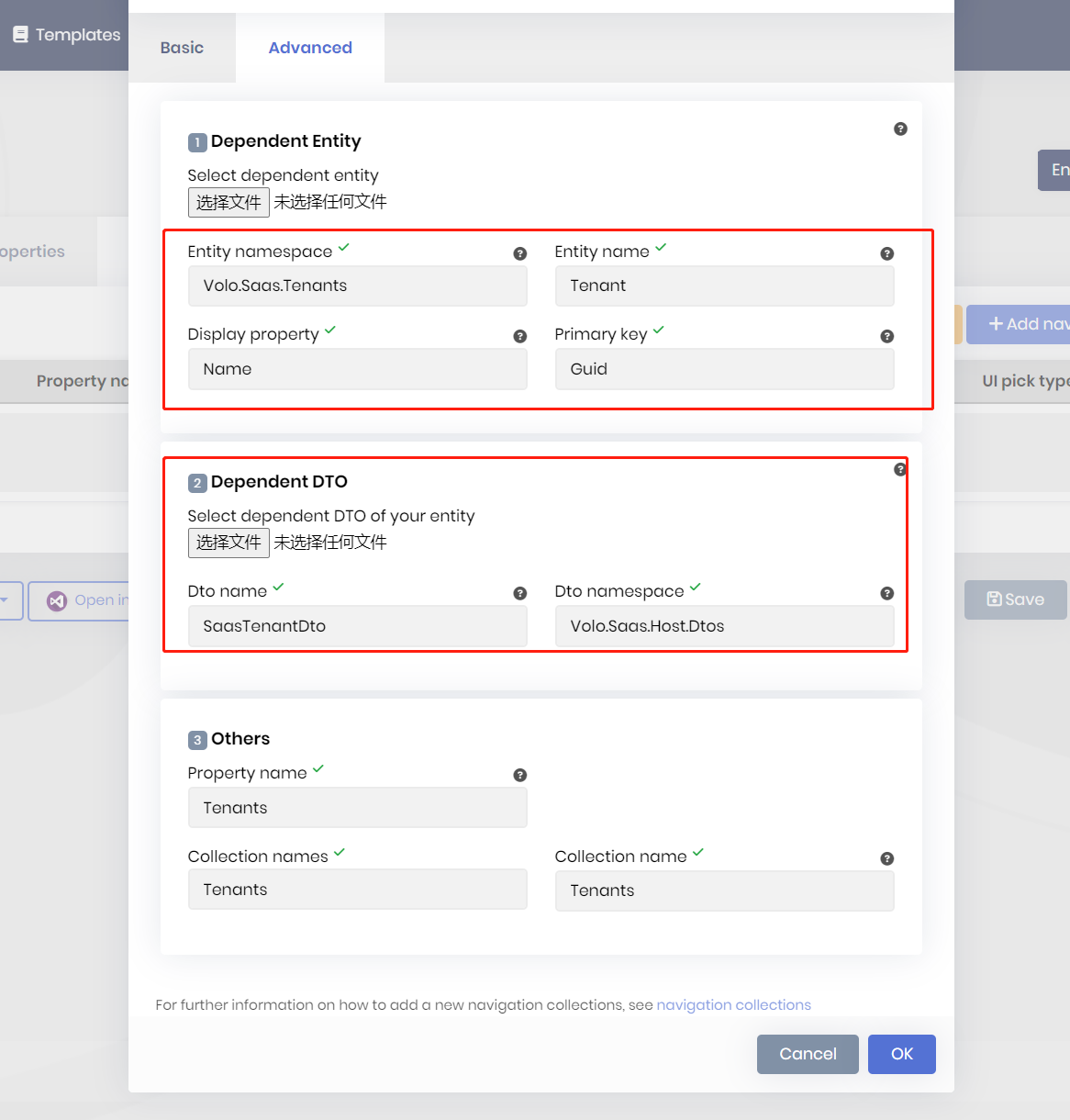
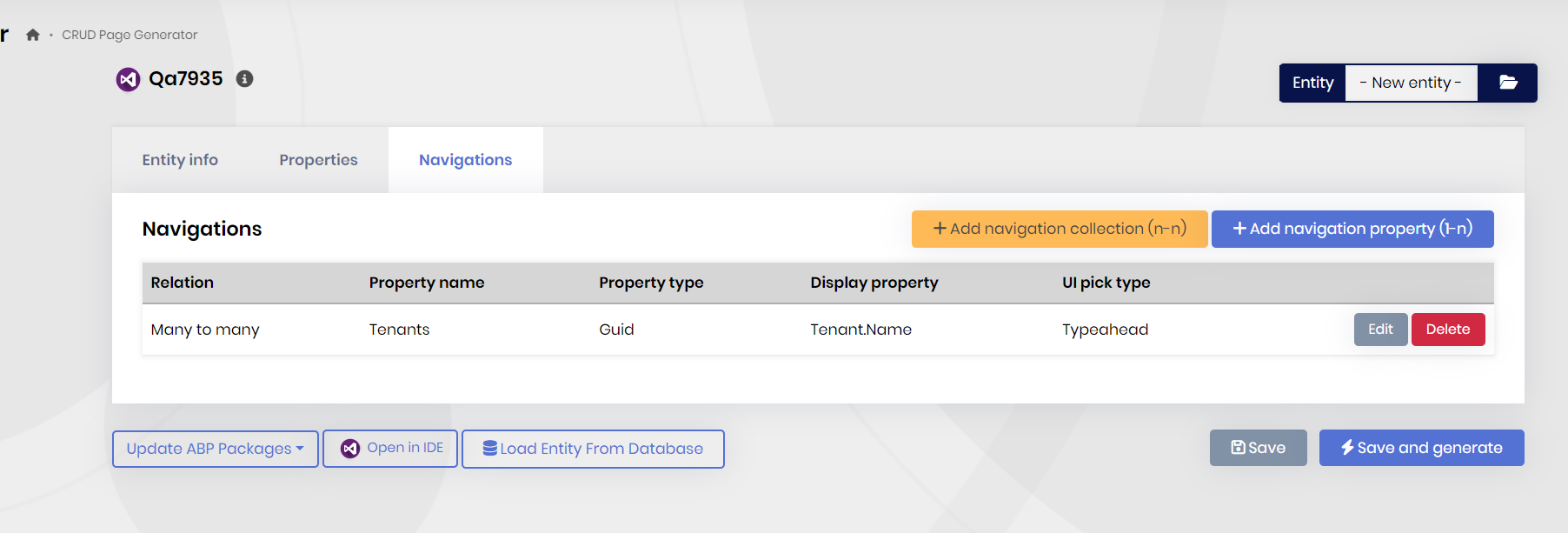
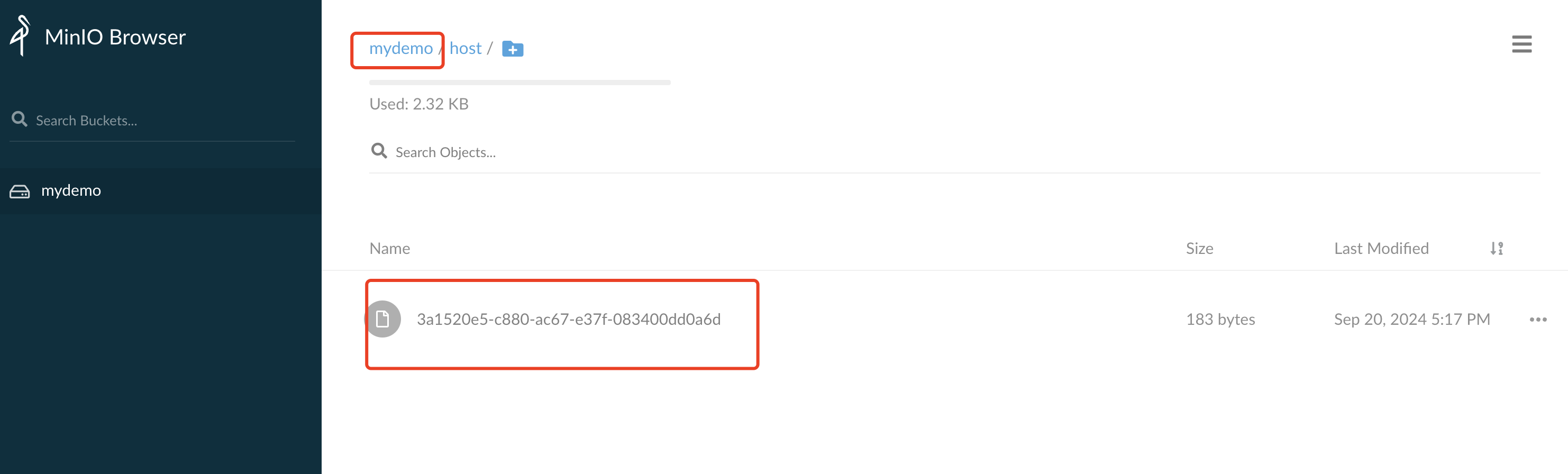
Hi,
shared, please check it
And at my machine, Console can't print the "## - 1", so configure for minio is skiped. Is this message printed at your machine?
yes
Hi,
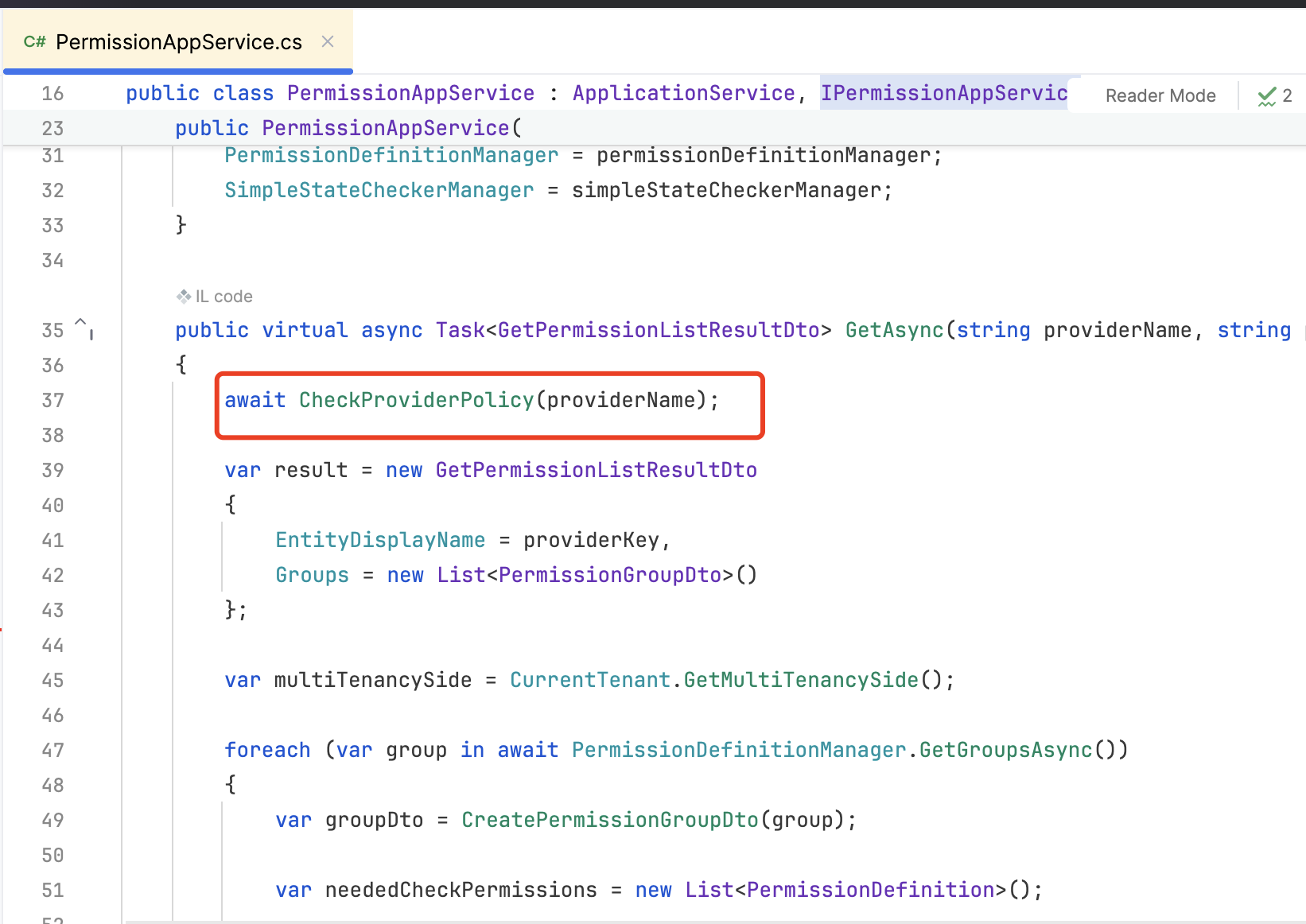
This is used for permission management
Will check it when using IPermissionAppService to update/change/get permissions
Hi,
It works for me:
My steps:
create a minio docker
docker run -d -p 9000:9000 --name minio\
  -e "MINIO_ACCESS_KEY=admin" \
  -e "MINIO_SECRET_KEY=admin@123456" \
  minio/minio:RELEASE.2021-06-17T00-10-46Z server /data
update EndPoint to localhost:9000
update configure code:
minio.CreateBucketIfNotExists = configuration.GetValue<bool>("Minio:CreateContainerIfNotExists");
Hi,
We have overwritten the login and registration page with OpenSource version
Because you are using the OpenSource version source code, you can use the account pro source code instead
HI,
you don't need to Implement it.
It's already built-in
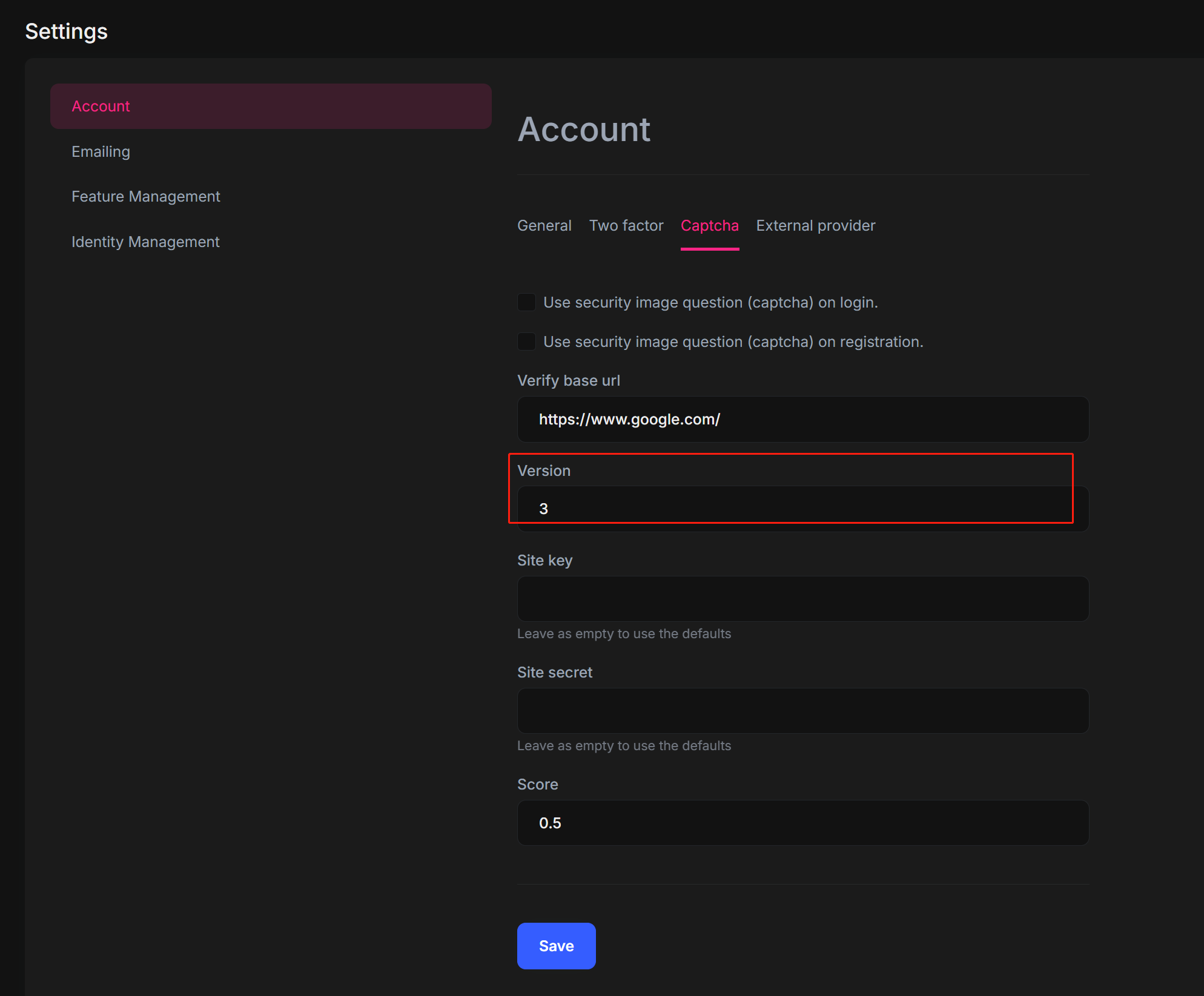
Hi,
The StaticPermissionSaver will remove old permissions.
https://github.com/abpframework/abp/blob/rel-8.2/modules/permission-management/src/Volo.Abp.PermissionManagement.Domain/Volo/Abp/PermissionManagement/StaticPermissionSaver.cs#L186
you can use PermissionOptions to configure them.
Configure<AbpPermissionOptions>(options =>
{
    options.DeletedPermissions = ...;
    options.DeletedPermissionGroups = ...;
});
Package 'Volo.Abp.Commercial.SuiteTemplates' is incompatible with 'all' frameworks in project 'C:\CodeNStuff\GitHub\ABP_Frameworks5\Universal.WMS\src\Universal.WMS.Blazor\Universal.WMS.Blazor.csproj'.
you can install the Volo.Abp.Commercial.SuiteTemplates to Domain project.
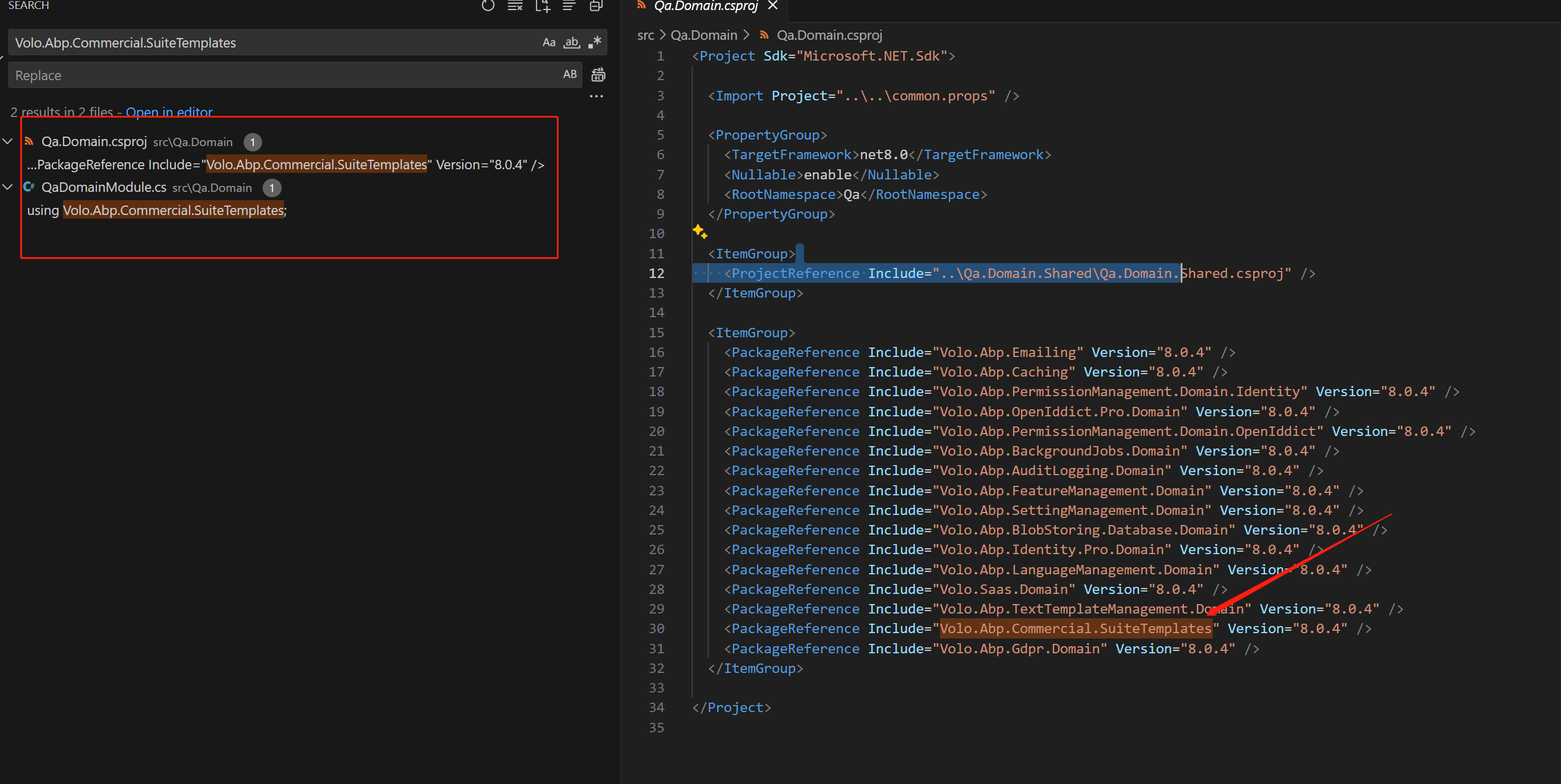
Hi,
But from angular side, when sending application-configuration request (which includes in its response auth -> grantedPolicies to tell angular app current users' permissions, I don't see my permission granted!
You may need to custom the AbpApplicationConfigurationAppService service
https://github.com/abpframework/abp/blob/dev/framework/src/Volo.Abp.AspNetCore.Mvc/Volo/Abp/AspNetCore/Mvc/ApplicationConfigurations/AbpApplicationConfigurationAppService.cs
Hi,
In your opinion , does this sufficient to get to my goal?
yes, you can.
How does this be accomplished without replacing Saas module with source code?
for example: