Hi,
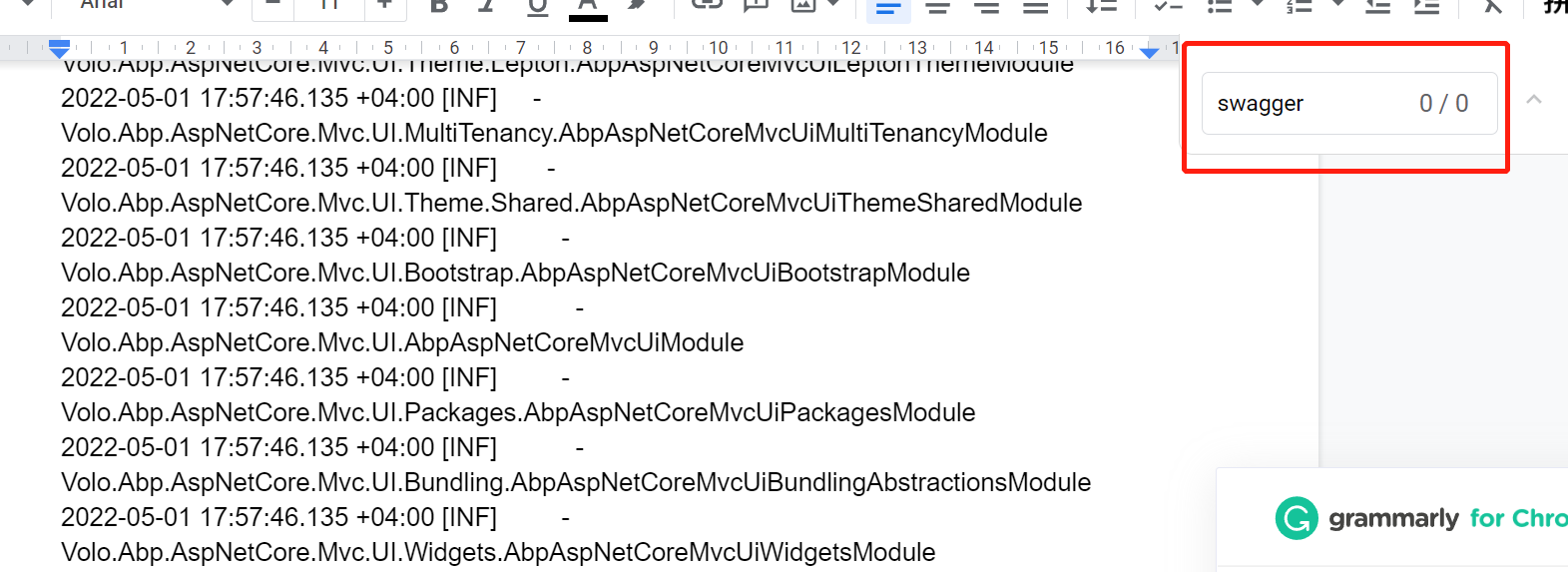
I didn't see any word about swagger in the log you provided.
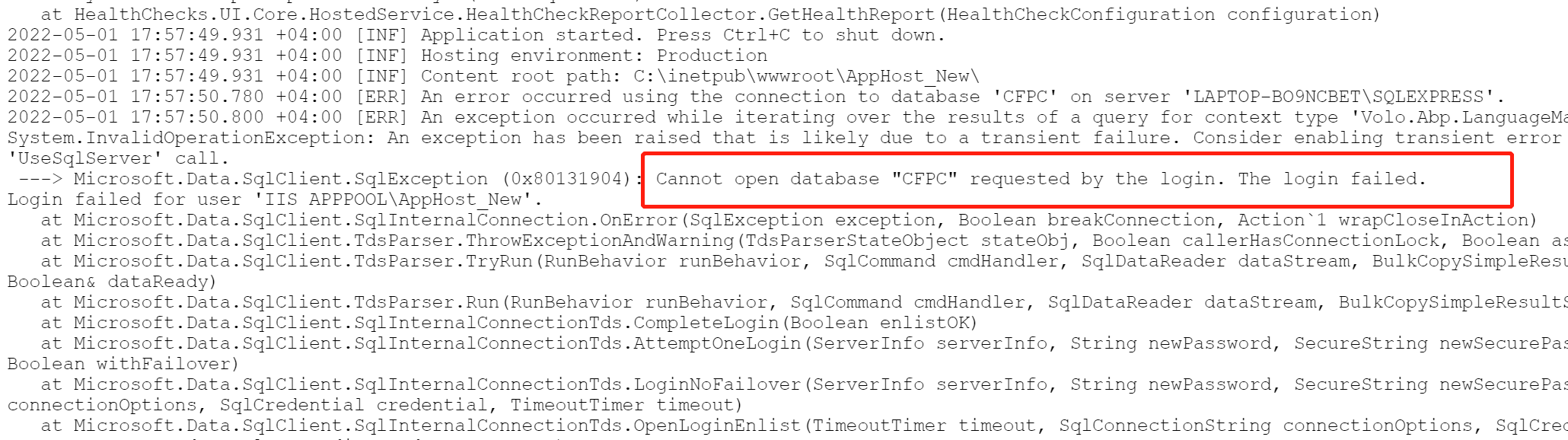
But I see a database problem, seems you are using the wrong connection string:
Hi,
Here are my steps, there is no problem.
public class MyArgs
{
    public string Name { get; set; }

    public MyArgs()
    {

    }
}

public class MyJob : AsyncBackgroundJob<MyArgs>, ITransientDependency
{
    public override async Task ExecuteAsync(MyArgs args)
    {
        await Task.Delay(5000);
        Logger.LogInformation("MyJob..................");
    }
}

var jobManager= context.ServiceProvider.GetRequiredService<IBackgroundJobManager>();

for (var i = 0; i < 50; i++)
{
     await jobManager.EnqueueAsync(new MyArgs());
}
Here are some points:
appsettings
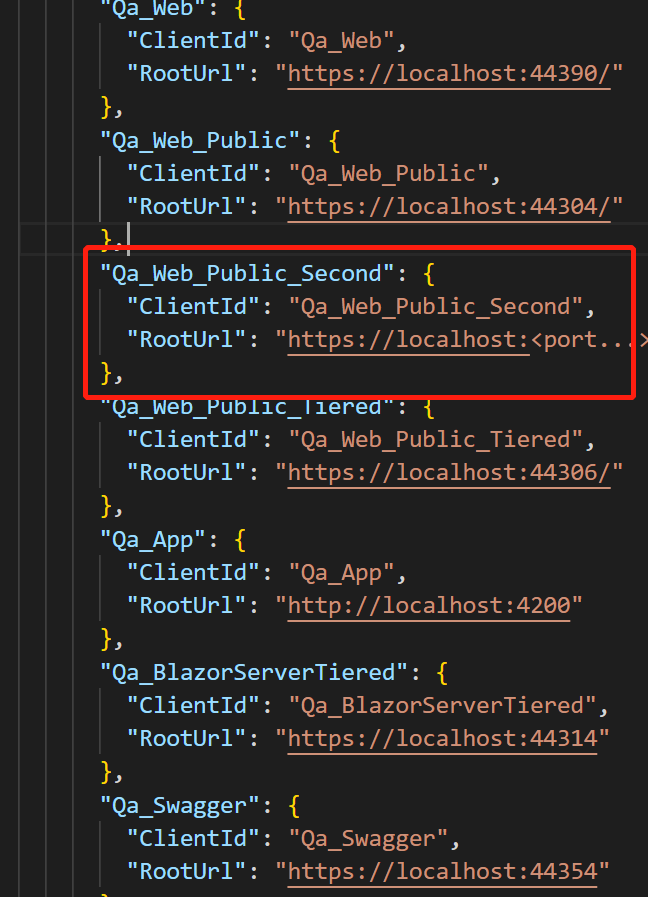
IdentityServerDataSeedContributor
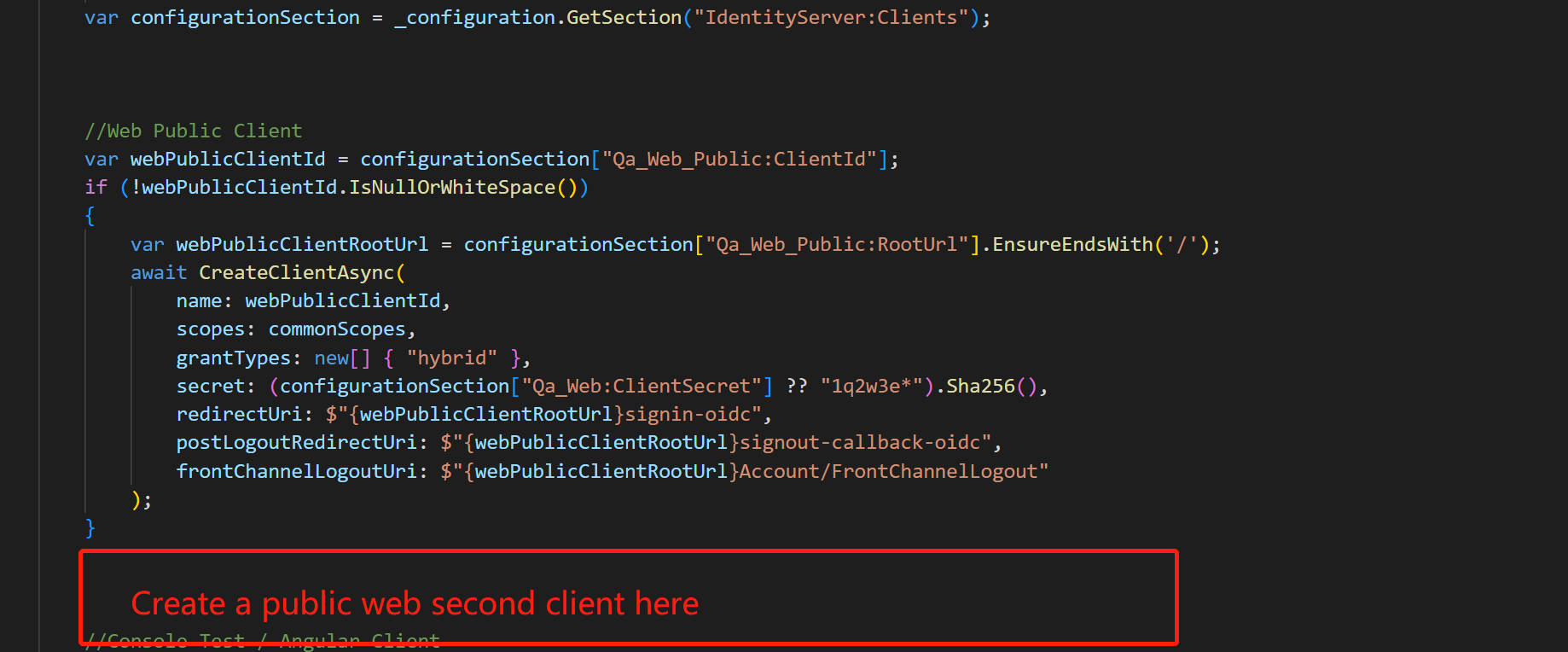
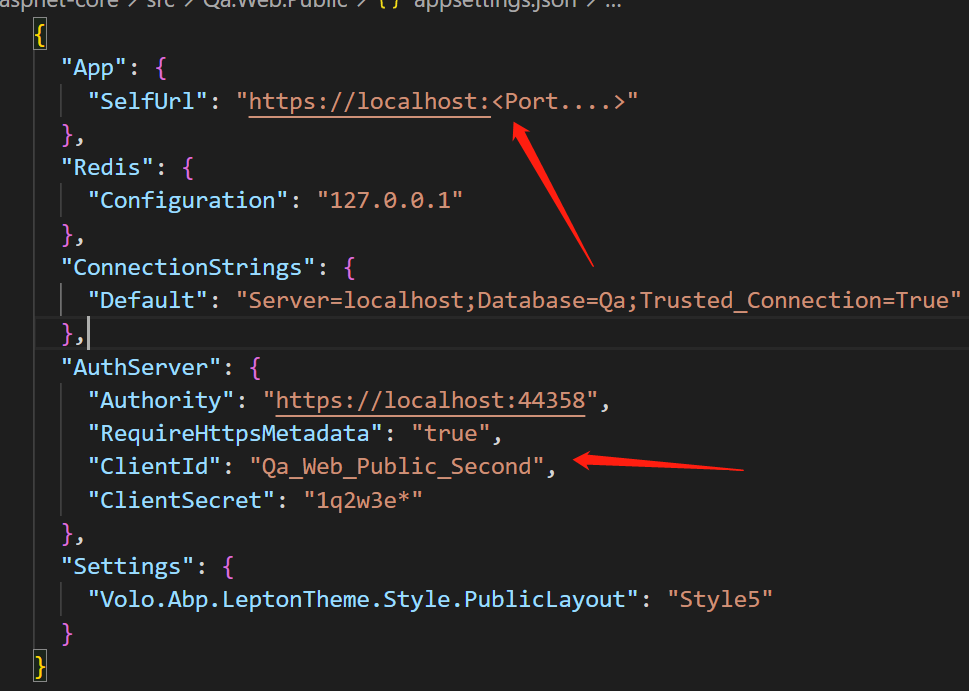
Hi,
Sorry, there is no such document.
You just need to copy the code to the new project, I think it's easy to do.
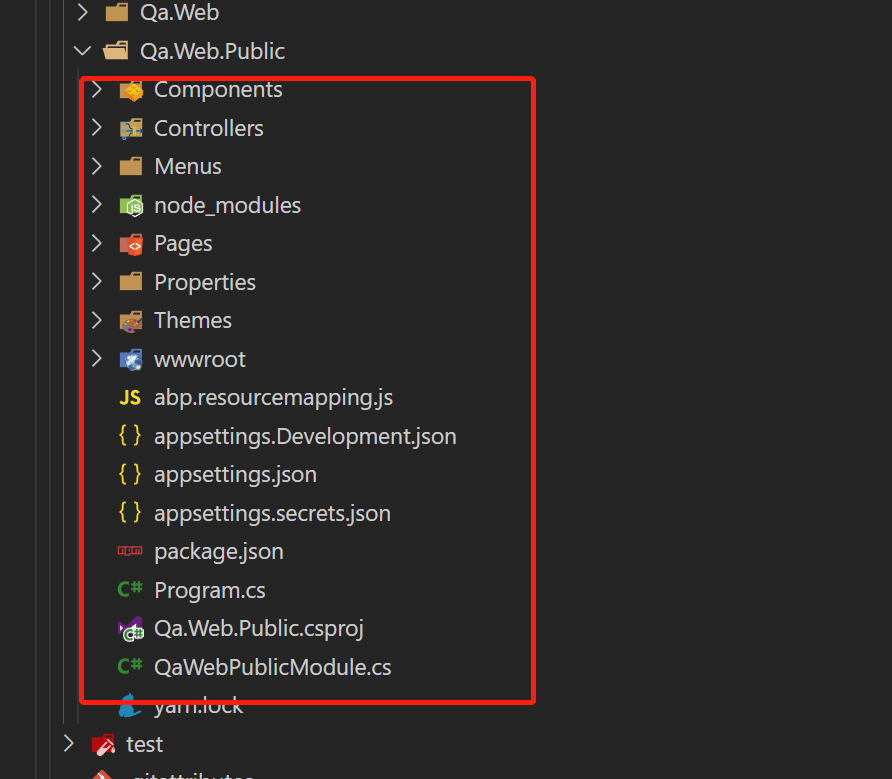
No,
You can refer to the public website to create a new project.
Hi,
Account Linking and User Profile Picture
public class MyMenuContributor : IMenuContributor
{
    public async Task ConfigureMenuAsync(MenuConfigurationContext context)
    {
        if (context.Menu.Name == StandardMenus.Main)
        {
            context.Menu.TryRemoveMenuItem("Account.LinkedAccounts");
            context.Menu.TryRemoveMenuItem("Account.Manage");
        }
    }
}
Two Factor Authentication
public class MyFeatureDefinitionProvider : FeatureDefinitionProvider
{
    public override void Define(IFeatureDefinitionContext context)
    {
        var group = context.GetGroupOrNull(IdentityProFeature.GroupName);

        var twoFeature = group.Features.First(x => x.Name == IdentityProFeature.TwoFactor);
        twoFeature.DefaultValue = "false";
        twoFeature.IsAvailableToHost = false;
        twoFeature.IsVisibleToClients = false;
    }
}
BTW, We recommend that you use the latest version, it contains bug fixes and feature enhancements
Hi,
Because we Implemented Blazor in version 4.3.0
See: https://github.com/abpframework/abp/pull/8074
Hi,
ABP startup template only has one public website, but it's easy to do to add a public website to your project.
You can refer to the public website to create a new project.
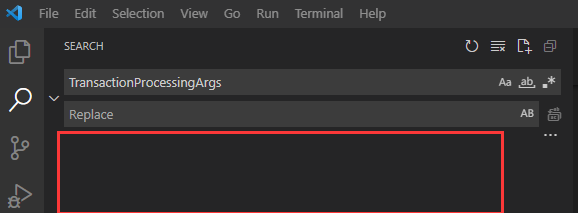
TransactionProcessingArgs
Where? I didn't see it in the project you provided. can you provide the steps that I can reproduce?