hi
Can you try to remove yarn.lock and package-lock.json files, then re-run the abp install-libs command?
Then you can check the JS and CSS files under the wwwroot/libs folder.
Thanks.
hi @viswajwalith
Is https://localhost:44321/ an Identity Server website? Does it contain the AddIdentityServer ?
Are you signed in by external login?
Thanks
Yes, I have fixed it, It will be available in next 9.2 patch version.
hi
this image logo went up automatically
Add below styles to your <a class="navbar-brand" href="/" alt="AMS" style="
You can change the size.
    position: static;
    display: block;
    width: 400px;
    height: 275px;
    margin: 0px;
    margin-left: -38px;
}
This model not closing after selecting "YES"
Change your JS code to close the model after the callback event. I have no idea about this.
hi
Can you share the image that you expected?
What is your code that adds these two menus?
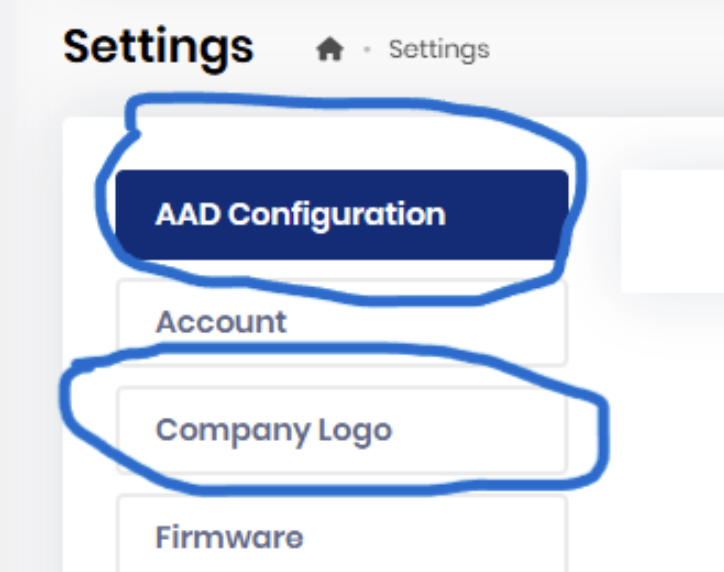
Please set an id for your setting
eg: Volo.Abp.Account is the id
 context.Groups.Add(
            new SettingComponentGroup(
                "Volo.Abp.Account",
                l["Menu:Account"],
                typeof(AccountAdminSettingManagementComponent)
            )
        );
hi
Add justify-content: space-between; to navbarToolbar
<div class="collapse navbar-collapse d-lg-block toolbar-nav-wrapper" id="navbarToolbar" style="justify-content: space-between;">
Remove mt-5 from <div aria-labelledby="dropdownMenuUser" class="dropdown-menu dropdown-menu-end show" data-bs-popper="static">
hi
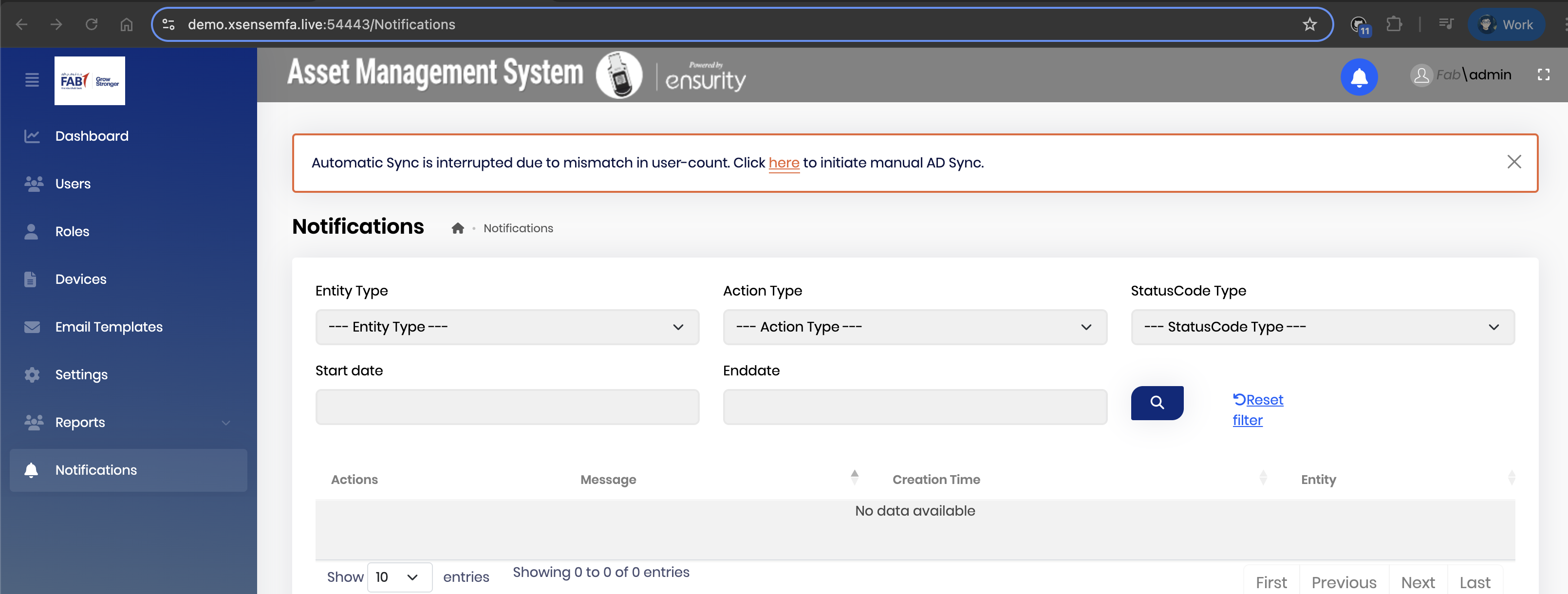
I'm having trouble understanding the style issue based on the screenshot.
Can you publish it online? Then I can check the style.
Thanks.
hi
There is no https://localhost:44326/Abp/ApplicationLocalizationScript?cultureName=en request in your website.
Do you have a custom layout file?

https://github.com/abpframework/abp/blob/dev/modules/basic-theme/src/Volo.Abp.AspNetCore.Mvc.UI.Theme.Basic/Themes/Basic/Layouts/Application.cshtml#L87-L89
Thanks.