So the permission definition still null?

Can you share a simple project to reproduce? I will debug it.
Thanks.
liming.ma@volosoft.com
ok
Inject the IDynamicPermissionDefinitionStoreInMemoryCache and set LastCheckTime and CacheStamp
DynamicPermissionDefinitionStoreInMemoryCache.LastCheckTime = null;
DynamicPermissionDefinitionStoreInMemoryCache.CacheStamp = Guid.NewGuid().ToString();
After this, try to get the permission definition from PermissionDefinitionManager(IDynamicPermissionDefinitionStore) again.
hi
its correct, just that in the UI its not displaying correctly unless I restart the API (swagger)
Can you check the JSON data in the browser(angular)?
Get api/permission-management/permissions?providerName=x&providerKey=y
hi
Please send an email to liming.ma@volosoft.com
I will share the abp-translation.json file.
hi
Make sure all abp&volo packages in your solution have the same version.
You can search keywords in *.csproj files globally to check the package version.
hi
I think this is related to the virtual file system.
Can you share a simple test project?
liming.ma@volosoft.com
Thanks.
hi
You have two options. Which one do you prefer? A or B?
A:
The new webapp (blazor wasm) project include two projects:
You need to create a new project for your wasm project. the render mode is InteractiveWebAssembly(prerender: false)
same as abp new BookStore -t app -u blazor
B: The new webapp (server and wasm) project include two projects:
You need to create a new Blazor server app.
In this options, your app have two projects, server and wasm, The render mode is InteractiveAuto
same as abp new BookStore -t app -u blazor-webapp
hi
Yes.
You can use other distributed cache to replace the Redis
https://learn.microsoft.com/en-us/aspnet/core/performance/caching/distributed?view=aspnetcore-9.0
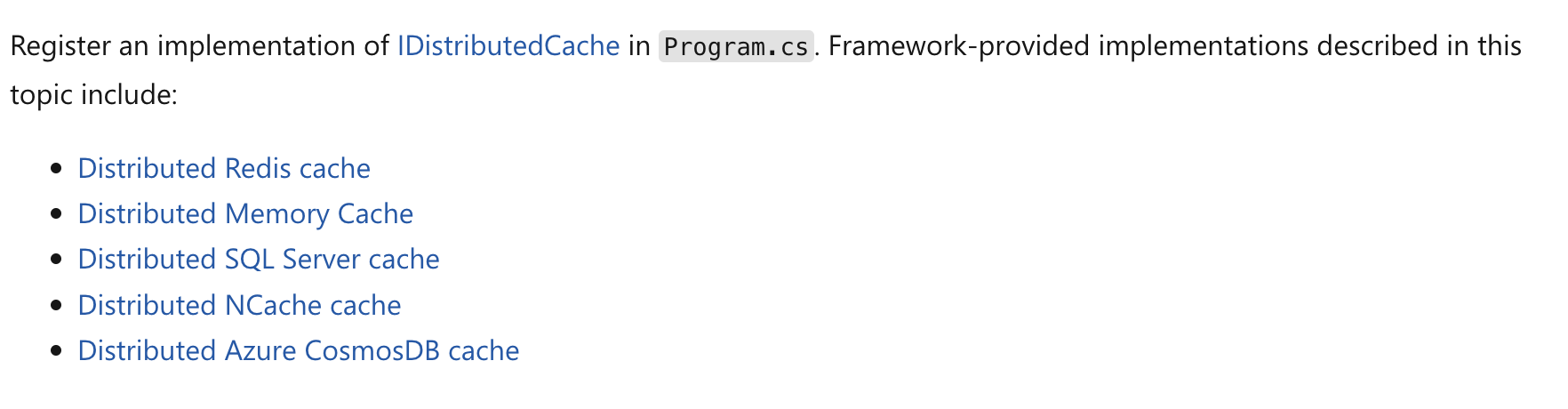
hi
The error is from Blazor Server project. It can't successfully send the HTTP request to https://pekkish-apihost.azurewebsites.net/api/abp/application-localization.
This seems to be an environmental problem. Can you check your app runtime environment?
2024-12-02 09:14:04.397 +00:00 [INF] Sending HTTP request GET https://pekkish-apihost.azurewebsites.net/api/abp/application-localization?*

Volo.Abp.Http.Client.AbpRemoteCallException: An error occurred during the ABP remote HTTP request. (The operation was canceled.) See the inner exception for details.
 ---> System.Threading.Tasks.TaskCanceledException: The operation was canceled.
 ---> System.Threading.Tasks.TaskCanceledException: The operation was canceled.
 ---> System.IO.IOException: Unable to read data from the transport connection: The I/O operation has been aborted because of either a thread exit or an application request..
 ---> System.Net.Sockets.SocketException (995): The I/O operation has been aborted because of either a thread exit or an application request.
   --- End of inner exception stack trace ---
   at System.Net.Sockets.Socket.AwaitableSocketAsyncEventArgs.ThrowException(SocketError error, CancellationToken cancellationToken)
   at System.Net.Sockets.Socket.AwaitableSocketAsyncEventArgs.System.Threading.Tasks.Sources.IValueTaskSource<System.Int32>.GetResult(Int16 token)









