hi
Yes, AuthServer project.
hi
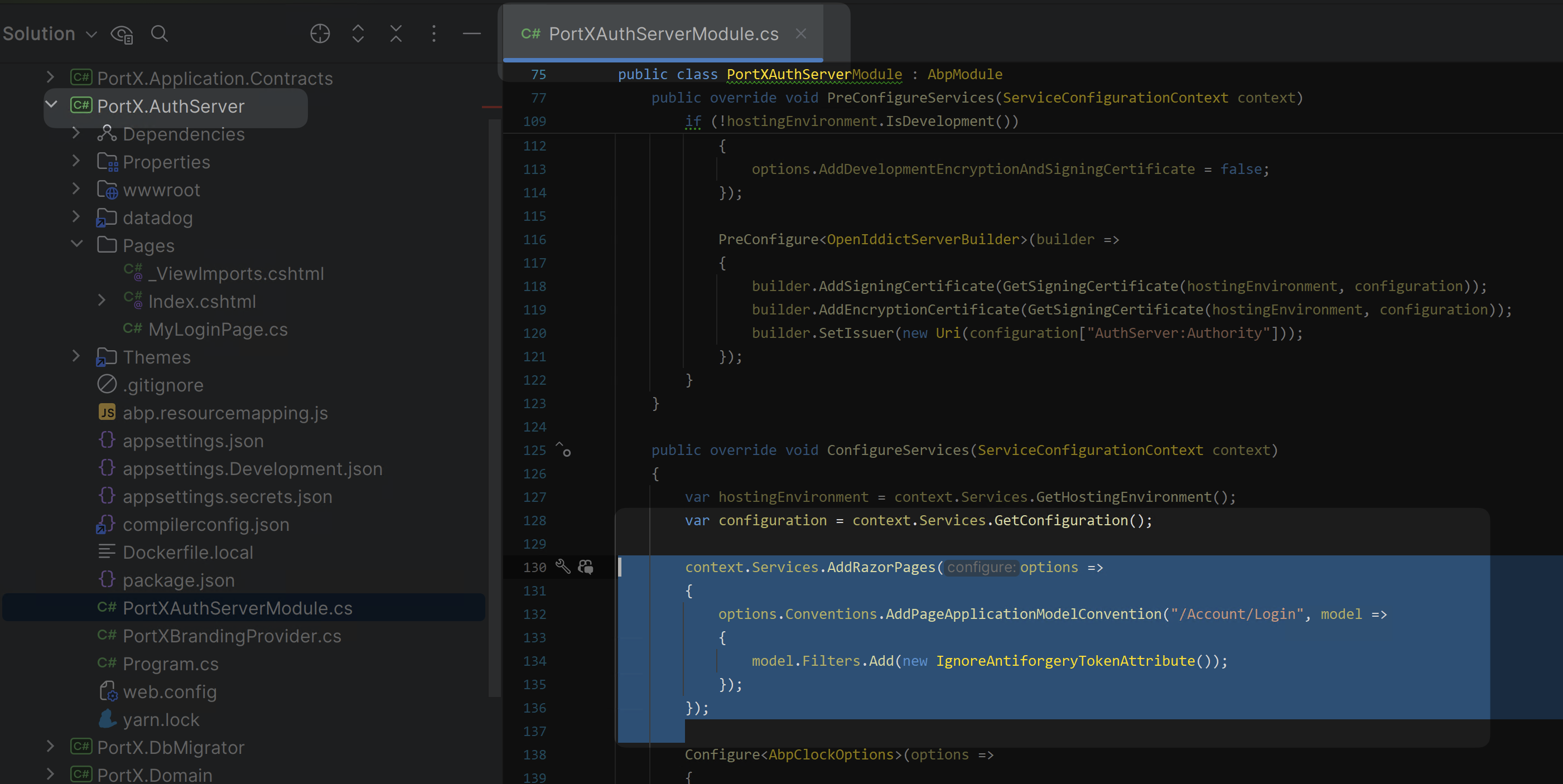
New way to disable the AntiforgeryToken
context.Services.AddRazorPages(options =>
{
    options.Conventions.AddPageApplicationModelConvention("/Account/Login", model =>
    {
        model.Filters.Add(new IgnoreAntiforgeryTokenAttribute());
    });
});
ok, Let me check it again.
hi
with token invalid error.
Can you share the full error?
ABP will use EF Core to connect your database
Maybe you can check this: https://learn.microsoft.com/en-us/azure/azure-sql/database/azure-sql-dotnet-entity-framework-core-quickstart?view=azuresql&tabs=dotnet-cli%2Cservice-connector%2Cportal
hi
You can create a new question and share your case details.
Thanks
hi
Can you try this?
https://abp.io/support/questions/8169/Bug-in-Localization-logic-causes-feature-management-to-fail#answer-3a15e3a5-c2a2-f2ab-d71c-cbb1772281c4
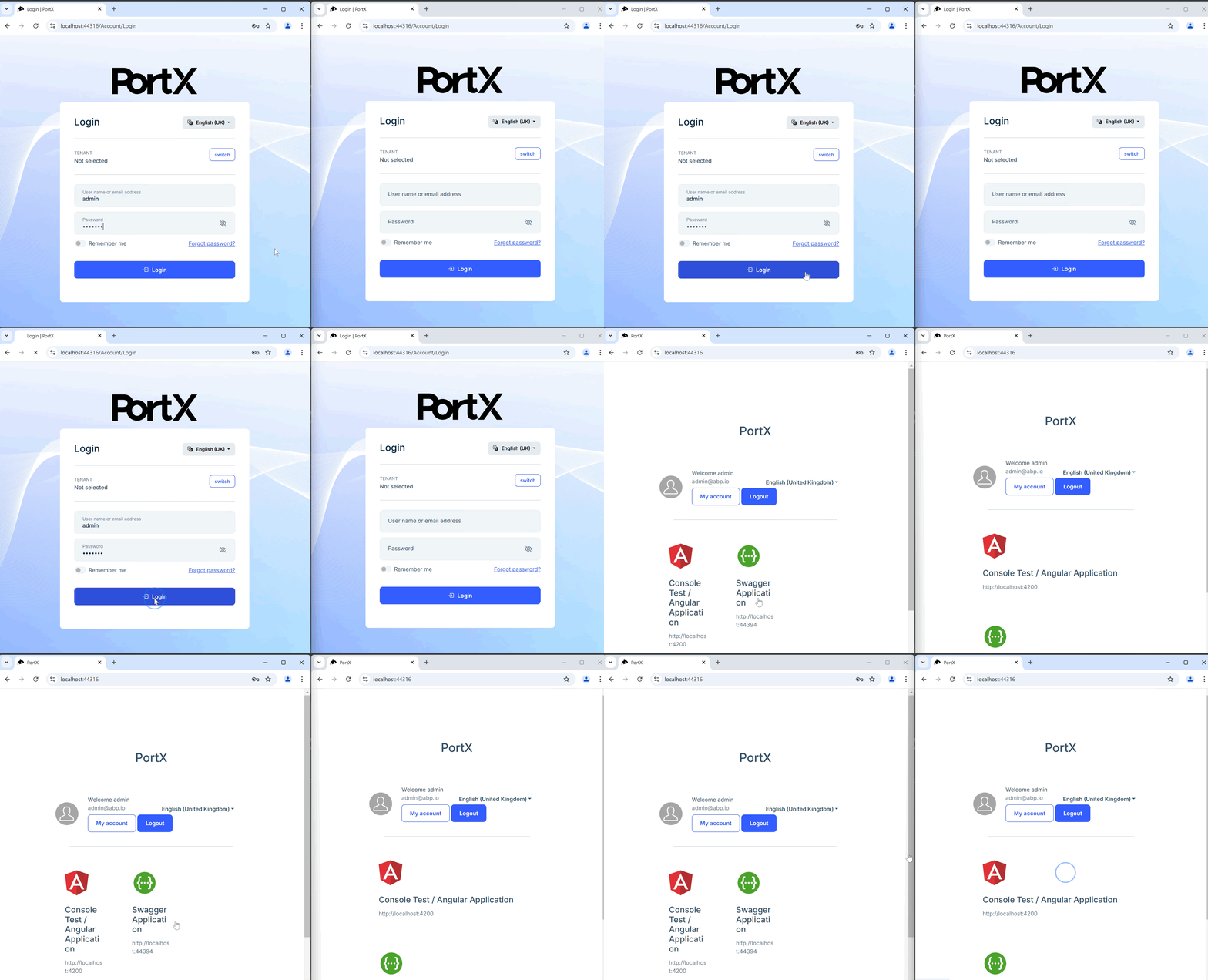
But on my computer, the page will redirect to home.
See:
hi
Can you share a minimal project to reproduce?
liming.ma@volosoft.com
Thanks.
ok, I will fix this and share a temporary solution.
Thanks.









